

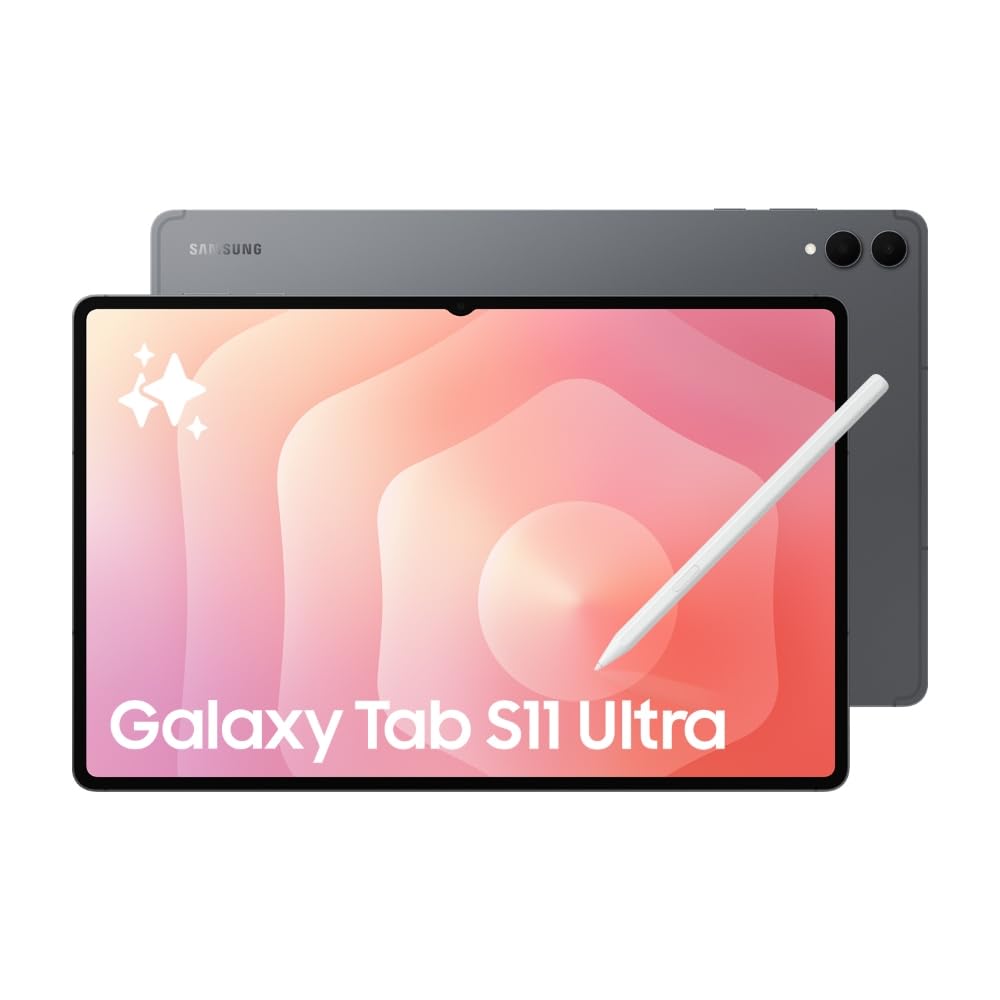
Samsung’s latest flagship tablet Galaxy Tab S11 Ultra, redefines productivity and entertainment. With a 14.6-inch AMOLED display, powerful Snapdragon chip, and Galaxy AI integration, it’s built for those who want desktop-level performance on the go.
Just look at this box — it’s unbelievably thin! It’s hard to believe there’s a tablet inside. If the packaging is this slim, imagine how thin the tablet must be.
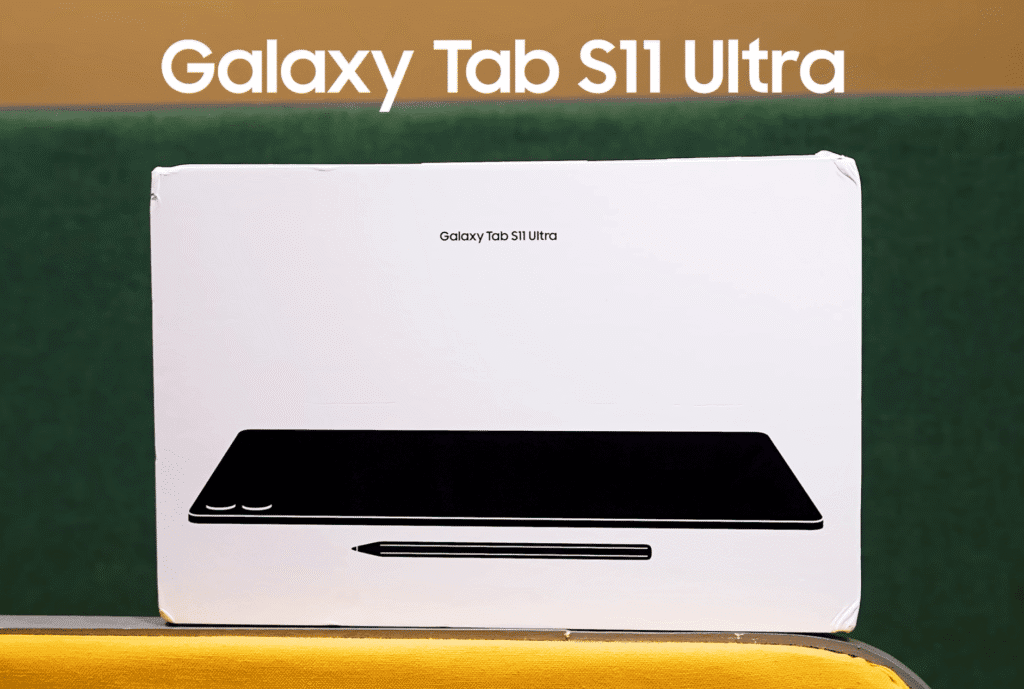
This is the Samsung Galaxy Tab S11 Ultra, and today we’re doing its unboxing and first impressions. If you’re looking for a tablet with a larger screen, there aren’t many options that can compete with this one.
Unboxing the Galaxy Tab S11 Ultra
Let’s open the box. Inside, you’ll find:
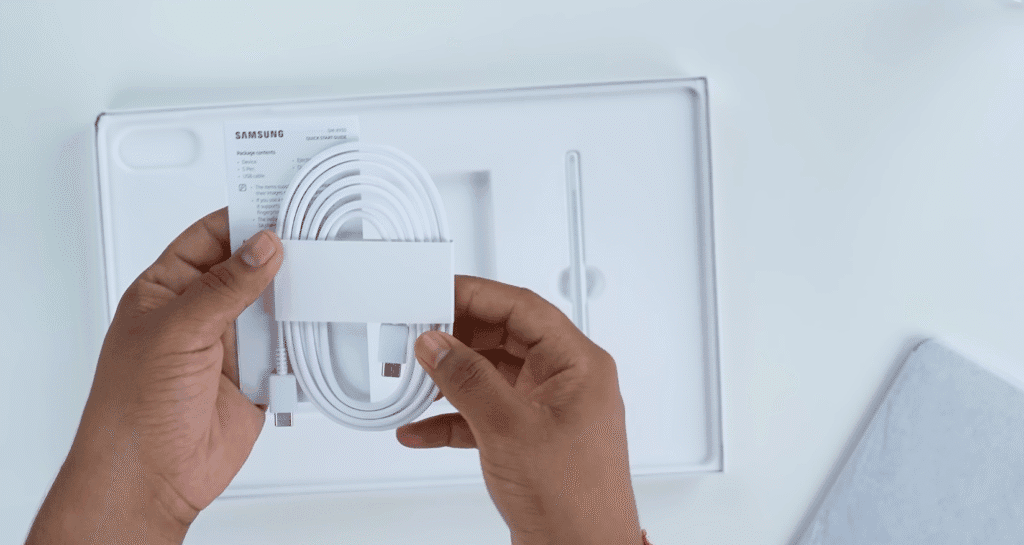
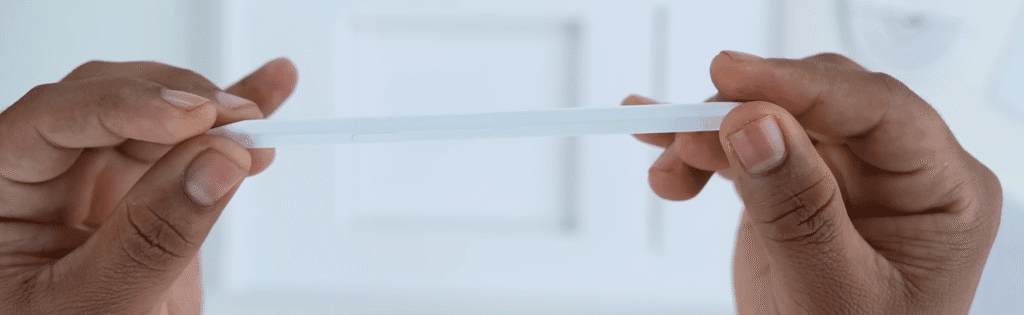
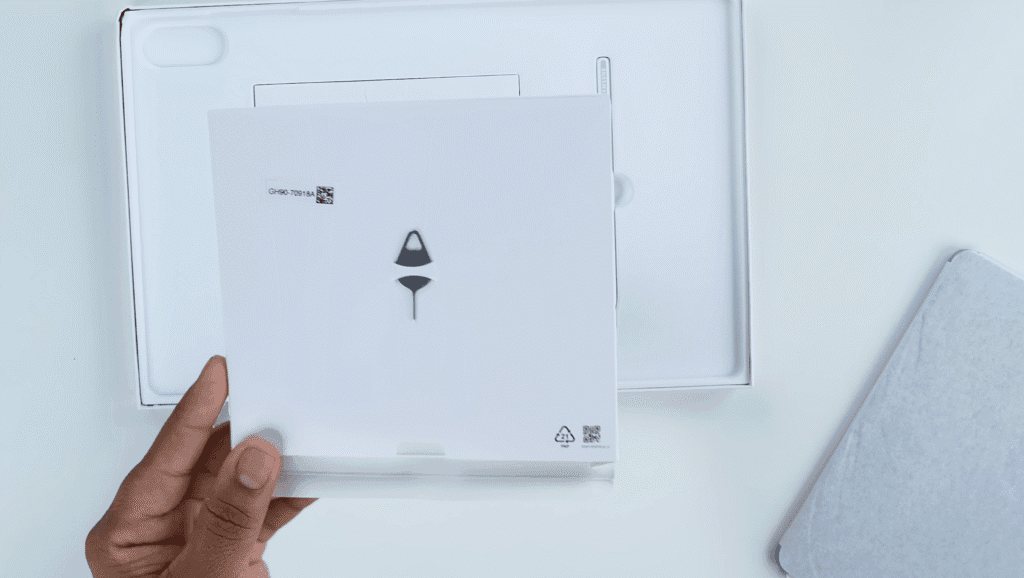
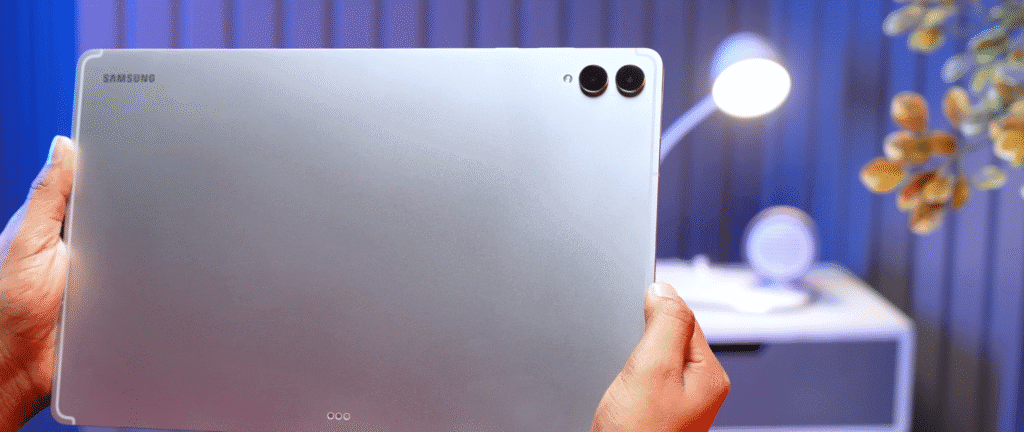
- The Galaxy Tab S11 Ultra itself — only 5.1mm thin!
- A USB Type-C to Type-C charging cable
- A SIM ejector tool
- A few documents (they’re surprisingly small)
- And the new S Pen, which now has a hexagonal design that feels like holding a real pencil.
That’s everything included in the box — minimal yet premium, just what you’d expect from Samsung.
First Impressions
The tablet feels ultra-slim and elegant the moment you hold it. Samsung has once again nailed the design, balancing performance with a premium build.
If you’re planning to upgrade or buy a tablet with a larger display for content creation, entertainment, or productivity, the Galaxy Tab S11 Ultra is worth checking out.
Ports & Connectivity
The Galaxy Tab S11 Ultra keeps things minimal and neatly laid out. The ports and buttons are positioned along the straighter edges, giving it a clean and balanced design.
Here’s what you’ll find around the tablet:
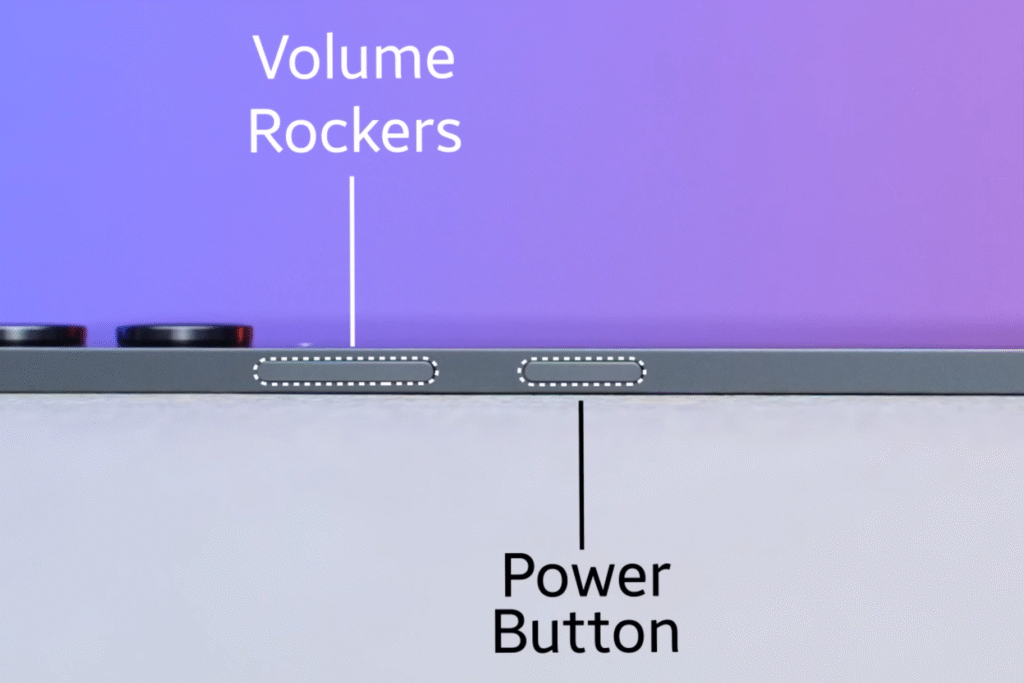
- Volume rocker and power button on the side
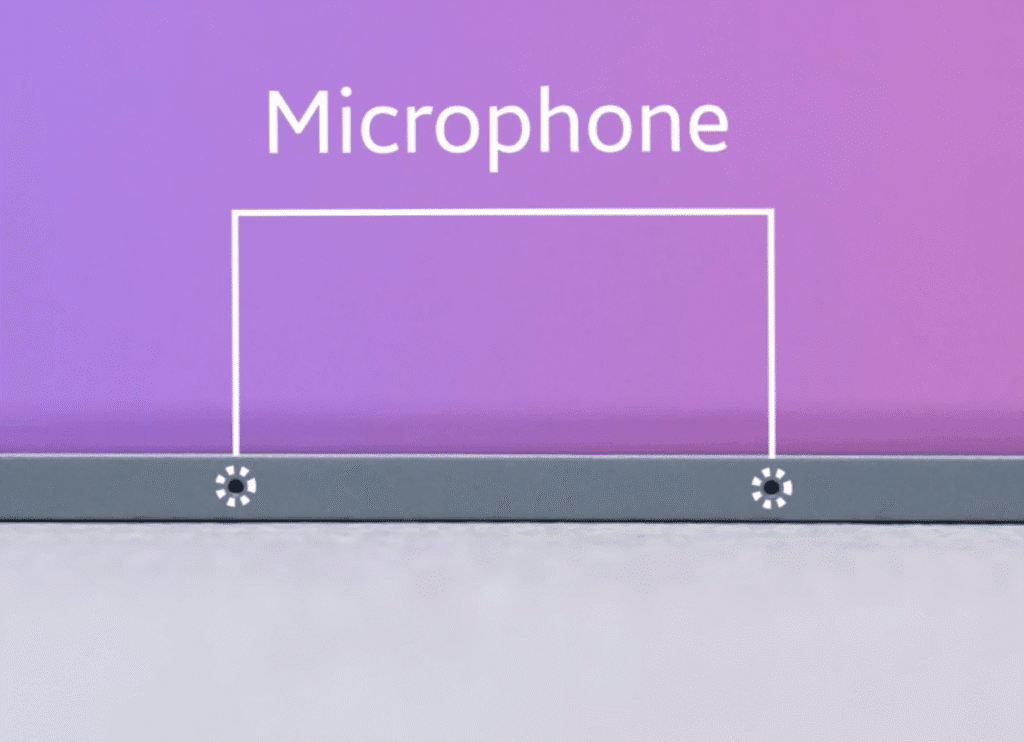
- Dual microphones for clear voice pickup
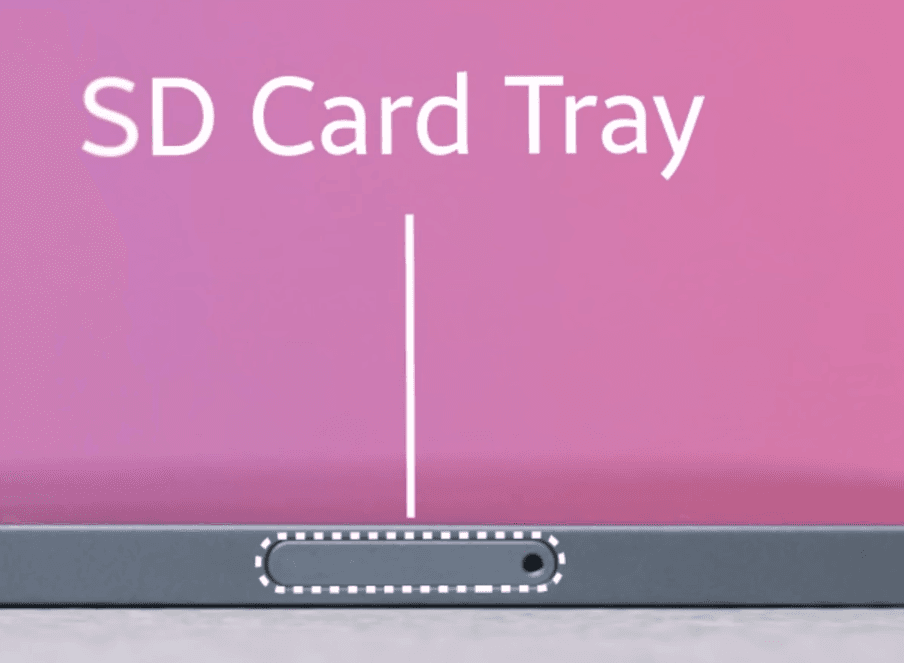
- SIM tray that supports a single SIM or eSIM
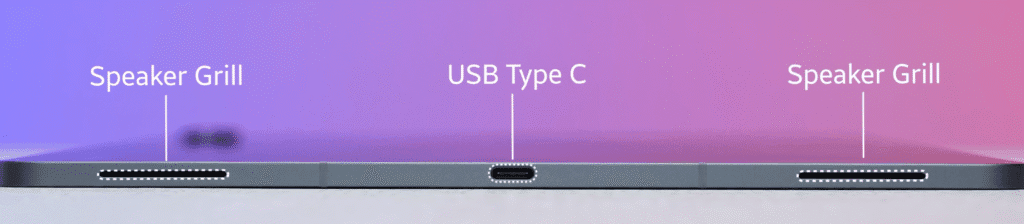
- USB Type-C port at the bottom for charging and data transfer
- Speaker grills on both sides for a true stereo sound experience
- Keyboard lock slot if you’re using the folio case

You can also expand storage up to 2TB, which is a huge plus for professionals or creators who store large files.
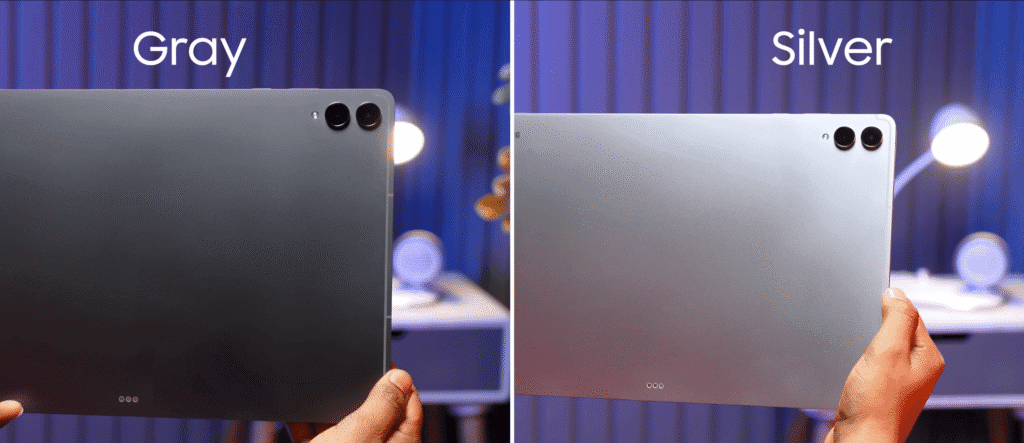
The tablet is available in two colours — Grey and Silver. Both look elegant and premium.
Which one would you prefer?
Design & Build Quality
The Galaxy Tab S11 Ultra comes in two colours, and this one seems to be the Silver variant. On the back, you’ll find the Pogo Pins for connecting the keyboard or folio case.
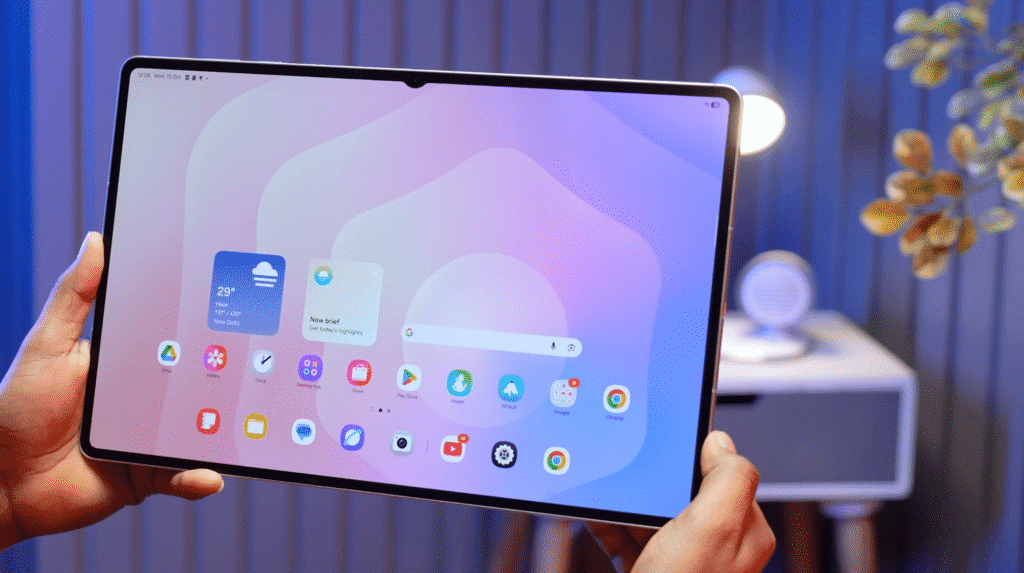
The first thing you’ll notice is how shockingly slim this tablet is. Even before powering it on, the bezels look extremely thin, adding to the premium design.
Here’s a quick breakdown of what stands out:
- Ultra-slim profile – one of the thinnest tablets in the market.
- 14.6-inch display – bigger than most 14-inch laptops, offering extra workspace and a cinematic view.
- Narrow bezels – for a more immersive screen experience.
- Armoured aluminium unibody – feels solid and durable despite the thin frame.
- Slight flex – noticeable but not concerning.
- 5G variant – visible antenna lines confirm mobile connectivity.
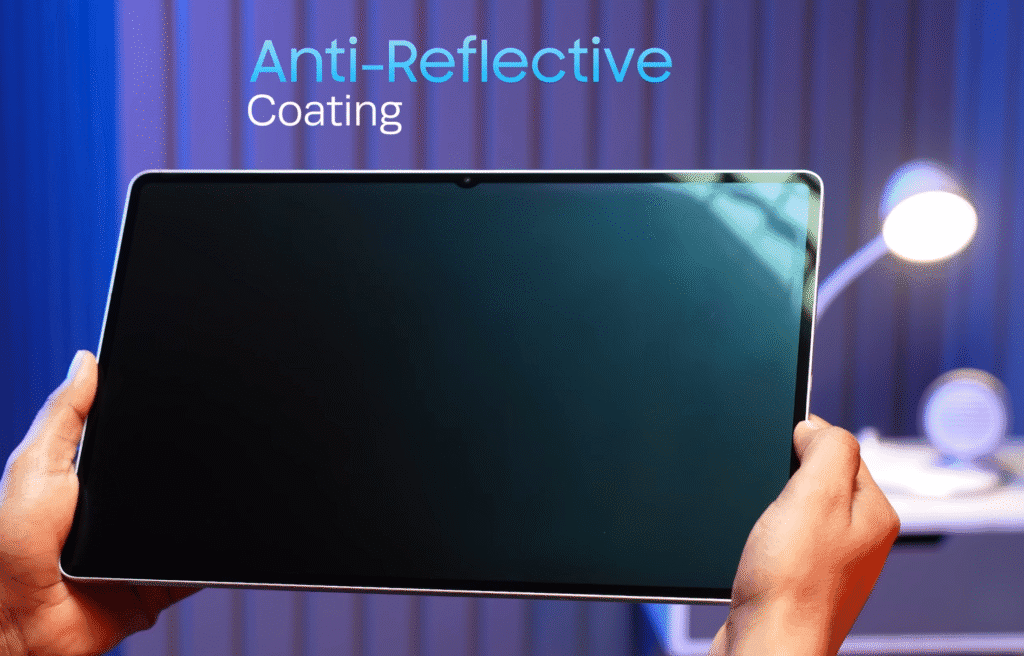
- Anti-reflective coating – helps minimise glare and improve visibility under bright lighting.
Despite its thinness, the Tab S11 Ultra feels premium and sturdy. Samsung clearly focused on both aesthetics and practicality here.
Weight & Handling
Even though the Galaxy Tab S11 Ultra looks massive, it doesn’t feel that heavy when you first pick it up. At a glance, it seems like it would weigh around 480–490 grams, but that’s not the case.
After checking the actual weight, it comes in at 703.5 grams.
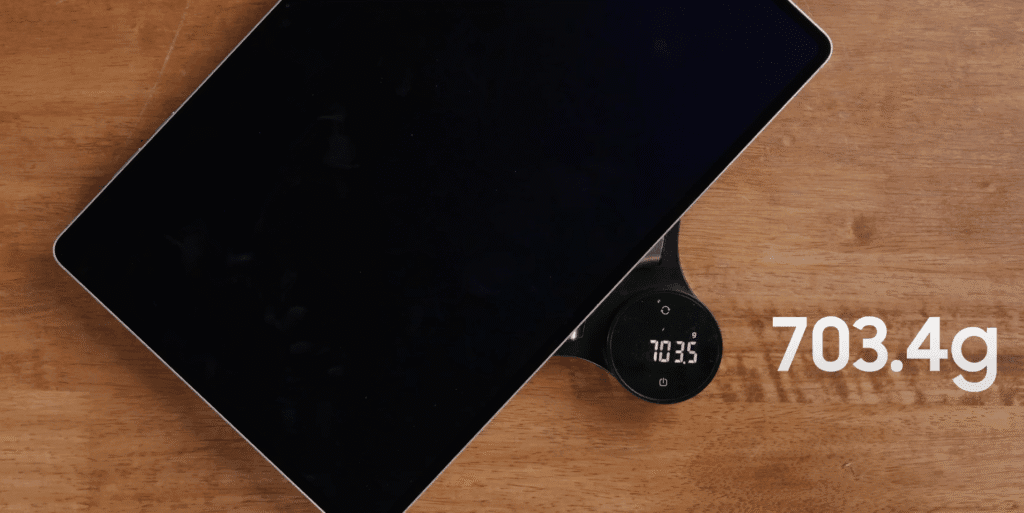
Here’s what stands out:
- Despite its size, the weight feels well-balanced.
- You can hold it comfortably in one hand for short periods.
- The slim 5.1mm profile makes it appear lighter than it actually is.
- Ideal for desk use, entertainment, or sketching with the S Pen.
It’s impressive how Samsung managed to pack such a large display and premium build into a tablet that still feels light and portable for its class..
Display & Multimedia Experience
Let’s get started — the Galaxy Tab S11 Ultra is already set up, and the first thing that grabs your attention is the display. It’s massive.
To give you an idea, when placed next to a regular smartphone like the Galaxy S25 Ultra, this tablet could practically fit five phones across its screen! That’s how big it is.
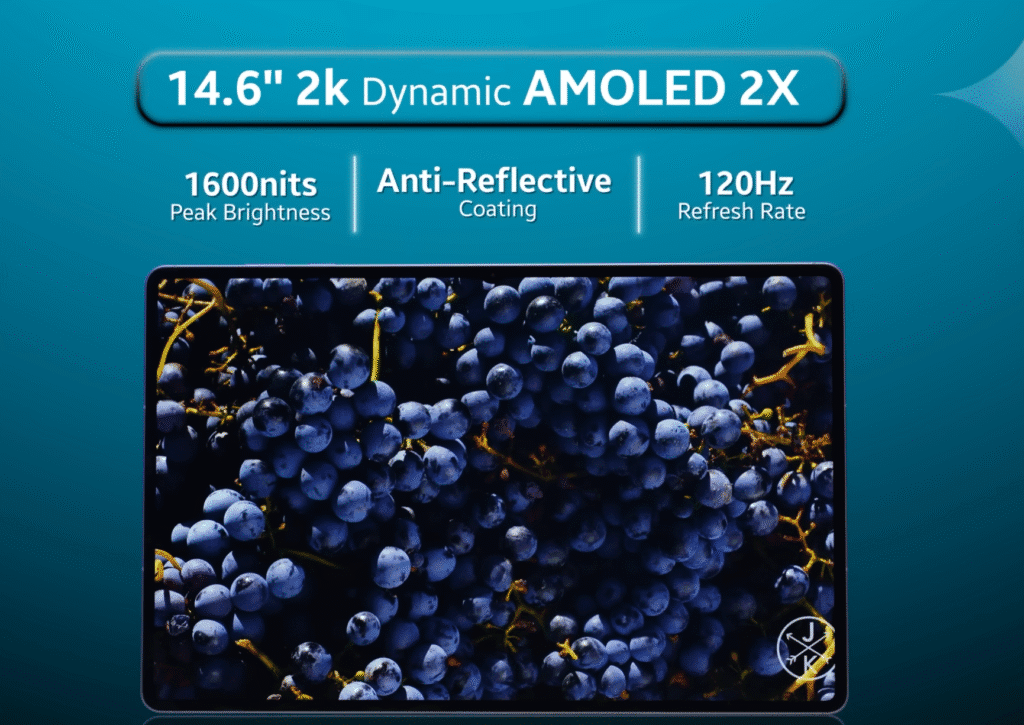
Now, let’s talk about the display itself:
- 14.6-inch AMOLED panel with 1.5K resolution
- Adaptive refresh rate ranging from 1Hz to 120Hz for smooth performance
- 8-bit colour depth for rich, accurate colours
- Brightness: 1000 nits (HVM mode) and up to 1600 nits peak brightness
- Anti-reflective coating for comfortable outdoor use
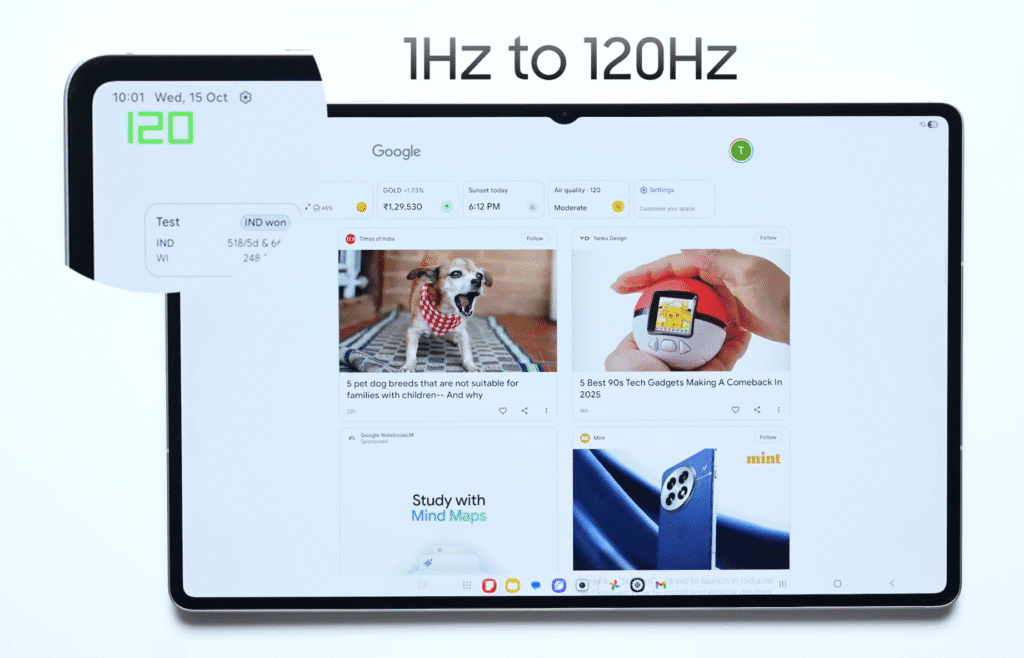
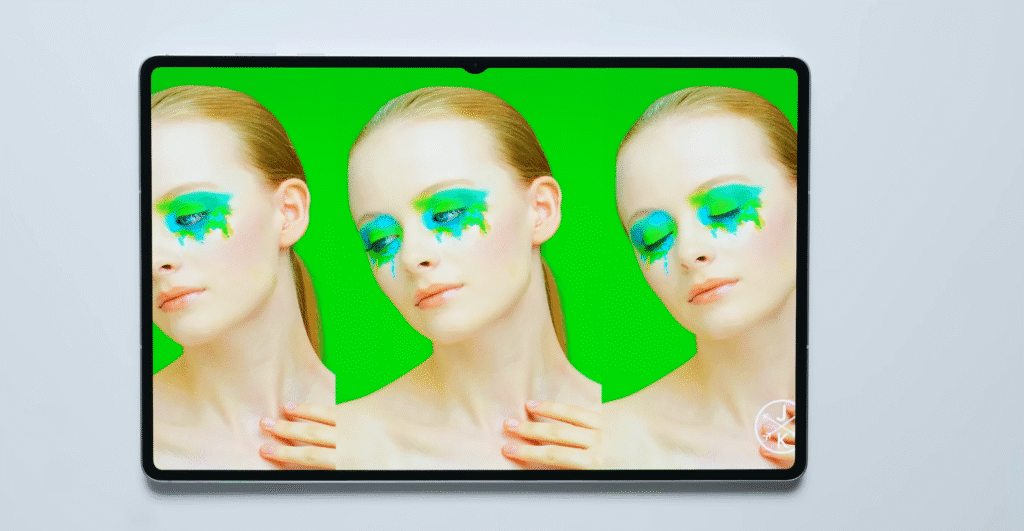
The screen is sharp, vibrant, and incredibly fluid. Whether you’re editing photos, watching movies, or multitasking, it delivers one of the best visual experiences you can get on a tablet.
speakers
And it’s not just about visuals — the quad-speaker setup takes the multimedia experience to another level.
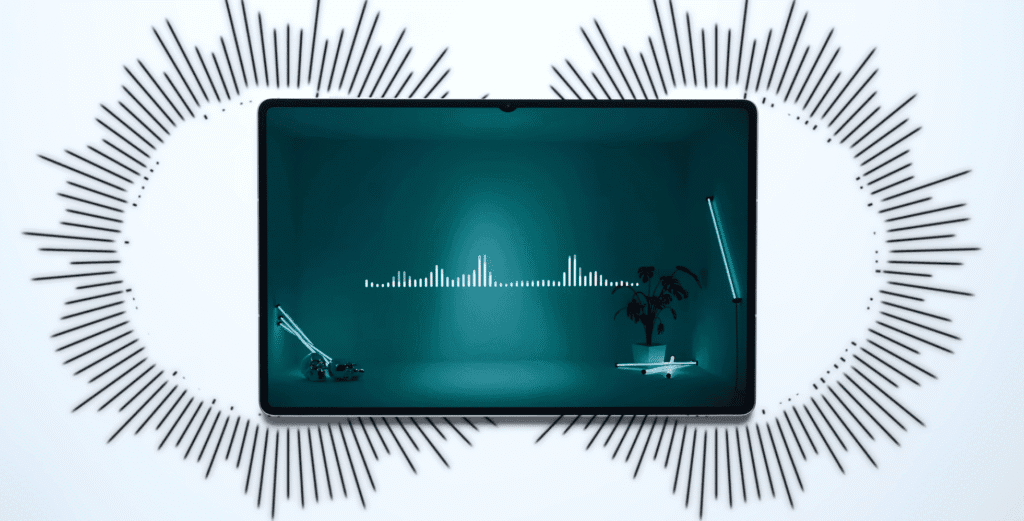
- The speakers are loud, clear, and full of depth.
- There’s noticeable bass, and the sound easily fills a room.
- You might even mistake the sound for being connected to external speakers!
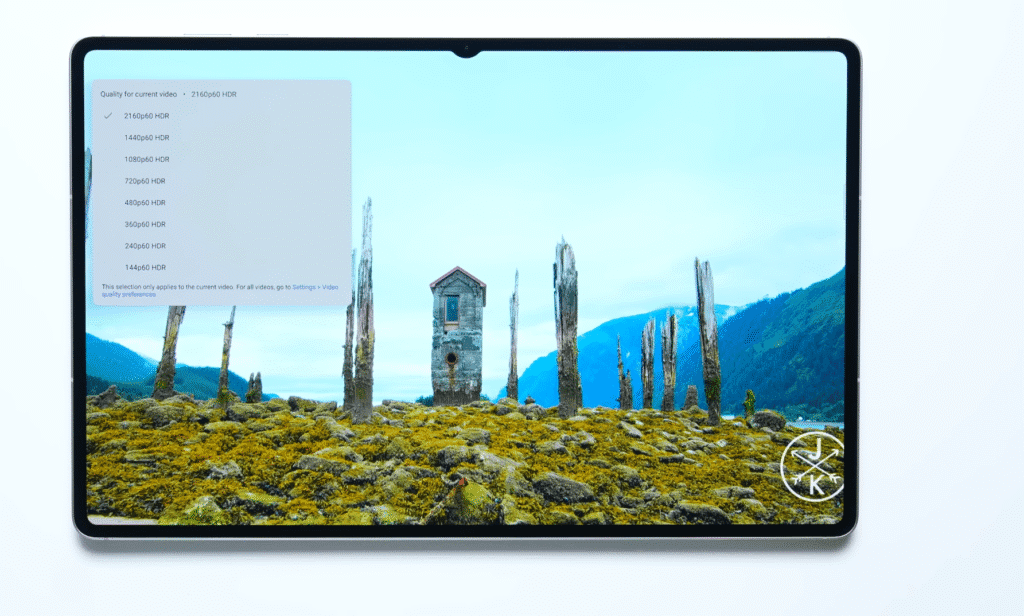
For watching Netflix, Prime Video, or YouTube, the Tab S11 Ultra is easily one of the best all-around entertainment devices available right now.
Performance & Specifications
Let’s talk specs of the Galaxy Tab S11. Last year’s Galaxy Tab S10 Ultra was priced around $1050, and this time the Tab S11 Ultra starts slightly higher at $1100+.
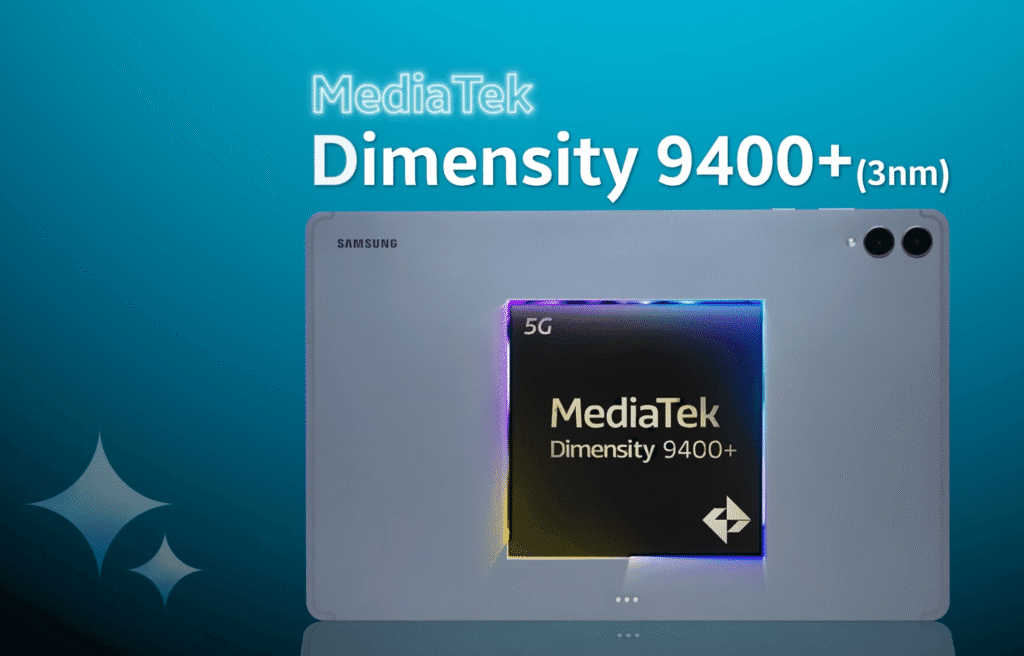
You get two main variants:
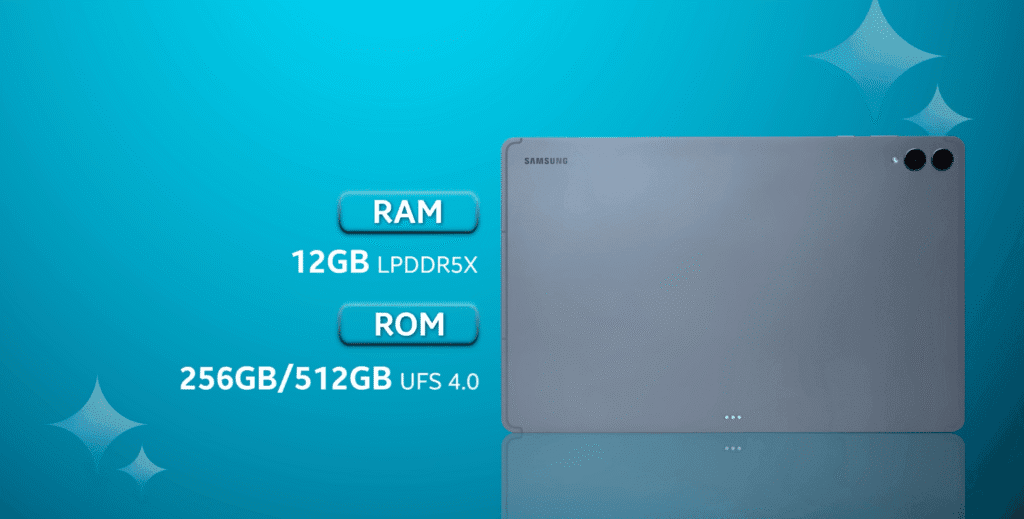
- 12GB RAM + 256GB storage
- 12GB RAM + 512GB storage
- With LPDDR5X RAM and UFS 4.0 storage, enit ensures faster load times and smoother multitasking.
Powering it all is a massive 11,600mAh battery that supports 45W fast charging.
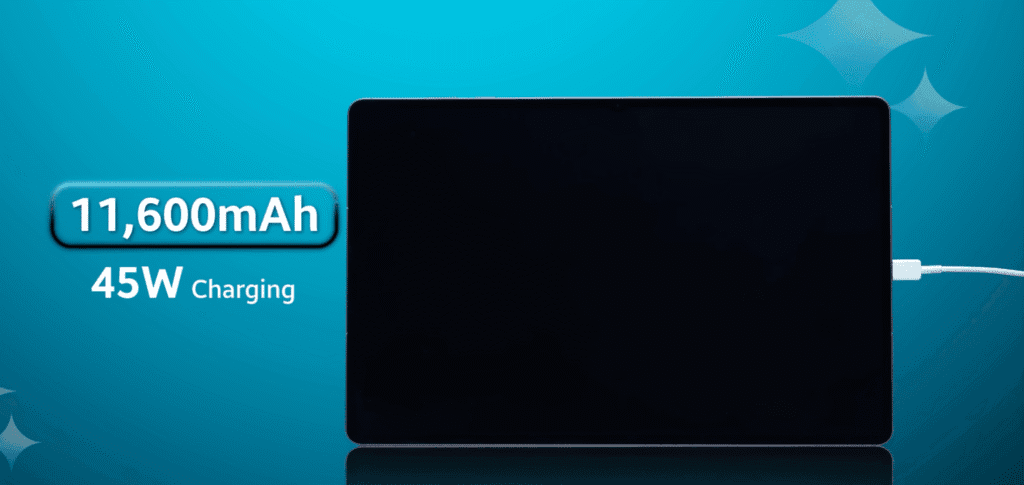
- A full charge (0–100%) takes about 90 minutes, which is impressive for a battery this large.
- Once charged, it can easily last 1 to 1.5 days of mixed usage.
- Expect around 6–8 hours of continuous video playback or gaming.
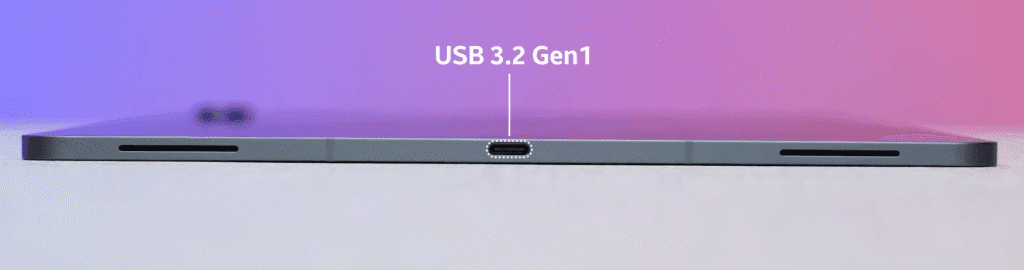
You also get a USB 3.2 Gen 1 port, which offers faster data transfer speeds compared to regular Type-C connections.
Gaming & Thermal Performance
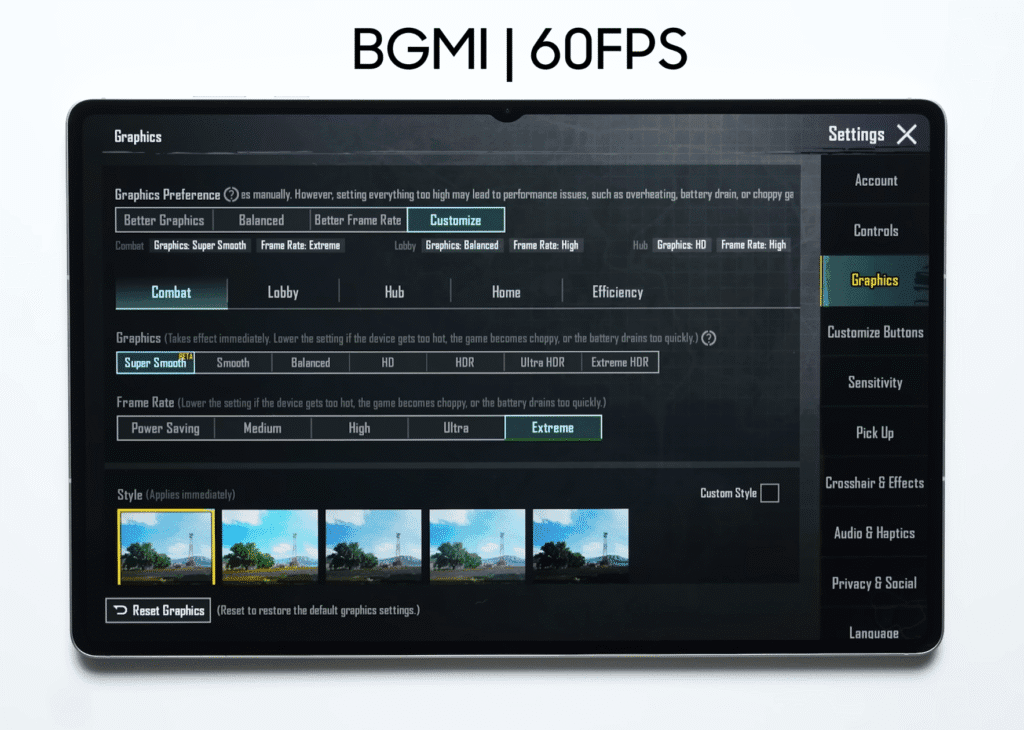
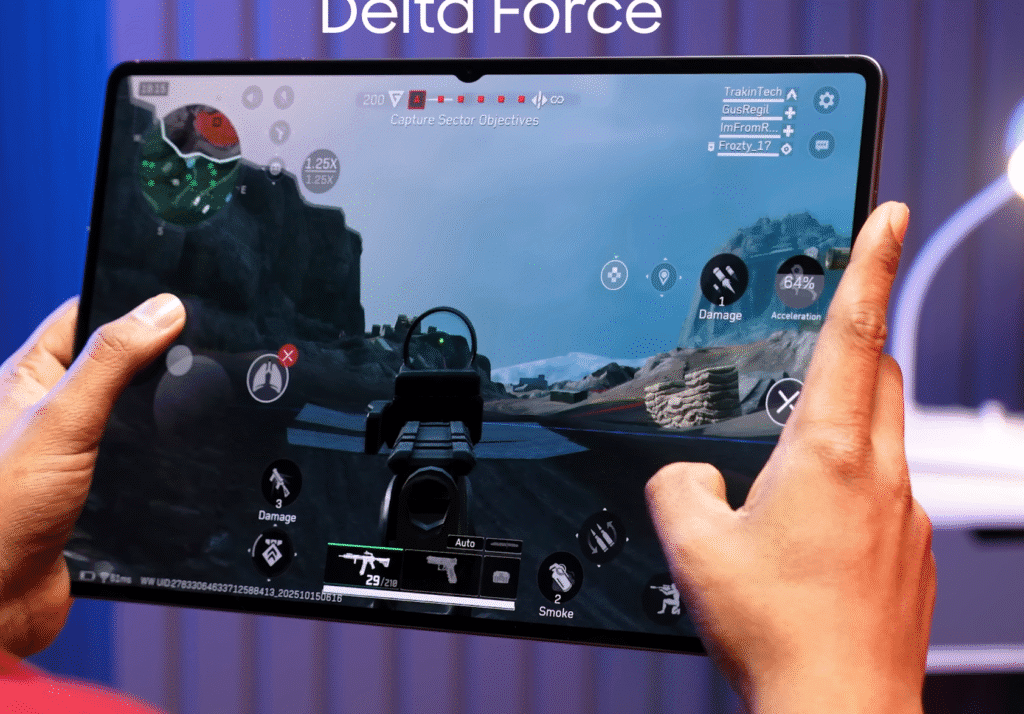
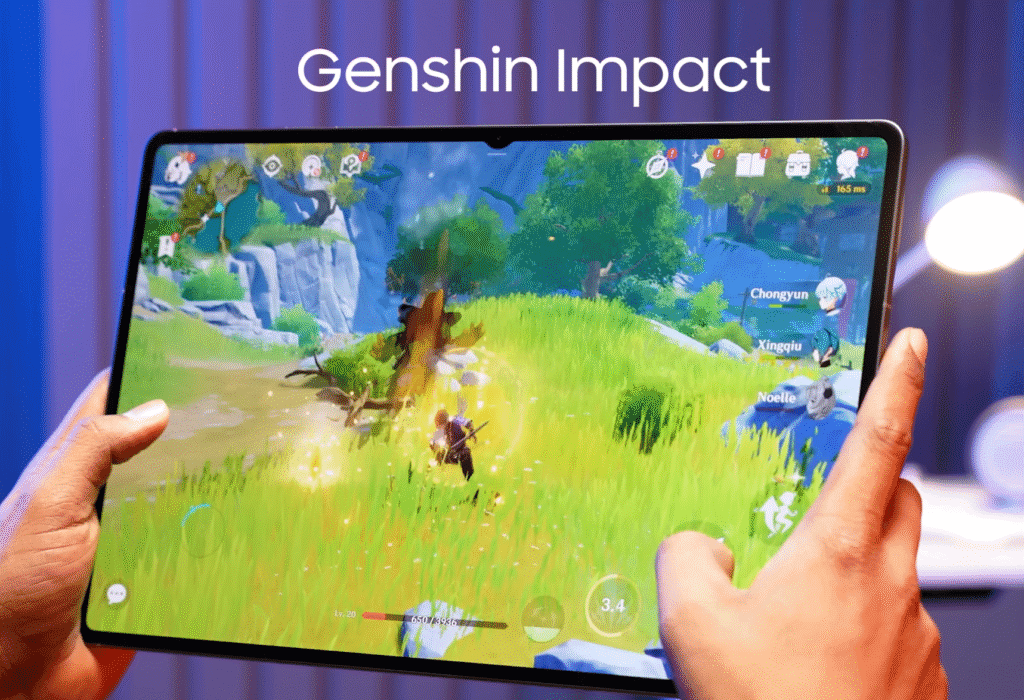
We tested several games — including Delta Force and Genshin Impact — and the results were smooth:
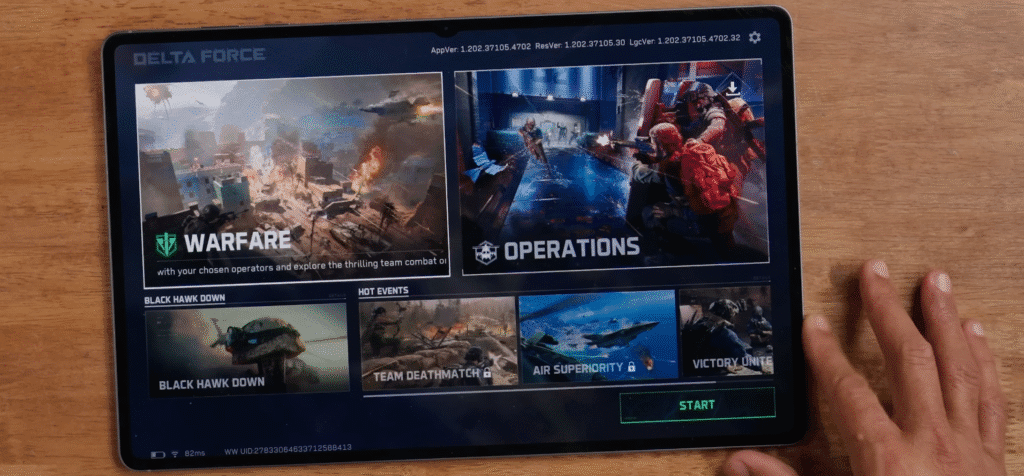
- Average frame rate: 55–56 FPS continuously
- BGMI runs at 60 FPS, stable with no major frame drops
- The large surface area helps with better heat dissipation, so it never feels uncomfortably hot even during long gaming sessions.
Benchmark Scores
In terms of benchmarks, the Tab S11 Ultra performs as expected for a top-end device:
- AnTuTu Score: 2.7–2.75 million
- Geekbench: ~2700 (single-core) and ~9200 (multi-core)
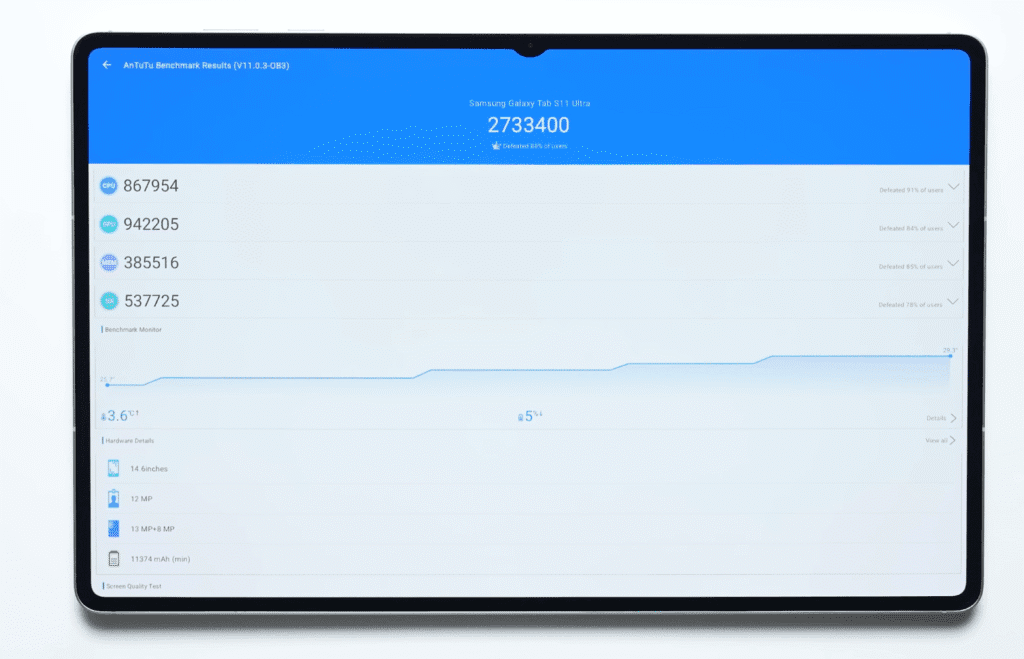
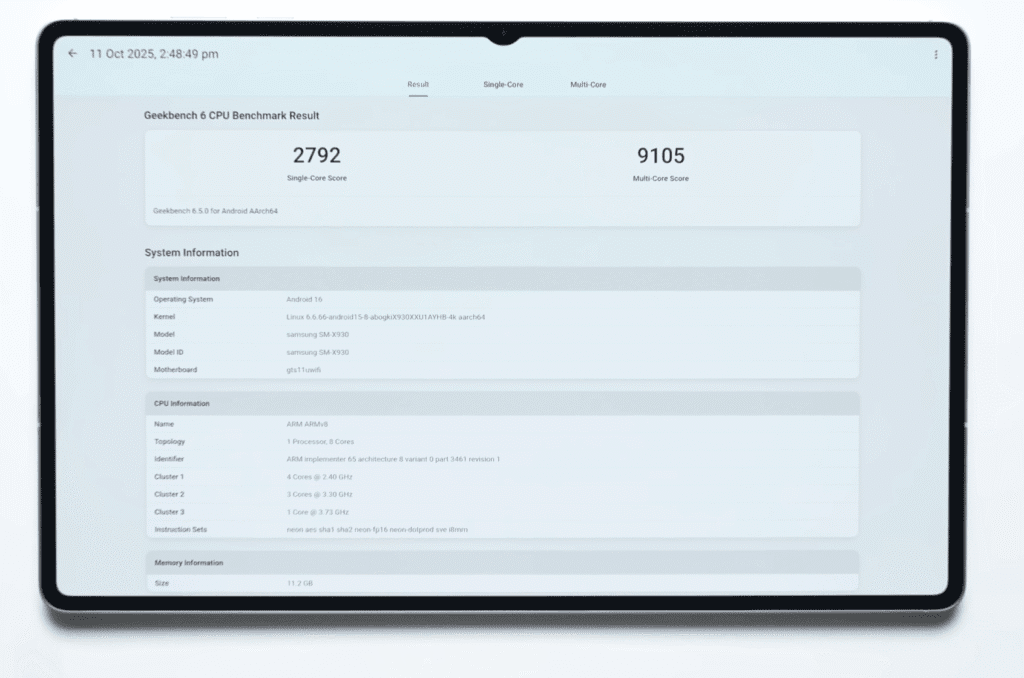
Overall, performance is excellent — whether you’re gaming, multitasking, or using creative apps, the Galaxy Tab S11 Ultra handles it all effortlessly.
OS & UI
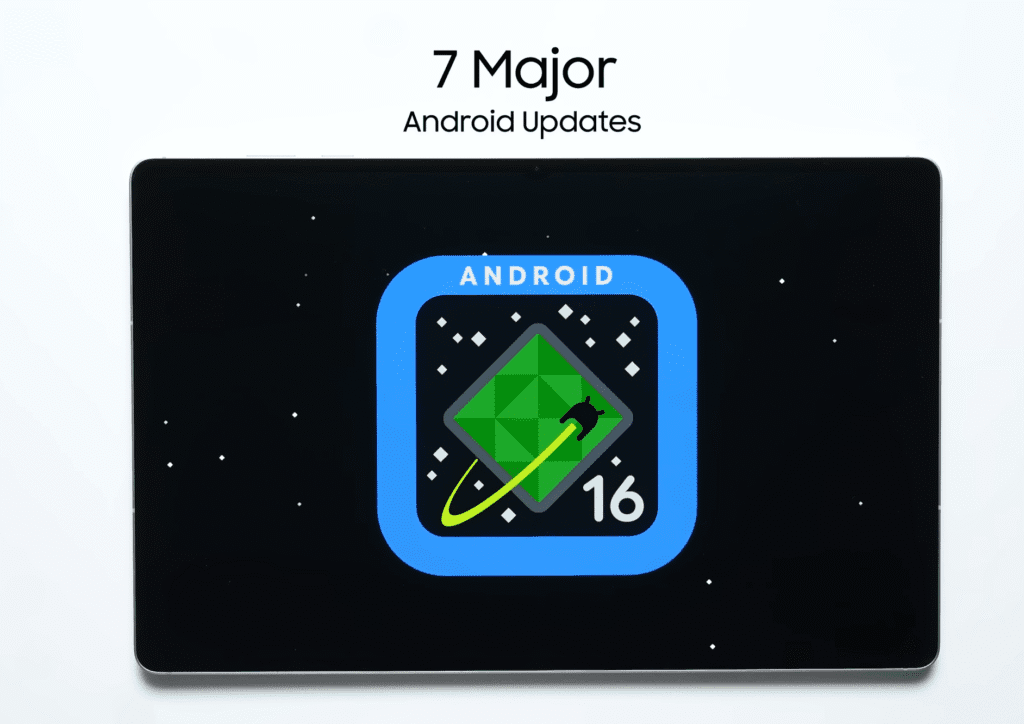
Moving on to the software, this is another strong point of the Galaxy Tab S11 Ultra. It ships with Android 16 based on One UI, and Samsung promises 7 years of software updates, which is impressive for a tablet.
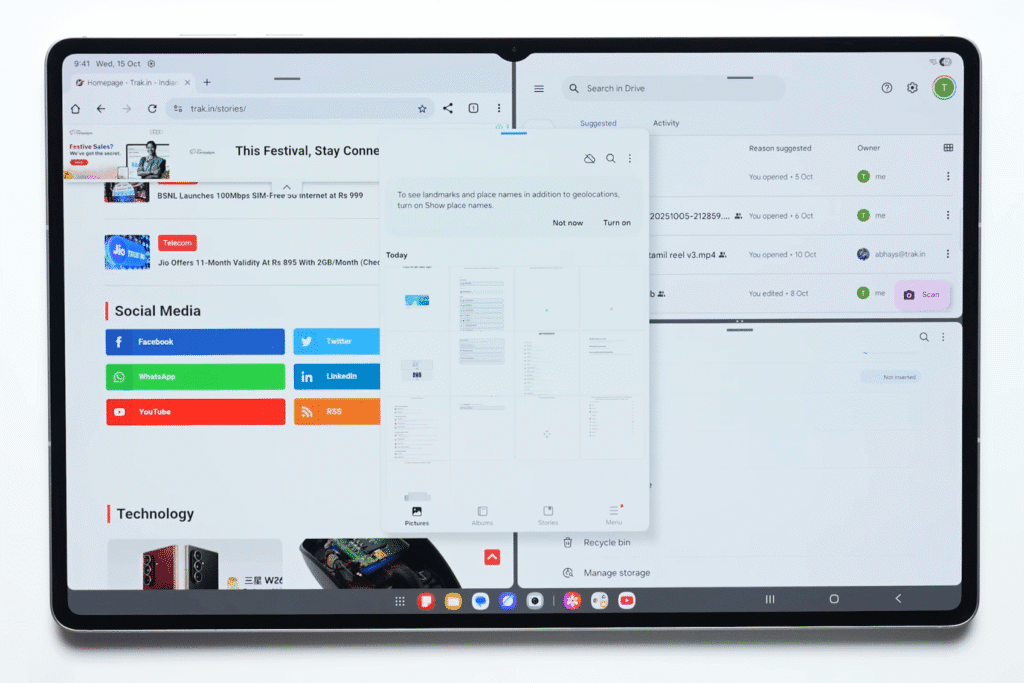
The software is well-optimised for large screens, making multitasking effortless. You can easily run two or three apps side by side, switch between windows, or resize them without lag. Everything feels smooth and fluid.
Here’s what stands out on the software side:
- Split-screen and multi-window support for advanced multitasking
- Floating windows in most apps for quick access
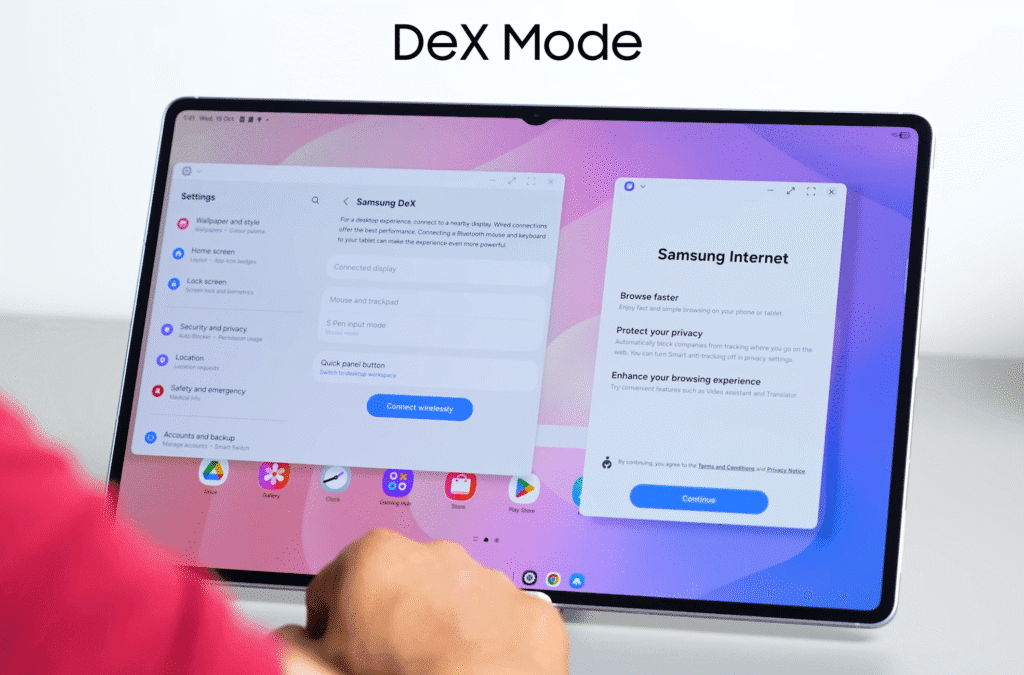
- DeX Mode, which turns your tablet into a desktop-like interface, similar to working on Windows
- Seamless connectivity with other Samsung devices — phones, Galaxy Buds, and laptops
- Instant file transfer between Samsung devices using the same ecosystem
S Pen Experience
The included S Pen is another highlight. This year’s pen doesn’t use Bluetooth connectivity like last year’s model, but it still performs beautifully.
Here’s what makes it special:
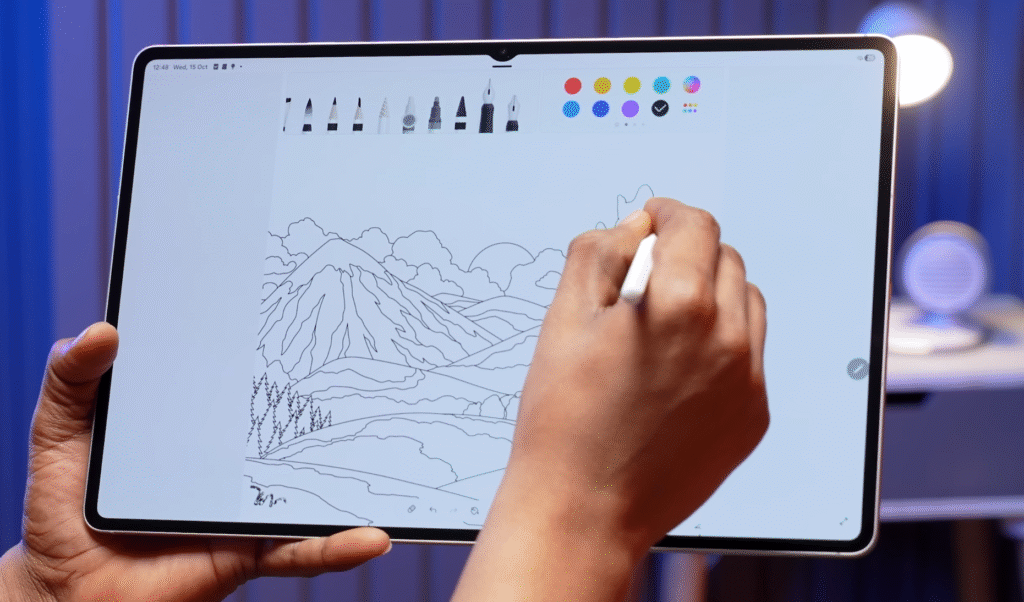
- Extremely low latency, so writing feels natural
- Hexagonal pencil-like design for better grip
- Realistic writing feels, even produces a slight paper-like sound when writing
- Customizable nib options — you can adjust thickness or switch between pen and pencil modes easily
For artists, note-takers, and designers, the S Pen makes the Tab S11 Ultra a powerful creative tool.
Galaxy AI & Smart Ecosystem Integration
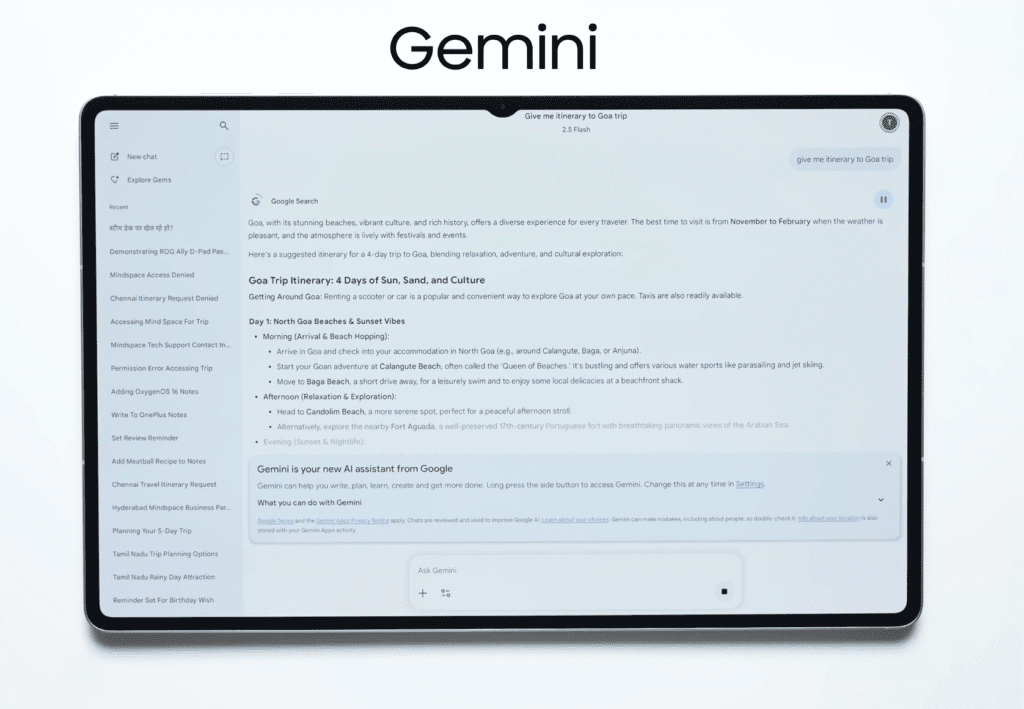
From an AI perspective, Galaxy AI on the Tab S11 Ultra is one of the most refined and mature systems available on Android right now. It’s well-integrated into One UI and feels more polished than ever.
That said, Google Gemini takes things a step further in terms of cross-app integration. You can ask Gemini to perform tasks that work seamlessly across multiple apps, which makes it more flexible in certain workflows.
Where Samsung really shines, though, is with its SmartThings ecosystem.
If you already have Samsung devices at home — like a smart TV, refrigerator, or air conditioner — the Tab S11 Ultra becomes your central control hub. You can manage everything from one screen, right from your couch or workspace.
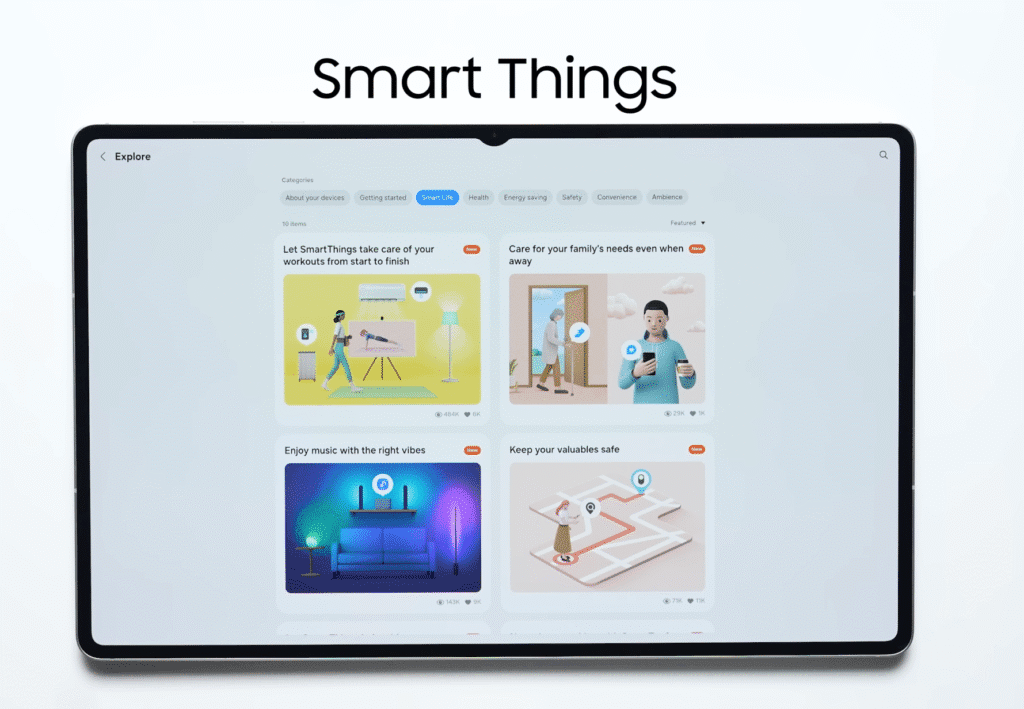
Here’s what makes it useful beyond daily tasks:
- Works as a smart home control centre for connected Samsung devices
- It can double as a digital sticky note board or to-do list for your desk
- Large screen makes it easy to check reminders and notes from a distance
- Perfect for organising your day, keeping lists, and managing smart appliances
Many users overlook this potential, but once you start using the tablet for smart home control or daily planning, it quickly becomes an essential device in your setup.
Camera & Features
Let’s talk about the cameras. The Galaxy Tab S11 Ultra may not be a photography-focused device, but it does a great job for its intended use — video calls, meetings, and quick captures.
On the front, you get a 12MP selfie camera with a 120° ultra-wide field of view. Last year’s model had a dual-camera setup with a noticeable notch, but this year Samsung has refined the design, giving you the same wide perspective through a single, cleaner-looking camera.

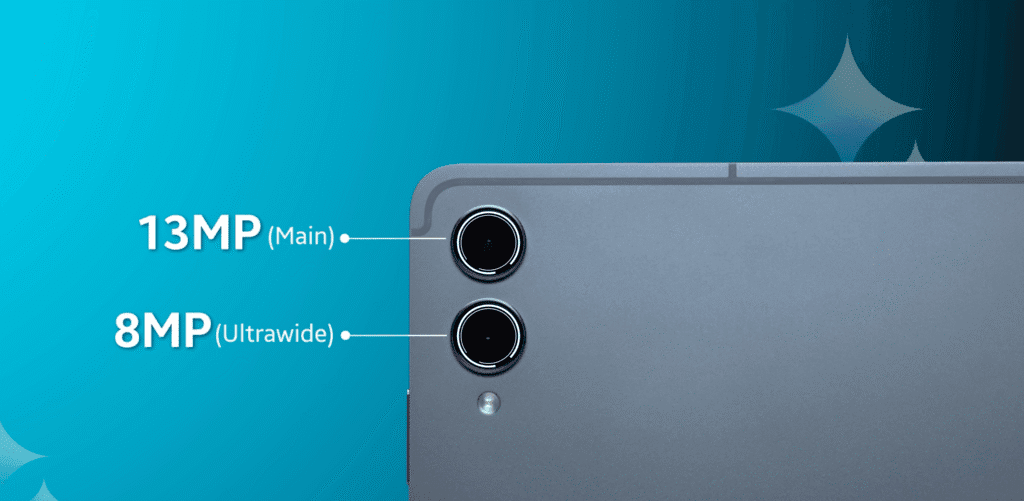
On the back, the tablet features:
- 13MP primary sensor
- 8MP secondary sensor
Both perform well for casual shots, document scanning, or recording short clips.
For video, the tablet supports 4K recording at 30FPS on both the front and rear cameras, which is great for video calls or content creation.
Overall, the cameras are reliable and practical — exactly what you’d expect from a high-end tablet.
Connectivity & Additional Features
When it comes to connectivity, the Galaxy Tab S11 Ultra leaves nothing out. It’s packed with all the modern options you’d expect from a premium tablet.
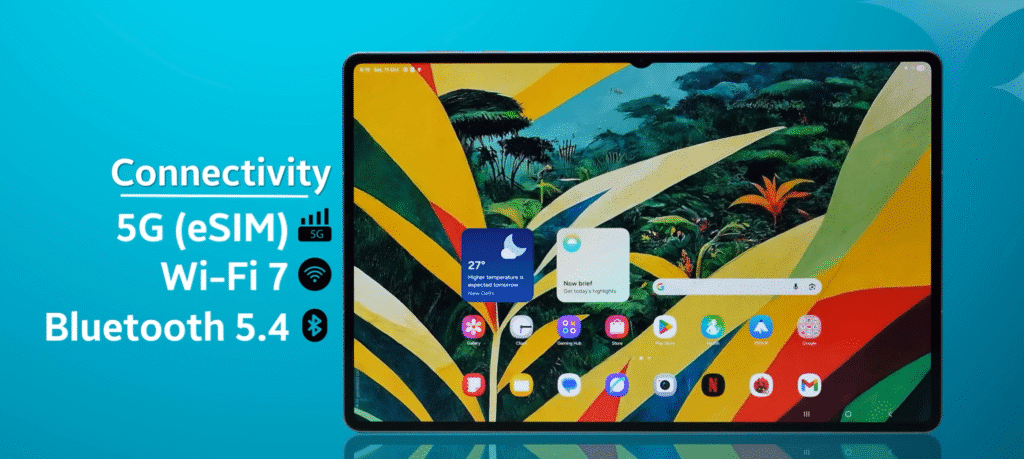
Here’s a quick rundown:
- Wi-Fi 7 support for faster and more stable wireless connections
- Available in both Wi-Fi-only and 5G variants
- The 5G model supports all major bands, so network compatibility isn’t an issue.
- Bluetooth 5.4 for seamless pairing with accessories
- USB 3.2 Gen 1 for faster data transfers
- Optical in-display fingerprint sensor for secure unlocking
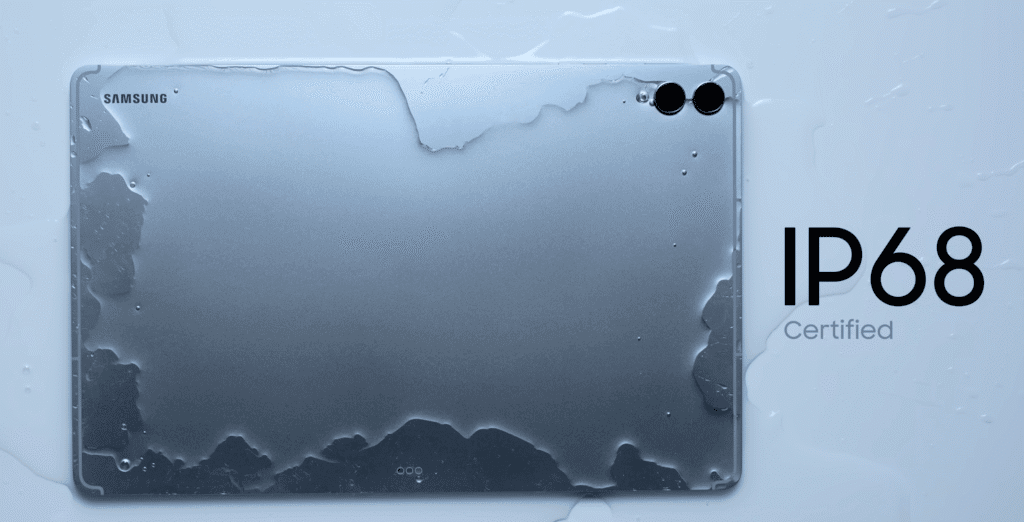
- IP68 certification, which means it’s dust- and water-resistant
On the display front, it also supports HDR10+, which enhances colour depth and contrast for streaming or media consumption.
It doesn’t offer dual-SIM support, but with eSIM compatibility, you can still stay connected on the go without juggling physical SIM cards.
pricing
Galaxy Tab S11 Ultra – US Quick Buy
| Model | Price | Buy Now |
|---|---|---|
| Wi-Fi • 12GB/512GB | $1,199.99 | Samsung |
| Wi-Fi • 16GB/1TB | $1,619.99 | Best Buy |
14.6″ AMOLED • S Pen • 11,600mAh • DeX • 7-Year Android Updates
Black Friday Deal: Save $200 + up to $500 trade-in credit!
Buying Suggestion
Buy if:
You need a versatile slab for drawing, streaming, or office tasks—pair with Book Cover Keyboard ($350) for laptop vibes. Great upgrade from S10 Ultra for better battery/speakers. Opt for the 512GB+ model.
Skip if:
Budget under $1K (go S11 base at $800) or prefer iOS ecosystem/iPad Pro’s superior chips. Available now on Samsung.com/Amazon—check Black Friday deals for $100-200 off. 😎
Overall Rating: 9/10 – Best Android tablet of 2025 for work/play, but not a full laptop killer.
Final Verdict
So yes, friends — this is the Samsung Galaxy Tab S11 Ultra. Alongside it, there’s also the Galaxy Tab S11, which comes with a smaller 11-inch display for those who prefer a more compact tablet. If you’re looking for a large-screen Android tablet, there are honestly very few choices that match what Samsung offers here. The Tab S11 Ultra stands out not only for its stunning display but also for its performance, build quality, and software experience.
Pros: Stunning screen for media/editing, beastly performance (comparable to OnePlus Pad 3), excellent audio (quad AKG speakers), long support (7 years updates)😲.
Cons: Starts at $1,199/€1,139 (pricey vs. iPad Pro M5), heavy for handheld use, average cameras.
Whether you’re a creator, a professional, or someone who simply wants the best tablet for entertainment and productivity, the Galaxy Tab S11 Ultra is absolutely worth considering.
If you’re curious about how the Oppo K13 Turbo performs beyond the specs, you’ll definitely want to read our complete Oppo K13 Turbo Review. We’ve covered everything from gaming performance and battery life to display quality and camera results.
Still not sure which one fits your needs? Visit our Smartphones section to explore more detailed reviews and comparisons. You can also check out our Laptops section if you’re planning to upgrade your daily work or gaming setup.
For performance lovers, our Best Gaming Phones list is worth a look. We update these pages regularly with the latest devices, insights, and price updates so you always get the most reliable information before buying.

