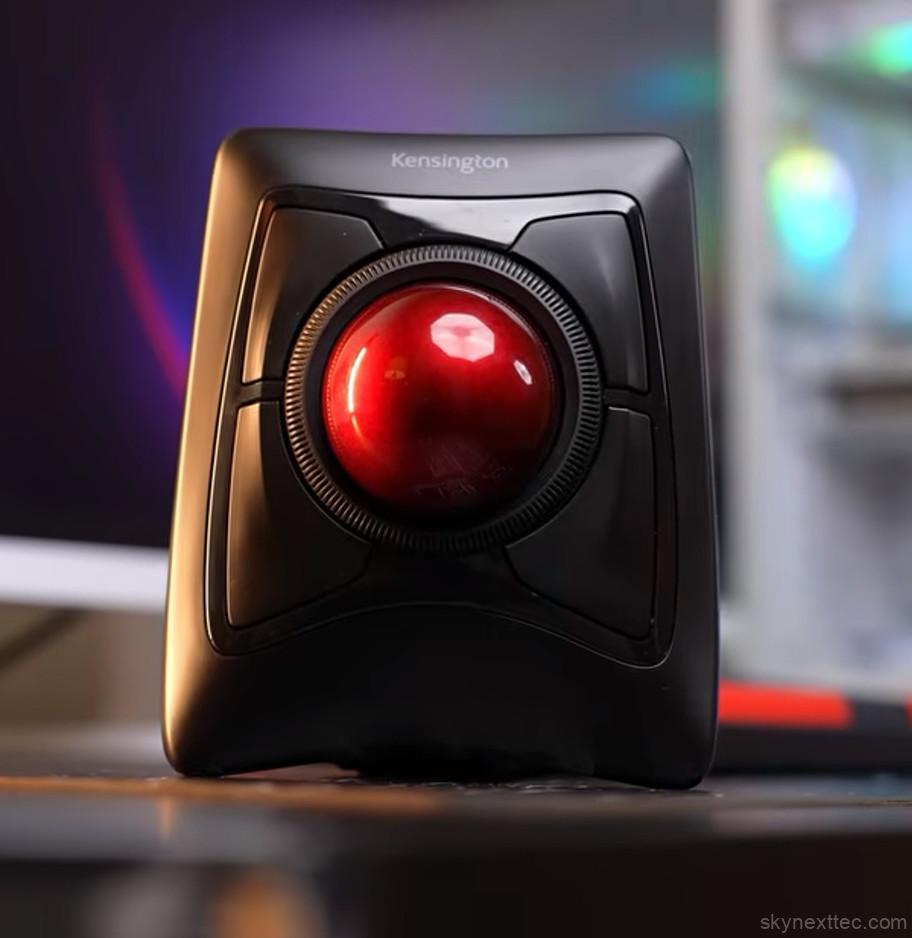
The Kensington Expert Mouse Wireless Trackball is not a typical computer mouse. It’s designed for users who spend long hours at their desk and need precise cursor control without constantly moving a mouse around. Instead of sliding across the desk, the device stays in one position while you control the cursor using the large trackball placed in the center.
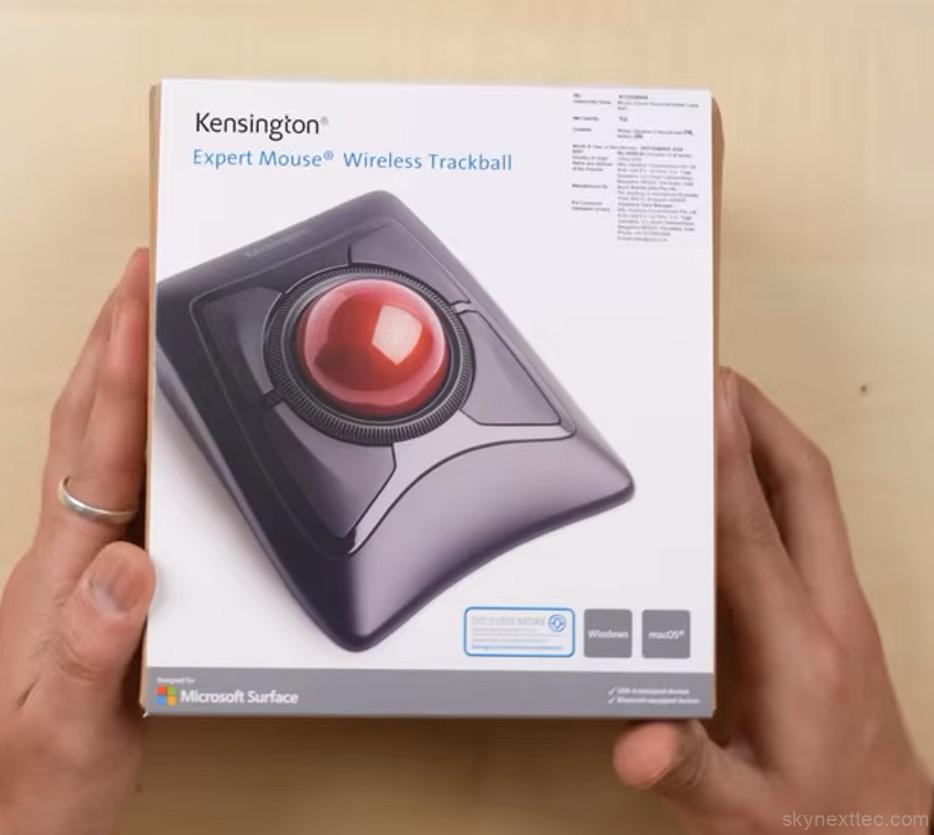
At first glance, the design feels unusual compared to standard office mice. The oversized ball immediately stands out and gives the device a retro-inspired appearance, similar to older mechanical mice from years ago. However, the technology and feature set are fully modern, targeting professional workflows rather than casual everyday use.
The build quality feels premium throughout. The body is solid, the buttons feel responsive, and the large trackball rotates smoothly with very little effort. Kensington Expert Mouse also includes a detachable wrist rest inside the box, and this accessory makes a major difference during long work sessions. The wrist support is soft, comfortable, and helps reduce strain when using the device for several hours at a time.
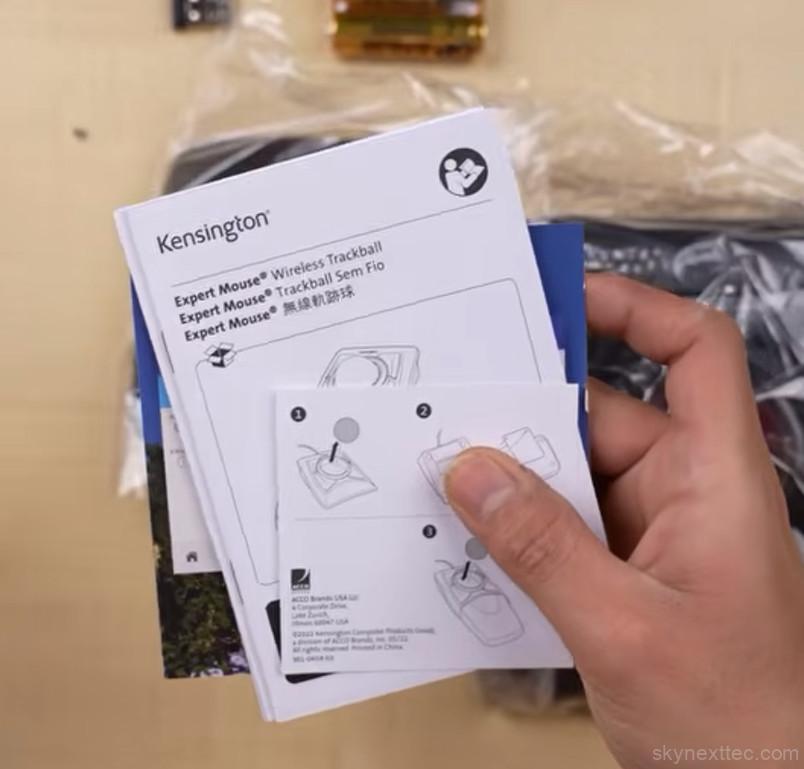
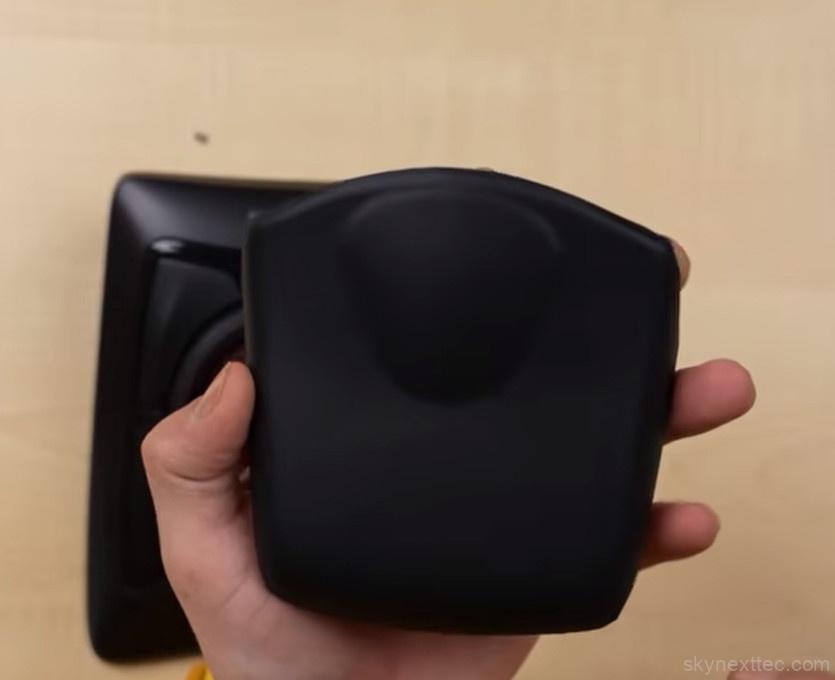
One of the biggest advantages of this trackball design is ergonomics. Since the mouse itself remains stationary, users do not need to move their arm repeatedly across the desk. Instead, cursor movement is controlled using finger motions on the trackball. This can feel strange during the first few days, especially if you have only used traditional mice, but many users eventually find it more comfortable for productivity work.
The Kensington Expert Mouse features four programmable buttons along with a circular scroll ring surrounding the trackball. The scroll ring feels smooth and easy to control, making navigation through large documents, timelines, or spreadsheets more convenient. Kensington’s proprietary DiamondEye optical tracking system is another key highlight. Cursor precision is excellent, even for very small adjustments, which makes the device particularly useful for creative and technical professionals.
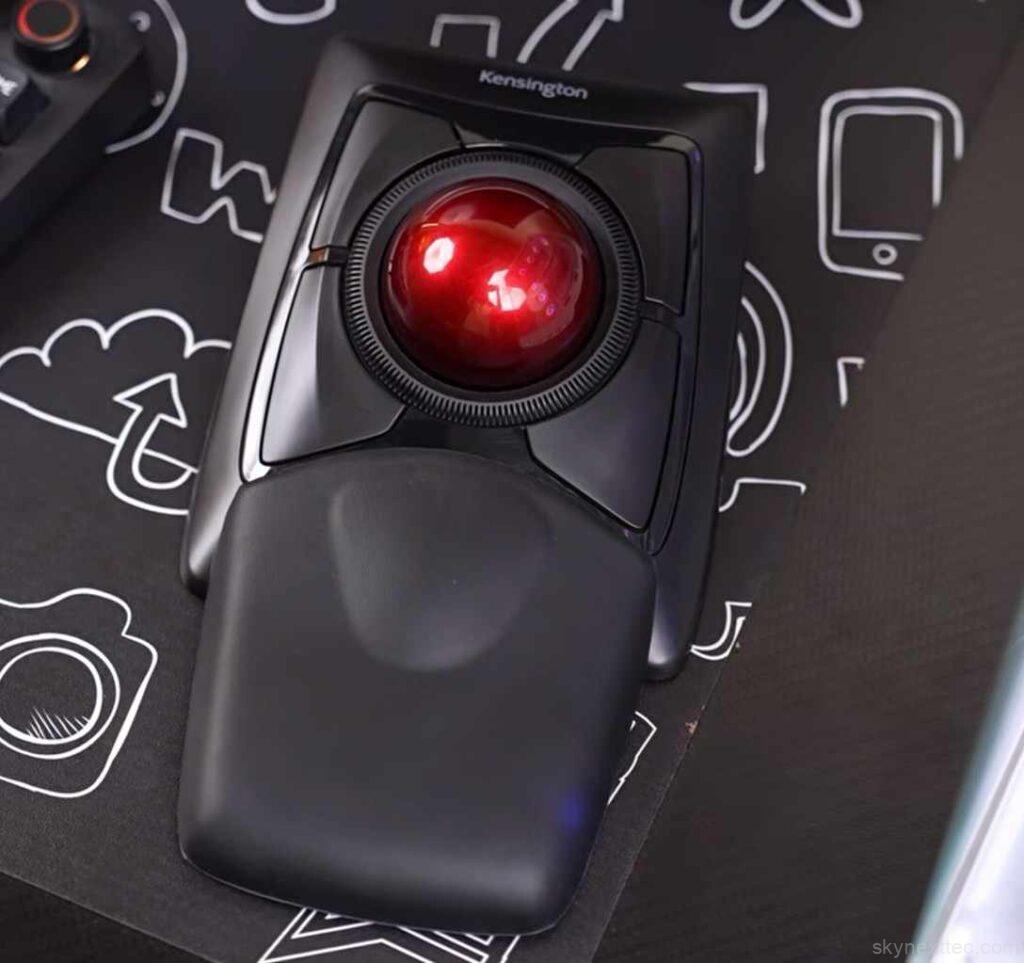
Tasks such as photo editing, video editing, color grading, CAD work, music production, and design workflows benefit greatly from the precise tracking. Small cursor movements feel controlled and accurate, helping users perform detailed edits more comfortably. This is one reason trackball mice continue to have a loyal following among professional users.
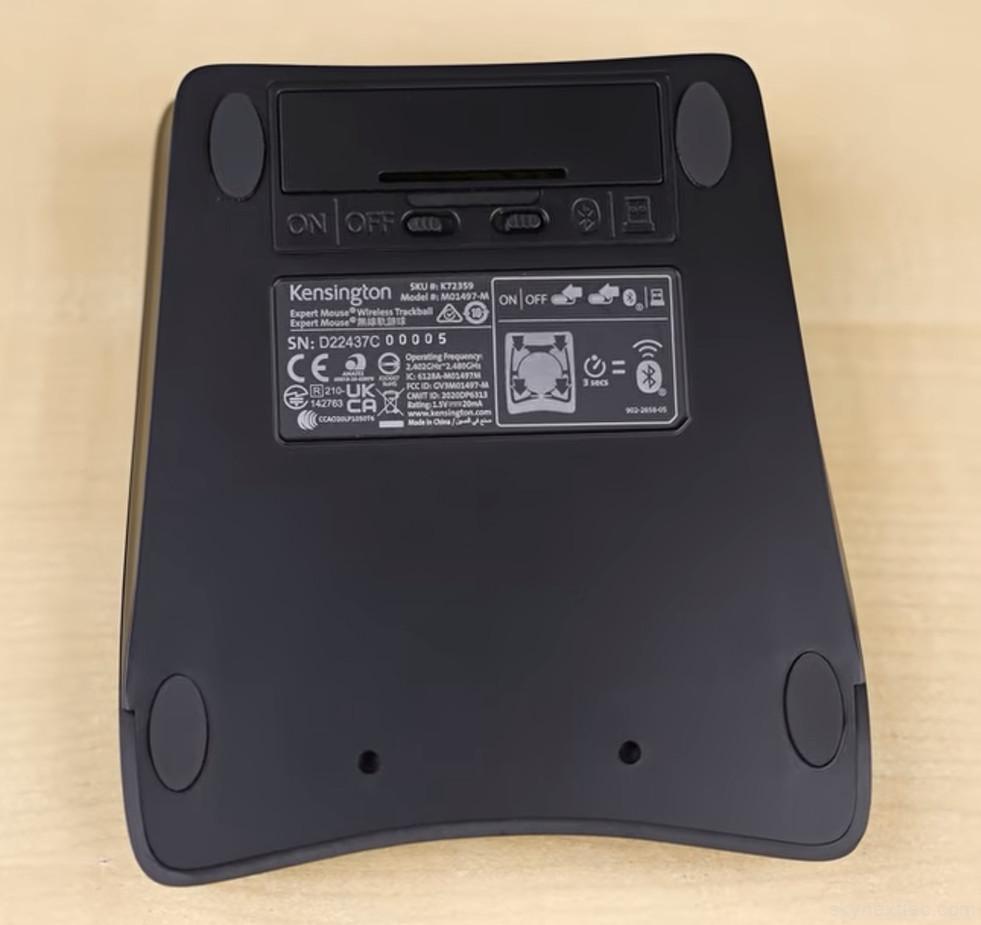
Wireless connectivity is another strong point. The mouse supports both Bluetooth and USB receiver modes, and switching between them is simple using the button located underneath the device. Kensington Expert Mouse has also included built-in storage for the USB dongle, which is useful for users who frequently move between workstations or travel with their setup.
The underside of the Kensington Expert Mouse includes rubberised grips that help keep the device stable on the desk. Since the mouse itself does not move during operation, stability is important, and Kensington Expert Mouse has done a good job here. Even during fast cursor movements, the device remains firmly in place.
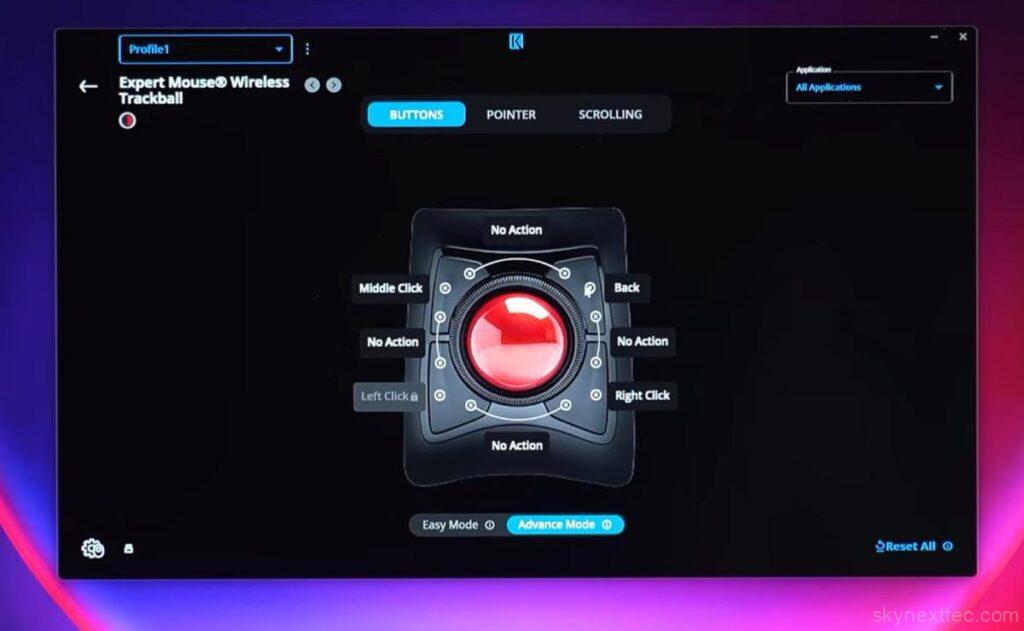

Software customisation adds even more functionality to the experience. Kensington’s software allows users to create application-specific profiles, remap buttons, adjust pointer speed, customise scrolling behaviour, and create macros for repetitive tasks. For example, users can assign a button to instantly open ChatGPT, launch editing software, or execute workflow shortcuts inside creative applications.
This level of customization makes the mouse especially attractive for power users who rely on productivity tools every day. Developers, editors, content creators, architects, engineers, and financial professionals can all benefit from faster shortcuts and improved workflow efficiency.
The Kensington Expert Mouse Wireless Trackball is not aimed at gamers or casual users looking for a lightweight portable mouse. Instead, it targets professionals who value comfort, accuracy, and long-term usability. The learning curve may discourage some first-time users, but once familiar with the trackball layout, many users find it difficult to return to a standard mouse.
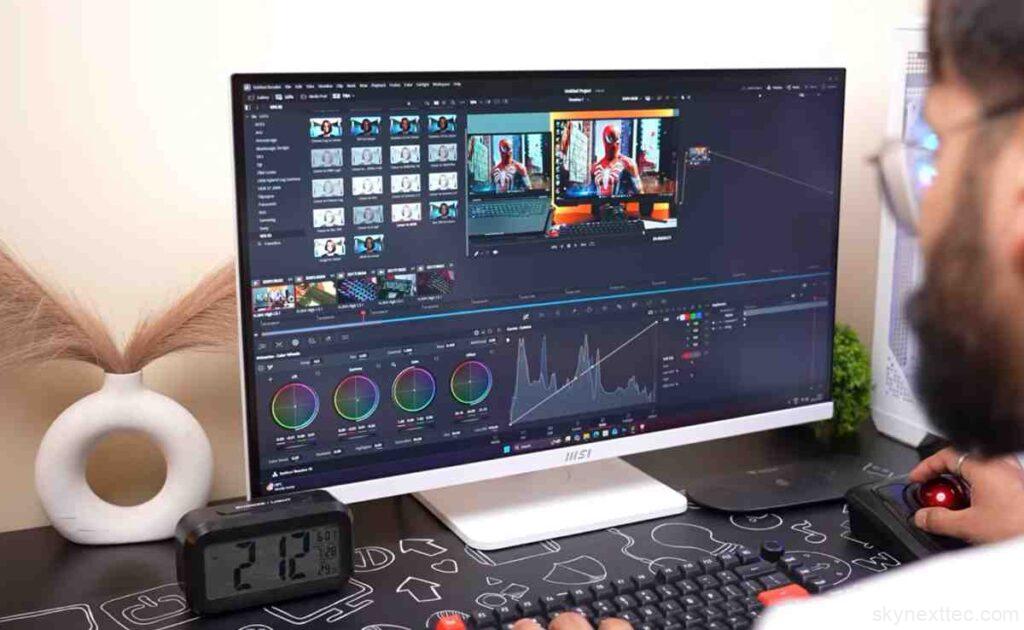
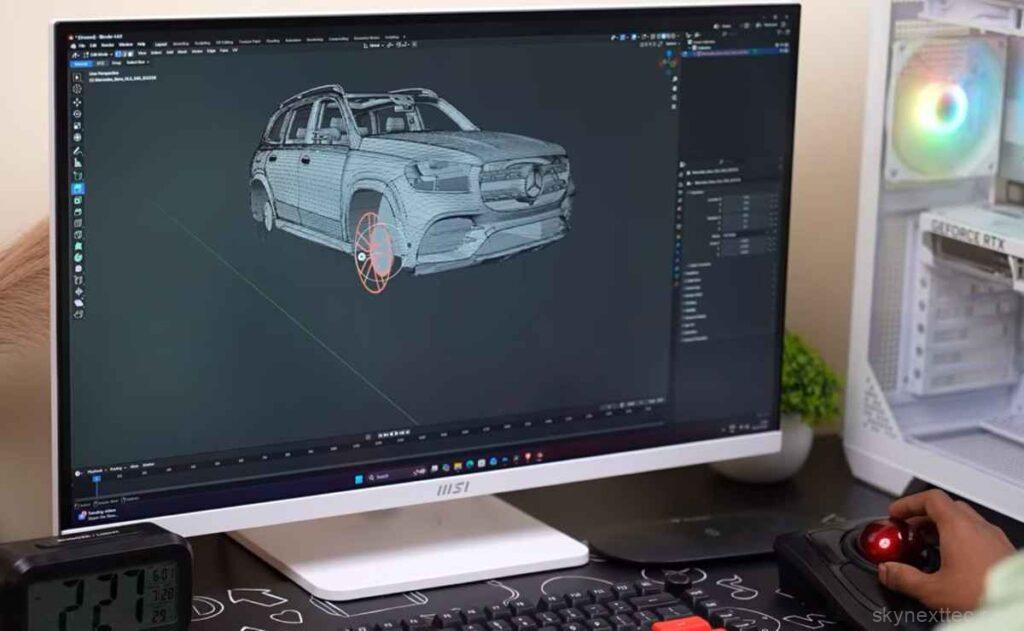
Another important advantage is desk space efficiency. Since the device remains stationary, it works well in compact workspaces where mouse movement area is limited. This makes it ideal for smaller desks, multi-monitor setups, studio environments, and productivity-focused workstations.
Kensington also promotes the device as an accessibility-friendly option. Because the trackball reduces arm movement and relies more on finger control, some users with mobility limitations may find it easier and more comfortable to operate than a traditional mouse.
In the US and UK markets, the mouse is generally priced between $100 and $120, placing it firmly in the premium productivity category. While that price is significantly higher than a standard office mouse, the feature set, ergonomic benefits, and precision-focused design help justify the cost for professional users.
Overall, the Kensington Expert Mouse Wireless Trackball is a highly specialized productivity device built for users who want exceptional precision and comfort. It may not appeal to everyone immediately, but for professionals who spend hours working at a desk every day, it can become one of the most comfortable and efficient input devices available.