

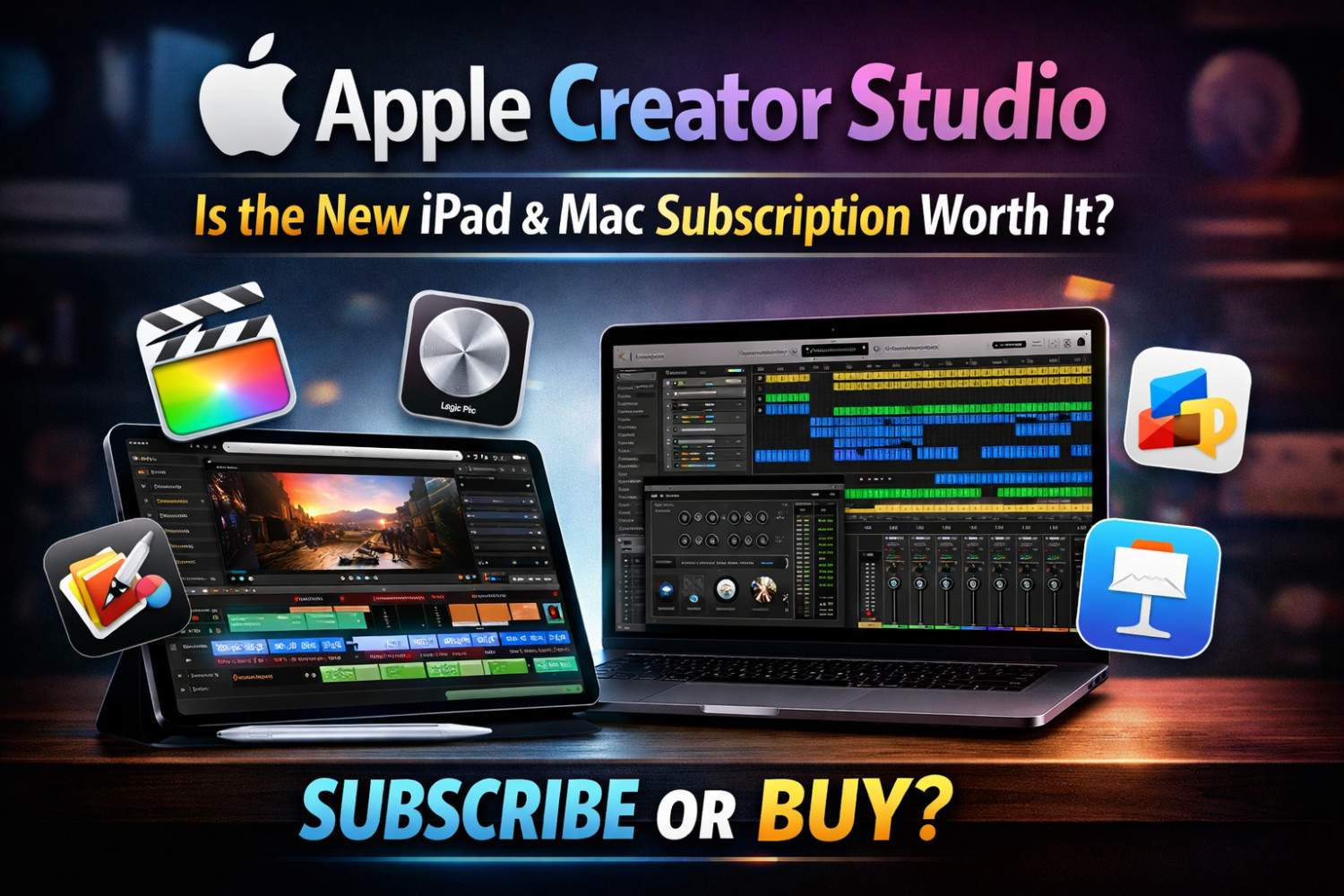
Apple’s first major release of 2026 isn’t a new iPhone, iPad, or Mac. Instead, it’s a brand-new subscription called Apple Creator Studio, available for both iPad and Mac.
At first, I was genuinely excited. As a digital content creator, the idea of an Apple-built creative bundle sounded promising. But the more I looked into it, the more mixed my feelings became.
Before judging it too quickly, let’s break down what Apple Creator Studio actually is.
What Is Apple Creator Studio?
Apple Creator Studio is a subscription service that bundles Apple’s creative software into one plan. It includes major apps like:
- Final Cut Pro
- Logic Pro
- Pixelmator Pro
- Keynote, Pages, and Numbers
On paper, this sounds like a solid deal, especially if you already rely on Apple’s ecosystem. But it also raises some important questions.
The Big Questions Right Away
As soon as Apple announced Creator Studio, a few concerns stood out:
- What happens if you already bought Final Cut Pro years ago?
- Are new features locked behind the subscription?
- Is this real value, or just more subscription fatigue?
At this point, it feels like everything requires a monthly payment. If you’re anything like me, another recurring charge is the last thing you want.
Who Is Apple Creator Studio For?
At its core, Apple Creator Studio is aimed at:
- Content creators
- Designers
- Musicians
- Educators
- Anyone using Apple’s creative apps daily
Whether you use one app or jump between several every day, Apple is clearly trying to create a unified creator ecosystem.
Think of it as Apple One, but designed specifically for creators.
Apple Creator Studio Pricing Explained
This is where things start to get interesting.
Apple offers a one-month free trial with full access and no restrictions. After that, pricing breaks down like this:
- $12.99 per month
- $129 per year
For students and educators, the pricing is much more affordable:
- $2.99 per month
- $30 per year
At the student price, it’s an excellent deal. For everyone else, the real question becomes whether $130 a year is worth it.
What Apps Are Included on Mac and iPad?
Apps Available on Both Mac and iPad
With the subscription, you get:
- Final Cut Pro
- Logic Pro
- Pixelmator Pro
Pixelmator Pro is a strong addition, especially on iPad, where Apple Pencil support makes it more useful for creators.
Mac-Only Apps
On Mac, you also get access to:
- Motion
- Compressor
- MainStage
This makes Creator Studio much more appealing for Mac users who work in video and audio production.
Premium Features Added to Free Apple Apps
This is where Apple quietly changes the game.
Apps like Keynote, Pages, Numbers, and Freeform are still free to use. You can create, edit, and collaborate without paying anything.
However, Creator Studio unlocks exclusive features inside these apps, including:
- Premium templates and themes
- AI-powered tools
- Keynote beta features like auto-generated presentations
- Slide cleanup, layout fixes, and presenter notes
To be fair, Microsoft PowerPoint has offered similar features for years. The difference is that Keynote used to be completely free.
Numbers Gets Smarter With AI Tools
With Creator Studio, the Numbers app gains:
- AI-based formula generation
- Improved Magic Fill features
These aren’t revolutionary features, but they are helpful if you use Numbers regularly for work or planning.
Family Sharing Makes It More Affordable
One feature I genuinely like is Family Sharing.
Apple Creator Studio can be shared with up to six people. If everyone actually uses the apps, the cost can drop to around $2 to $3 per person per month, which is very reasonable.
For solo creators like me, it doesn’t change much. But for families, classrooms, or small teams, it’s a strong benefit.
Can You Still Buy Apple’s Pro Apps Outright?
Yes, and this is important.
You can still buy apps like:
- Final Cut Pro for $299
- Pixelmator Pro for $49
- Motion and Compressor as one-time purchases
If you already own these apps, nothing changes. They still work and continue receiving updates, at least on Mac.
Where Things Start Getting Confusing
Here’s the catch.
If you buy Pixelmator Pro outright, you only get it on Mac. If you subscribe to Creator Studio, you get it on both Mac and iPad.
Apple is now offering cross-platform access as a subscription-only benefit. The same idea applies to iWork apps. The apps are free, but advanced features are locked behind Creator Studio.
This makes the decision harder than it needs to be. Do you buy once and own the app, or subscribe for extra features and cross-device access, knowing you never truly own anything?
Apple’s Bigger Goal With Creator Studio
One thing is clear. Apple Creator Studio is part of a larger push to make the iPad a serious professional machine.
Final Cut Pro, Logic Pro, and Pixelmator Pro on iPad all point in the same direction. Apple wants the iPad Pro to be a primary work device, not just a companion.
I actually like that idea. I’ve been using the iPad Pro heavily for content creation. But I still struggle with the subscription model.
Why I’m Still Not Sold on Subscriptions
I miss the days of buying software once and owning it forever. Now it feels like you’re renting your tools.
Over eight to ten years, the subscription might even cost less than buying everything outright. But at the end of that time, you own nothing. That’s the trade-off, and it doesn’t sit well with me.
Is Apple Creator Studio Worth It?
Creator Studio Makes Sense If:
- You use multiple Apple pro apps daily
- You want both Mac and iPad versions
- You’re comfortable with subscriptions
- You’re a student or educator
It Probably Isn’t Worth It If:
- You only use one app
- You prefer one-time purchases
- You already use alternative tools
- You use Apple’s apps casually
My Personal Take
I see the benefits, but I’m not fully convinced yet.
I use LumaFusion for video editing, Canva for thumbnails, and barely touch Logic or Apple’s music tools. I use iWork apps only for basic tasks. For my workflow, Creator Studio adds more cost than value.
I’ll still test the free trial and explore it properly on iPad. After that, I’ll share my full thoughts. Long-term, only time will tell if I subscribe.
Final Thoughts
Apple Creator Studio isn’t bad. It just feels a bit confusing.
It adds value while complicating buying decisions. It helps creators while pushing more subscriptions. And it clearly shows where Apple is heading next.
Now I want to hear from you. Are you subscribing? Do the exclusive features matter to you? Or are you tired of subscriptions too?
Let me know what you think.
apple creater studio
Apple Creator Studio is a complete creative ecosystem powered by Apple devices and software, including Final Cut Pro, Logic Pro, and MacBook. It helps creators produce high-quality video, music, design, and digital content using professional tools optimised for performance and creativity.
Price: 129
Price Currency: USD
Operating System: IOS
Application Category: MultimediaApplication
4.5