

If you’re looking for a Windows laptop that can handle work, school, creative projects, or everyday tasks, these two models are worth a look. The Dell 14 Plus and the Dell 14 Plus 2-in-1 offer the same core features, but the 2-in-1 version adds a touchscreen that folds into tablet mode.
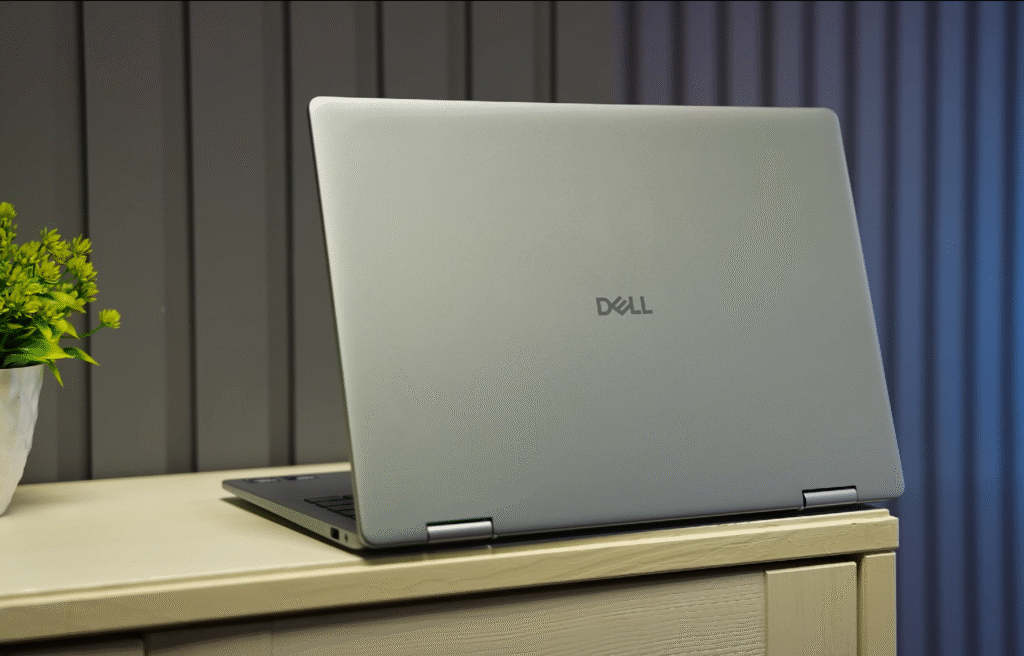
If you like sketching, taking handwritten notes, or prefer a more flexible setup, the Dell 14 Plus 2-in-1 is the better pick. If you don’t need a touchscreen, the regular Dell 14 Plus will give you the same performance in a traditional laptop design.
Dell 14 Plus Unboxing
Let’s open both laptops and see what you get inside.
If you’re new here, welcome.
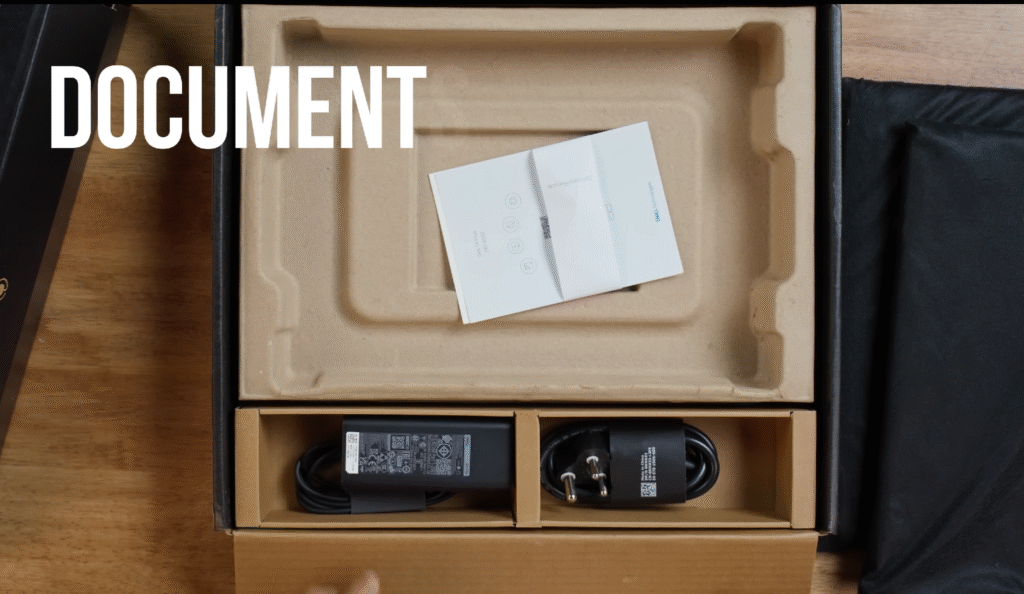
Inside the box, you get:
- Dell 14 Plus
- Basic documentation
- A compact 65W charging brick
- A power cable
- Support for charging with any 65W Power Delivery charger
A quick note before we start
Thanks to the Intel Core processors, you won’t face the software compatibility issues that some other platforms still struggle with. Everything you use day to day should run smoothly.
Dell 14 Plus Design
Let’s take a closer look at the design of both models. At first glance, they look almost identical. The size, overall layout, and finish are the same, so you can’t immediately tell which one is the standard version and which one is the 2-in-1.
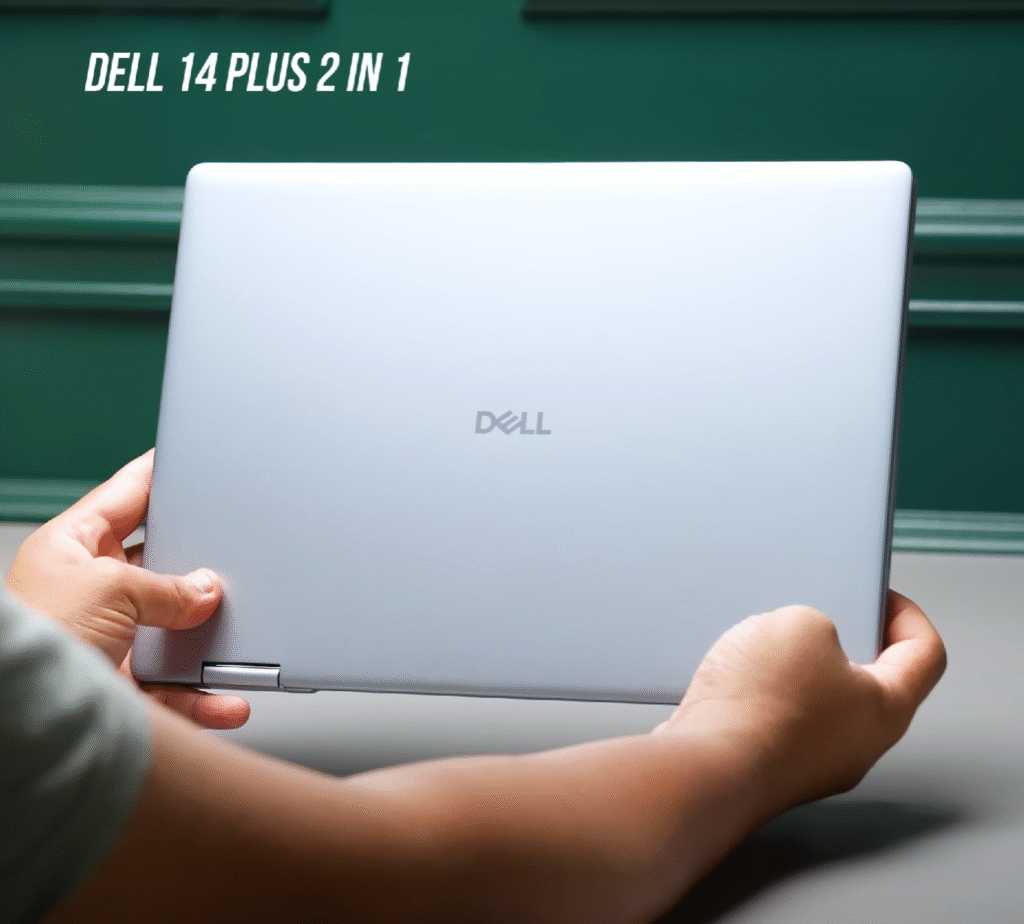
- Both laptops share the same size and design language
- The 2-in-1 model includes a 360° hinge for tablet and tent modes
- Clean, minimal look with a simple Dell logo on top
- Vents at the bottom for air intake and exhaust along the back
- Full metal aluminum build that feels sturdy and premium
- Dell rates them for military-grade durability
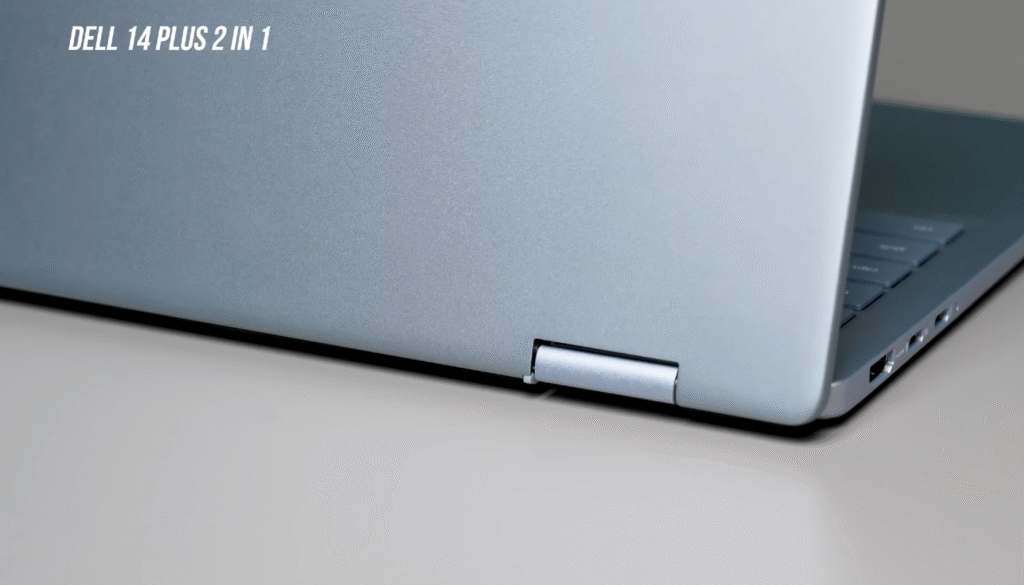
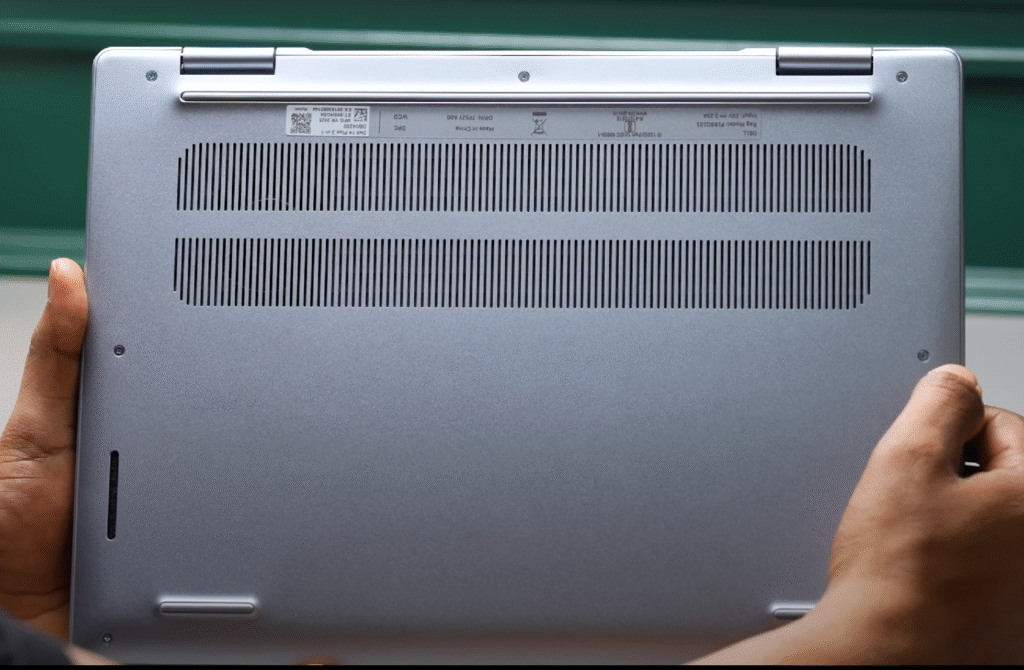
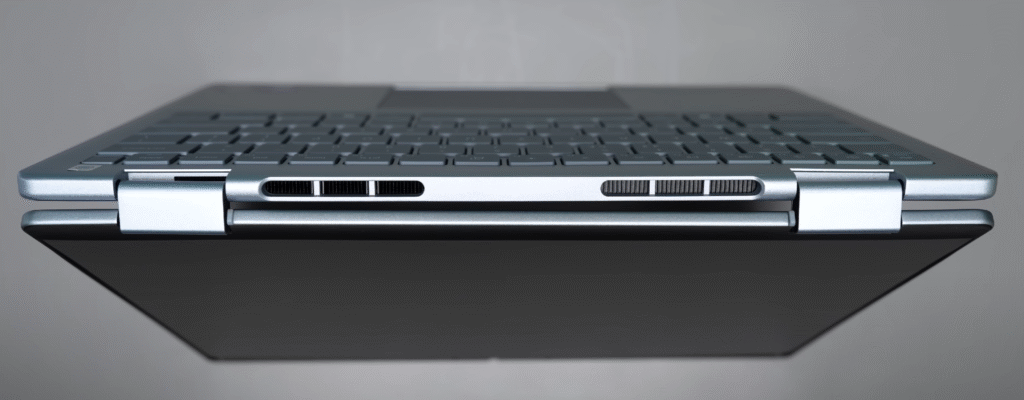
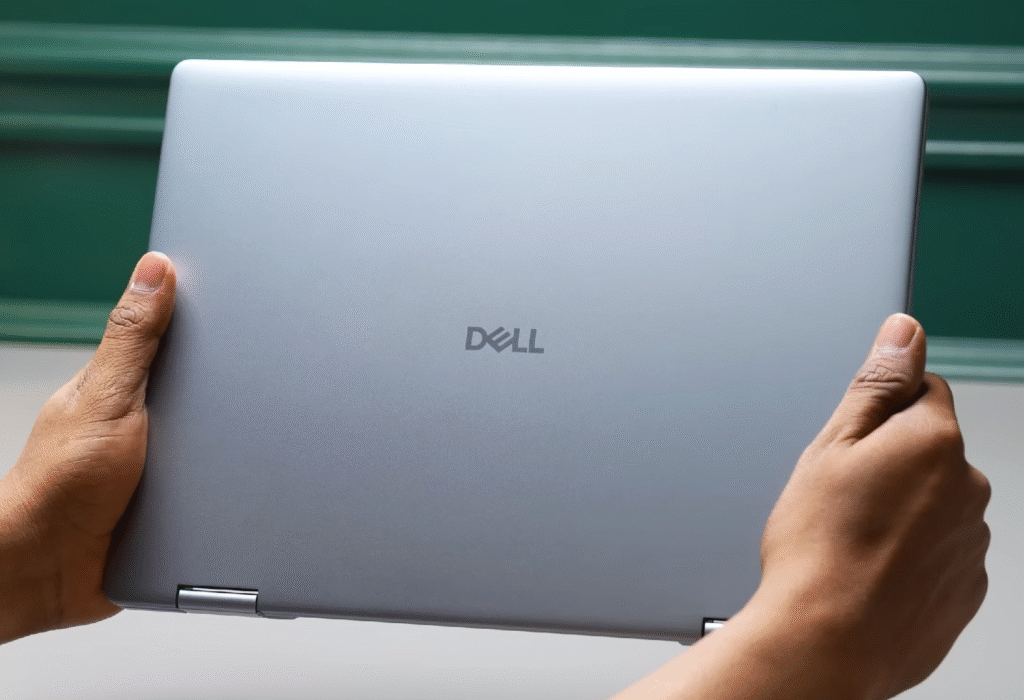
The only real giveaway is the hinge. The Dell 14 Plus 2-in-1 has a flexible hinge that lets you flip the display all the way around into tablet mode.
Dell 14 Plus Ports and Build Details
On the right side, you get a 3.5 mm headphone jack and a USB Type-A port.
On the left, you’ll find a full HDMI port along with two USB-C ports. One supports Thunderbolt 4, and the other is USB 3.2 Gen 2. You can charge the laptop through either USB-C port.
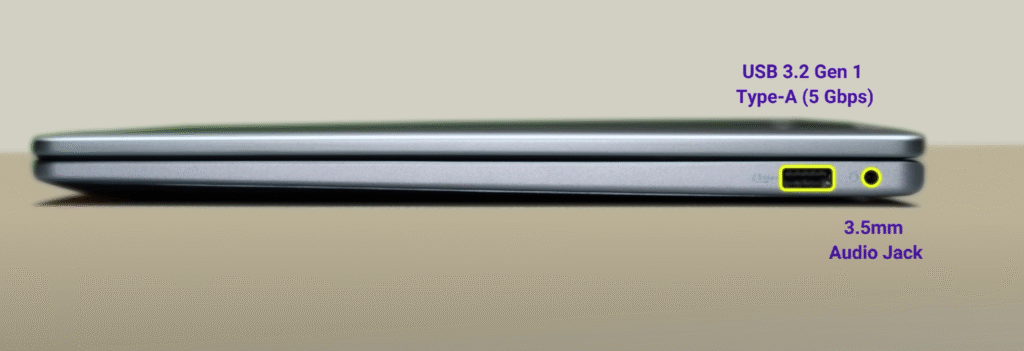
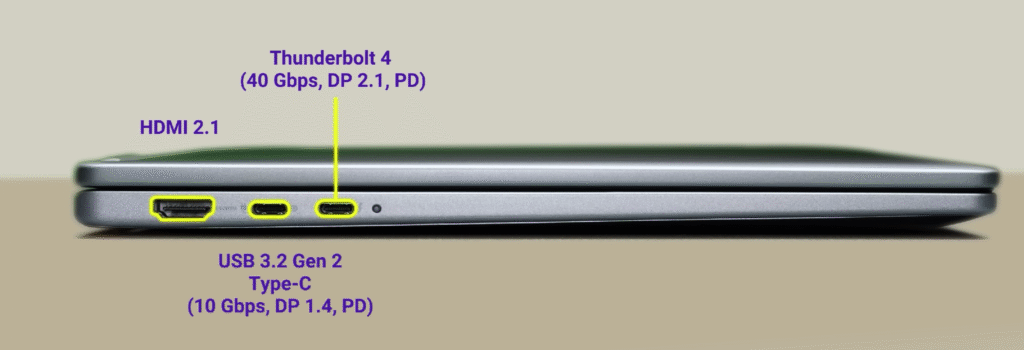
- Right side: 3.5 mm audio jack, USB Type-A
- Left side: HDMI, Thunderbolt 4 USB Type-C, USB 3.2 Gen 2 USB Type-C (supports charging)
Opening and Interior
The lid can be opened with one finger, though there’s a bit of resistance. Once open, the inside keeps the same clean and premium look.
Keyboard and touch-pad:
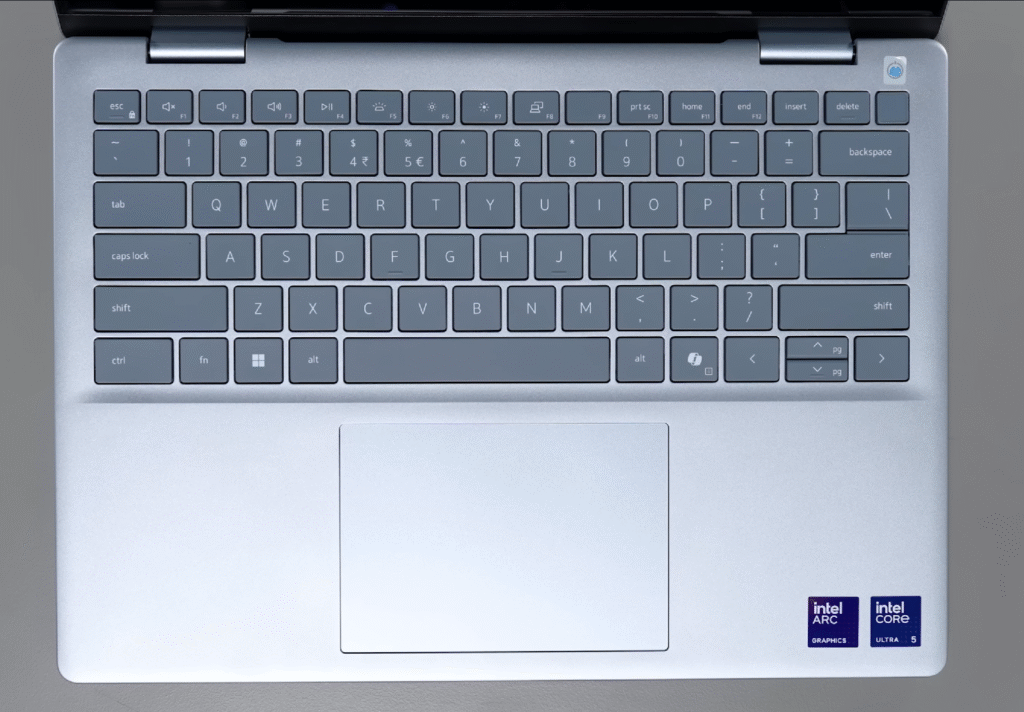
- Full-size keyboard without a numpad
- Dedicated Copilot key for quick AI features
- Large, centered touchpad
- Square keys with solid resistance and good travel
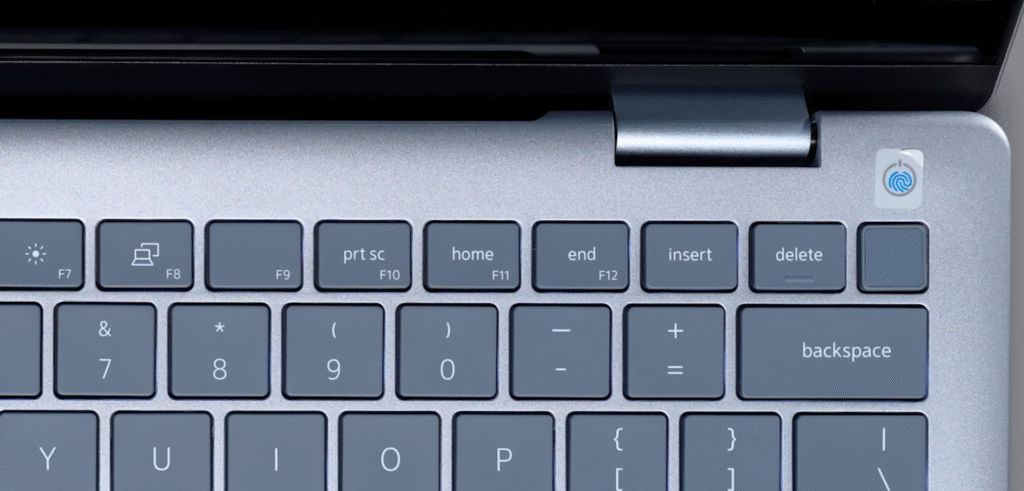
- Fingerprint power button with support for Windows Hello
Performance hardware:
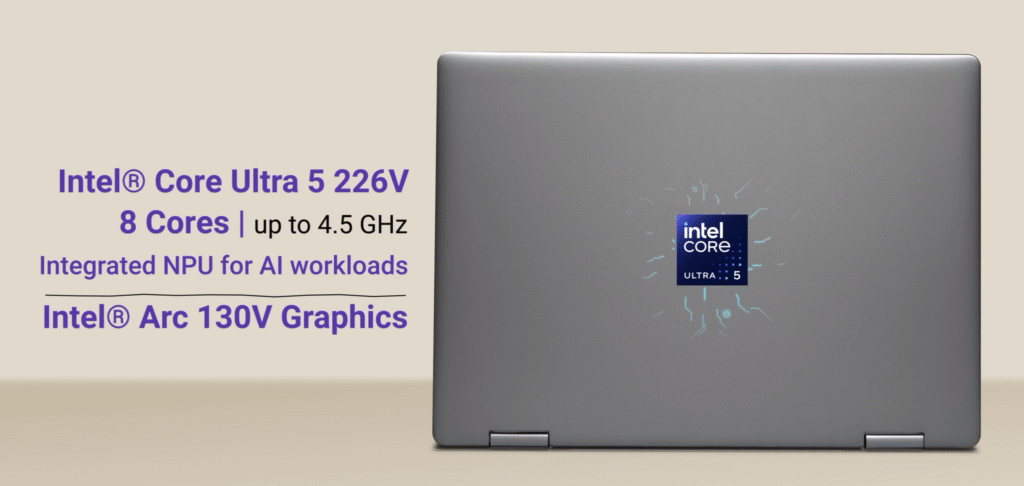
- Intel Core Ultra 5 or Ultra 7 processors
- Intel Arc graphics
- On-device AI features that work even without an internet connection.
Dell 14 Plus Display
Both laptops come with different display setups, but the basics are the same. You get a 14-inch panel with a 16:10 aspect ratio, thin side bezels, and a thicker top bezel for the webcam, which also includes a physical privacy shutter.
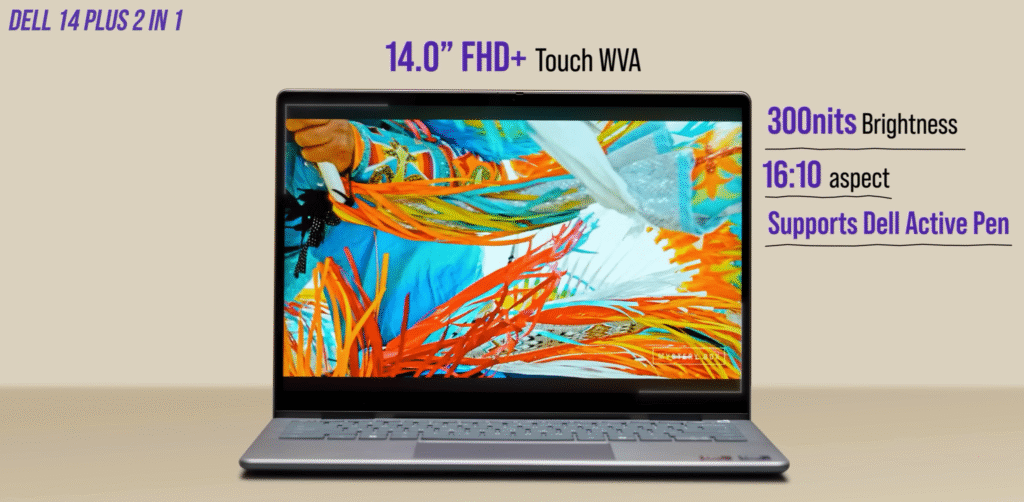
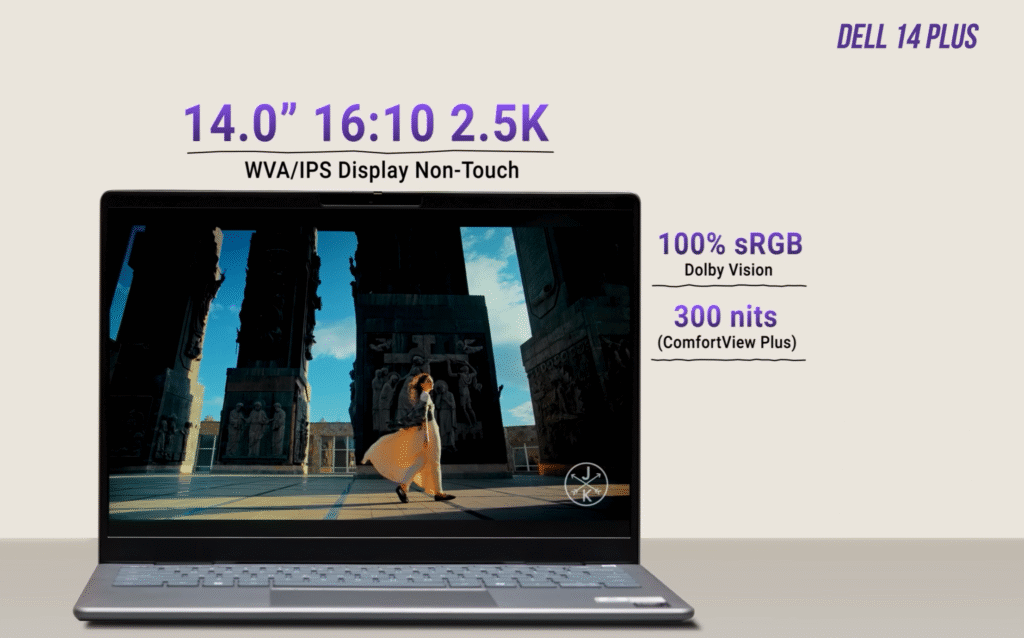
- 2-in-1: 14″ FHD touch display, more reflective
- Standard model: 14″ 2.5K QHD display, anti-glare
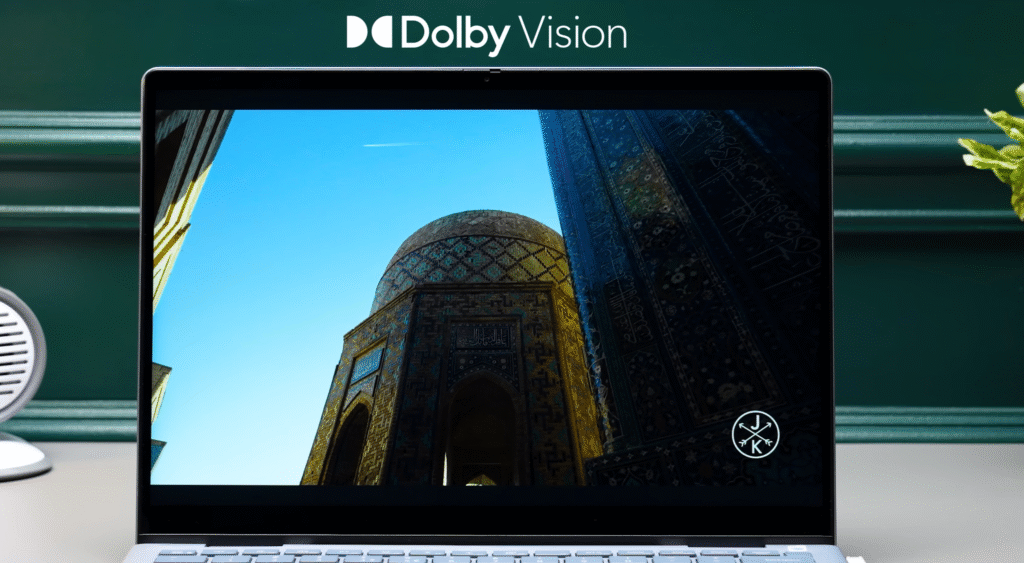
- Both: 300 nits brightness, Dolby Vision support.
The 2-in-1 model uses a 14-inch FHD touchscreen, while the standard Dell 14 Plus steps up to a sharper 2.5K QHD panel. Both offer 300 nits of brightness and support Dolby Vision, which improves contrast and overall video quality.
Dell 14 Plus Multimedia
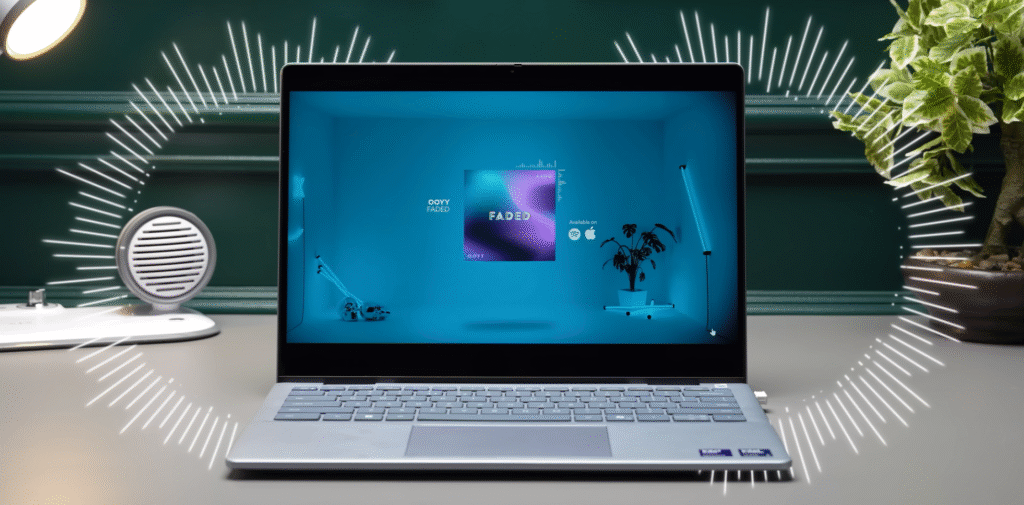
Both laptops deliver a solid entertainment experience. Whether you’re streaming YouTube or watching Netflix, the visuals and sound hold up well. The speakers are down-firing, and they’re surprisingly loud and clear.
- They’re tuned with Dolby Atmos for spatial sound
- And Waves MaxxAudio Pro for cleaner, more detailed audio
The webcam is also a step up. You get a full HD camera, and with the built-in AI tools, you can change or blur your background whenever you need.
Here’s a polished version with bullet points placed naturally inside the paragraphs:
Dell 14 Plus Specifications
These laptops come with Intel’s Core Ultra 5 and Core Ultra 7 processors, so you get strong everyday performance with built-in AI capabilities. You can choose between 16 GB RAM with 512 GB storage, and there’s also a 1 TB option if you need more space.
| Feature | Specification (Dell 14 Plus) |
|---|---|
| Display | 14.0-inch, 16:10, approx 2.5K (2560×1600) resolution, anti-glare, non-touch |
| Processor | Intel Core Ultra 7 series (AI NPU, up to ~4.8 GHz, multiple cores) |
| Graphics | Integrated Intel Arc Graphics |
| RAM | 16GB LPDDR5X (soldered) |
| Storage | 512GB M.2 PCIe NVMe SSD |
| Operating System | Windows 11 Home with Copilot features |
| Webcam | 1080p FHD camera with dual-array microphones |
| Speakers | Stereo speakers with audio enhancement |
| Ports | USB-C, USB-A, HDMI, audio jack (exact count depends on variant) |
| Wireless | Wi‑Fi 6/6E, Bluetooth |
| Battery / Weight | Around 1.5–1.6 kg, ultrabook-class battery |
- Storage is NVMe SSD, which gives you fast read and write speeds
- Both models stay quick and responsive during regular use
Dell 14 Plus Performance
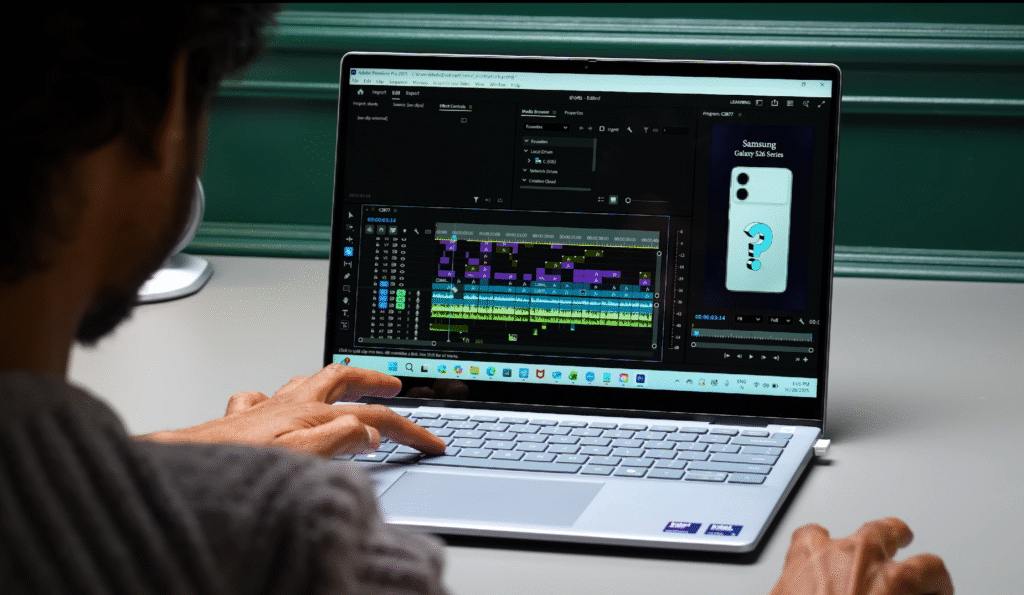
In day-to-day work, the laptops handle multitasking without slowing down. Even heavier tasks like video editing are possible, especially if you’re working with full HD footage.
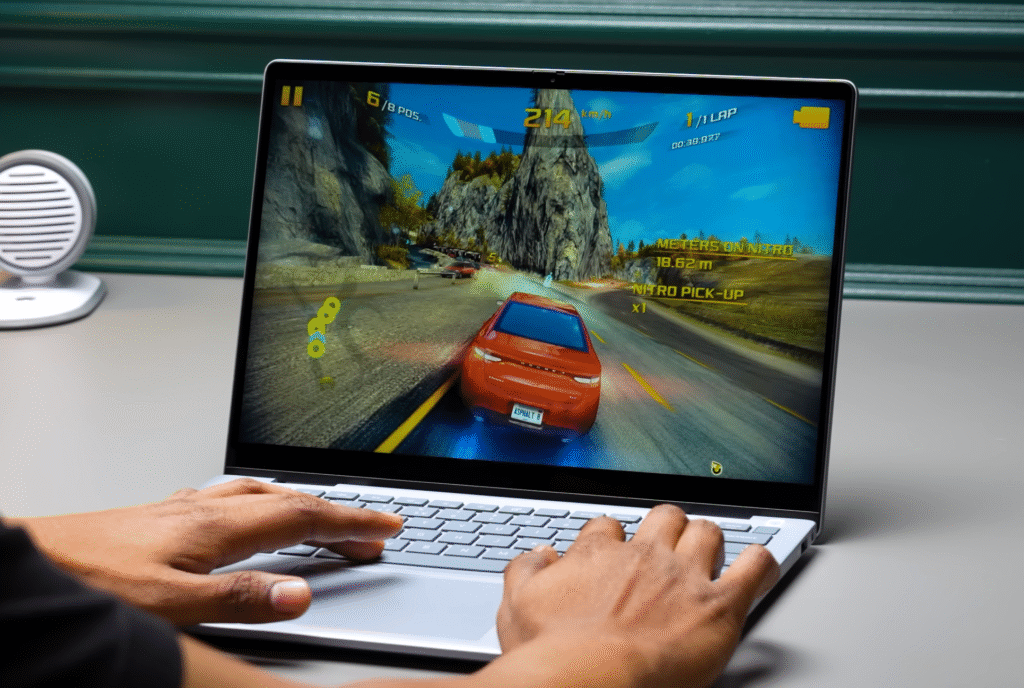
- Casual gaming is also doable, thanks to the Intel Arc graphics
- Overall performance stays smooth for productivity, media, and creative work
Dell 14 Plus Software & UI
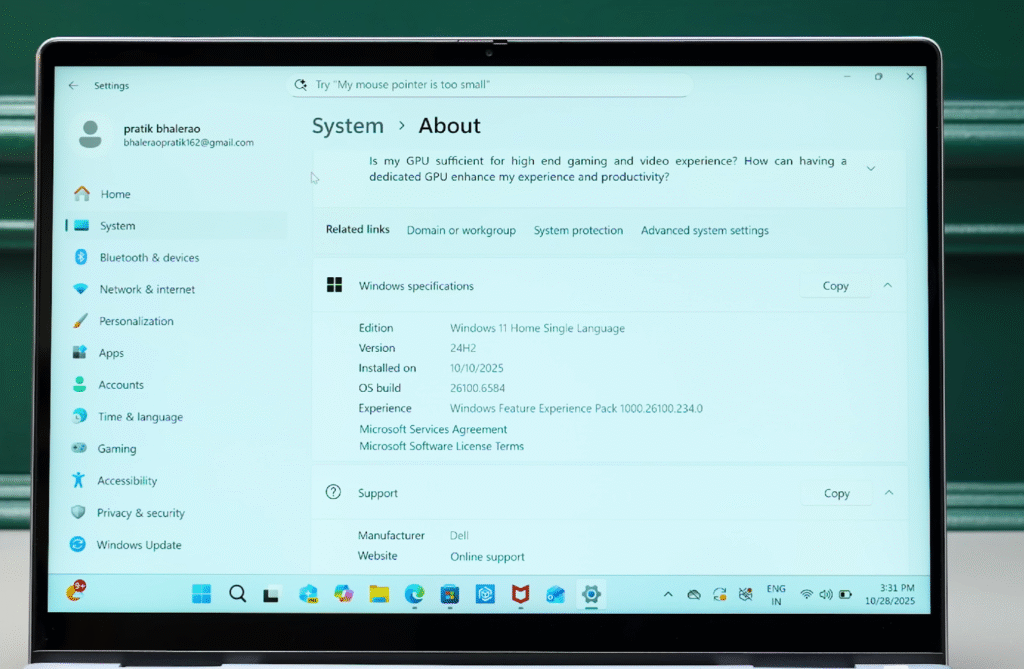
Both laptops run Windows 11 Home right out of the box, so the interface feels familiar and easy to use. The real highlight is the built-in AI tools that make everyday tasks faster. You get Windows Copilot with its own dedicated key, which lets you access AI features instantly.
- Windows Studio Effects helps with webcam enhancements
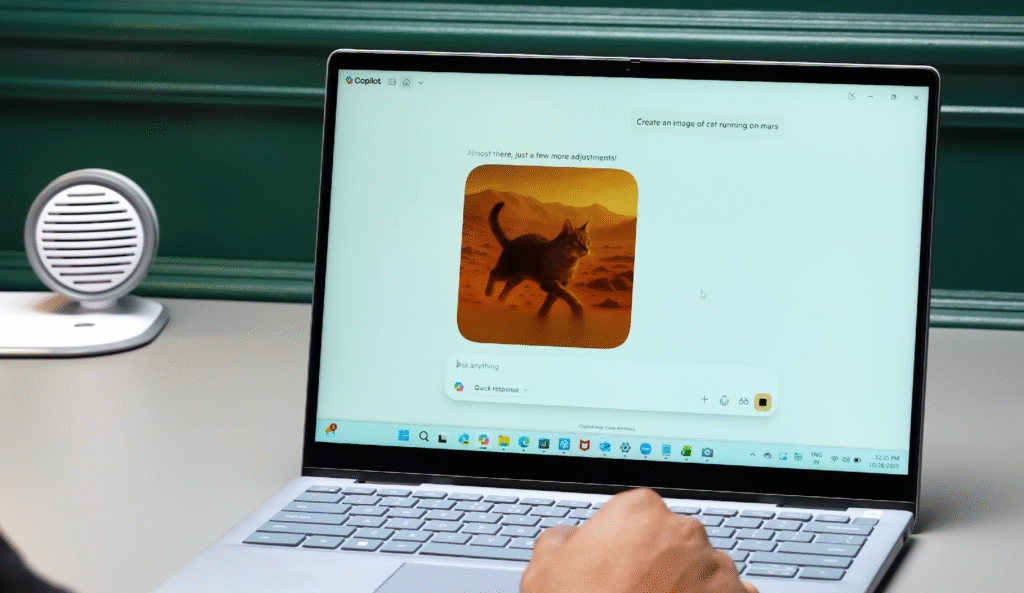
- Copilot can summarise documents, draft emails, and more
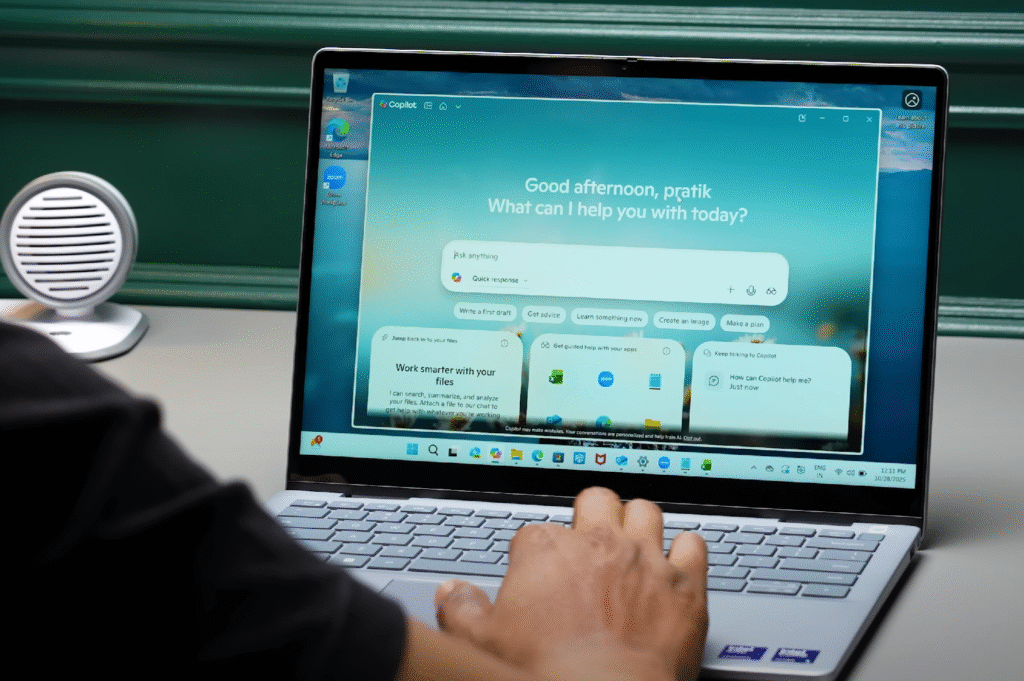
You can even generate images by typing a simple prompt. These features run smoothly on the device, so you don’t always need to stay online to use them.
Dell 14 Plus Dell Active Pen
If you choose the 2-in-1 model, the Dell Active Pen adds a lot of flexibility. You can sketch directly in apps like Paint, and the system can turn rough drawings into clean shapes or objects. The pen itself feels solid and well-built, and

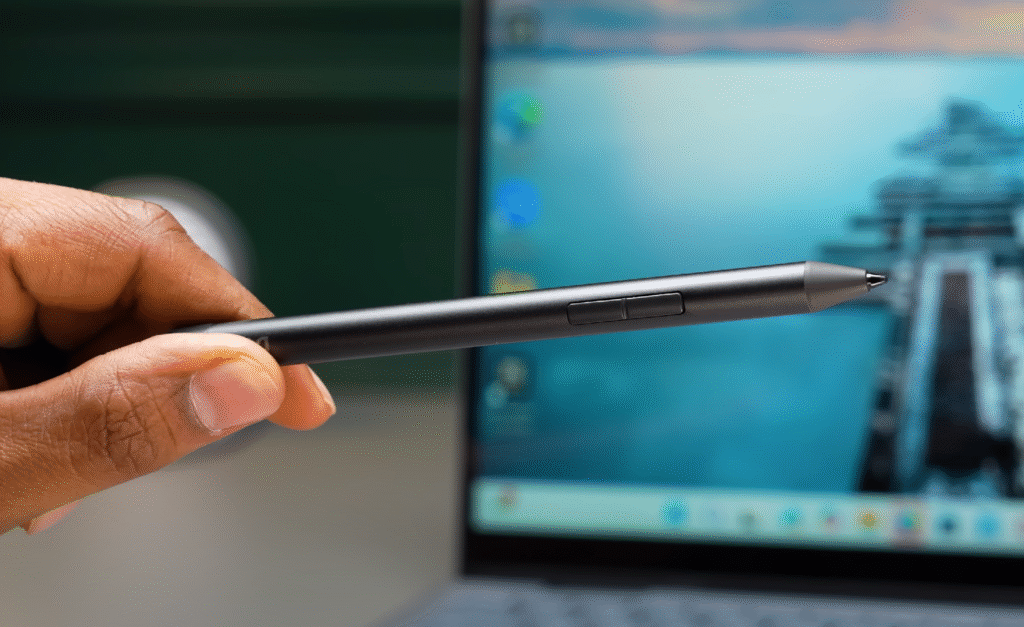
- It includes two shortcut buttons for quick actions
- It works smoothly for handwriting, sketching, and creative tasks
You also get Windows Studio Effects, which helps a lot during video calls. If you’re on Zoom, you can switch your background live, and the auto-framing feature keeps you centered even if you shift to the side. It makes calls look more polished without needing extra software.
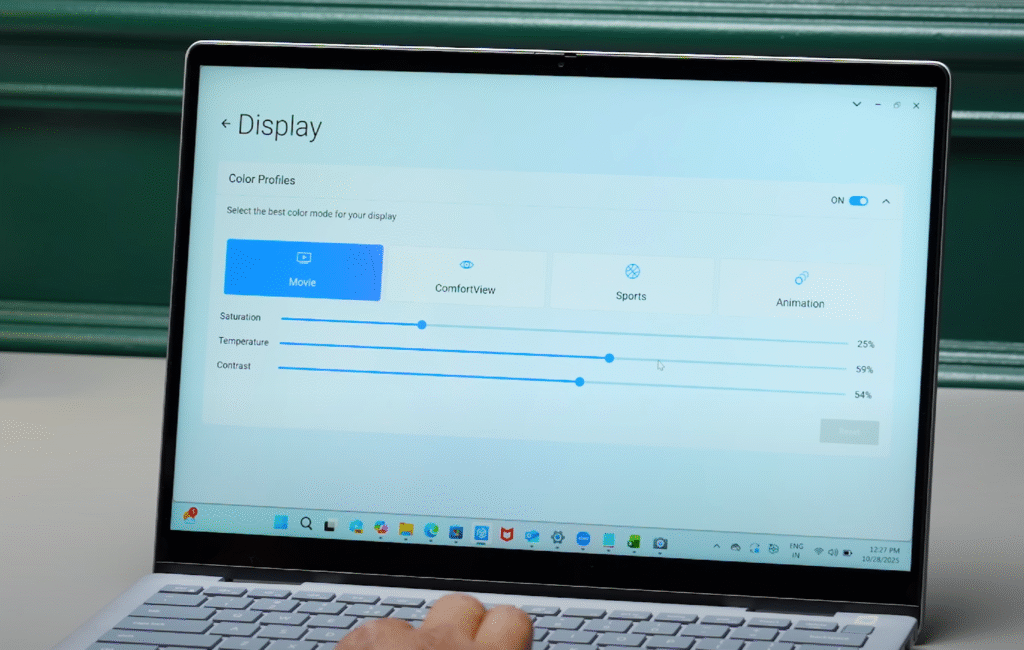
Another useful feature is Dell Optimizer Profiles. You can set different screen modes like punchy, natural, or standard to match your workflow.
- Editors can fine-tune color accuracy
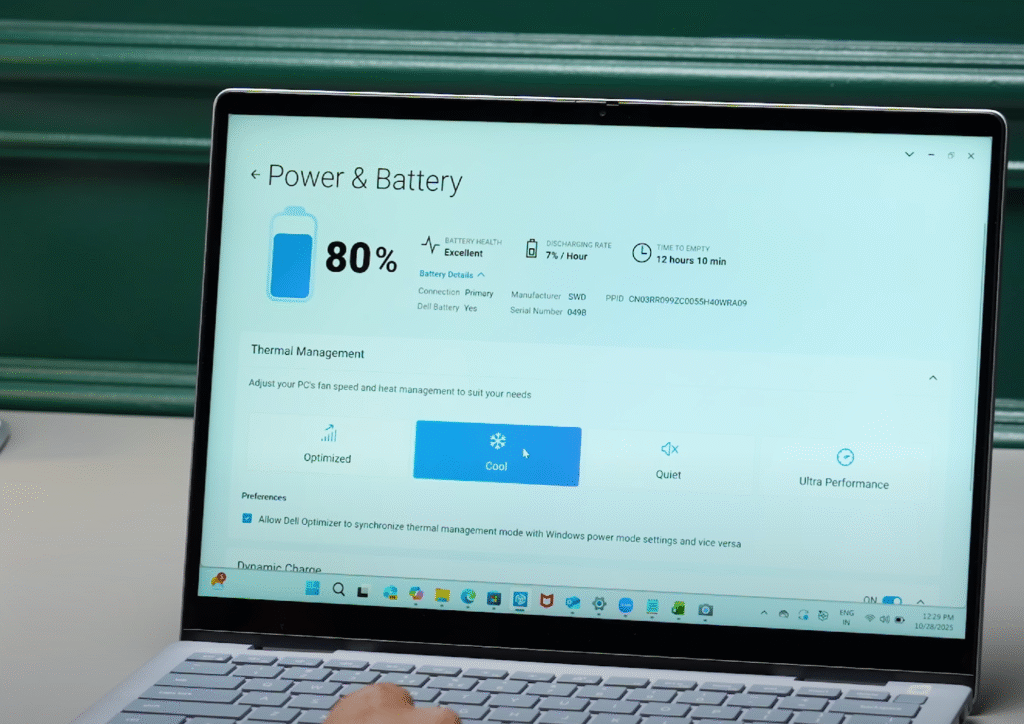
- You can also adjust battery and thermal settings to get the performance or battery life you prefer
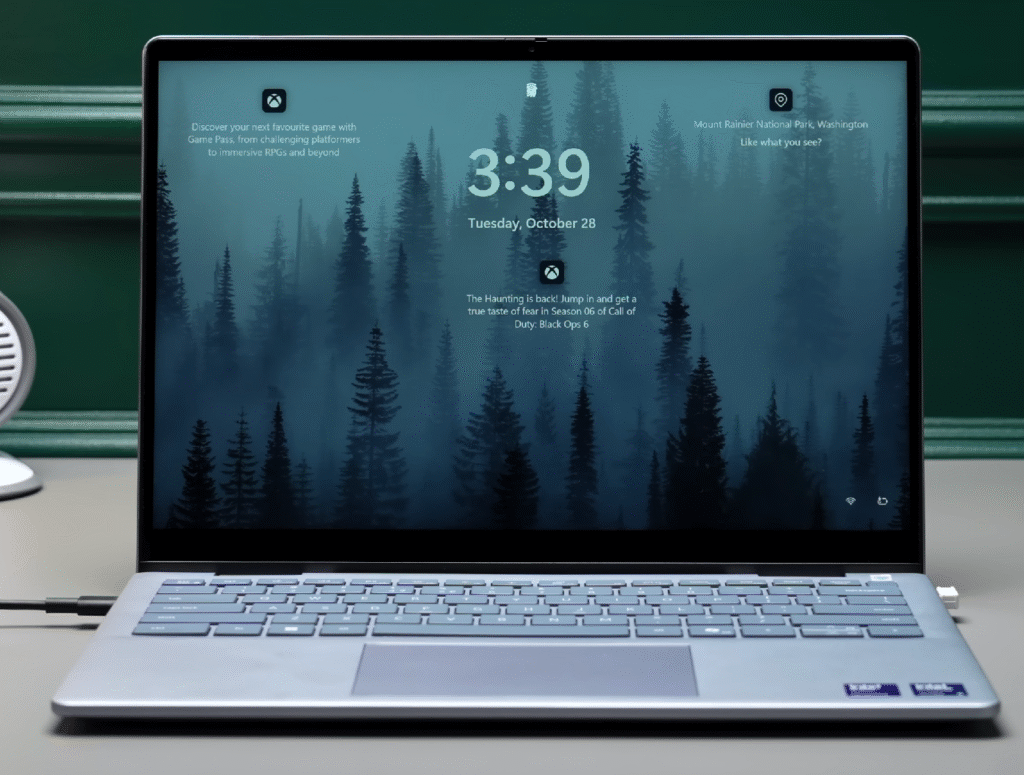
Overall, the pen and software features make the 2-in-1 especially good for drawing, meetings, and creative tuning.
Dell 14 Plus Battery
You can monitor your battery’s health through Dell’s built-in tools, which is helpful for long-term use. Dell Optimizer claims up to 22 hours of battery life, and while that number is ideal-case, you can still expect a full workday in mixed usage. It also supports fast charging through Express Charge, which can take the battery to about 80% in roughly an hour.
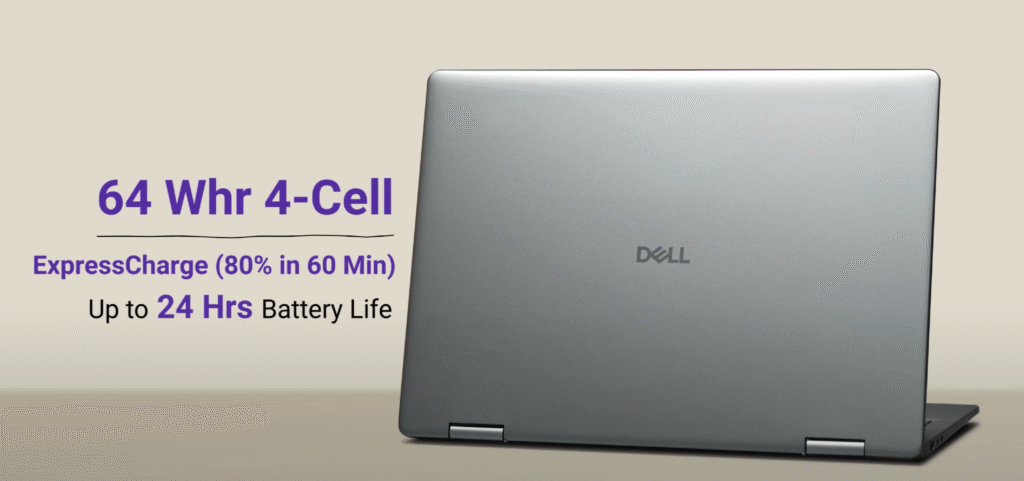
- Both models use a 64 Wh battery
- Express Charge makes quick top-ups easy
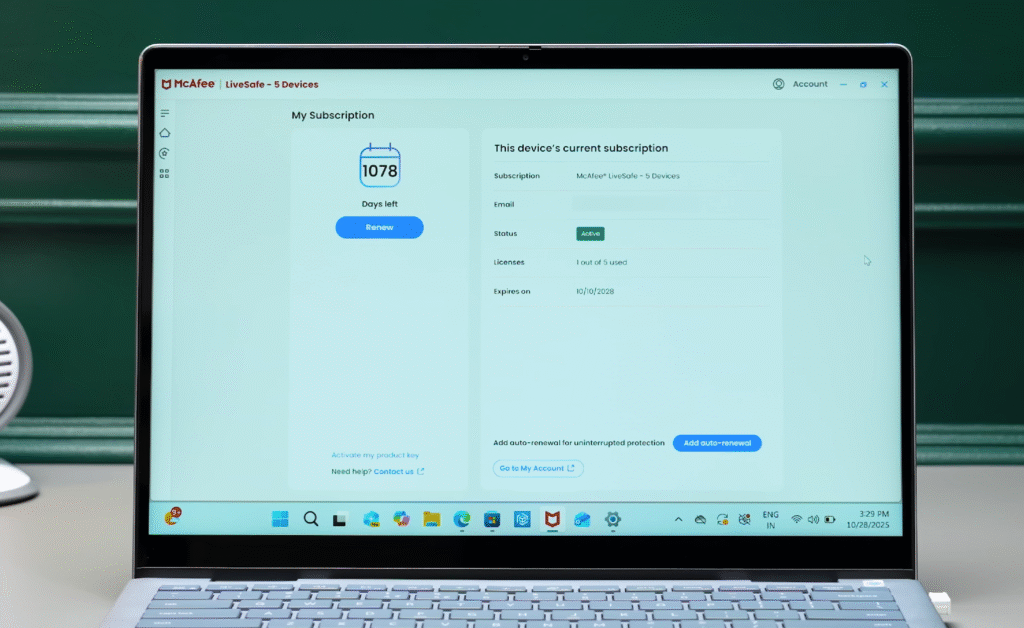
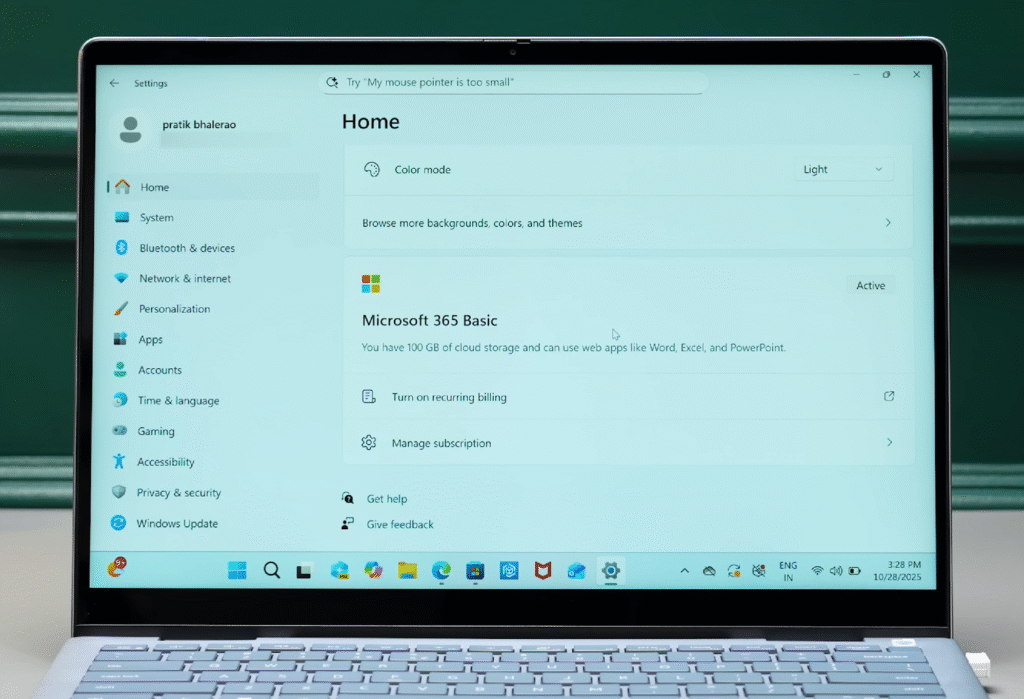
Dell also includes a few extras at no cost.
- Three years of McAfee Antivirus
- Three months of Xbox Game Pass
- Microsoft 365 Basic and Office Home for one year
If you want something flexible and tablet-like, the 2-in-1 is the better fit. If you prefer a classic laptop layout with the same performance and build, the standard model makes more sense.
Dell 14 Plus pricing
| Retailer | Model | Price | Buy |
|---|---|---|---|
| Walmart | Dell 14 Plus – Ultra 5 | $599 | Buy Now |
| Amazon | Dell 14 Plus – Ultra 7 | $678 | Buy Now |
Dell 14 Plus Verdict
Both laptops are priced well for the performance you get from the Core Ultra 5 and Core Ultra 7 models. The standard Dell 14 Plus starts at around $690, while the 2-in-1 version starts at roughly $1,100.
- The regular model makes sense if you prefer a classic laptop
- The 2-in-1 is better if you want touch, tablet mode, or pen support
You can check them online or visit a nearby Dell Store to try them in person. This overview is based on hands-on testing, and everything shared reflects real-world use.

