

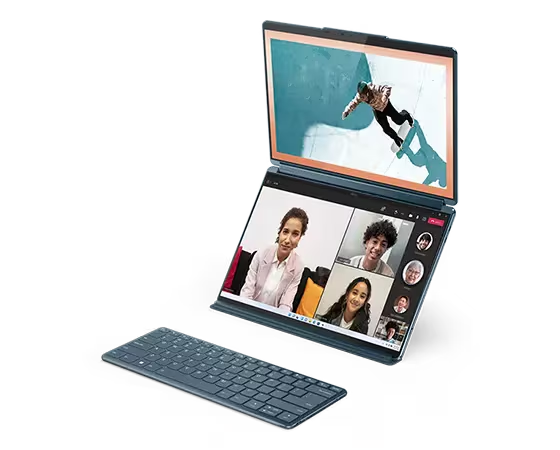
Most laptops look the same. You open the lid, and there’s a keyboard, a trackpad, and a screen. This one is nothing like that. The Lenovo Yoga Book 9i is a dual-screen 2-in-1, and instead of a keyboard on the bottom half, you get a second full display.
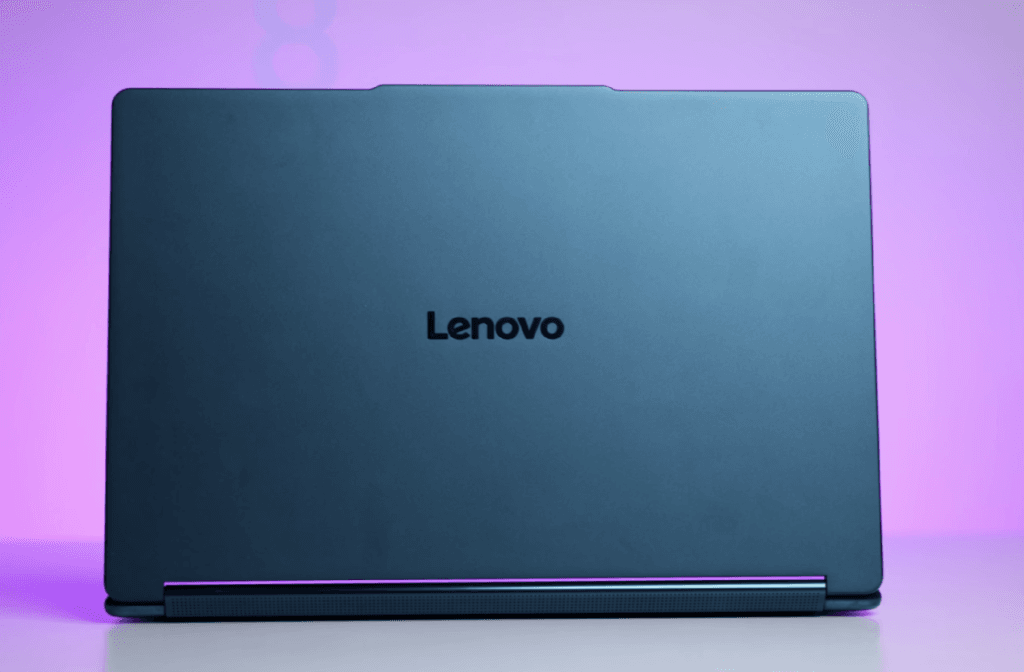
We covered this model earlier, but this is the 2025 variant with Intel’s latest Core Ultra Series 2 H-class processors. And yes, this review is in collaboration with Intel and Lenovo.
Don’t rush to the link in the description yet. Take a look at the laptop first and then decide. Later, we’ll talk about pricing and who this laptop is actually made for.
Lenovo Yoga Book 9i Unboxing
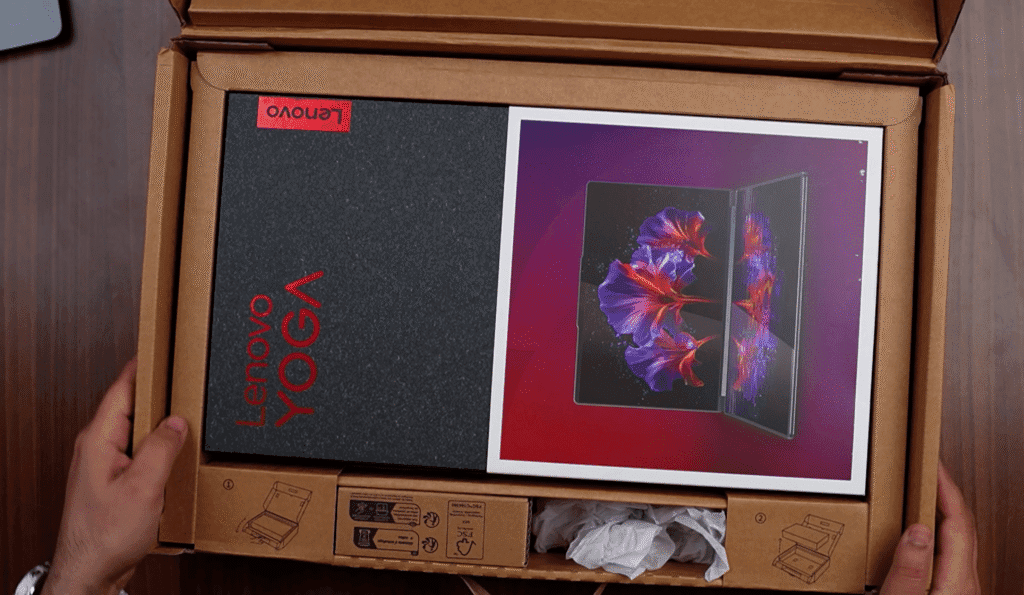

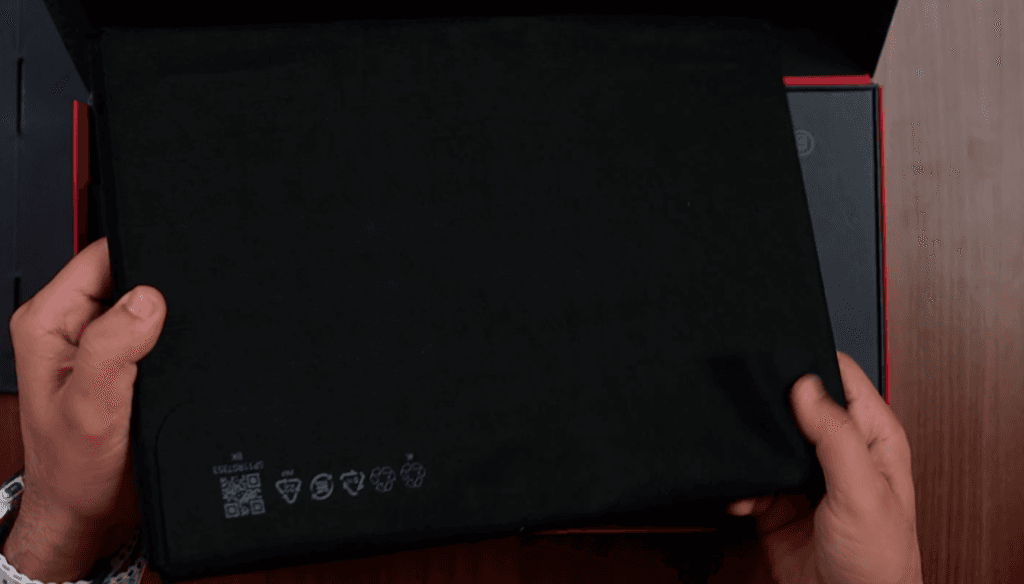
The box is large with clear Yoga branding, and it’s packed with accessories. Inside, you get a mouse since there’s no physical trackpad, plus a protective sleeve. The main box reveals the dual-screen laptop, wrapped in a black cloth.
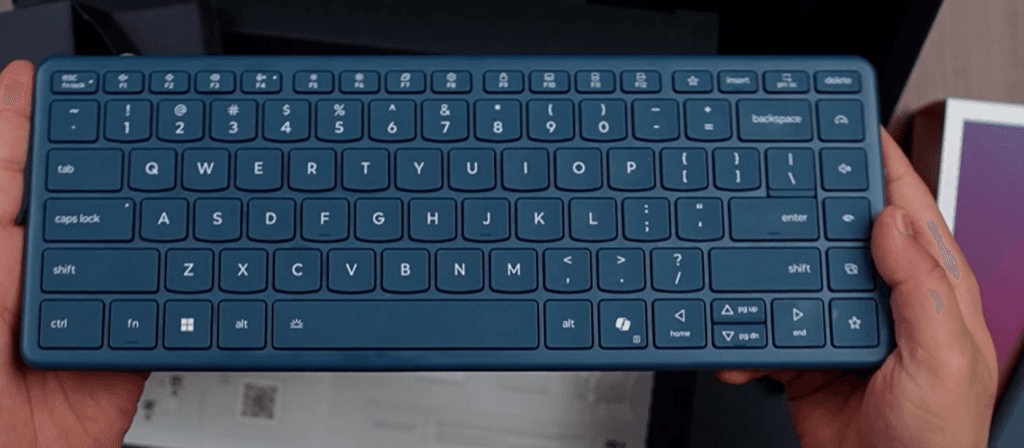
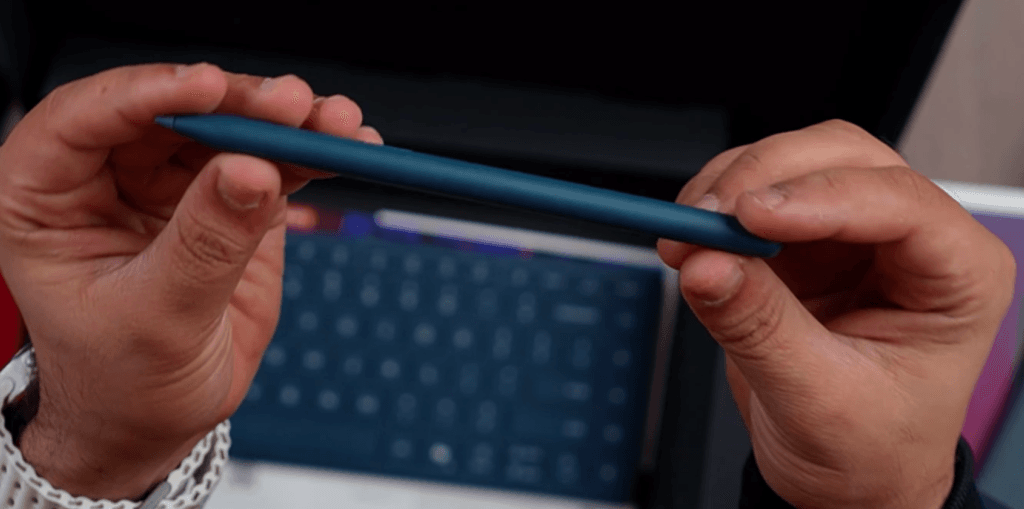
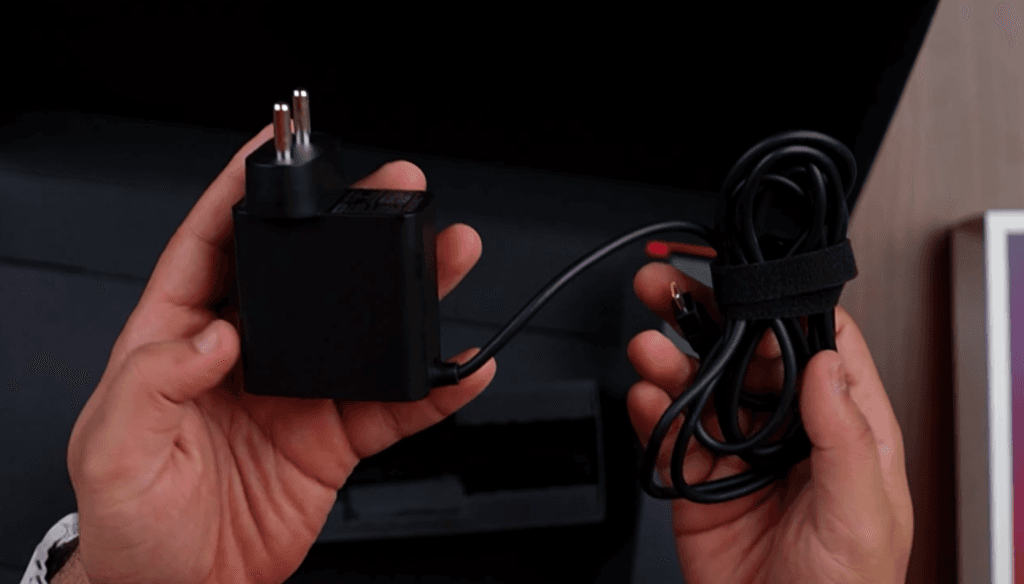
Next to it are the extras: a 65W USB-C charger, a multi-angle stand, an upgraded detachable keyboard, and a stylus for notes and creative work.
Once unwrapped, the laptop gives full Yoga Book vibes. With the keyboard attached, the stylus snapping in place, and the stand holding it upright, it feels like a compact workstation ready to go.
Lenovo Yoga Book 9i Specifications
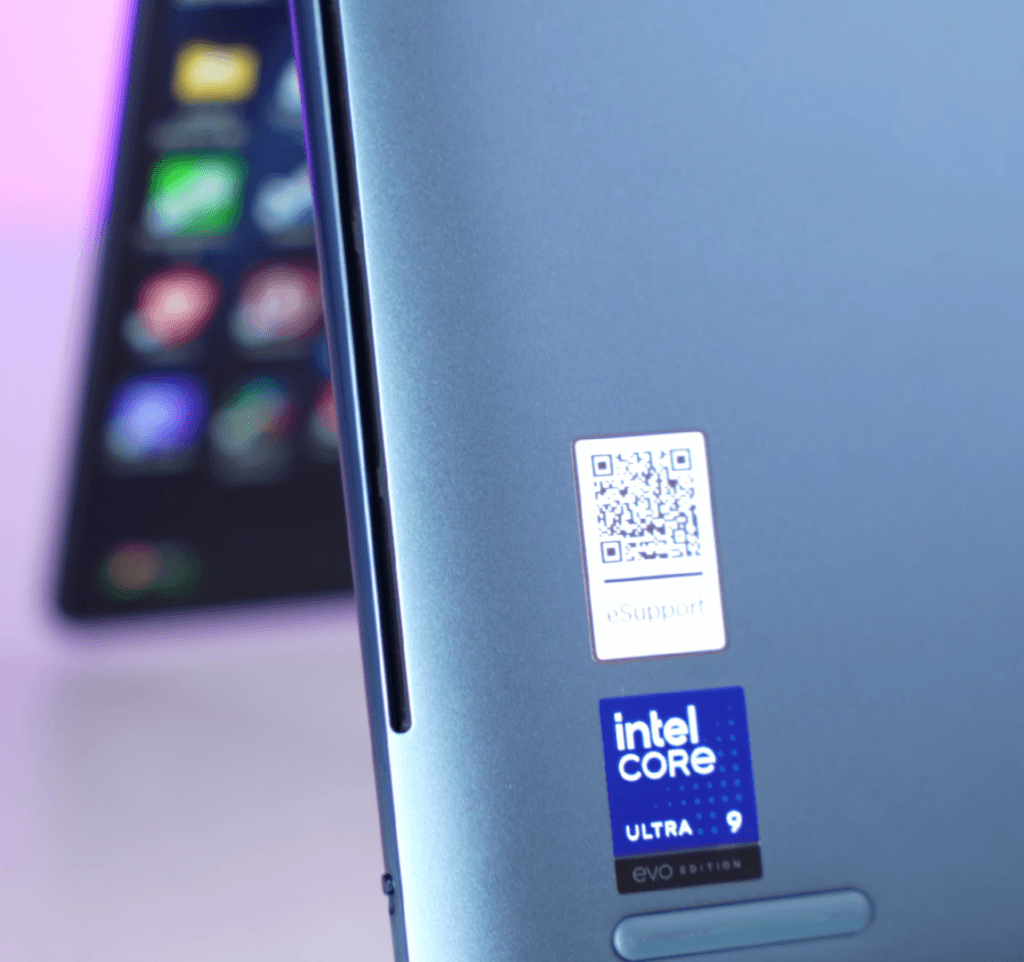
This model runs on the Intel Core Ultra 9 285H processor with 16 cores and 16 threads. It includes 6 performance cores, 8 efficiency cores, and 2 low-power efficiency cores, which help the system assign power smartly based on the task.
You get 32GB LPDDR5X RAM (not upgradeable) at 8400 MT/s, which is more than enough for the type of users this laptop targets. Graphics are handled by the Intel Arc 140V iGPU, offering noticeably better performance than the previous Intel Arc generation.
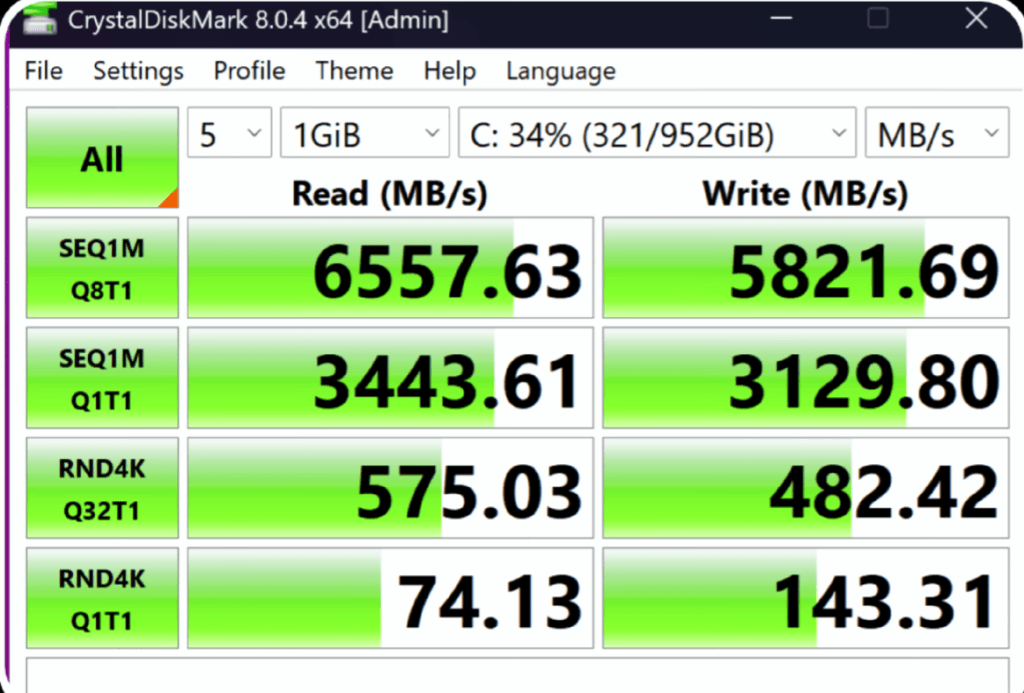
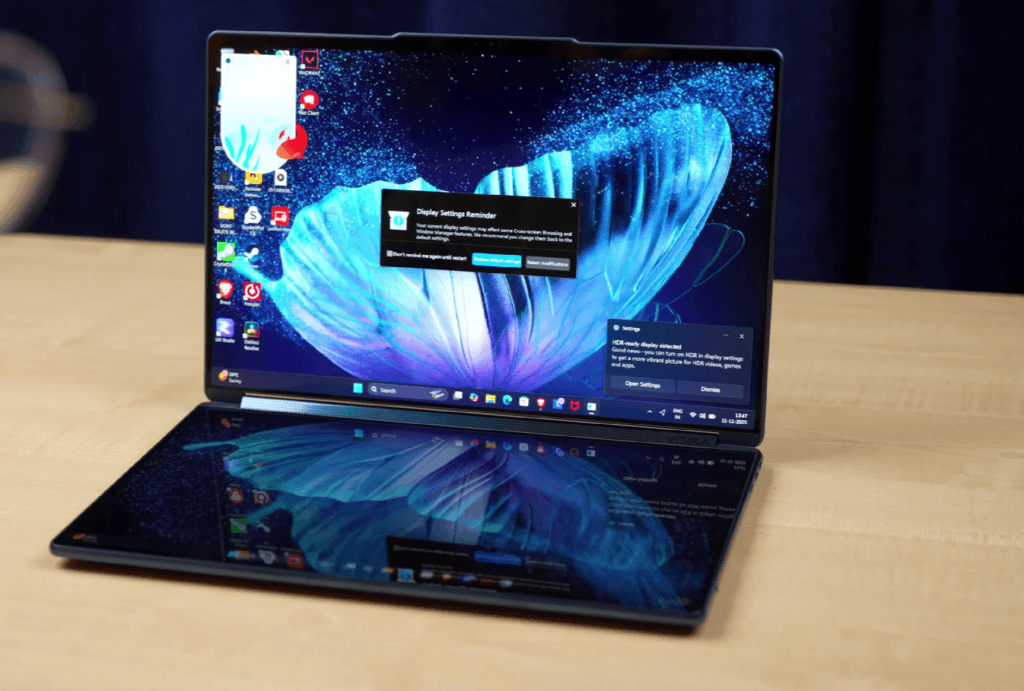
Storage includes a 1TB PCIe 4.0 SSD with a single slot, so upgrades will require swapping the drive. Connectivity is up to date with Bluetooth 5.4 and Wi-Fi 7.
You also get Microsoft Office 2024 (lifetime) and 3 months of Xbox Game Pass. The laptop carries the Intel Evo certification, which means it meets requirements like:
- Under 1-second screen wake
- All-day battery
- Thunderbolt 4 ports
- Windows Hello (face or fingerprint)
- Fast Type-C charging
If a laptop has the Evo badge, these features are guaranteed.
Lenovo Yoga Book 9i AI
Lenovo has started adding its own AI tools to this laptop. You get the Lenovo AI Now app, which is currently in beta. It works both locally and through cloud chat.
You can chat with it like a built-in knowledge assistant. It can help with PC settings, answer questions about your system, and summarize your local documents. You can also upload PDFs for quick summaries, searches, or comparisons, though it currently supports only up to 2,000 characters. Support for larger files may come later, possibly as a paid upgrade.
It also works like a PC assistant. For example, if you type “eye strain,” it will show options to enable or disable Eye Care mode. Free conversations are limited, and after that, you’ll need a subscription.
Lenovo Yoga Book 9i Build & Design
The laptop looks great and feels premium. It’s only 15.5 mm thick, which is impressive for a dual-screen device. The body uses stainless magnesium, keeping it lightweight. The laptop weighs 1.2 kg, and with the charger it goes to 1.4 kg. Even with the keyboard, mouse, stand, and other accessories, the total is about 2.4 kg, still lighter than many gaming laptops.
The Tidal Teal color stands out, and it’s the only color option. The top lid has Lenovo branding and a matte finish, so it doesn’t attract fingerprints. The dual displays feel well-connected, separated only by the center speaker bar.
As the name suggests, you can use it in multiple modes:
- Laptop mode
- Tent mode
- Tablet mode
- Vertical dual-screen setup
- Folio-stand mode
I’d avoid using it directly as a flat stand because one screen touches the table and could get scratched. Lenovo hasn’t mentioned any specific display protection, so handle it carefully.
The folio case is sturdy, holds the laptop firmly, and even has a slot for the stylus. The included sleeve also feels premium. Overall, the build feels high-end and matches the price and audience this device targets.
Lenovo Yoga Book 9i Keyboard & Track-pad
The bottom screen works as a digital keyboard and trackpad. You can change layouts, shift the keyboard up or down, or turn the whole area into an extra display.
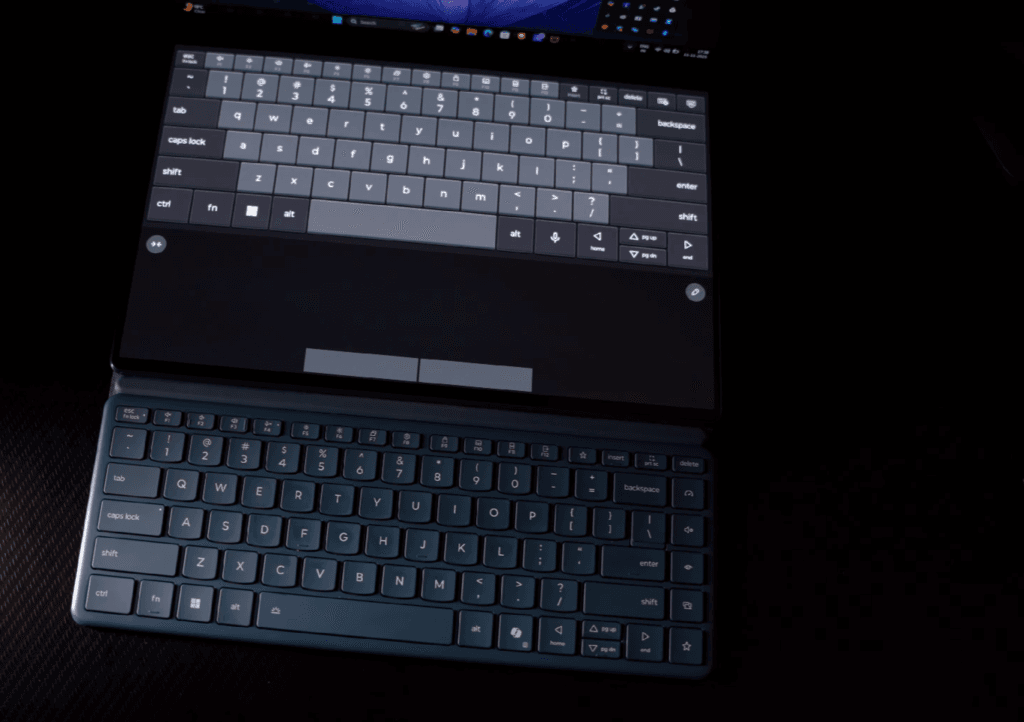
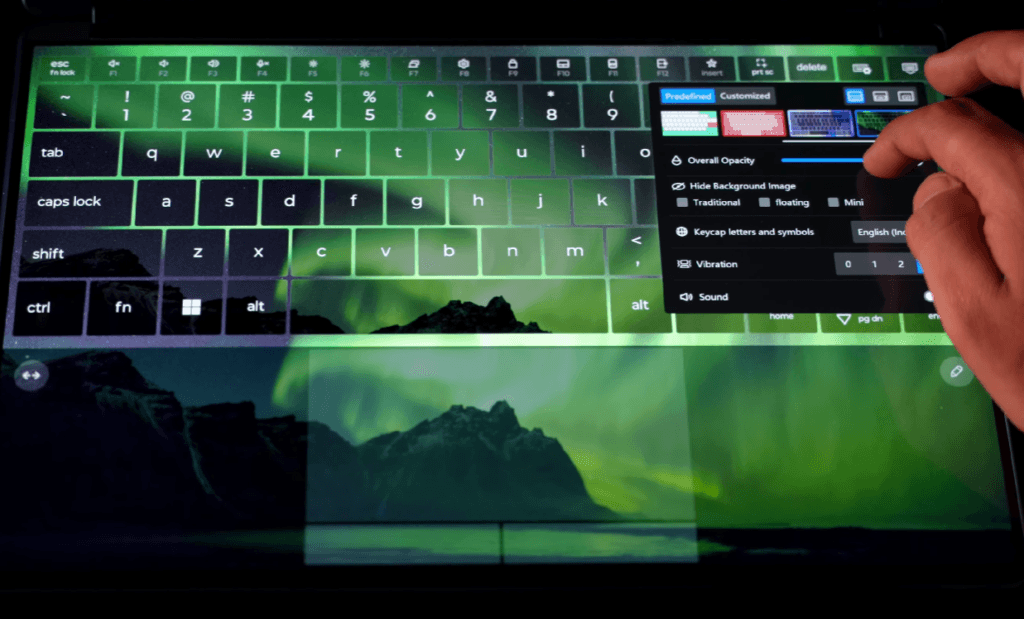
- Haptic feedback and optional key sounds
- Multiple themes and opacity control
- Trackpad with multi-gesture support
- Palm rejection that works well
- Quick pinch gesture to open the keyboard
- Shortcut icon for notes
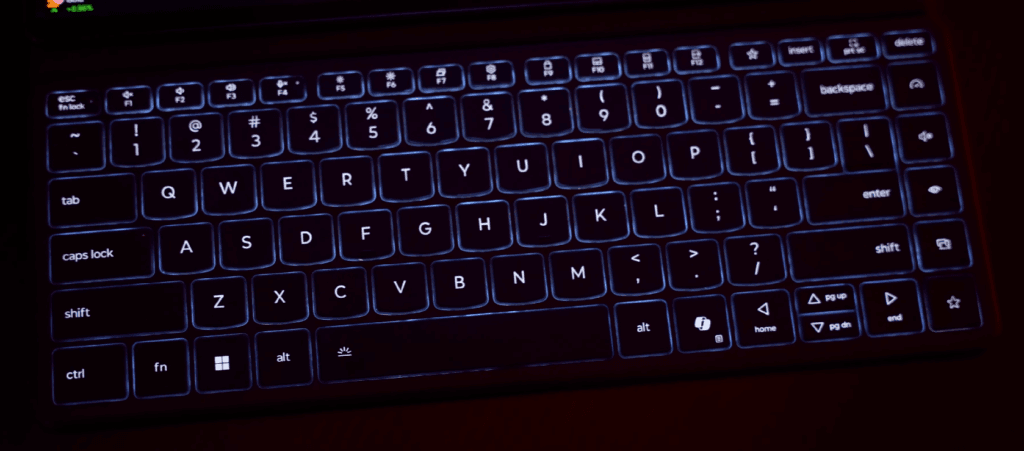
The physical keyboard in the box matches the digital layout. It has a white backlight, soft keys, and a few extra shortcuts. The included mouse is simple, uses AA batteries, supports two Bluetooth devices, and the keyboard charges through USB-C.
Lenovo Yoga Book 9i Ports
The port selection is limited, but the ones you get are solid.
Left side:
- 1× Thunderbolt 4
Right side:
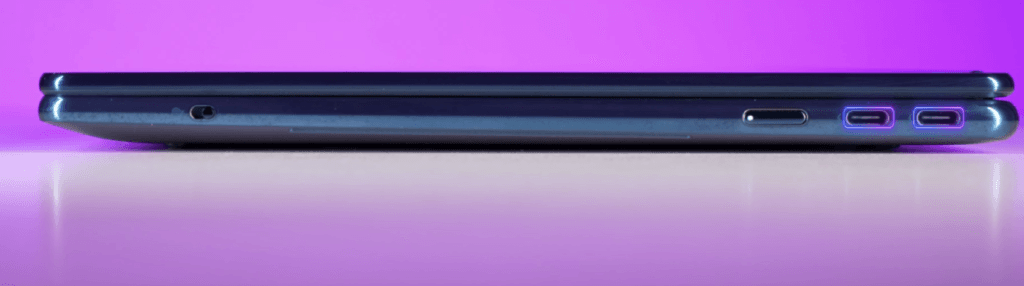
- 2× Thunderbolt 4
- Power button
- E-shutter switch
Highlights:
- Thunderbolt 4 supports DisplayPort 1.4 output (up to 4K at 240 Hz).
- Supports 65W USB-C Power Delivery.
- All Thunderbolt 4 ports are always-on, so you can charge the keyboard or stylus even when the laptop is off.
The only drawback is the lack of HDMI or USB-A. For a premium dual-screen laptop, including a small hub in the box would’ve made things more complete.
Lenovo Yoga Book 9i Display
The Lenovo Yoga Book 9i features dual 14-inch OLED displays, both offering identical specs. The bezels are extremely thin, providing an immersive viewing experience. Each display has a WQXGA+ resolution of 2880×1800, supports 10-point multi-touch, and has a 120Hz refresh rate.
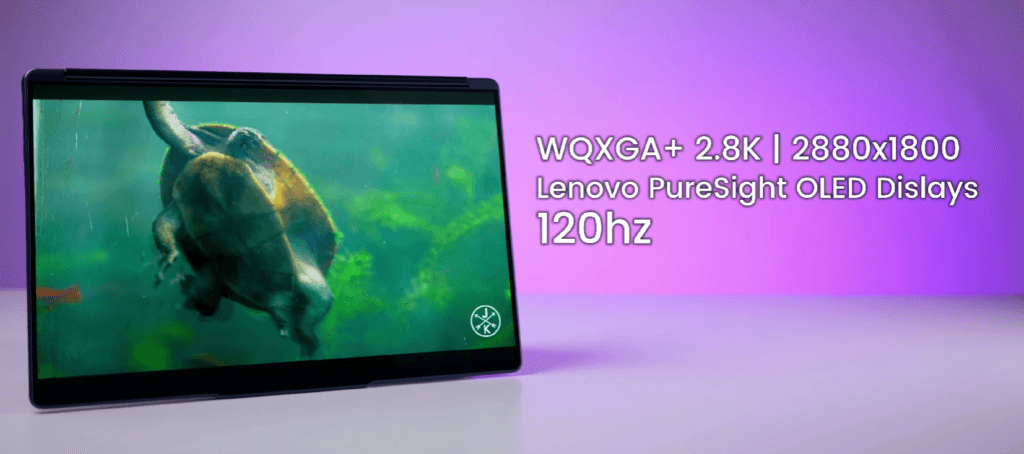
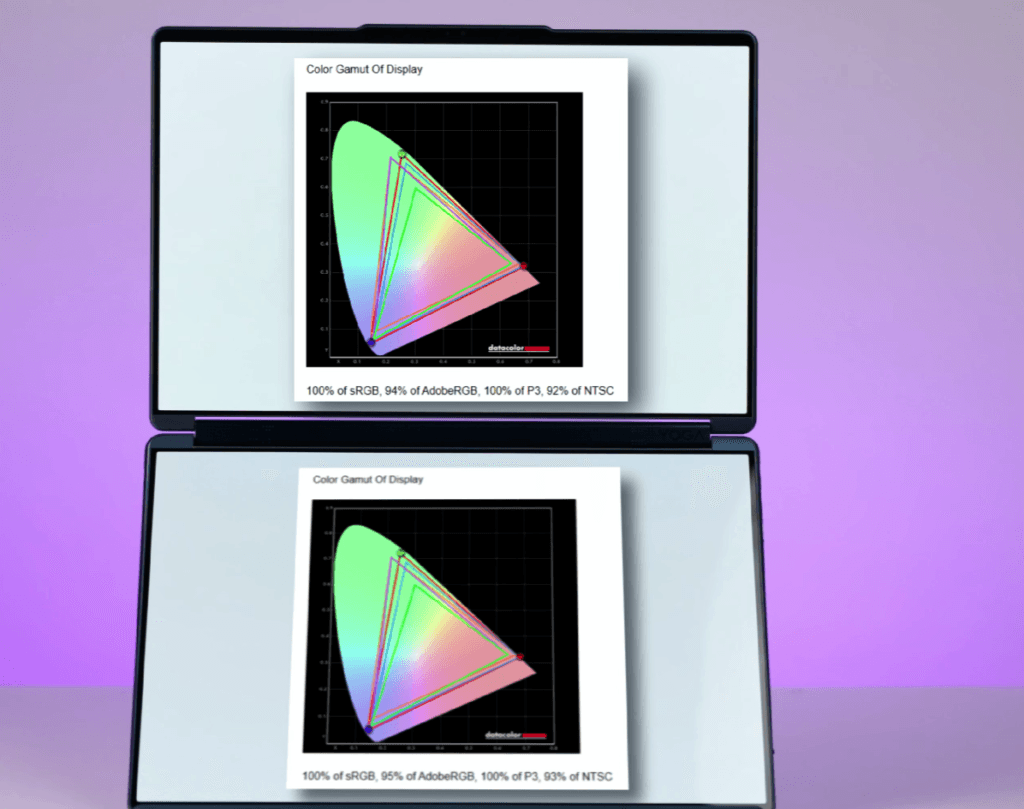
Both screens are glossy, so reflections are noticeable, but they can be managed with screen guards if needed. They are also relatively resistant to fingerprints, though cleaning is still recommended with touch use. Color accuracy is excellent, covering 100% sRGB and 100% P3, making the displays ideal for multimedia, gaming, or color grading tasks.
Brightness is solid at around 487 nits, with HDR content reaching up to 750 nits in peak zones. The displays support HDR 2.0, Dolby Vision, and True Black 600, ensuring rich contrast and vibrant visuals for streaming, creative work, or general productivity. Overall, both screens deliver a premium, professional-grade experience.
| Setting | Brightness | Black | Contrast | White Point |
|---|---|---|---|---|
| 0 % | 5.8 | 0.01 | 410 : 1 | 7300 (0.300,0.325) |
| 25 % | 36.0 | 0.01 | 2570 : 1 | 7200 (0.302,0.323) |
| 50 % | 139.7 | 0.01 | 9980 : 1 | 7100 (0.304,0.323) |
| 75 % | 277.2 | 0.01 | 19800 : 1 | 7100 (0.304,0.321) |
| 100 % | 487.6 | 0.01 | 34830 : 1 | 7200 (0.303,0.320) |
Lenovo Yoga Book 9i Stylus
The Lenovo Yoga Book 9i comes with a 4096-pressure sensitive stylus, supporting palm rejection and tilt detection, making it ideal for note-taking, sketching, or creative work. Key features include:
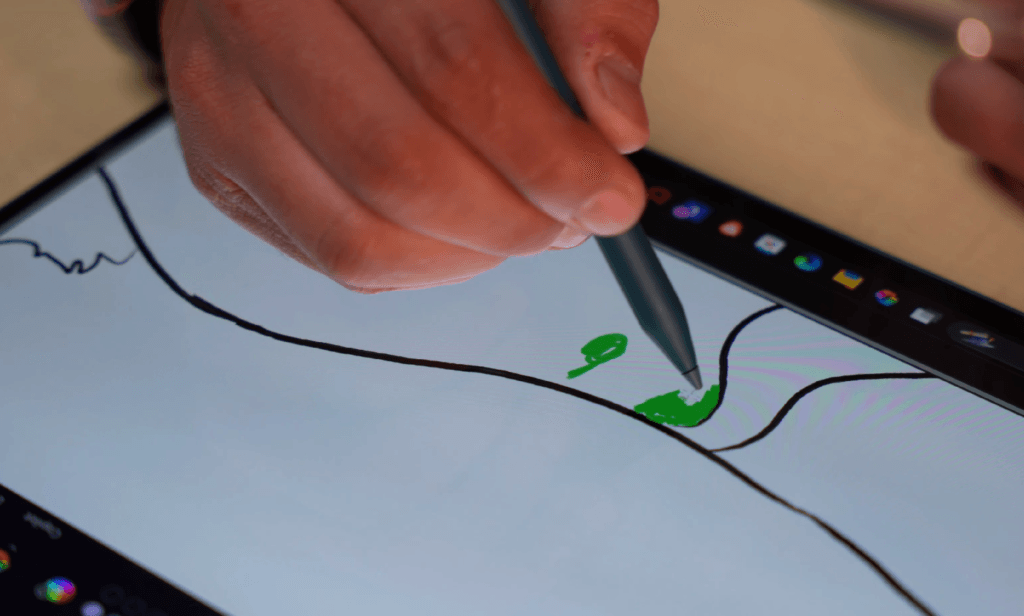
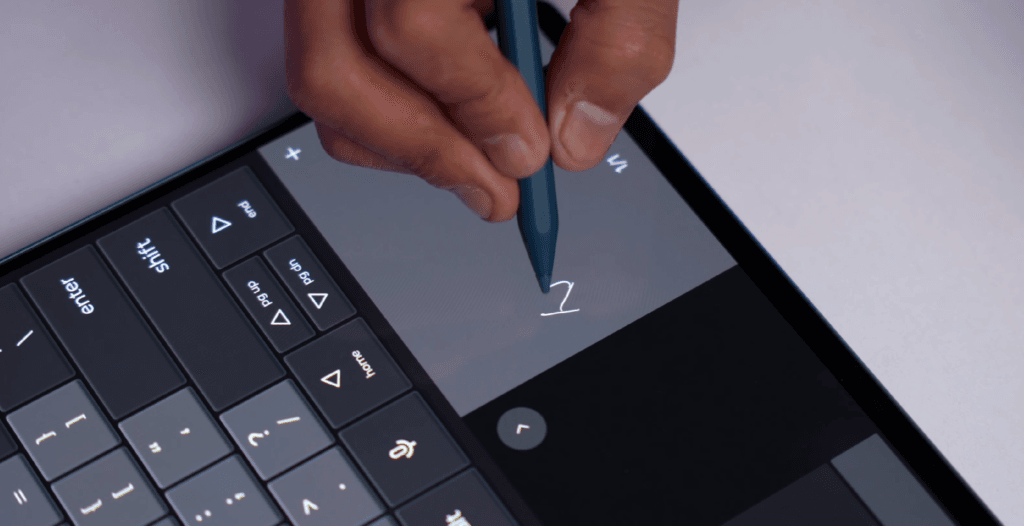
- Handwriting to text conversion: Write notes and copy them anywhere.
- Quick gestures: Swipe from the right to open Smart Note, swipe from the left for screenshots.
- Customizable buttons: Assign actions via the Pen Settings app.
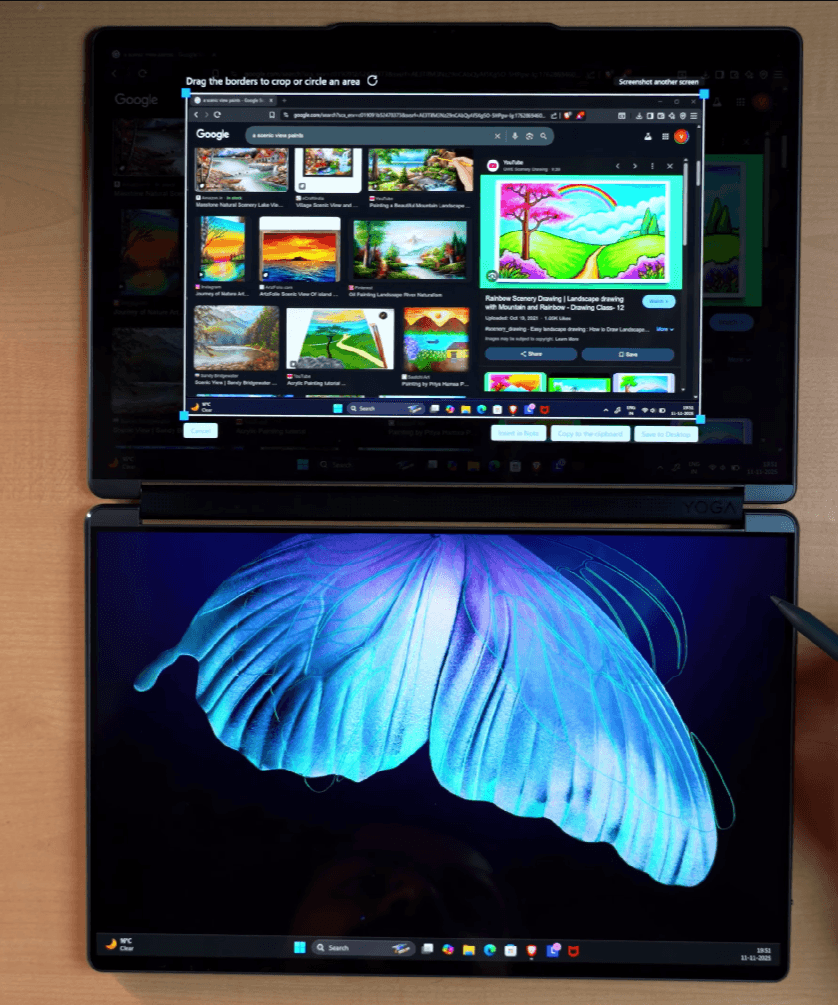
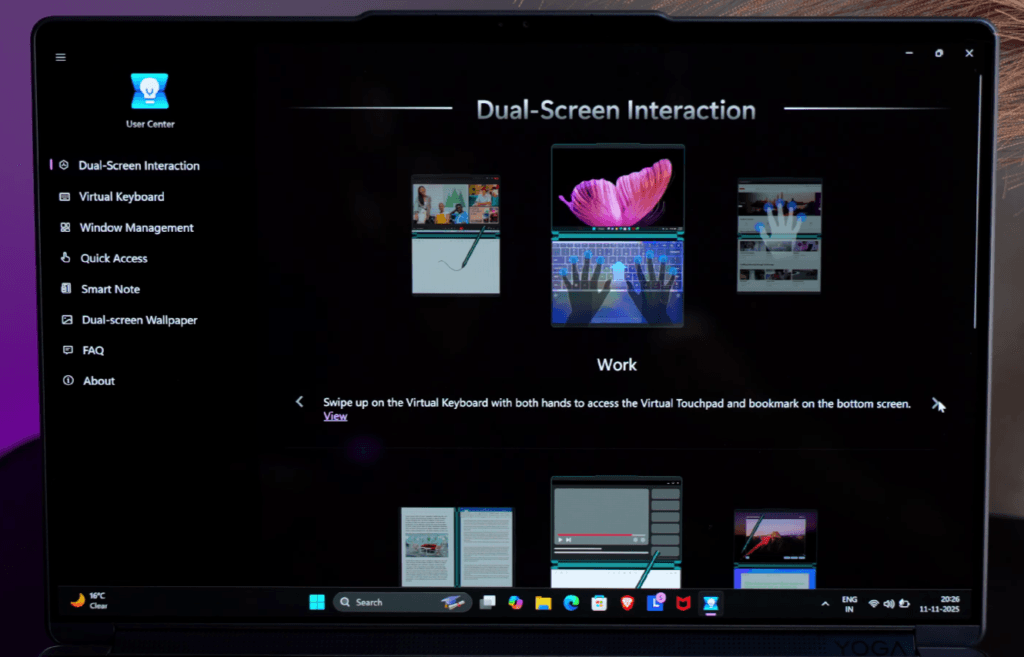
- Lock screen functionality: Take quick notes on the bottom display even when locked.
- Gestures & shortcuts: Full set available in the User Center app for mastering dual-screen use.
- Live & static wallpapers: Customize each display individually for a personal touch.
Overall, the stylus enhances productivity and creativity for professionals, artists, and students.
Lenovo Yoga Book 9i Webcam & Microphone
or professional video calls. The built-in microphones capture clear audio, making meetings and online classes smooth and reliable.
- Studio effects in the taskbar: control background blur, eye contact, and auto-framing.
- E-shutter button: physically disconnects the webcam for privacy and security.
- Windows Hello support: face unlock works quickly and reliably.
Overall, the webcam and mic setup ensures high-quality video calls with professional-grade functionality.
Lenovo Yoga Book 9iv Speakers
One of the standout features of the Lenovo Yoga Book 9i is its audio setup, which feels more like a soundbar than standard laptop speakers. It has a quad-speaker system:

- Two 2W woofers for rich bass
- Two 2W front-facing tweeters for clear, detailed highs
The stereo separation is excellent, making movies, music, and multimedia content feel immersive. The laptop also supports Dolby Atmos, and you can use the Dolby Access app for enhanced audio tuning.
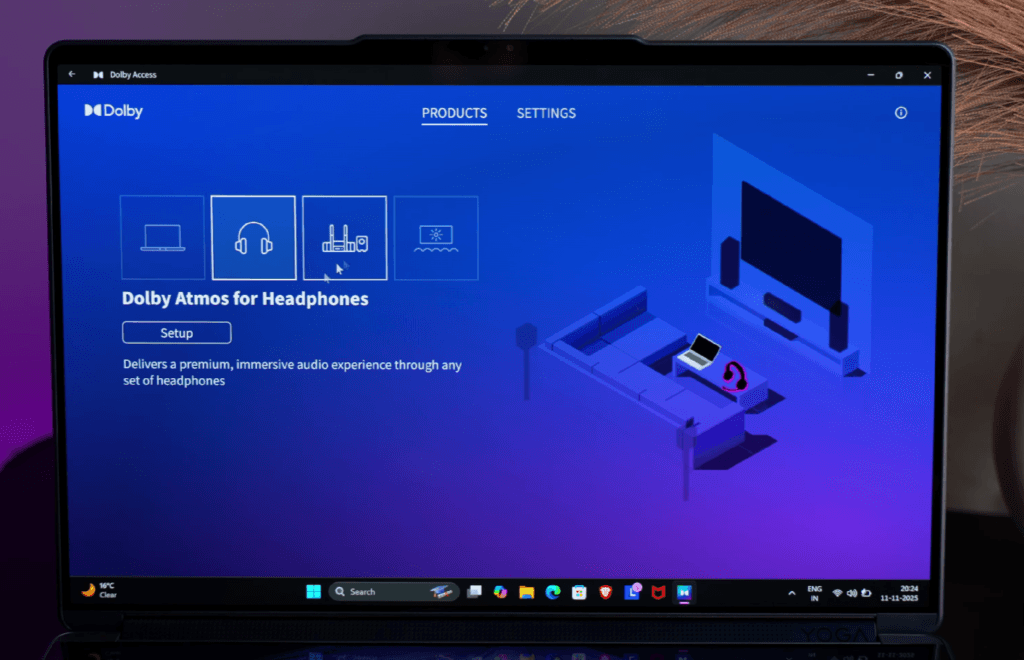
Pair it with Dolby-certified headphones or speakers to fully experience the sound quality. Overall, the combination of dual screens, a powerful processor, and this audio setup makes it a premium multimedia device.
Lenovo Yoga Book 9i Battery
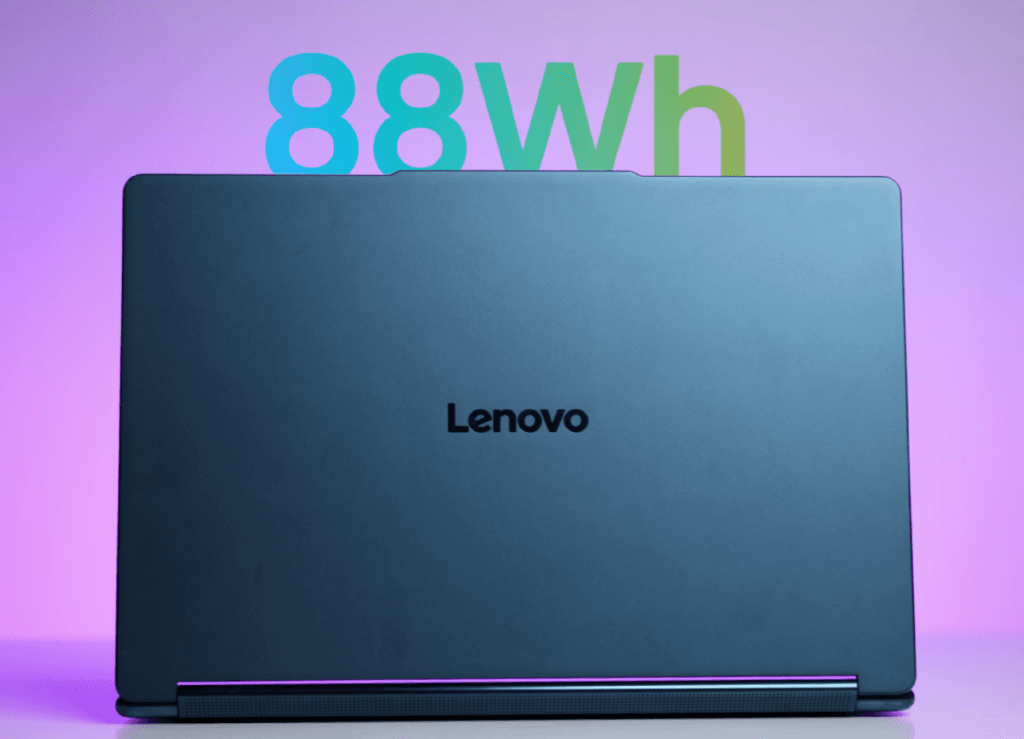
The Lenovo Yoga Book 9i comes with an 88Wh battery, upgraded from the previous 80Wh version. The physical keyboard attaches magnetically to the secondary display, allowing flexible usage: top for trackpad, bottom for secondary screen.
- Battery life: Around 4 hours 40 minutes in heavy use (both screens on, Office apps, YouTube, speakers at full volume); ranges from 4–10 hours depending on usage.
- Fast charging: 65W USB-C charger fills the battery in about 2 hours 15 minutes.
- Dual-screen impact: Battery endurance varies based on how you use the dual displays and apps.
This setup gives good endurance for a premium dual-screen laptop while offering fast recharging for on-the-go productivity.
Lenovo Yoga Book 9i Performance & Benchmark
The Lenovo Yoga Book 9i is powered by the Intel Core Ultra 9 H-series, delivering excellent performance for productivity, creative tasks, and light AI workloads.
CPU Performance
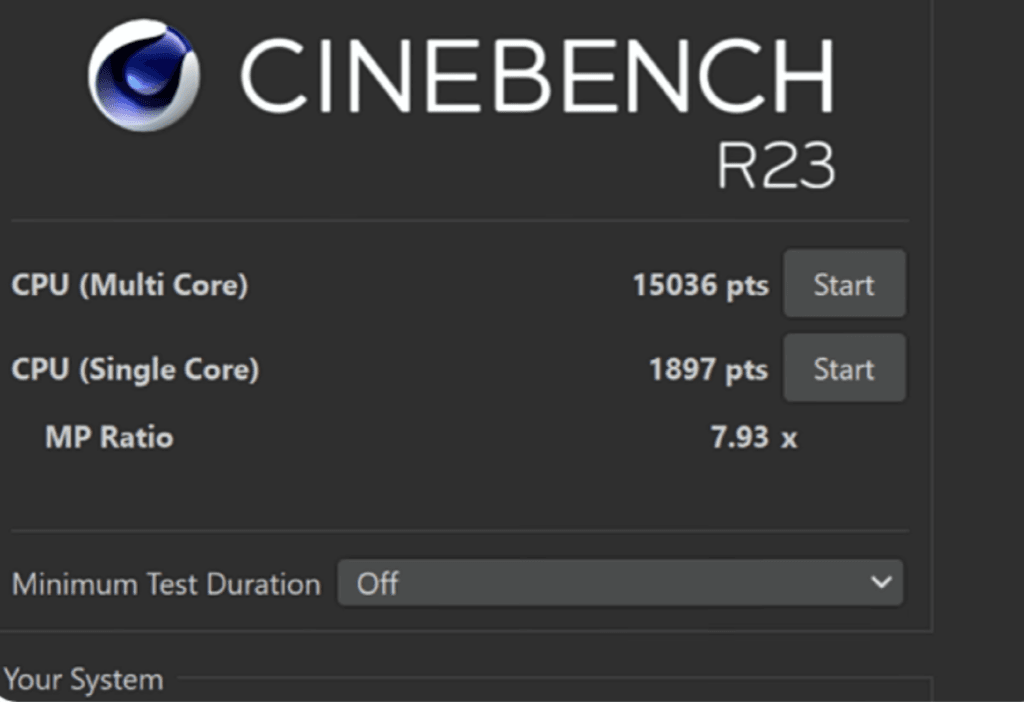
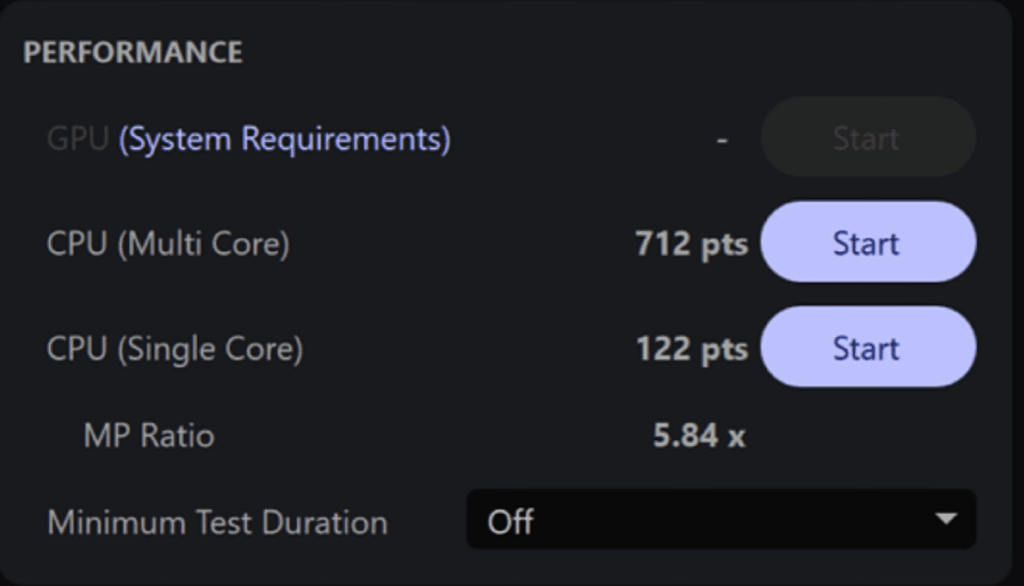
Benchmarks like Cinebench R23 show ~15,000 multi-core and ~1,800 single-core, while Geekbench 6 confirms strong CPU and AI performance. The laptop handles day-to-day tasks, coding, and music production without any issues.
AI Tasks
For AI workloads, using low-power models such as a 7B parameter model in LM Studio, tasks completed in about 1 minute 18 seconds, demonstrating capability for light AI processing. This makes it suitable for research, note-taking, or casual AI applications.
Graphics & Productivity
The integrated GPU is entry-level, ideal for basic graphics design and creative work.
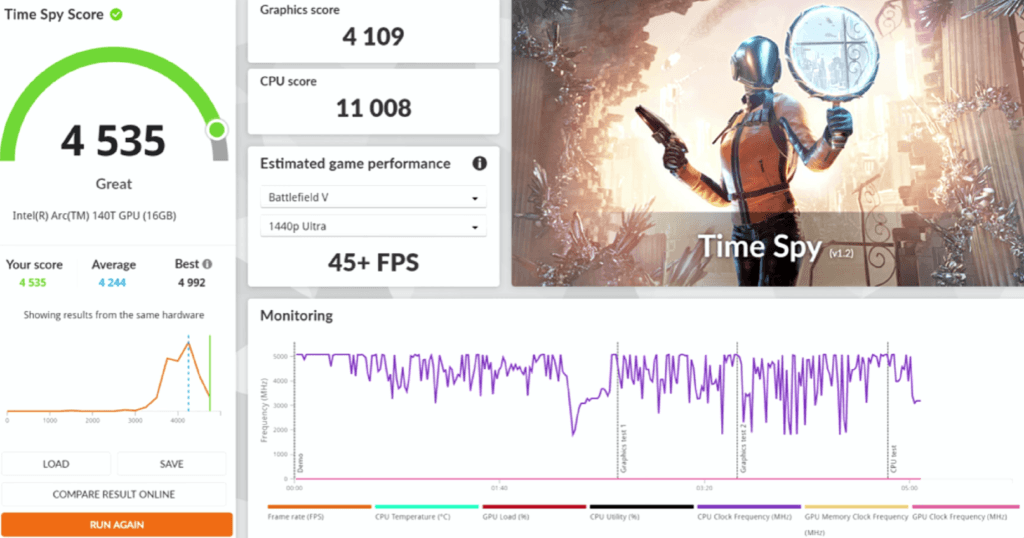
- 3DMark Time Spy shows solid scores for thin-and-light laptops.
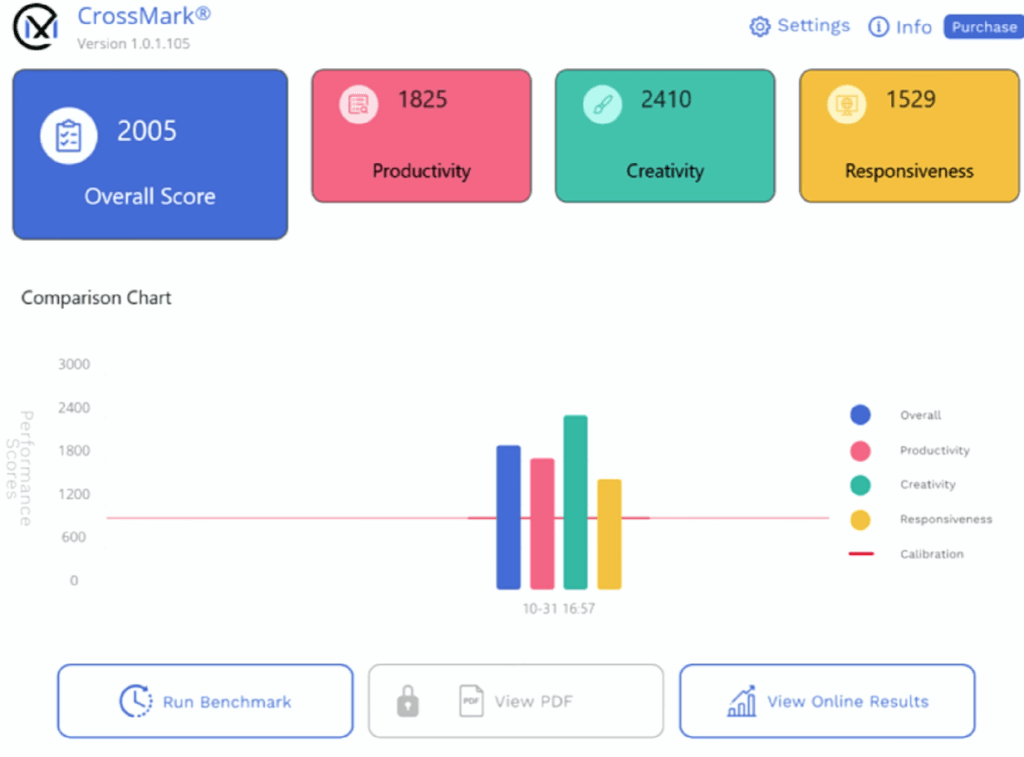
- OpenCL scores exceed 43,000, enough for entry-level 3D modeling or rendering.
- Suitable for Photoshop, Illustrator, and Premiere Pro for 1080p editing or light 4K projects. Heavy 4K multi-layer editing may require pre-rendering for smooth performance.
Creative Work & Color Grading
Dual displays combined with strong CPU performance allow color grading, sketching, and design tasks without major slowdowns. While it’s not designed for high-end 3D rendering or GPU-heavy workflows, it performs well for creative professionals who need a portable, dual-screen solution.
Overall, the Yoga Book 9i balances portability, dual-screen productivity, and strong CPU performance, making it ideal for creative users, professionals, and students who need a versatile workflow machine.
Lenovo Yoga Book 9i Game Test
The Lenovo Yoga Book 9i is not a gaming laptop, but it handles light gaming surprisingly well thanks to its Intel integrated GPU and dual-screen setup. Testing was done at 1200p resolution for all games.
Gaming Performance
- Valorant: 250–260 FPS on the 120Hz panel. Smooth Gameplay even at high frame rates.
- CS2 & GTA5 Enhanced Edition: 65–70 FPS on medium to minimum settings, providing playable performance.
- Elden Ring: 55–60 FPS on low settings; you can tweak settings slightly for better visuals.
- Cyberpunk 2077: ~40 FPS on low settings; frame generation technology helps improve playability.
- Red Dead Redemption 2 & Ghost of Tsushima (via XCS): 45–50 FPS, making light gaming possible on low settings.
Thermals & Power
- Maximum CPU temperature reached 106°C under extreme load; average maintained around 80°C.
- Power draw averages around 32W, peaking at 61W, showing efficient management for a thin-and-light device.
- The laptop did not crash or throttle significantly during stress tests, proving stability under load.
Although this is not a dedicated gaming laptop, it can handle lighter or older games well, especially with optimizations like lower resolutions or frame generation. For high-end gaming, a dedicated GPU laptop would still be necessary.
Overall, the Yoga Book 9i offers unexpectedly playable gaming for casual titles, making it versatile for both productivity and light entertainment.
Lenovo Yoga Book 9i Price
Lenovo Yoga Book 9i Conclusion
The Lenovo Yoga Book 9i targets a very specific audience. It’s ideal for professionals who need a dual-screen laptop for multitasking, frequent meetings, or creative work and prefer it over a MacBook.
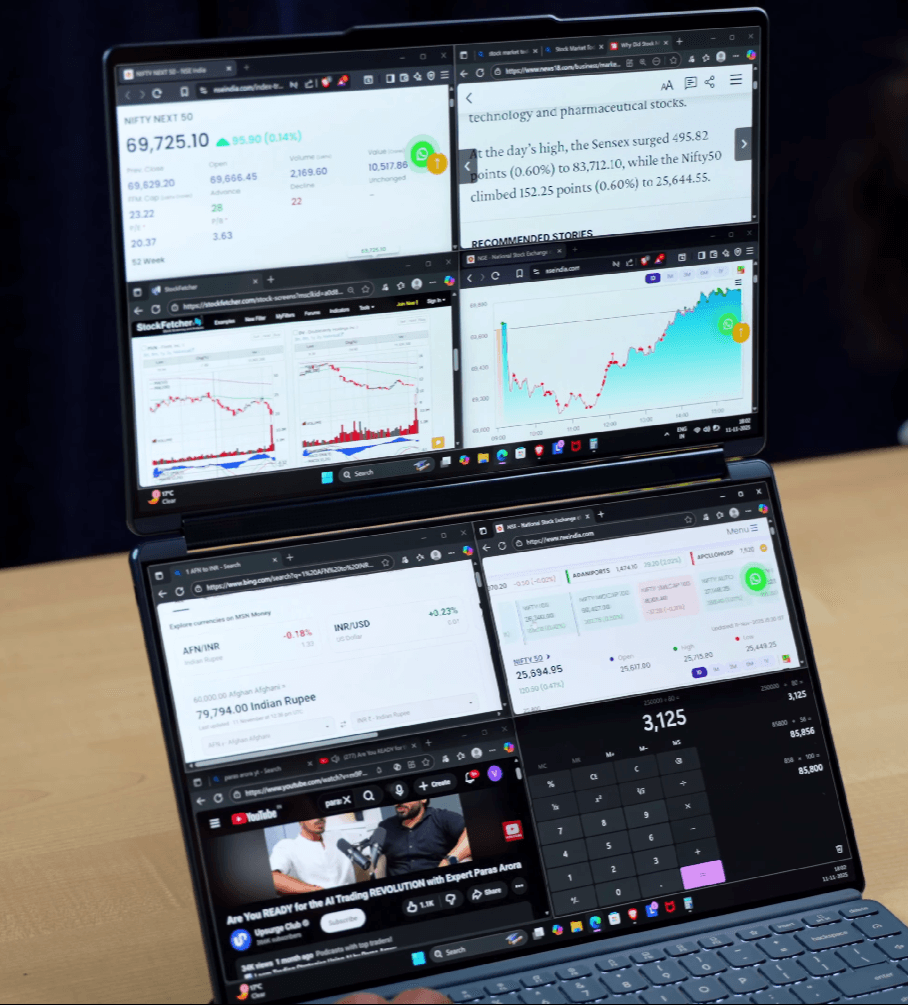
If you normally use an external monitor but want portability, this laptop acts as a mobile second screen, letting you carry a workstation anywhere. It’s perfect for CEOs, researchers, stock market analysts, artists, and anyone who juggles multiple tasks at once. With its included stylus, dual displays, and productivity-focused design, it’s built for users who need both style and functionality in one compact package.

