
The Lenovo Legion Tab is one of the few compact gaming tablets competing with the iPad mini. It launched in August 2024 with two USB-C ports and a 144 Hz display, but Lenovo used the older Snapdragon 8 Plus Gen 1 chipset from 2022.
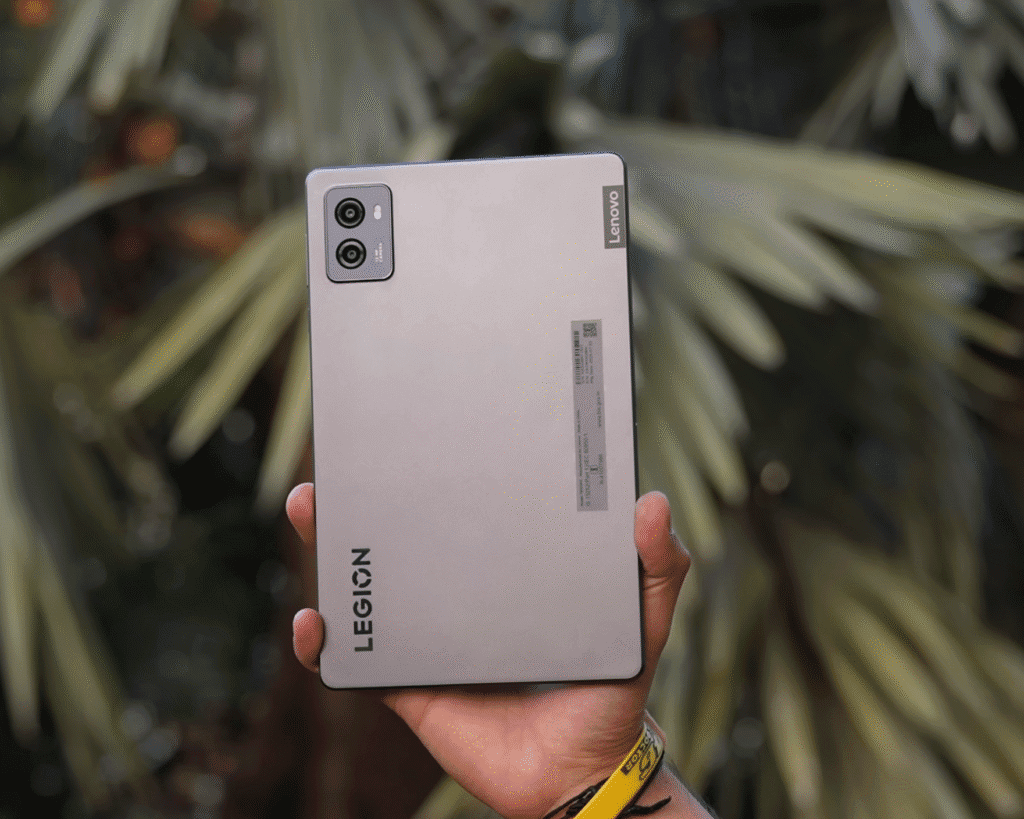
Its launch price was about $480 (converted), which felt high. Today it sells for roughly $420. Lenovo offers only one model with 12 GB RAM and 256 GB storage. There’s also an upcoming Gen 3 version, priced at $419 in other regions, featuring the newer Snapdragon 8 Gen 3. I’ll be reviewing that model soon.
Unboxing
Let’s take a quick look at what comes inside the Lenovo Legion Tab box and where this tablet stands for its price.

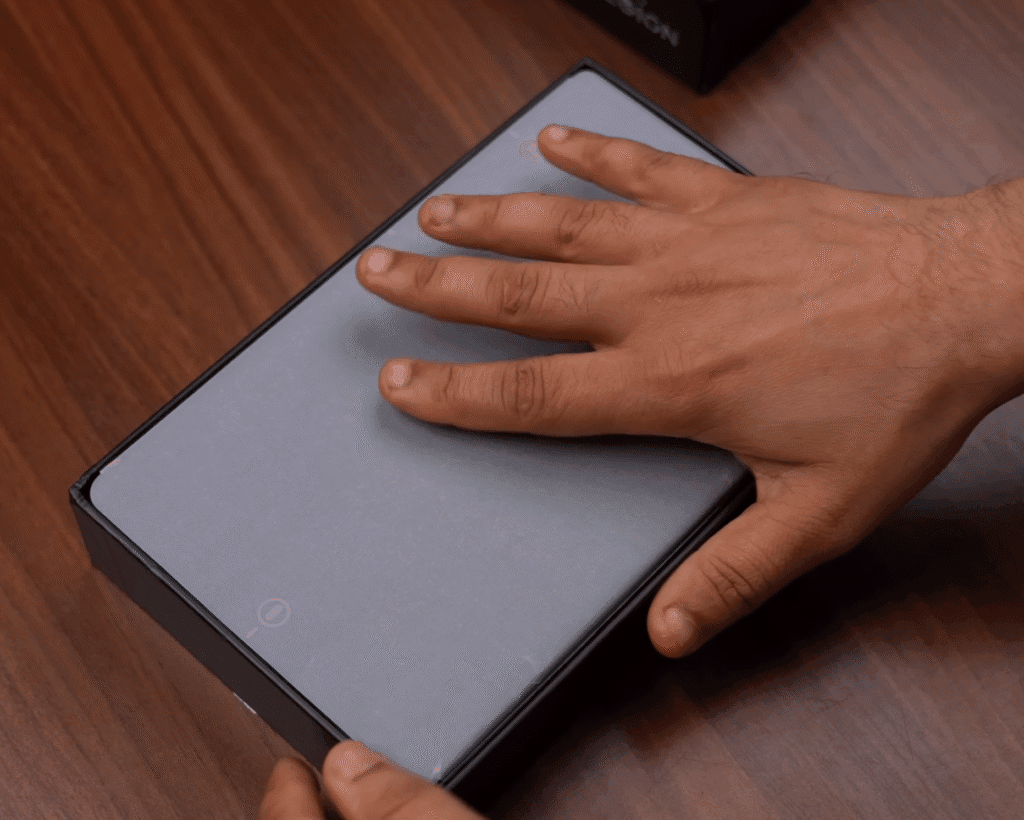
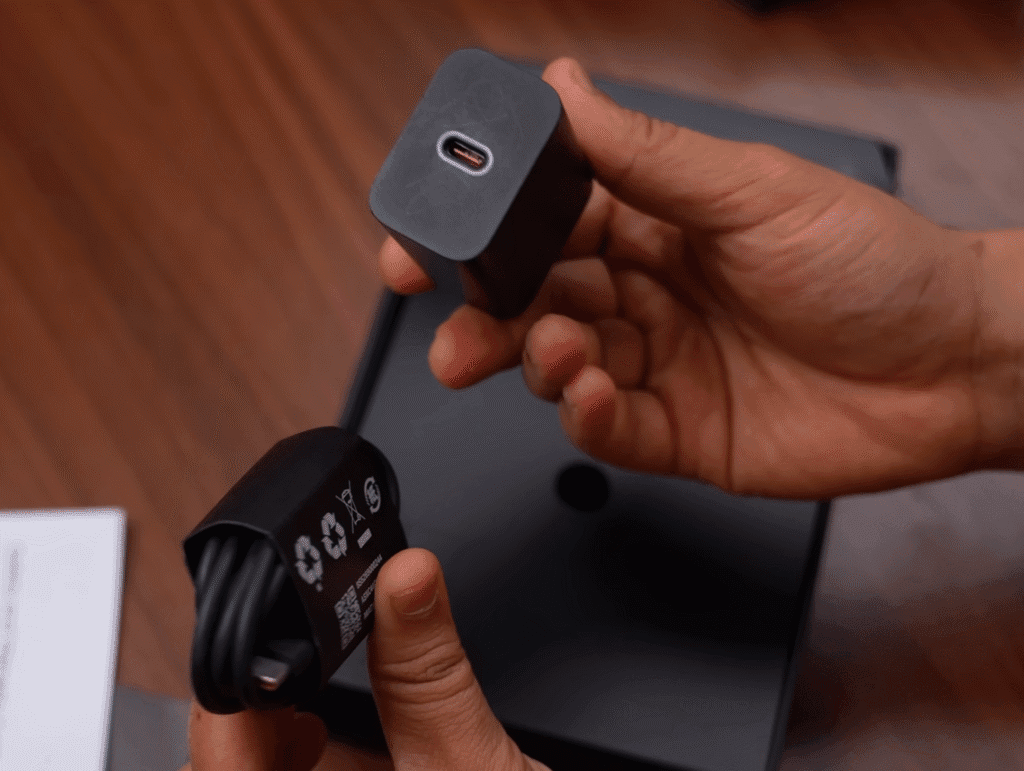
Inside the box, you get:
- The tablet wrapped in a white protective cover
- SIM ejector tool
- 45 W charger
- USB-C to USB-C cable
Inside the box, the layout is very similar to Lenovo’s Legion gaming laptops. You get the tablet wrapped in a white protective cover, a SIM ejector tool, a 45 W charger, and a USB-C to USB-C cable. That’s the entire package.
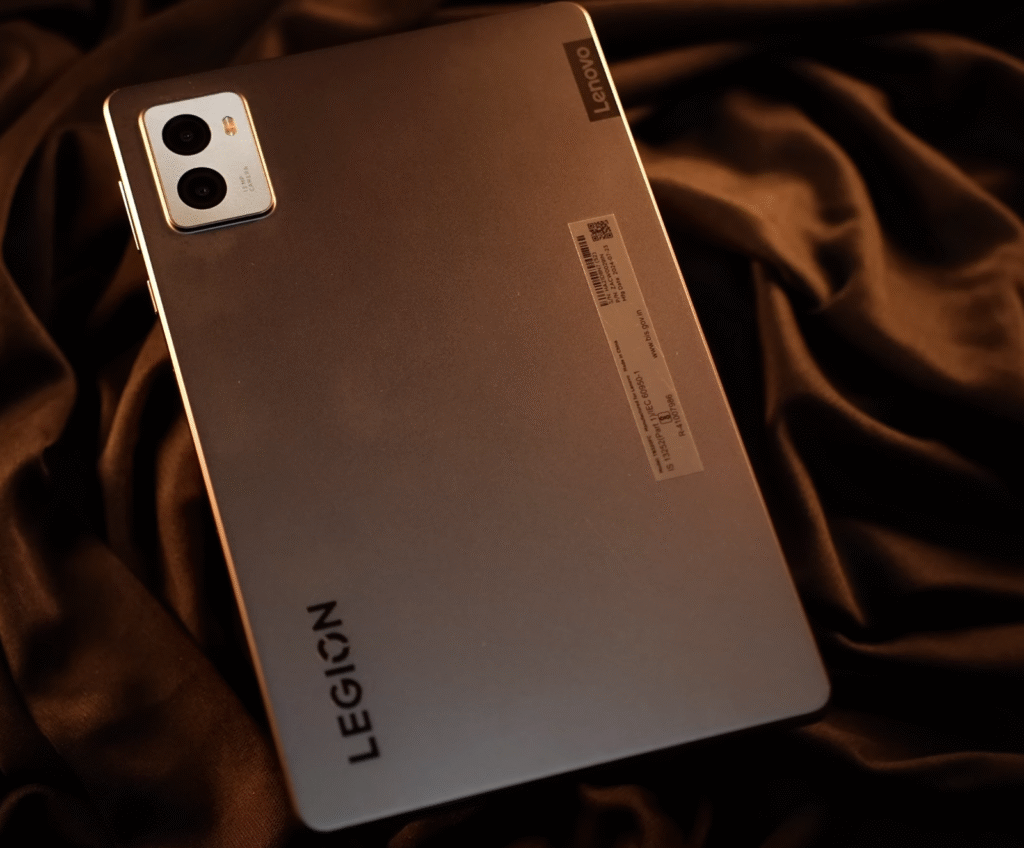
The tablet itself has a clear gaming look, which fits the Legion branding well. In the rest of the review, I’ll cover the pros and cons, how it performs for the price, and the price range where it actually makes sense to buy.
Build and design
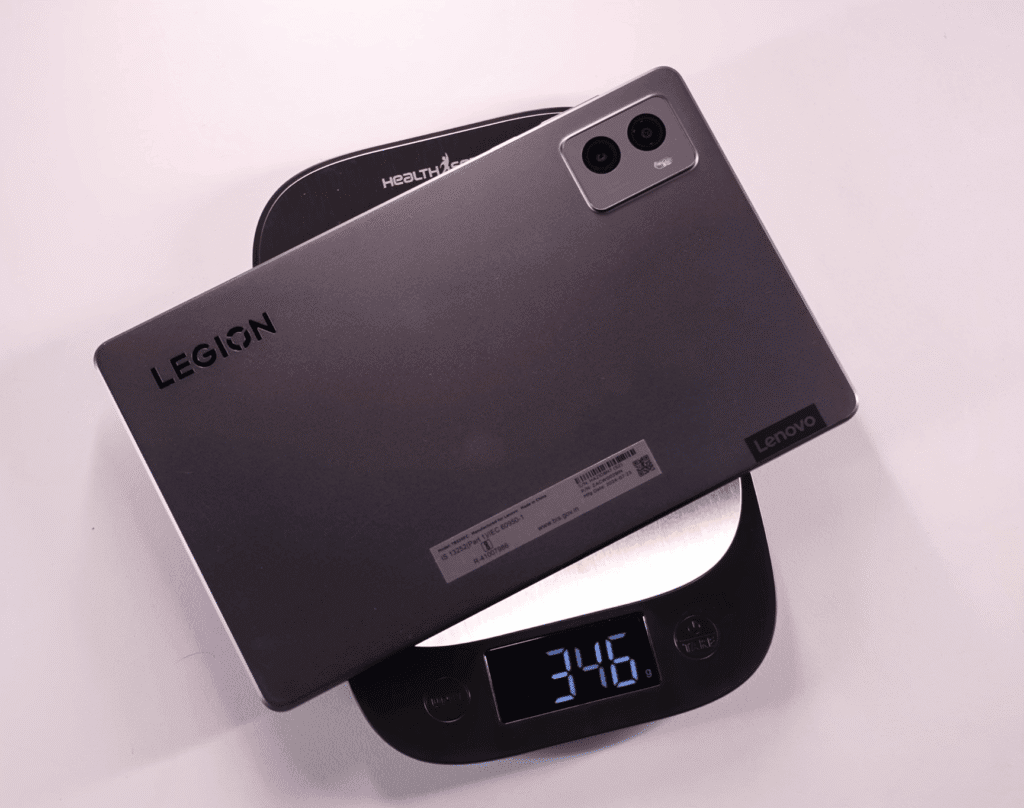
The Lenovo Legion Tab has a solid metal body with Legion branding on the back. It feels compact and comfortable at 8.8 inches, weighs about 350 g, and is 7.6 mm thick.

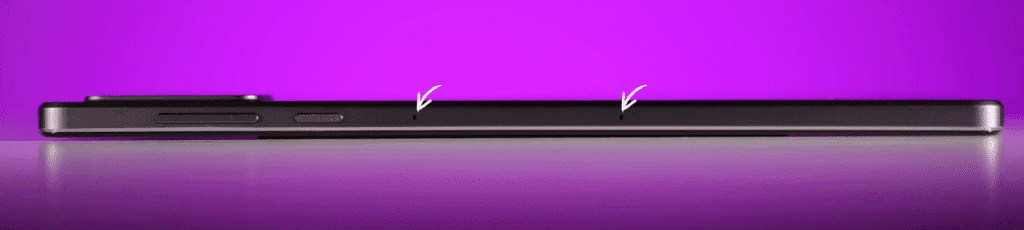
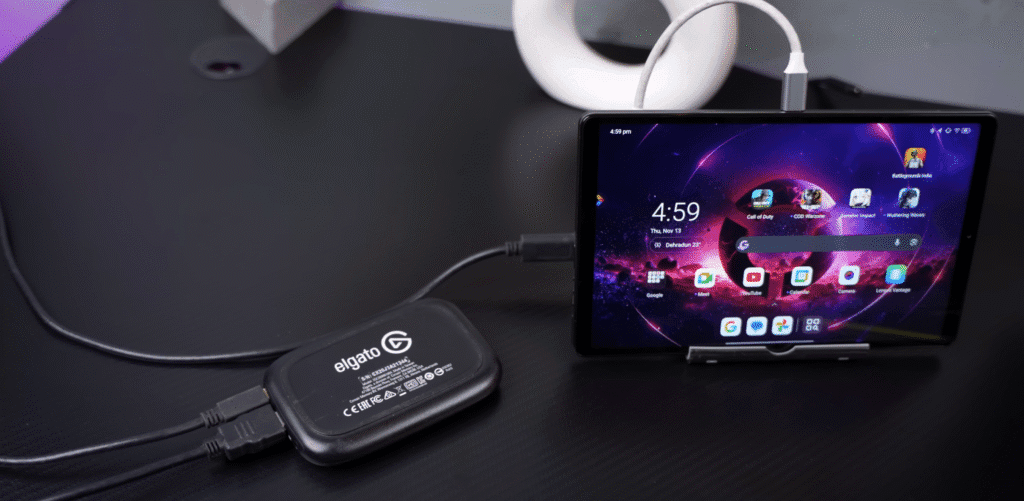
On top, you get the volume rocker, power button, two noise-cancelling mics, and a speaker with Dolby Vision and Dolby Atmos branding. Another speaker sits at the bottom along with a USB-C 2.0 port for charging, OTG, and Type-C earphones. The right side has a second USB-C port (USB 3.1 Gen 2) that supports display output up to 4K 60 Hz, which is useful for mirroring, extended screens, or streaming.

There’s a microSD tray that supports up to 1 TB, and the tablet is Wi-Fi only.
Key advantages of dual USB – C ports:
- More comfortable charging while gaming
- Easy to use Type-C earphones or accessories
- Helpful for streaming setups
Overall, it’s lightweight, sturdy, and clearly built for gamer.
Speakers & Haptics
The tablet comes with dual stereo speakers, and the audio quality is surprisingly good for its size. It’s loud, has noticeable bass, and the treble is clear enough that you won’t feel let down. Larger tablets offer quad speakers, but given the compact size here, two speakers still deliver a solid experience.
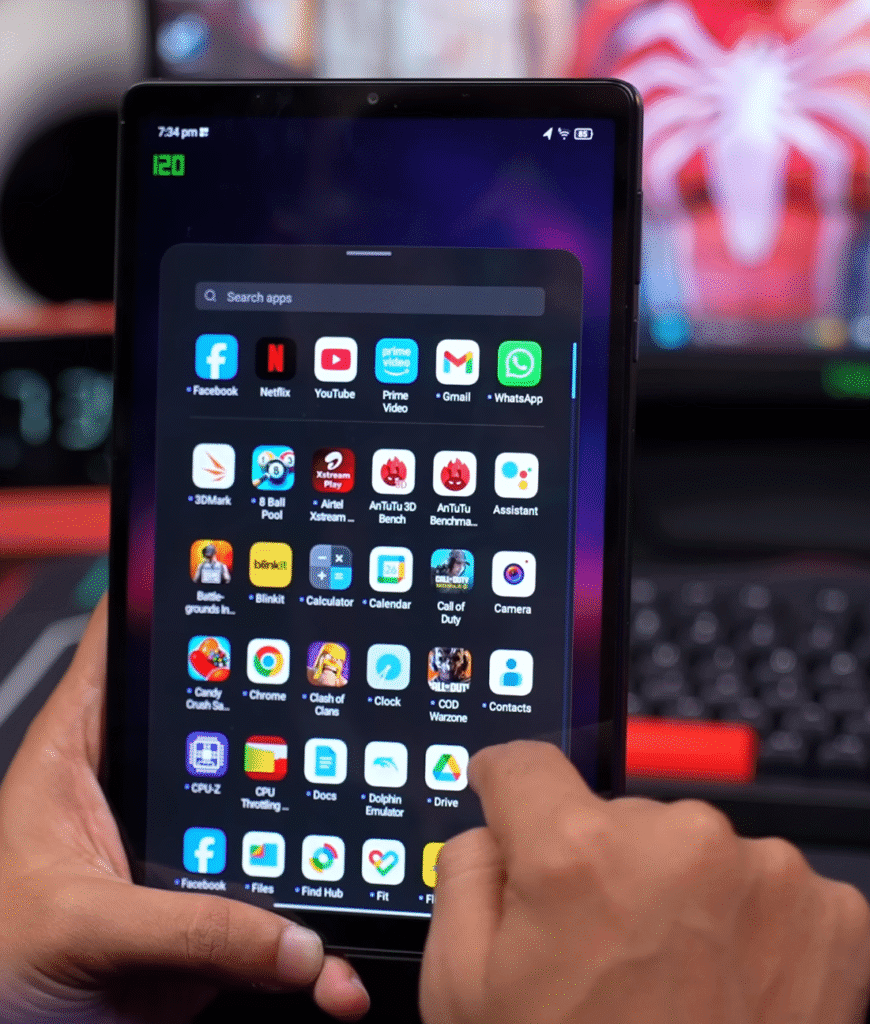
It also includes haptics, which you don’t usually see in tablets at this price. The vibration motor feels refined, whether you’re typing, getting WhatsApp calls, or navigating the UI. You even get subtle feedback when adjusting the volume or opening the app drawer, which adds to the overall user experience.
Display
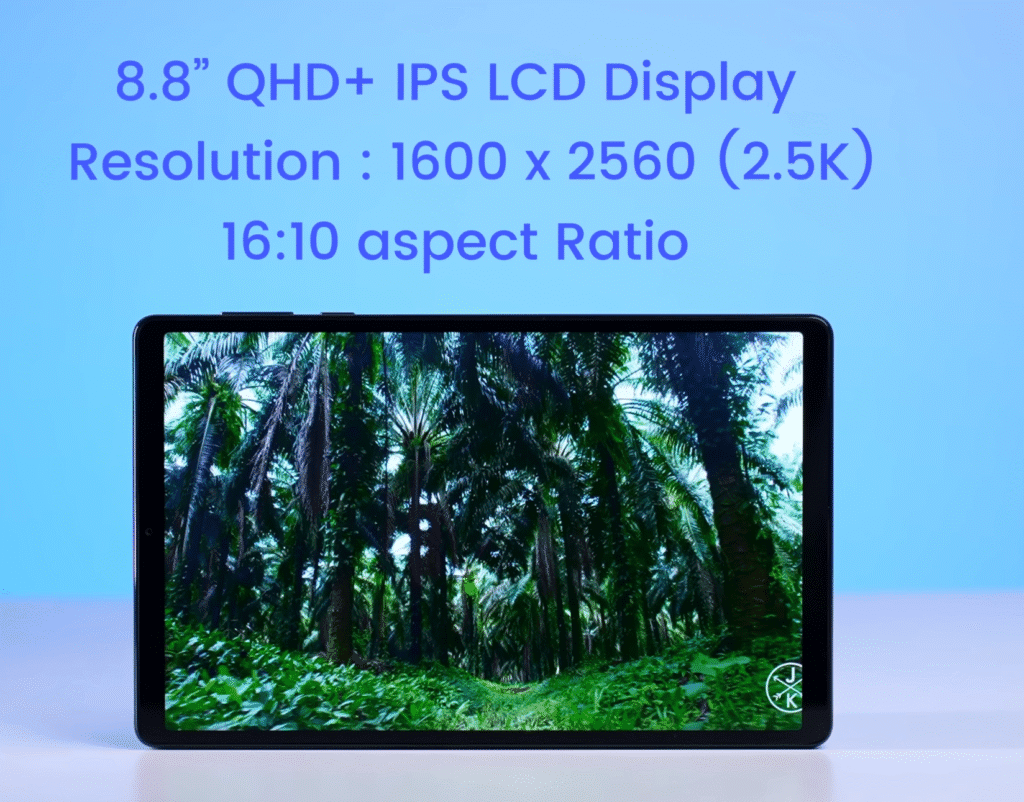
Now coming to the display. The Lenovo Legion Tab has an 8.8-inch Quad HD IPS panel with a 2.5K resolution (1600 x 2560) and a 16:10 aspect ratio. The bezels are slim for a compact tablet, giving it an 83.46% screen-to-body ratio. The 144 Hz refresh rate can be set to 144 Hz, 120 Hz, 60 Hz, or auto.
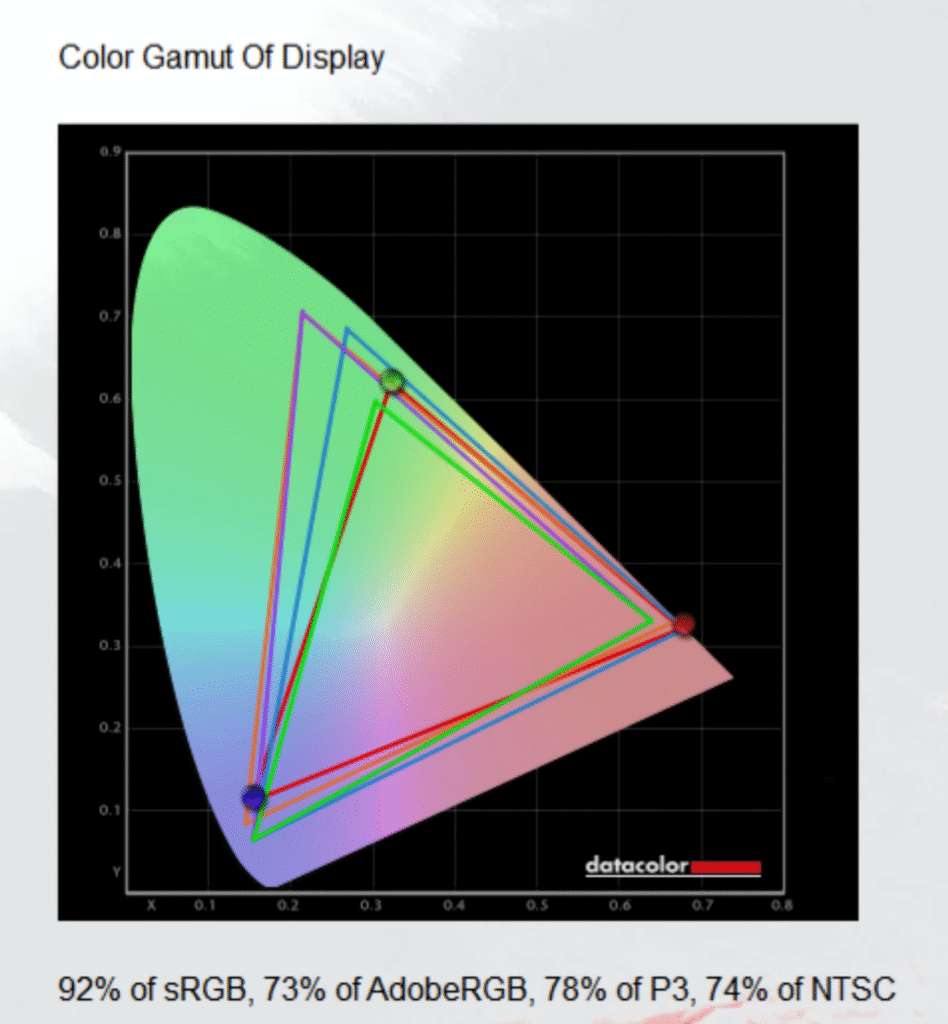
Color performance is solid, covering about 92% sRGB and 78% P3, which makes it suitable for light photo editing, color-accurate work, gaming, and regular content. Brightness reaches around 500 nits. It looks bright indoors and usable outdoors, though reflections can be an issue under direct sunlight.
Streaming support:
- Widevine L1 for full-HD streaming
- YouTube supports 4K 60 HDR
- Prime Video supports 4K HDR10+
- Netflix doesn’t offer HDR on this device
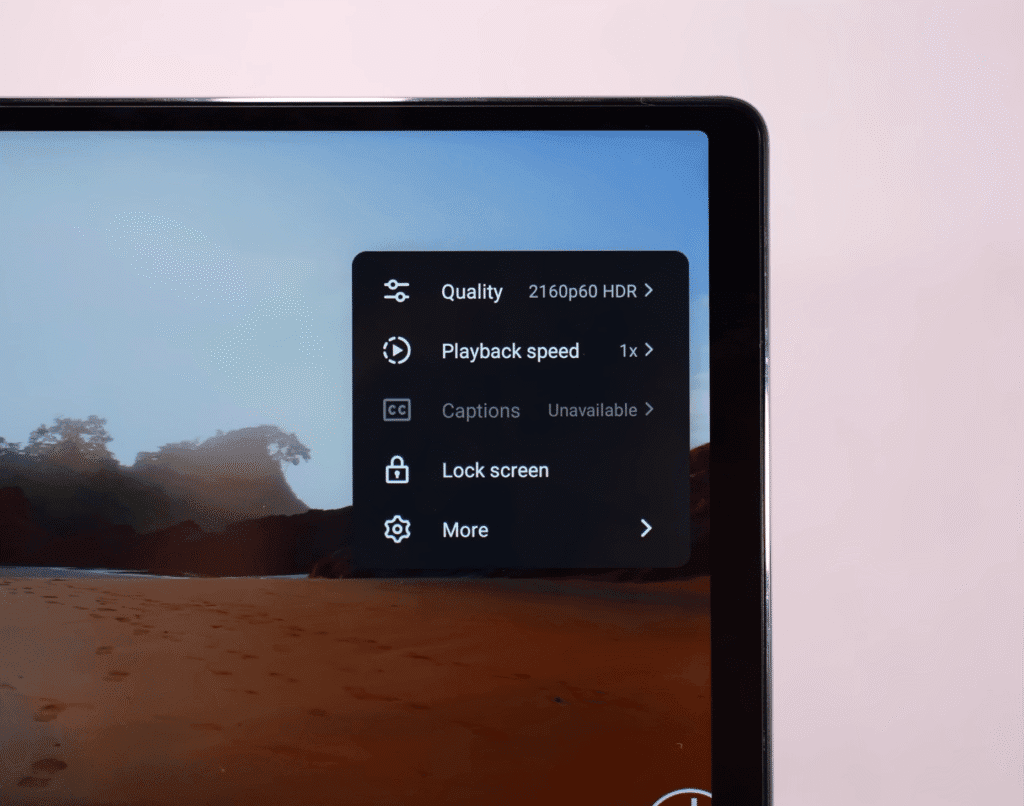
Overall, the multimedia experience is strong. The display is sharp, the speakers are loud, and the 8.8-inch size hits a comfortable middle ground between a phone and a full-size tablet.
Specification
Lenovo Legion Tab — Key Specs (List View)
- Processor: Snapdragon 8 Plus Gen 1
- GPU: Adreno 730
- RAM: 12 GB LPDDR5X
- Storage: 256 GB UFS 3.1
- Storage Expansion: Up to 1 TB microSD supported
- Connectivity: Wi-Fi 6E, Bluetooth 5.3
- Sensors: 23 sensors (including gyro)
- Gaming: Gyro works well in BGMI and other titles
- Ports: Dual USB-C (USB 2.0 + USB 3.1 Gen 2)
- Display Output: Supports up to 4K 60 Hz
- Form Factor: 8.8 inches, 350 g, 7.6 mm
- Charger: 45 W fast charger included
- Storage Speed: UFS 3.1
Benchmark & Performance
To understand how well the tablet holds up under load, we ran a full set of benchmark tests. Here’s a quick breakdown of the results:
Key Benchmark Scores
- AnTuTu: ~1.3 million
- Geekbench 6: Solid single-core and multi-core results
- Geekbench AI: Performs as expected for this processor
- Geekbench 6 OpenCL: GPU scores are in line with similar chipsets
Wild Life Stress Test
These numbers place the tablet right where you’d expect for its hardware, with reliable CPU and GPU output.
Stability & Stress Tests
- WildLife Stress Test:
- Stability: 95%
- Loop scores were consistent throughout the test
- CPU Stress Test:
- 15-minute performance: 87%
- 30-minute performance: Almost identical, with no major drop
- Thermals:
- The chipset didn’t throttle
- In regular use, the tablet stays cool and doesn’t feel warm in the hand
Performance remains stable even during long gaming or multitasking sessions. The tablet maintains its speed without overheating or slowing down, which makes it a dependable choice for gamers and power users.
Gaming Performance
If you’re planning to game on this tablet, here’s what we found during testing.
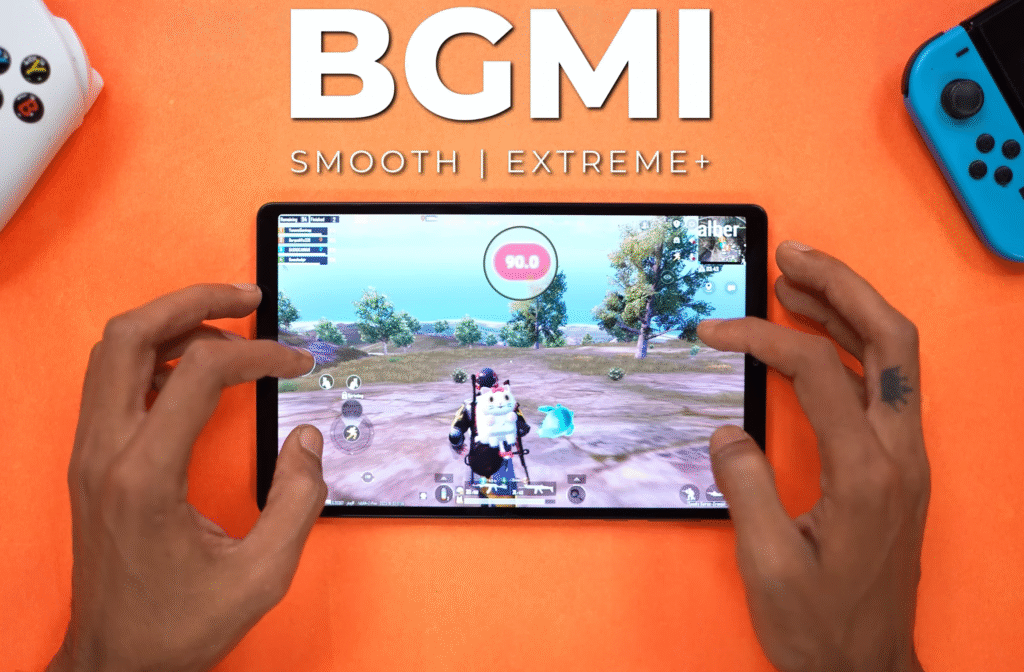
BGMI
- Runs at max setting on Smooth
- Holds around 89–90 FPS
Call of Duty Mobile
- Tested on Low–Ultra
- Stays around 89–90 FPS
- No 120 FPS support
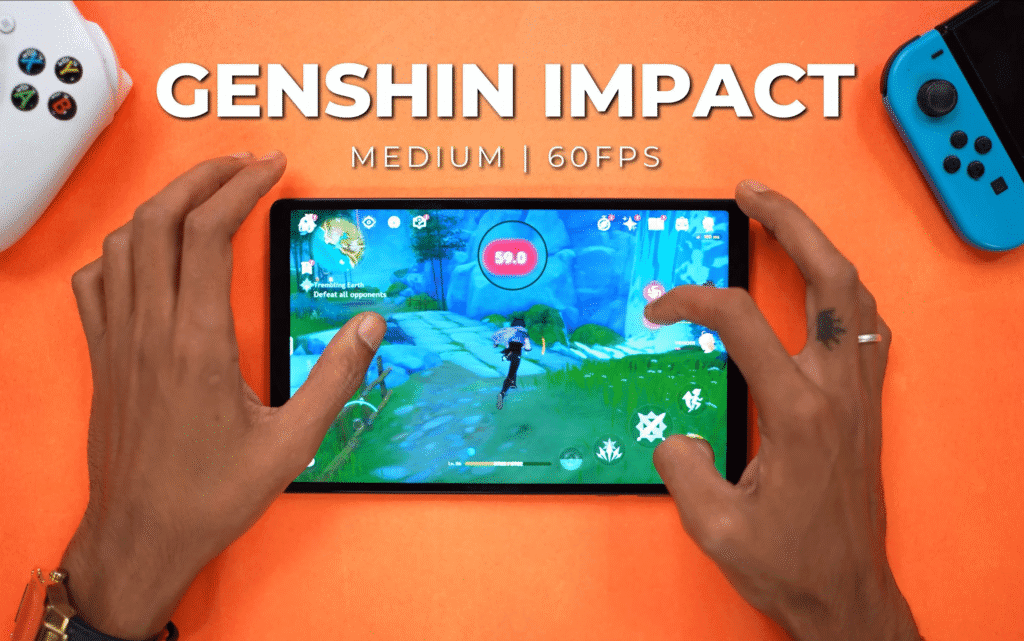
Genshin Impact
- Locked at 60 FPS
- Stable throughout the session
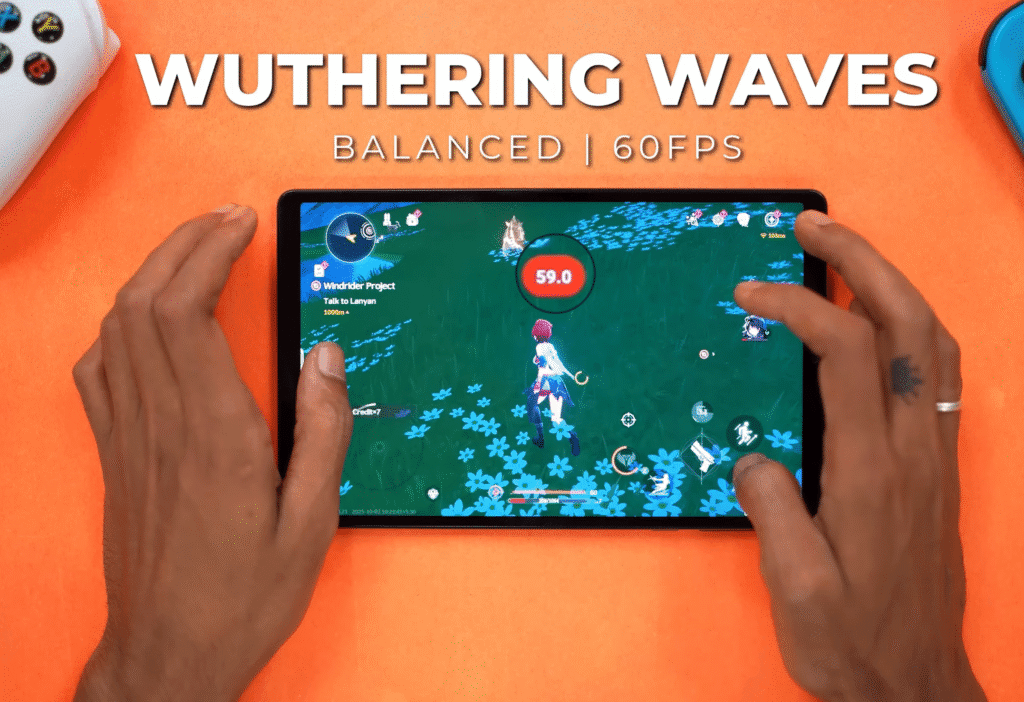
Wuthering Waves
- Usually 55–60 FPS
- Drops to 50 FPS during heavy texture loads
Temperature & Thermals
- Back panel stays around 34–35°C, with peaks near 40°C
- Feels slightly warm but never overheats
- Larger body helps dissipate heat faster
Gaming Features
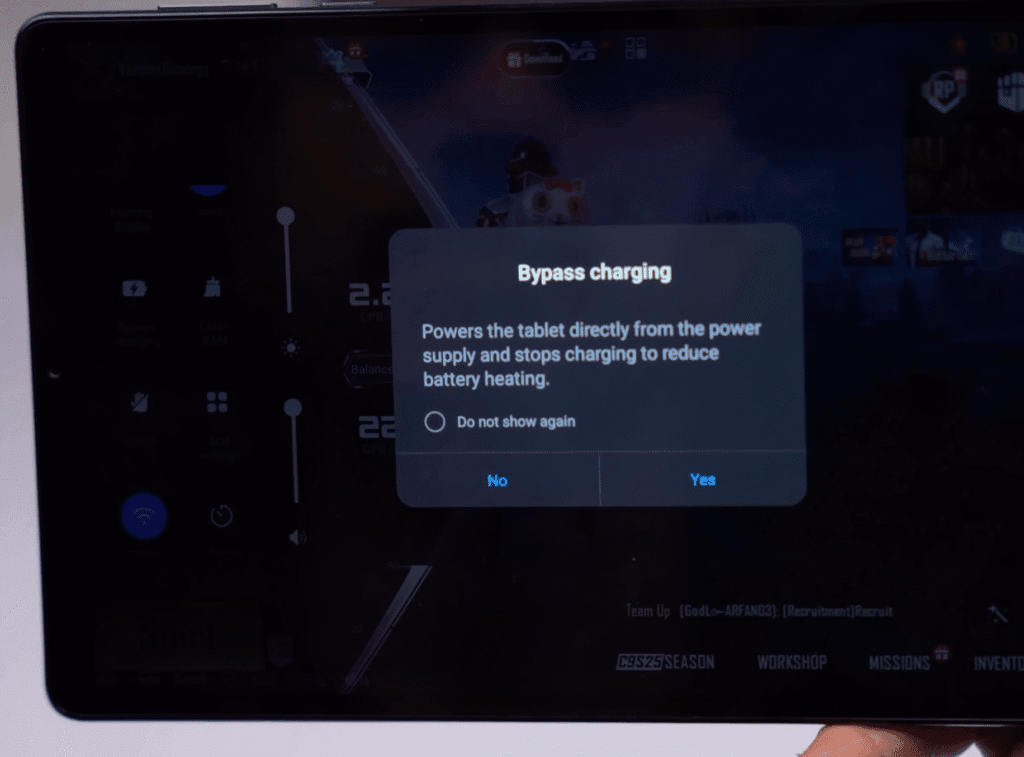
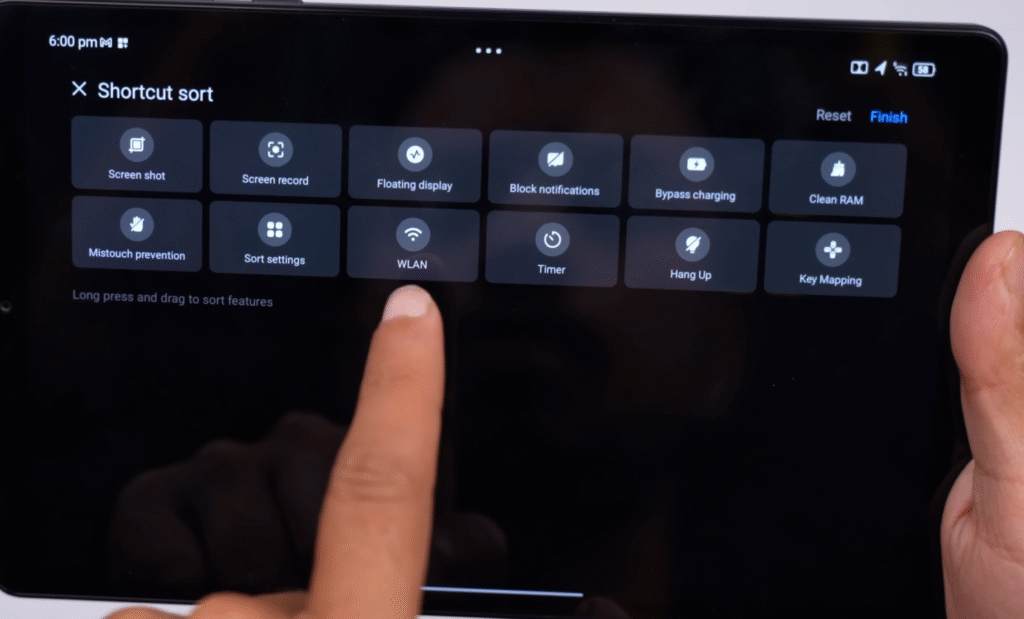
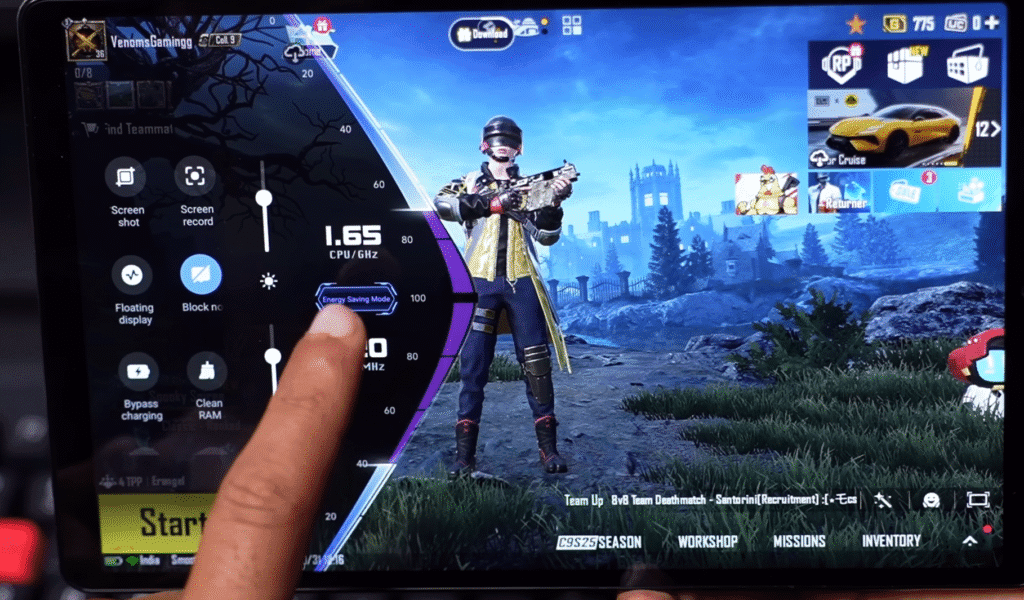
- Bypass charging powers the motherboard directly and reduces heat
- Three gaming modes: Performance, Balanced, Energy Saving
- FPS changes depending on the mode you select
If you want, I can format this into an HTML block for WordPress with colored headings like your previous file.
OS and UI Experience
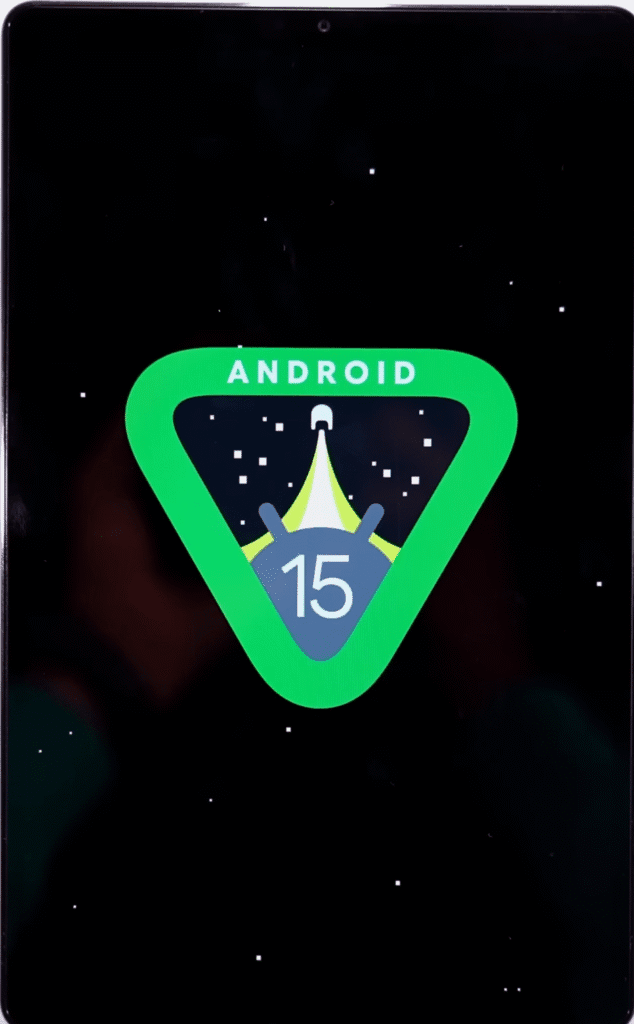
The tablet runs ZUI 17, which is based on Android 15. It originally launched with Android 13, and Lenovo promises 3 years of major OS updates and 4 years of security patches. So it should receive updates up to Android 16. Lenovo usually pushes updates a bit late, but they do arrive eventually. As of October 2025, the Android 16 update is still pending.
Software & UI Highlights
- Runs Android 15 (ZUI 17) out of the box
- Promised updates: Android 16 + four years of security updates
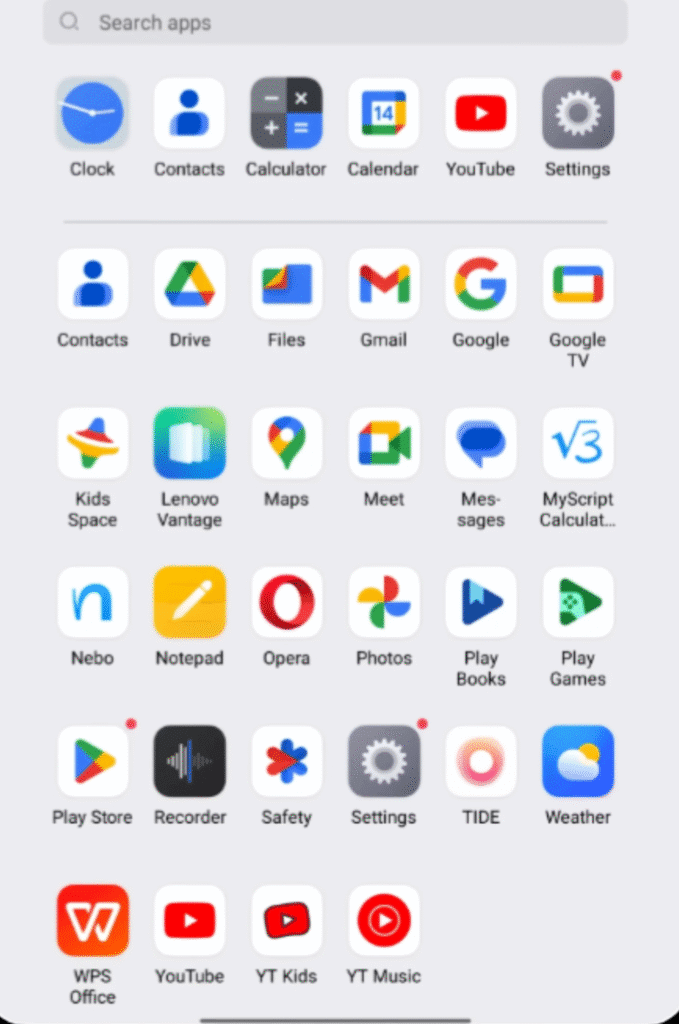
- No unnecessary bloatware
- Only Google and Lenovo apps come preinstalled
- Entire UI runs at 144 Hz, including Instagram, YouTube and Chrome
- Smooth animations, fast app opening and overall responsive UI
Multitasking Features
- Split-screen support
- Floating windows
- Can open multiple floating apps, but the 8.8-inch screen fills up after 2–3 windows
- Works better with an external monitor
PC Mode
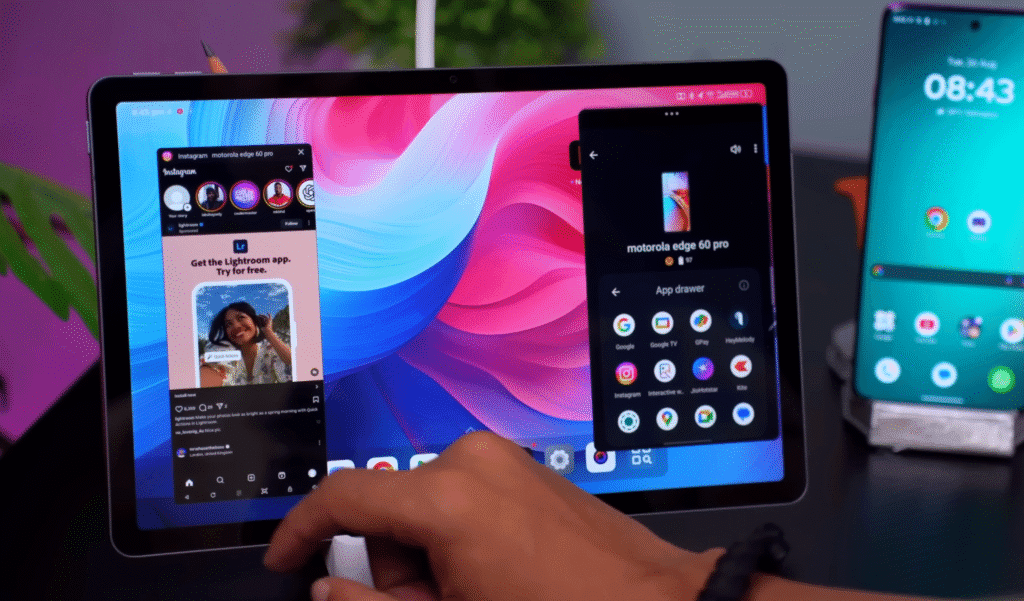
- Comes with a Windows-style desktop mode
- Useful when connected to a keyboard and mouse
- Helps for productivity tasks and external display setups
Ecosystem and AI Features
The tablet supports Lenovo’s ecosystem through an app called Smart Connect. If you sign in with the same account across devices, you can sync your activity and access basic continuity features.
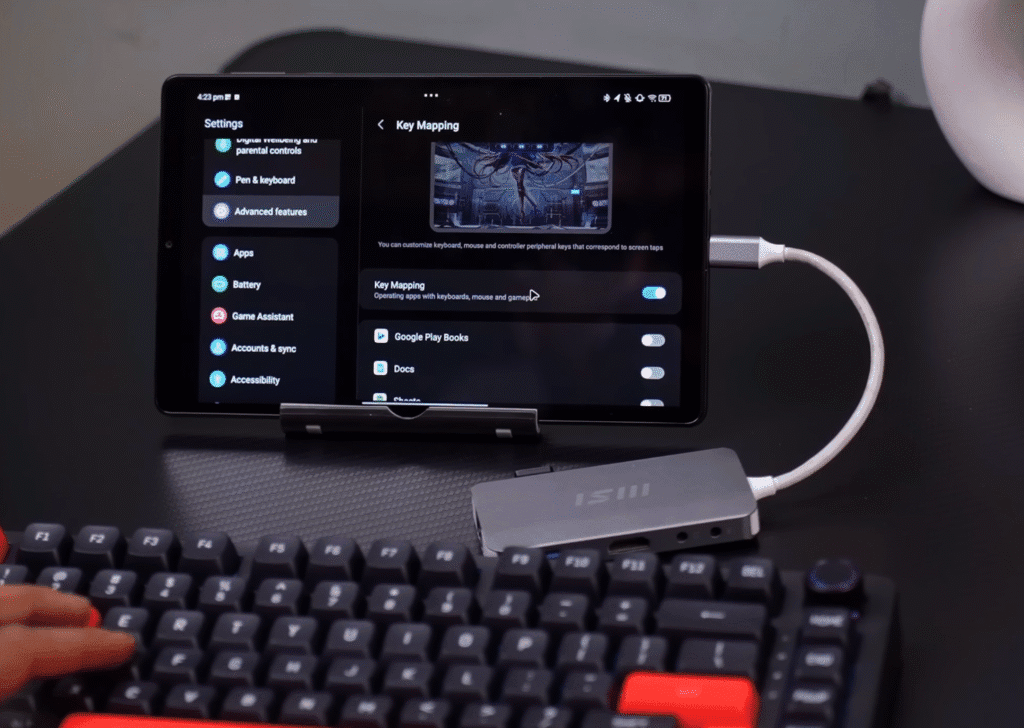
Smart Connect Features
- Access calls and notifications from paired devices
- Share files wirelessly
- Stream apps between devices
- Helpful for key mapping and emulation if you connect a keyboard
AI Features
- Includes Google’s Gemini features
- Supports Circle to Search and other standard Google AI tools
- No special Lenovo-exclusive AI features included
Stylus Support
- The tablet supports a stylus
- No stylus is included in the box
- At its original launch price of (~$480), it should have shipped with one
Here’s a clean, shorter, blog-ready version with sub-headings and bullet points. It stays natural and easy to read for a US audience.
Battery Performance
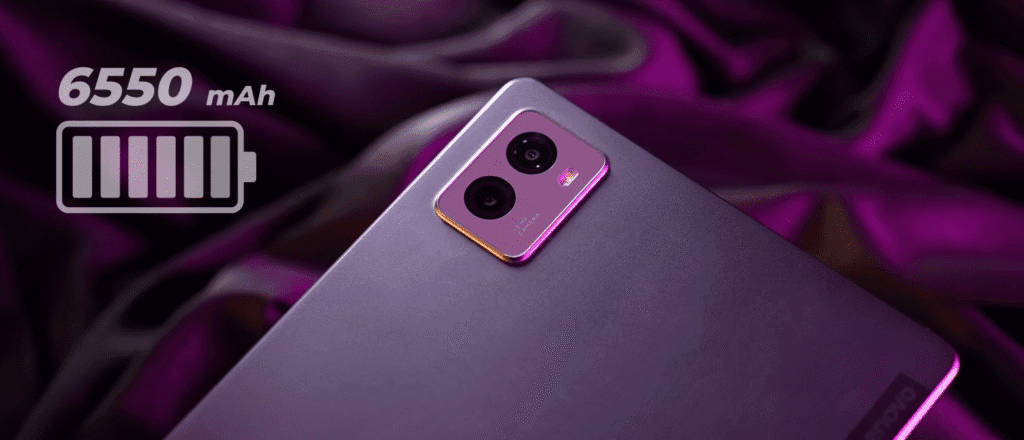
The tablet comes with a 6650 mAh battery. We tested it across different tasks to see how long it actually lasts.
Real-World Battery Results
- YouTube playback:
- 100% brightness
- 100% speaker volume
- Wi-Fi on
- Result: Around 6 hours of continuous playback
- BGMI gaming test (Performance Mode):
- Continuous gameplay from 100% to 0%
- Result: 3 hours 13 minutes
Charging & Battery Care Features
- Charging protection to prevent overheating
- Custom charging limit (helps extend battery lifespan)
- Battery maintenance mode for long-term health
- Over-discharge protection
- If the tablet sits unused for a long time, it shuts down automatically
- Prevents the battery from draining to the point where it can’t restart
If you want this section turned into HTML with colorful headings like your previous blocks, just tell me.
Camera and Samples
The tablet comes with a simple camera setup that’s made for everyday tasks, not photography.
Camera Specs
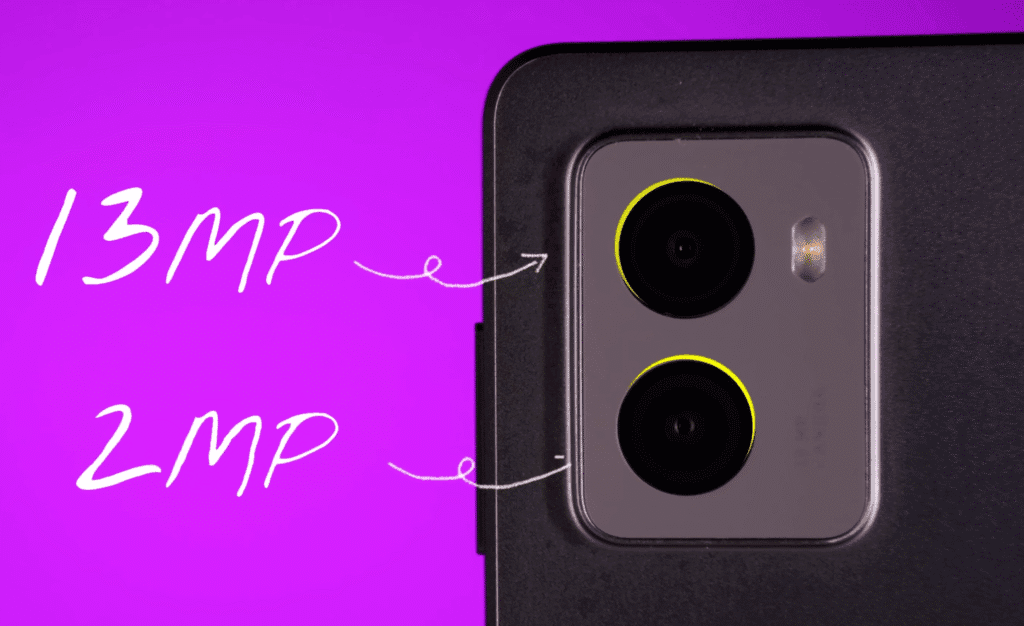
- Rear cameras:
- 13 MP main camera
- 2 MP macro
- Front camera:
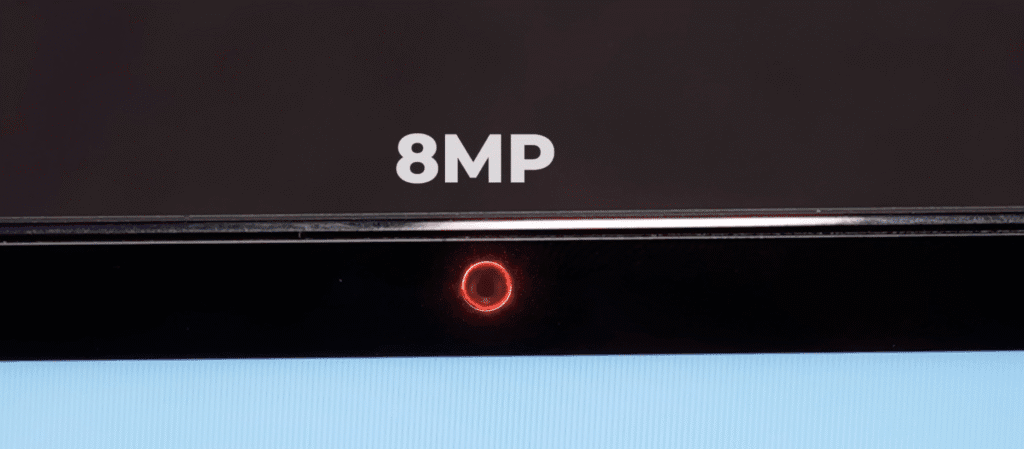
- 8 MP
- Video recording:
- Rear: 4K at 30 FPS
- Front: 1080p at 30 FPS
Real-World Camera Use
- The rear camera records 4K 30 FPS indoors and looks fine for basic recording.
- The front camera is good enough for video calls and online classes.
- Stability is decent, but don’t expect phone-level performance.
- Works well for document scanning and quick reference photos.
- Low-light shots aren’t impressive, which is normal for tablets in this price range.
What to Expect
Tablets aren’t meant for serious photography, and this one follows the same pattern. A phone in the $350–$400 range will easily outperform it, but the camera setup here is enough for video calls, meetings, and basic scanning.
Lenovo Legion Tab Gen 3 — Newer generation variant
Final Thoughts & Pricing
The tablet has seen several price changes since launch. It started higher, dropped for a while, and now sits in the mid-range. The sale pricing made it a solid value, but its current price puts it in a tricky spot against competitors.
- Launched at (~$480)
- Later dropped to (~$408)
- Currently selling around (~$420)
- Lowest sale price was (~$265)
Who This Tablet Is For
If you want a compact Android tablet that handles gaming and everyday tasks well, this one fits that category. Its size makes it easier to use for longer periods, and the design helps if you often play with wired earphones.
- Good for small tablet lovers
- Suitable for casual to moderate gaming
- Works well as a general Android tablet
What Stands Out
The tablet offers a comfortable user experience and several thoughtful features. The USB-C port placement is practical for gaming, and overall performance stays consistent during daily use.
- Feature-rich UI
- USB-C port at the bottom, ideal for gaming
- No hand obstruction when using wired earphones
- Stable performance for routine tasks
Things You Should Know
Right now, the pricing is the main issue. For the hardware it offers, the value doesn’t look strong at its current price. If you wait for a sale or the next generation, you’ll likely get a much better deal.
- Feels overpriced at the current rate
- Prices usually drop during major sales
- Next-gen model launch may reduce its cost
Alternatives To Consider
If you’re flexible with size, a few other tablets offer better performance at similar or lower prices. Each one has its strengths, but they also come with trade-offs.
Xiaomi Pad 7
- Price: (~$360)
- 11-inch display
- Snapdragon 7+ Gen 3
- Faster performance but fewer features
- Larger body, not compact
OnePlus Pad 2
- Price: (~$420)
- Snapdragon 8 Gen 3
- Big 12-inch display
- Great performance
- Less suitable for gaming because of size
Should You Buy It?
This tablet is designed for gamers and users who prefer a compact form factor. It delivers solid performance and a smooth UI, but the price weakens the overall appeal. It becomes a smart purchase only when it comes closer to (~$300).
- Worth it under (~$300)
- Good for gaming at this size
- Better to wait for a sale if it’s priced higher