

The MacBook Pro M5 has officially arrived, and it’s already making headlines. Apple seems to be taking a different route this time. While the MacBook Air M5 is expected around March or April, there’s talk that it could feature a Bionic chip instead of the traditional M-series processor. That move could be Apple’s way of targeting the Snapdragon-powered budget laptops, possibly introducing a MacBook in the $700- $800 range.
This is our first Pro MacBook review on the channel. Previously, we covered the MacBook Air M4 and Air M2, but this time, the focus shifts toward power and performance. So, what makes the MacBook Pro M5 special? We’ll break down everything — from performance and thermals to gaming capabilities and how the M5 chip compares with previous generations.
Stay tuned — by the end of this review, you’ll know exactly where the MacBook Pro M5 stands and whether it’s worth the upgrade.
price
| Variant | RAM / Storage | Launch Price | Remarks |
|---|---|---|---|
| Base Model | 16GB / 512GB | $ 1540 | Best value option |
| Higher Variant | 24GB / 1TB | $ 2000 | For power users |
| Mac Book Air M4 (for comparison) | 24GB / 256GB | $ 1700 | Still a solid performer |
Note: The MacBook Pro M5 is currently available only in the 14-inch version. Apple hasn’t launched a 16-inch M5 variant yet.
Design and Build Quality
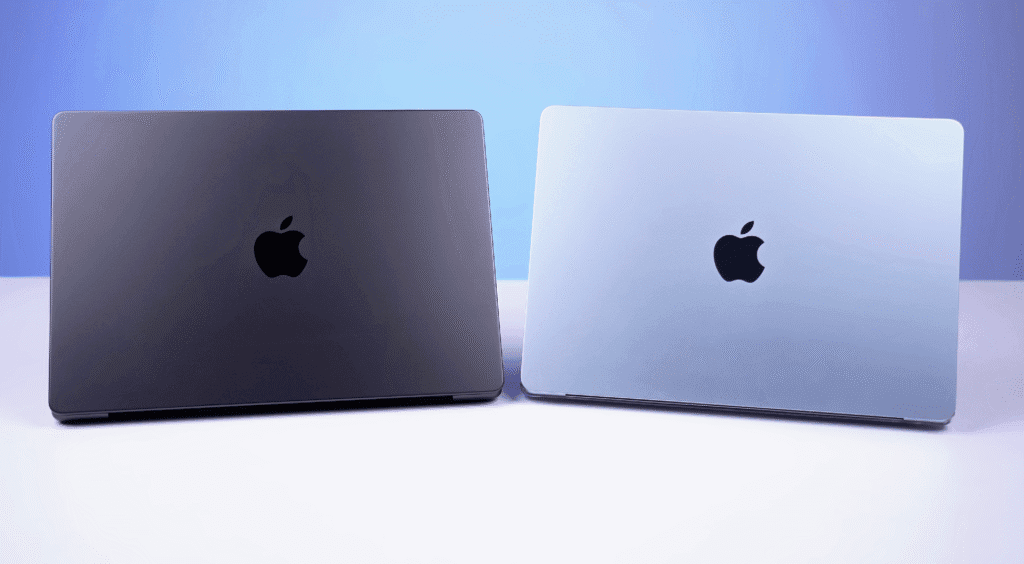
Being a MacBook, the MacBook Pro M5 naturally feels premium. The solid aluminum body and the iconic Apple logo give it that classic Pro look. In fact, it looks almost identical to the previous MacBook Pro models, but you can notice a difference in thickness when compared to the MacBook Air M4.
Premium and Sturdy Build
The overall build quality is impressive. You can easily open the lid with one hand, and the hinge feels sturdy with no wobble or keyboard flex. The MacBook Pro branding is visible at the bottom, and there’s rubber padding underneath for stability.
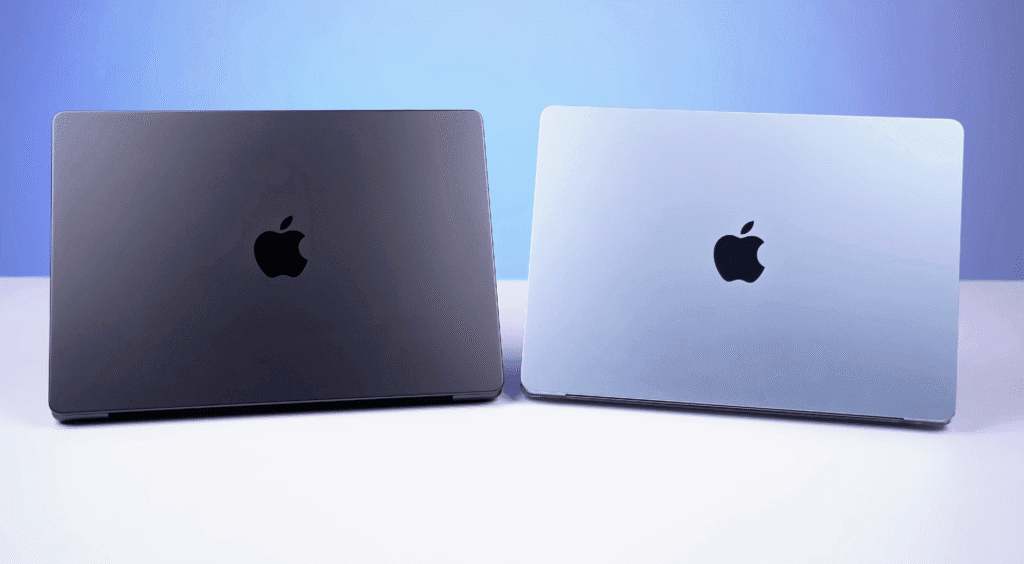
Over time, some users have noticed paint wearing off near the edges, similar to what’s been seen with the iPhone 17 Pro, although it hasn’t appeared on our unit yet.
Dimensions and Weight
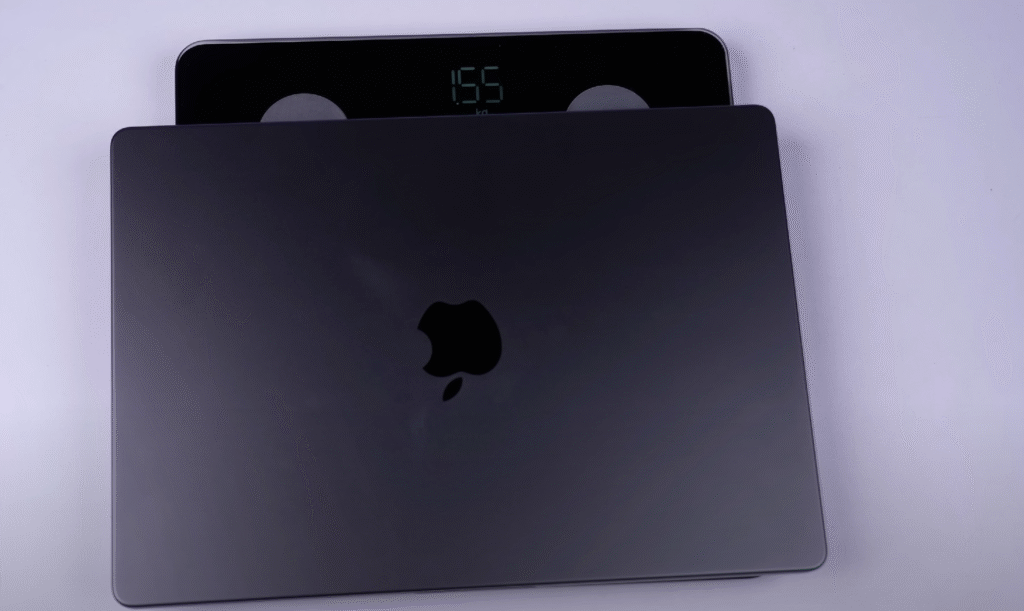
- Display Size: 14-inch
- Weight: 1.55 kg
- Thickness: 15.5 mm
For comparison, the MacBook Air M4 weighs around 1.2–1.3 kg, so the Pro is roughly 300 grams heavier. Despite that, it doesn’t feel bulky or uncomfortable — it still feels like a compact and premium machine.
Touch Bar Removed
Apple removed the Touch Bar starting from the MacBook Pro M3 series, and the same continues here. Personally, I liked the Touch Bar — it added a unique touch to the experience. What do you think? Should Apple bring it back? Let me know in the comments.
Thermals and Cooling
Since this is a Pro model, it comes with an active cooling system featuring dual fans — something you won’t find on the Air models.
The intake vents are placed near the speaker grills on both sides, while the exhaust vents are below the display hinge.
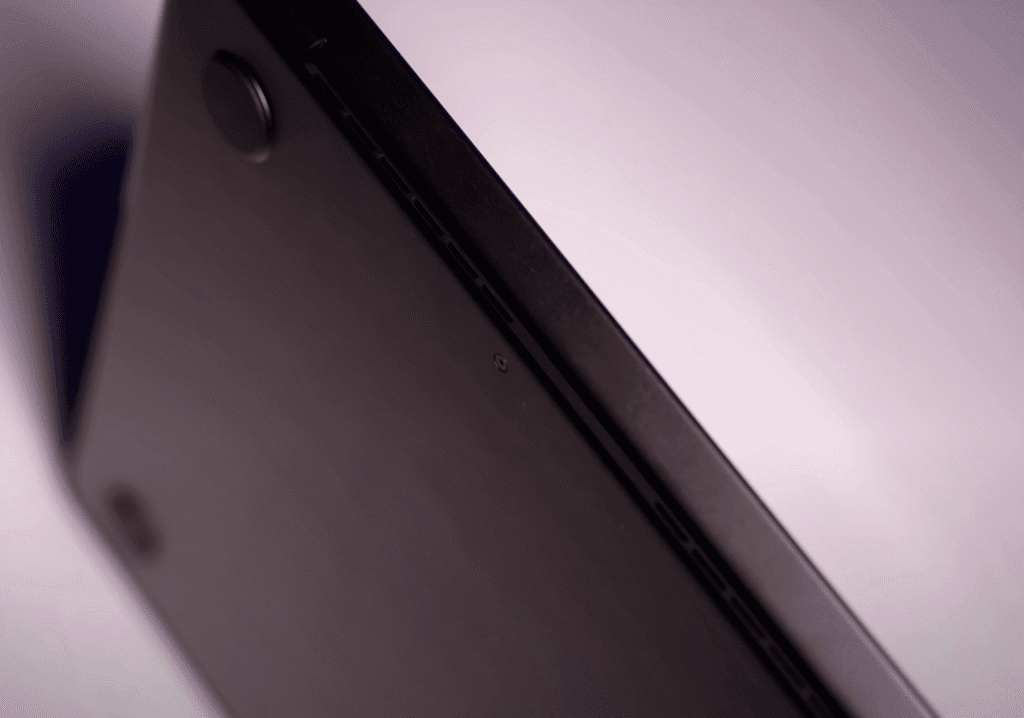
Even under stress tests, the fans stay quiet — you’ll hear them only if you listen closely. It’s not like the loud fans on gaming laptops, which makes it perfect for professional work environments.
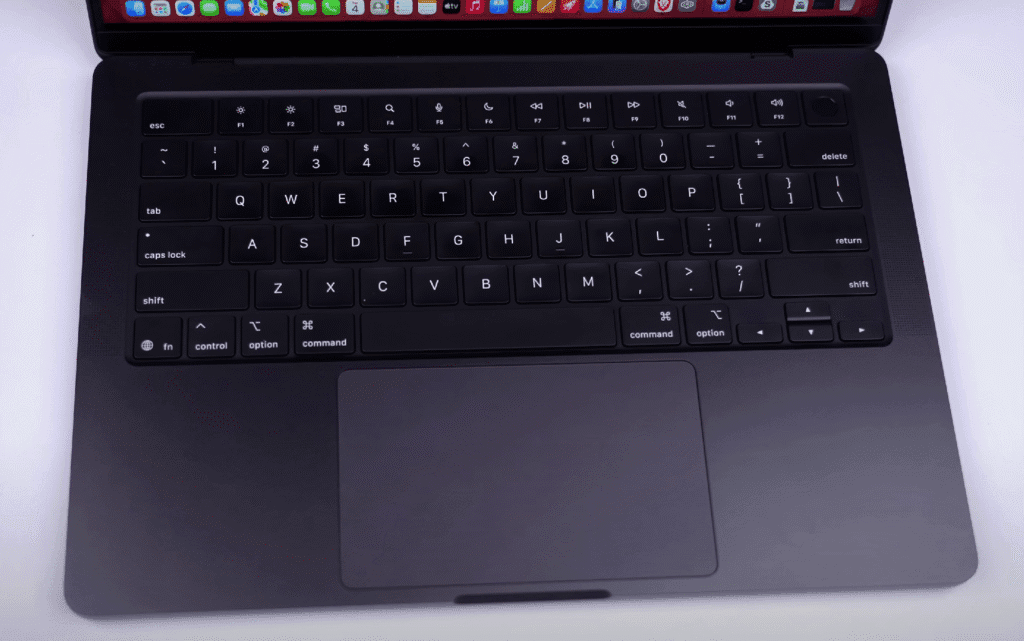
The keyboard layout remains the same as before — familiar, comfortable, and precise for long typing sessions.
Keyboard and Trackpad
The MacBook Pro M5 features Apple’s scissor-switch keyboard, known for its comfortable and precise typing experience. The keys have just the right amount of travel, and the overall feel is consistent and solid.
Typing Experience
It’s a single-color backlit keyboard with white illumination, which you can control through the settings. The brightness also automatically adjusts based on ambient lighting.
When comparing it with Windows laptops like the Lenovo Yoga series (which also costs around ₹1.5 lakh), those keyboards are quite good — but Apple still has a unique typing experience that feels smoother and more refined.
Touch ID and Security
The power button doubles as a Touch ID sensor, allowing instant unlocks and secure access. It works flawlessly.
Honestly, if Apple ever adds Face ID to the MacBook, it would feel like true VIP treatment.

Trackpad
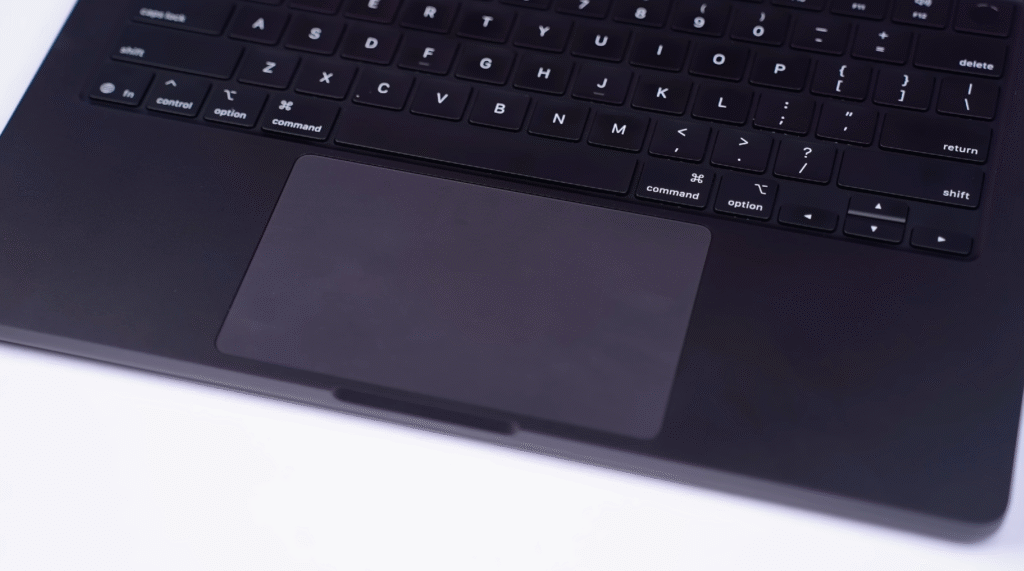
The trackpad is one of the best in the industry. It’s large, smooth, and uses Force Touch technology. Even though it feels like it’s physically clicking, the feedback actually comes from a haptic motor inside.
Gestures are fluid and responsive, making navigation effortless. Interestingly, the trackpad colour is slightly lighter than the rest of the body, giving it a subtle visual contrast.
Ports and Connectivity
Since the MacBook Pro M5 is a professional-grade laptop, it offers a generous selection of ports compared to the Air models. Apple has made sure creators and professionals get what they need without relying too much on adapters.
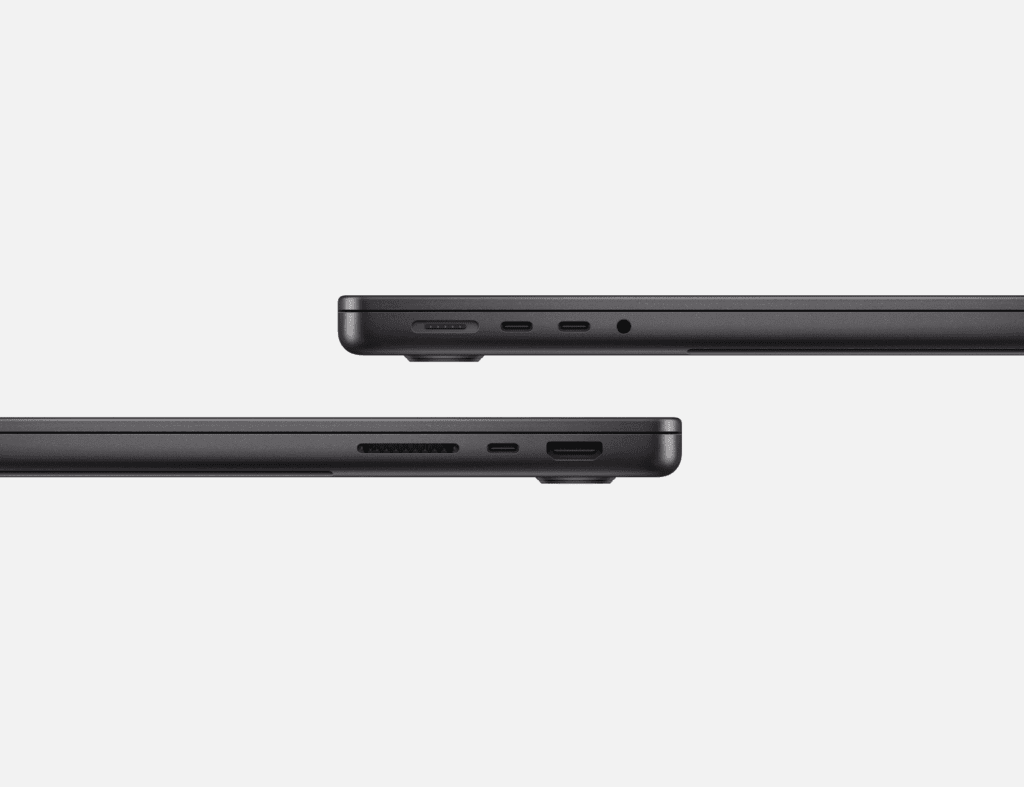
Right Side Ports
On the right side, you get:
- HDMI 2.1 port – Supports up to 8K 60Hz or 4K 240Hz output.
- Thunderbolt 4 (Type-C) port – Also capable of 4K 240Hz output and supports 96W Power Delivery (PD).
- Full-size SD card slot – Perfect for photographers and videographers who need fast data transfer from cameras.
Left Side Ports
On the left side, Apple includes:
- MagSafe 3 charging port
- Two Thunderbolt 4 (Type-C) ports – Same specs as the right-side port.
- 3.5mm headphone and mic combo jack
The included charger in the box is a 70W adapter, but if you want the 96W fast charger, you’ll need to pay an extra $50 — classic Apple pricing.
A Note on Type-A Ports
As expected, there’s no USB Type-A port, so you’ll need a USB hub if you use older peripherals. That’s typical for MacBooks.
Display Quality
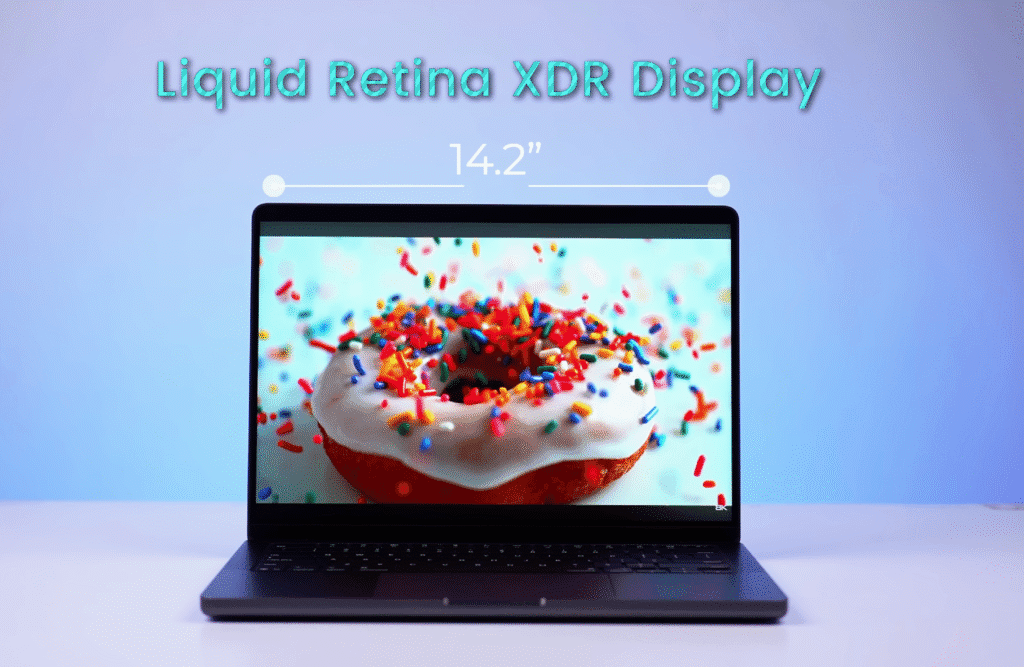
The MacBook Pro M5 features the same display that made the previous Pro models stand out. It’s a 14-inch Liquid Retina XDR panel, essentially a mini-LED display similar to what we see in high-end Windows laptops. The display quality is excellent in every aspect — brightness, color accuracy, and smoothness.
Resolution and Refresh Rate
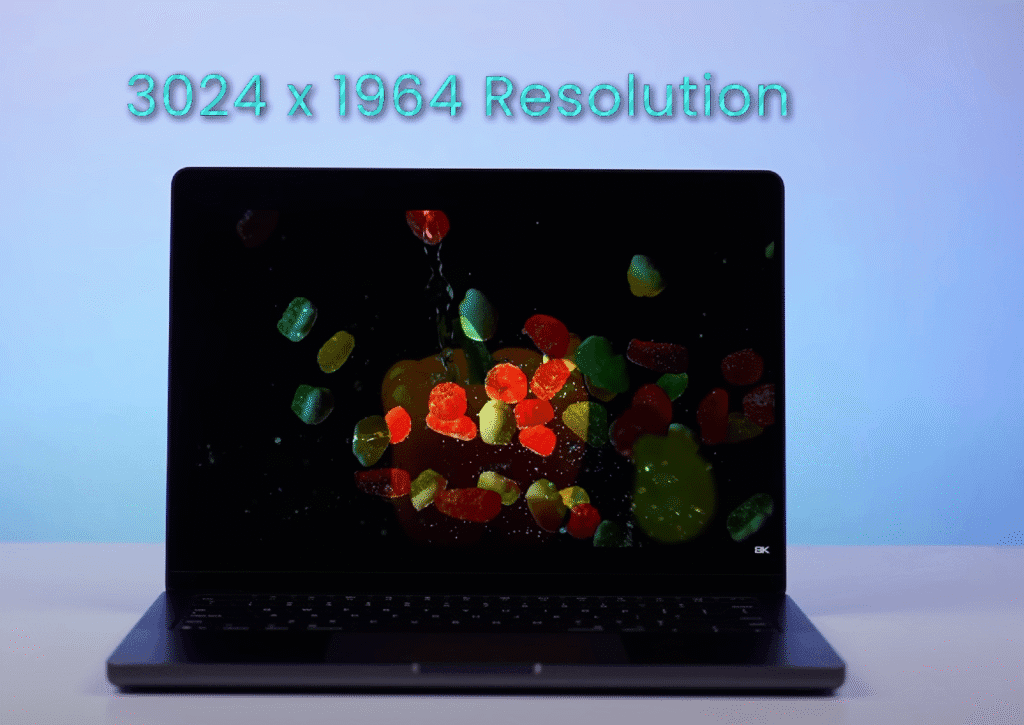
You get a 3024 × 1964 resolution, which is roughly a 3K display. The screen also supports 120Hz ProMotion, delivering ultra-smooth visuals. Once you experience ProMotion, going back to the 60Hz display on the MacBook Air feels noticeably less fluid.
Brightness and HDR Performance
In our testing, the peak brightness reached around 650 nits, which is bright enough for both indoor and outdoor use. Apple claims even higher brightness levels during HDR playback, and that holds true — HDR content looks incredibly vivid.
The display supports:
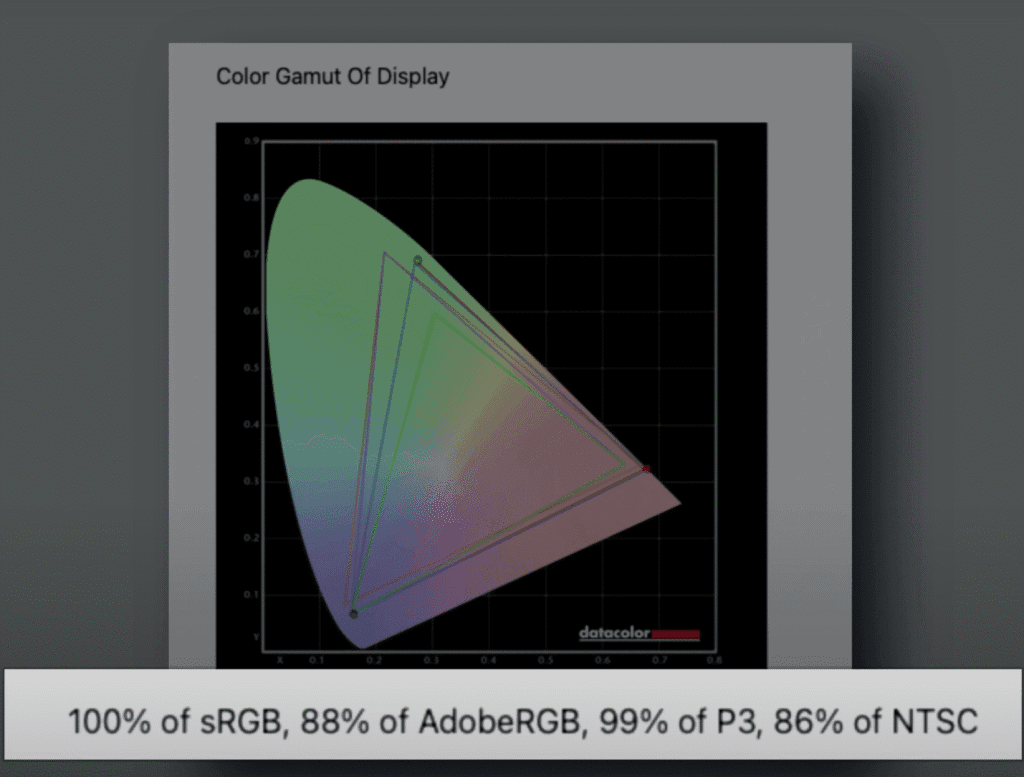
- 100% sRGB
- 99% DCI-P3 color gamut
- HDR10, HDR10+, and Dolby Vision
Whether you’re editing photos, grading color, or simply watching Netflix, the contrast and dynamic range are outstanding.
Reflections and Finish
It’s a glossy display, so you might notice reflections in brightly lit rooms. If that bothers you, a matte screen protector can help, though it slightly reduces brightness.
Speakers and Multimedia
The MacBook Pro M5 delivers an impressive multimedia experience, not just because of its display but also its six-speaker system.
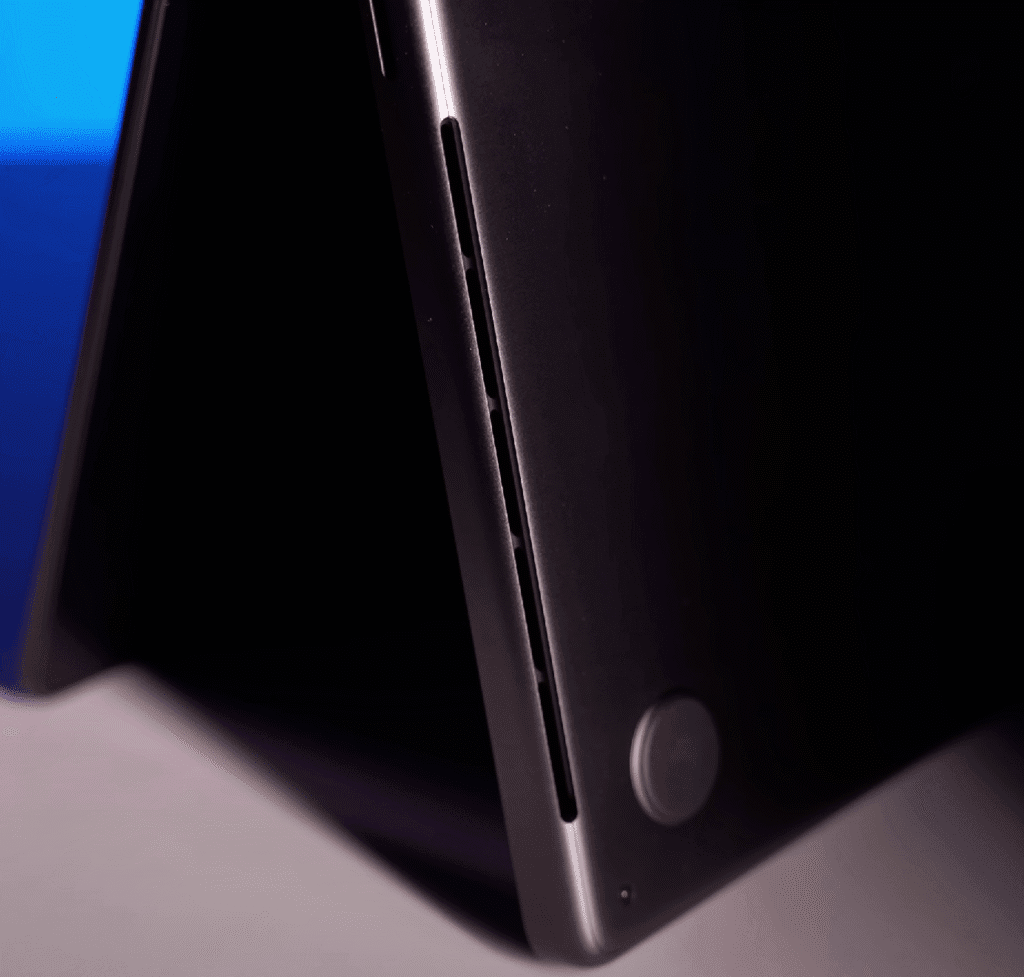
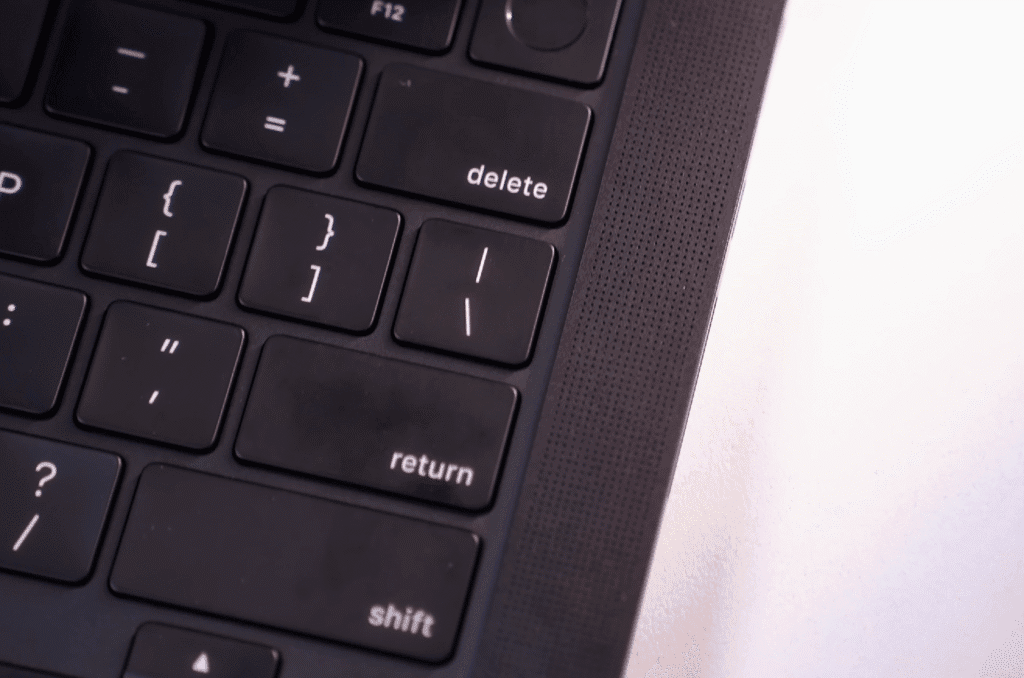
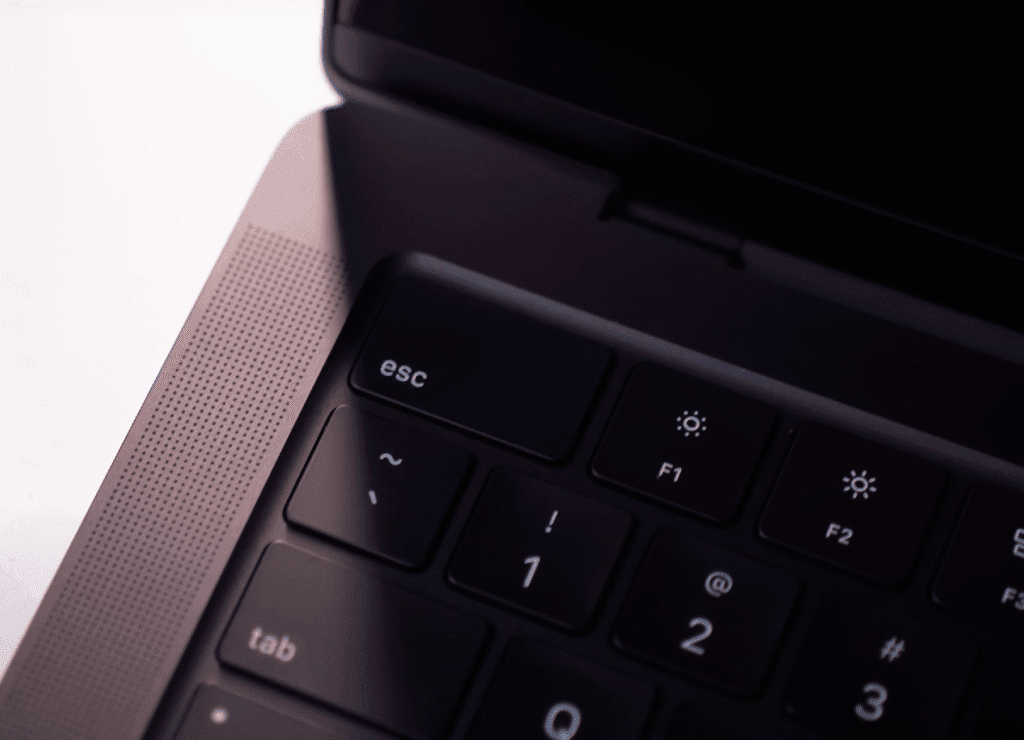
It includes two tweeters near the keyboard and four woofers at the bottom, creating clear stereo separation with rich, balanced sound. The audio is loud, crisp, and detailed, easily outperforming most Windows laptops — even the Lenovo Yoga series.
If you get the chance, check it out at an Apple Store. The sound quality speaks for itself.
Webcam and Microphone
The MacBook Pro M5 comes with a 1080p 30FPS webcam, the same one found in the Air model. It’s easily one of the best laptop webcams available, offering sharp image quality and natural colors.
You also get several built-in features such as:
- Center Stage for automatic framing
- Portrait mode with adjustable background blur
- Studio lighting for a professional look
- Reactions and custom backgrounds for video calls
- Desk View, which turns the front camera into a wide top-down shot of your desk
These features work smoothly thanks to the M5 chip’s processing power. If you connect an iPhone for Desk View, the results get even better.
The microphone quality is also excellent — clear, well-balanced, and ideal for meetings or content creation. Overall, you won’t be disappointed with the webcam setup on this MacBook.
Specificatio and Connectivity
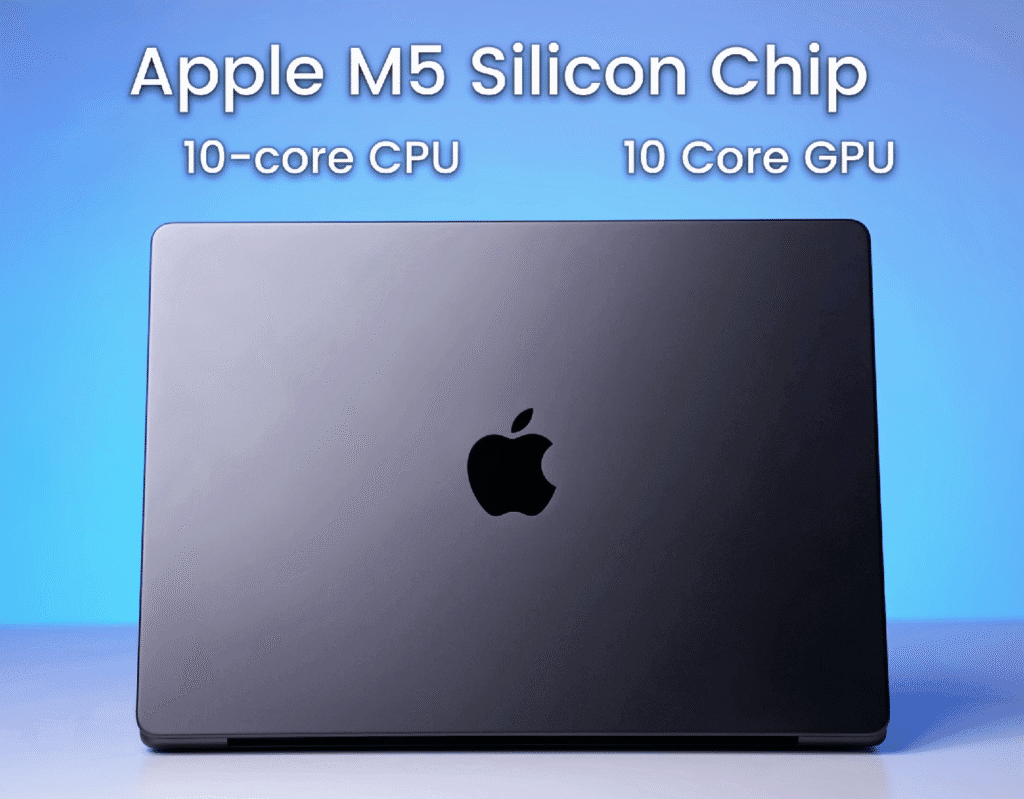
The MacBook Pro M5 is powered by Apple’s new M5 Silicon chip with a 10-core CPU and 10-core GPU. Unlike the Air models, all Pro variants come with the same chip configuration, so you won’t lose out on performance even if you go for the base model.
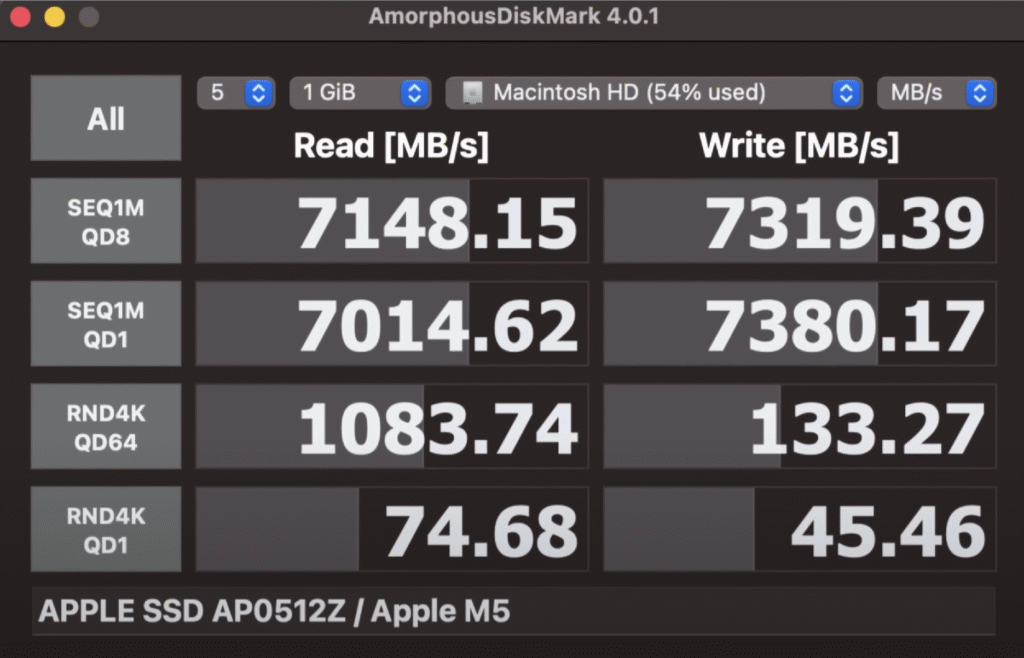
Our unit has 16GB of unified memory and a 512GB SSD, which delivers Gen 4-level speeds — around 3500 MB/s in testing. Storage performance has clearly improved over the previous MacBook Pro M4.
Connectivity
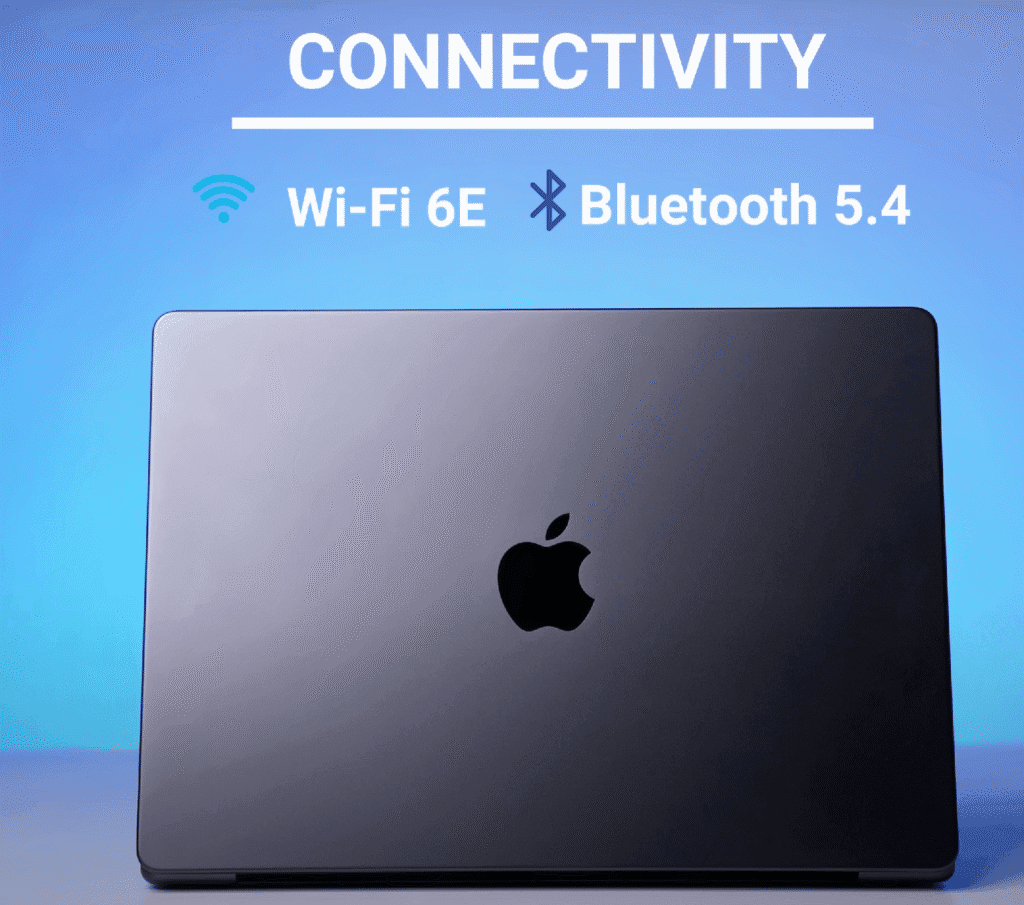
The laptop supports Wi-Fi 6E and Bluetooth 5.4. It’s a bit surprising that Apple didn’t include Wi-Fi 7, especially since it’s already available in their latest iPhone lineup. Hopefully, that’ll change in the next version.
Upgradability
As expected from Apple, RAM and storage are non-upgradable. Whatever configuration you choose at purchase is what you’ll live with — so choose wisely (and decide which kidney to sell first).
Sure — here’s a clean, structured version in English with sub-headings and space below for your HTML table:
Performance Overview
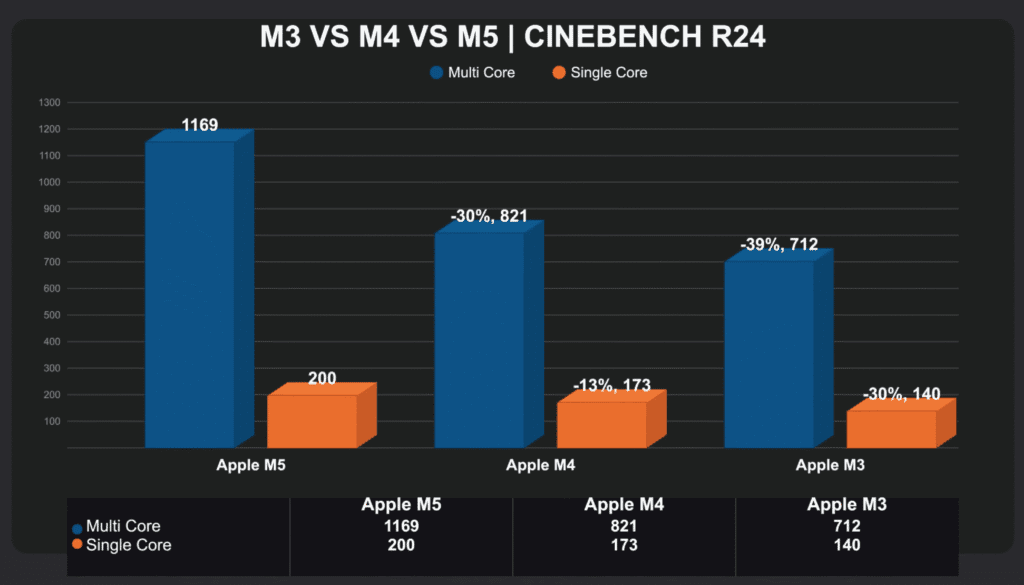
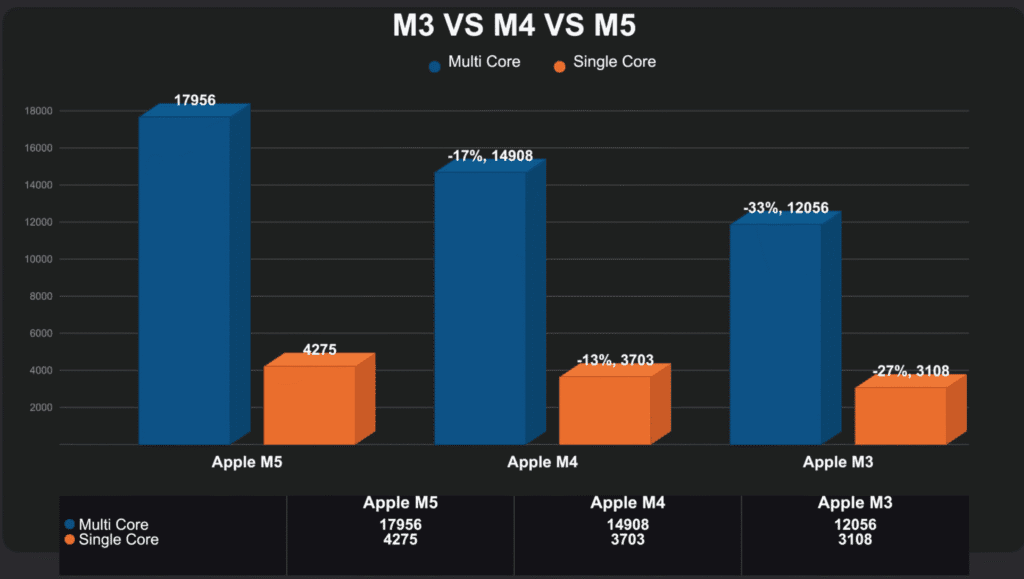
MacBook Pro M5 delivers a noticeable jump in overall performance. Both the CPU and GPU show clear improvements over the previous generation. The scores in Cinebench and Geekbench reflect a 15–30% boost, while GPU-heavy workloads show even better gains.
CPU Performance
The Cinebench R23 and R24 tests show consistent improvements. Single-core and multi-core results are around 20–30% higher than M4. In day-to-day use, there’s no slowdown even during multitasking, coding, or compiling large projects.
AI and Machine Learning
We ran DeepSeek Caravan’s 14B parameter model using OLAMA.
- M4 result: 3 minutes 57 seconds
- M5 result: 1 minute 21 seconds
That’s nearly 60% faster output. If your workflow includes AI or ML workloads, the M5 handles them efficiently due to better GPU and Neural Engine coordination.
GPU and Rendering
For creative workloads like photo or video editing, the M5 performs exceptionally well.
PugetBench scores were:
Blender’s BMW render finished in 14 seconds on M5 v/s 22 seconds on M4, proving faster GPU rendering in real scenarios.
Thermals and Power Efficiency
Compared to the M4 Air, the M5 Pro maintains cooler temperatures despite drawing slightly more power (≈30W vs 20W). The fan ensures sustained performance under long loads without throttling.
You also get nearly identical performance on battery and while plugged in, thanks to Apple’s optimized ARM architecture.
Gaming Performance on MacBook Pro M5
Even though macOS still doesn’t have native support for most AAA titles, the MacBook Pro M5 delivers surprisingly good results when running games through Crossover. Apple’s MetalFX upscaling and efficient GPU cores help it maintain smooth gameplay in several popular games.
Performance in Popular Games
- GTA V (Legacy Version):
Running through Crossover at 1536p (~1600p) resolution, the game stays between 70–80 FPS on normal settings.

- Elden Ring:
At 1080p low settings, the game maintains 45–50 FPS, which is impressive for non-native support.

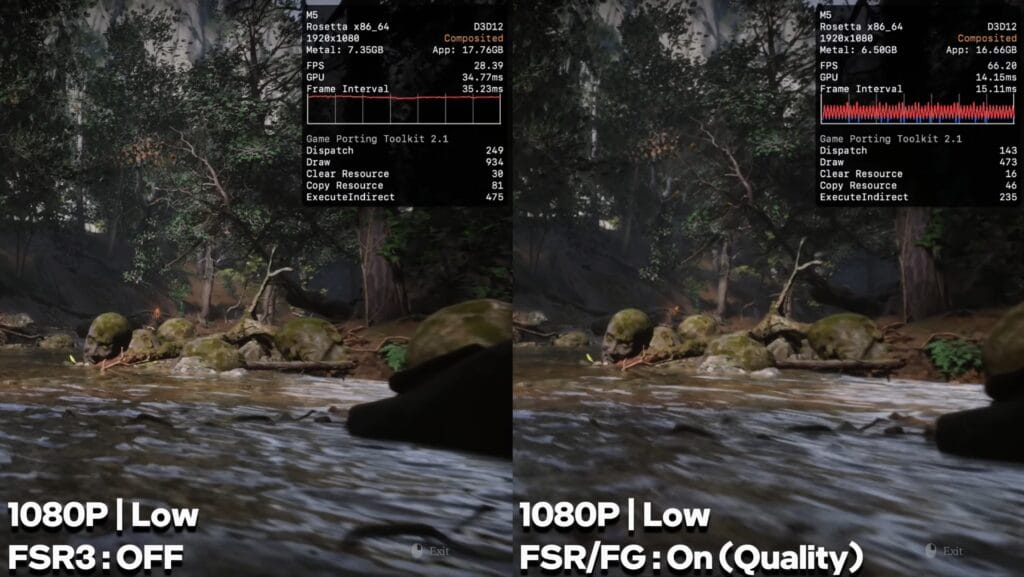
- Black Myth: Wukong:
On low settings without frame generation, the game runs around 25–30 FPS.
Once FSR 3 Frame Generation is turned on, it jumps to 60 FPS.
- Ghost of Tsushima:
On high settings with frame generation enabled, it delivers 70–80 FPS with stable gameplay.

- Hogwarts Legacy:
Low settings at 1080p yield around 55–60 FPS.

- The Last of Us Part II:
On 1080p medium settings with frame generation, it stays around 60–65 FPS.

- Spider-Man (Remastered):
At 1080p high settings, performance fluctuates around 45–50 FPS.
However, due to Crossover’s instability, the game occasionally freezes or fails to render properly.

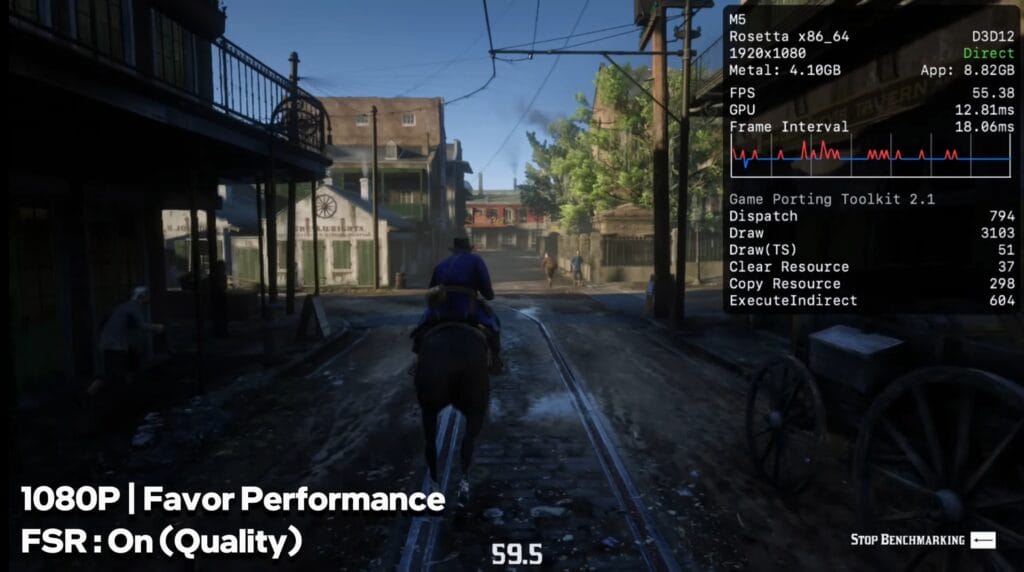
- Red Dead Redemption 2:
Runs at 55–60 FPS on low settings with FSR set to quality mode.
- Hellblade II:
At 960p (near 1080p) with FSR on quality, it holds around 40 FPS.

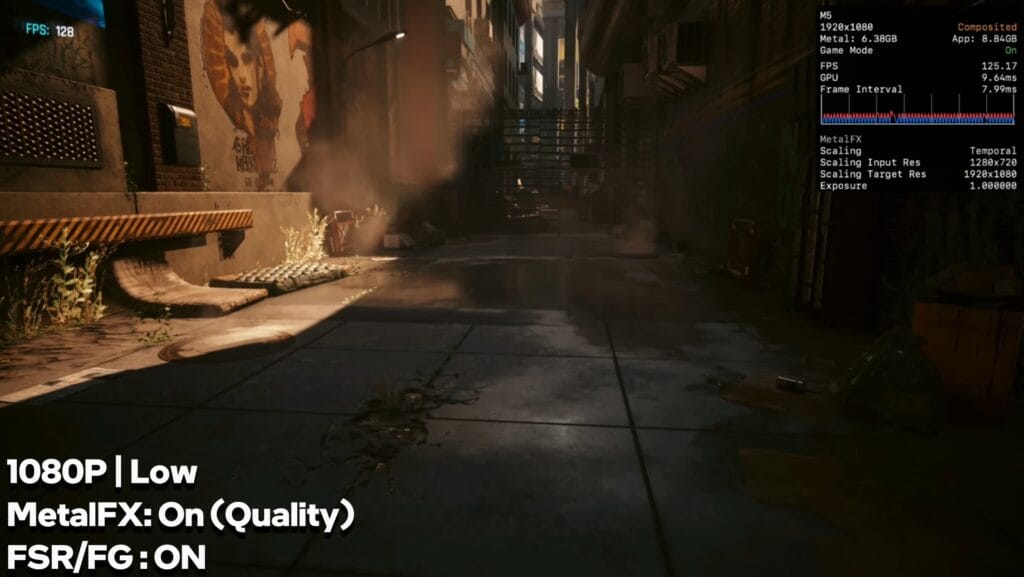
- Cyberpunk 2077 (Native on macOS):
With MetalFX upscaling on quality, low settings deliver 100–120 FPS, and on ultra settings, around 70 FPS.

Comparison with M4 MacBook Air
When compared to the MacBook Air M4, the M5 performs significantly better under the same conditions.
- In Ghost of Tsushima, the M5 delivers almost double the FPS.
- Hellblade II runs smoothly on M5, while it’s nearly unplayable on M4.
- Cyberpunk 2077 shows a major gap in frame rates due to the improved GPU and better thermals in M5.
However, note that the M4 Air lacks an active cooling system, which explains the thermal throttling and reduced gaming performance. A fair comparison will be between Air M5 vs Pro M5, which should show closer results.
Battery and Charging
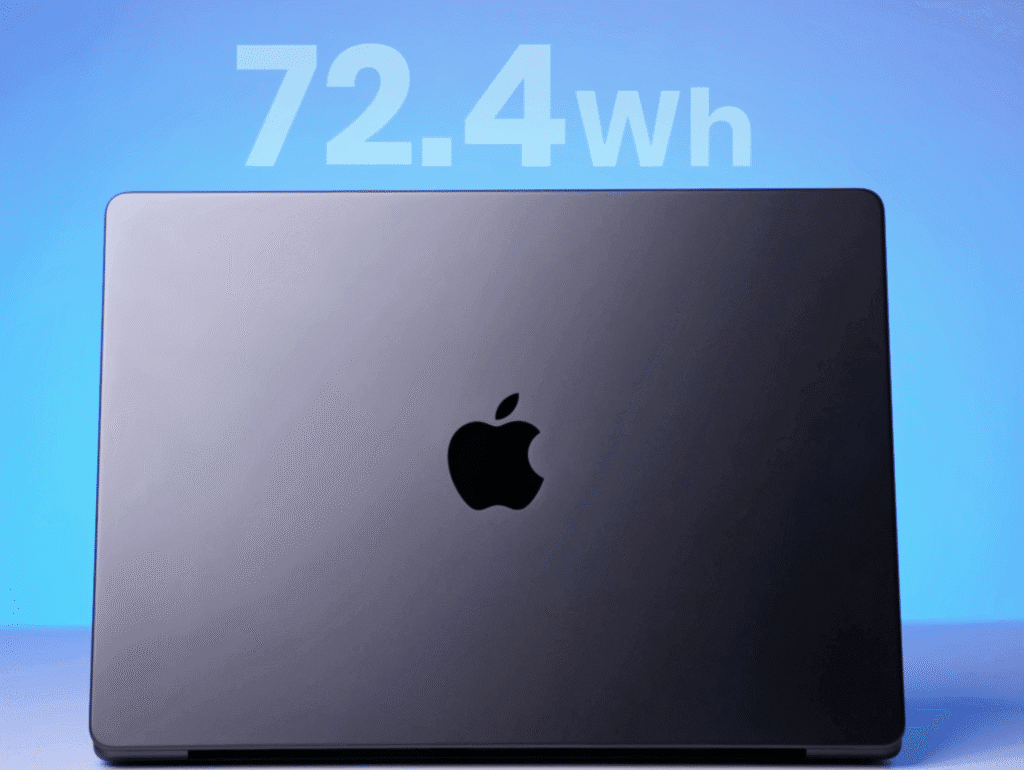
The MacBook Pro M5 packs a 72.4Wh battery, and Apple’s optimization really shows in daily use.
Battery Life by Use Case
- Web Browsing (50% brightness): 16–18 hours
- Mixed Use (browsing, multimedia, coding): 10 hours
- Photo/Video Editing: 5–6 hours
- GPU-Intensive Tasks: Less than 5 hours
Even with demanding workloads, the M5 maintains strong efficiency and consistent performance without throttling.
Charging Performance
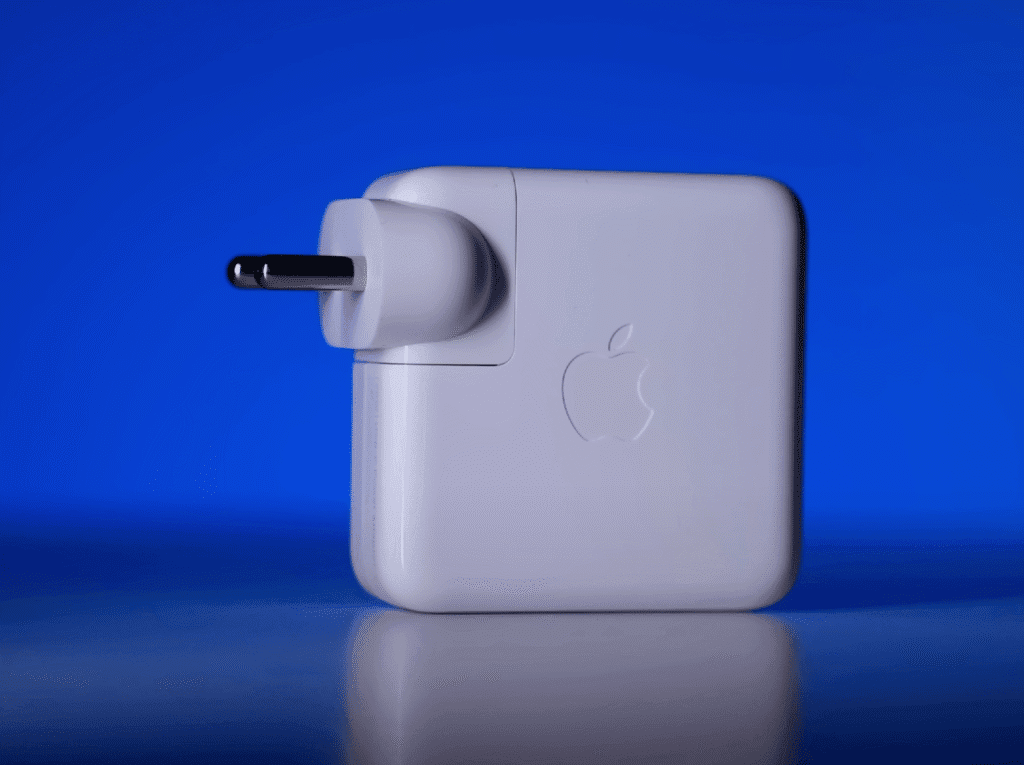
The laptop ships with a 70W adapter, which:
- Charges up to 45% in 30 minutes
- Reaches 100% in about 1 hour 25 minutes
If you use a 96W charger, you can expect even faster charging speeds.
Overall, the battery life and charging performance make the MacBook Pro M5 reliable for long sessions of work or content creation.
pricing
Buy MacBook Pro M5
| Model | Specs | Price (USD) | |
|---|---|---|---|
| MacBook Pro M5 — 13″ | 8-core CPU / 10-core GPU 16GB RAM / 512GB SSD | $1,399 | Buy Now |
| MacBook Pro M5 — 14″ | 10-core CPU / 16-core GPU 16GB RAM / 1TB SSD | $1,799 | Buy Now |
| MacBook Pro M5 — 16″ | 12-core CPU / 24-core GPU 32GB RAM / 1TB SSD | $2,499 | Buy Now |
Final Verdict
The MacBook Pro M5 is a premium machine, no doubt about it. The base model starts at $1,699, and with occasional deals or education discounts, you can grab it for around $1,599.
At this price point, you won’t find a Windows laptop that matches its mix of performance, efficiency, and build quality. Whether it’s AI processing, CPU/GPU performance, or thermal control in a thin and light form factor, Apple still holds a solid lead.
Should You Upgrade?
- From M3: Definitely. The jump in performance is noticeable.
- From M4: Not necessary for most people, unless you rely heavily on AI or machine learning tools. The M5’s upgraded Neural Engine brings small but meaningful improvements for those workflows.
For Gamers
If gaming is your main goal, you’ll get much better results from a Windows laptop with an RTX 4060 or 5060 GPU for roughly the same price. The MacBook Pro M5 isn’t built for gaming — it’s built for creators, developers, and professionals who need power and portability.
Who Should Buy It
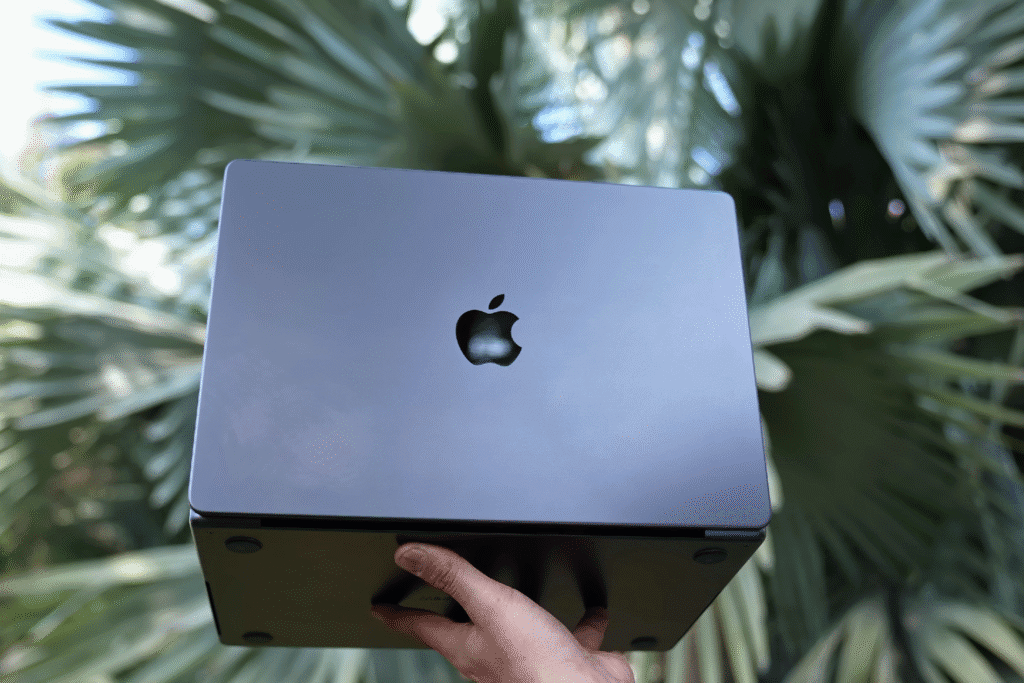
If you’re looking for a lightweight, powerful laptop for productivity, creative work, or coding — and you prefer Apple’s ecosystem — the M5 Pro is one of the best options right now.
Before making a decision, consider how the MacBook Pro M5 compares to earlier models. We’ve already reviewed the performance, design, and real-world use in detail. Read our full MacBook Air M4 review here

