
The Xiaomi Pad 7 has finally arrived, and it’s safe to say the excitement around it has been huge. Fans have been waiting for months. This review covers all the major points you wanted to know.
The Xiaomi Pad 7 starts at $362 for the 128GB model and goes up to $387 for the 256GB variant. But here’s the main question most people have been asking:
When the Xiaomi Pad 6 (256GB) is still available for around $, does it make sense to spend extra on the new one?
Let’s find out if the Pad 7 truly offers enough upgrades to justify the price. If you’re interested in the details, read on — or skip ahead to the section that matters most to you.
Unboxing
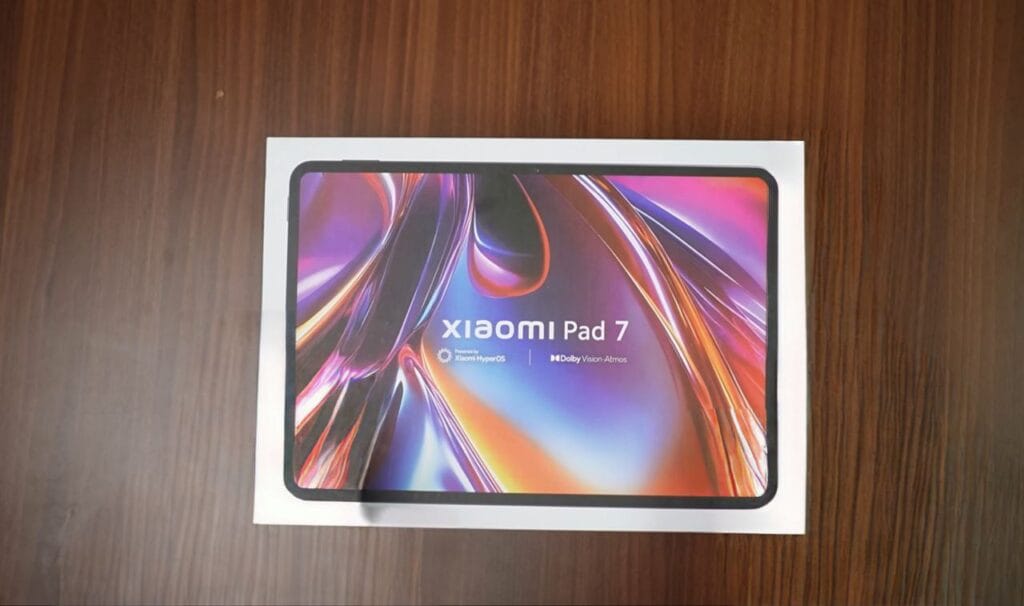
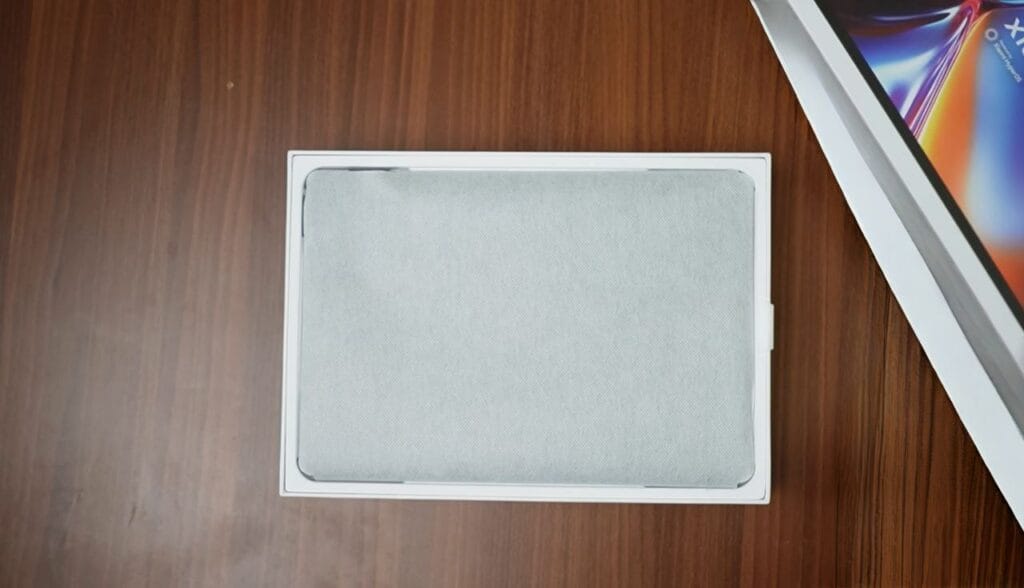
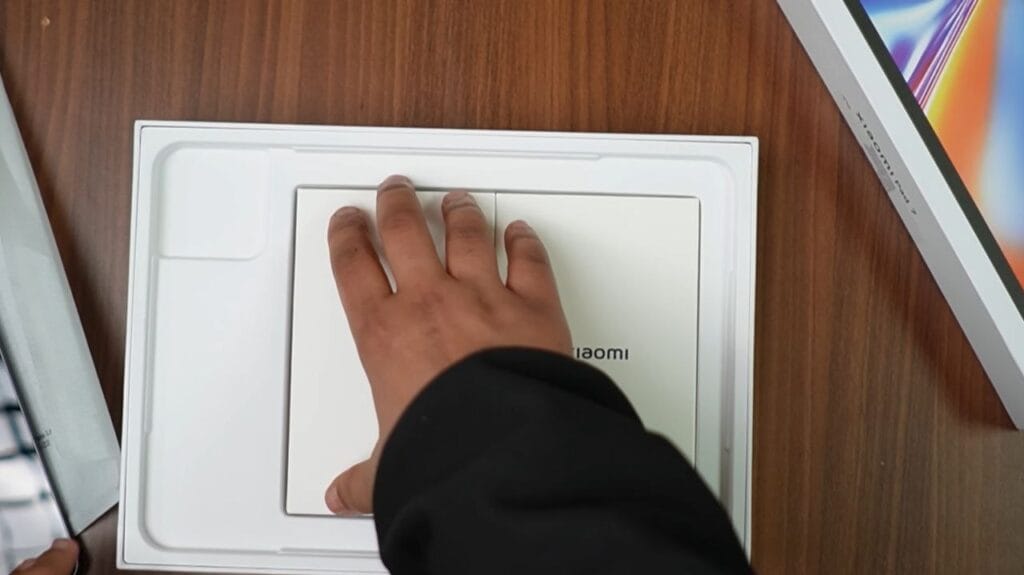
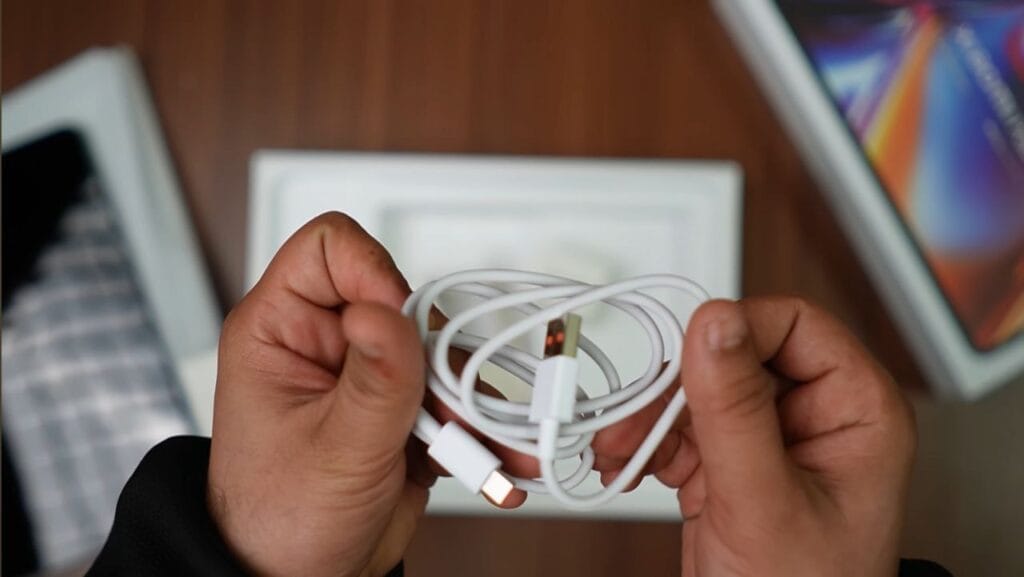
Let’s start with the unboxing. The Xiaomi Pad 7 comes in a clean, Apple-inspired package. Inside, the tablet is wrapped neatly in a white protective sheet. Beneath it, there are two small boxes — one contains the usual paperwork, and the other includes a 45W charger along with a Type-A to Type-C cable.
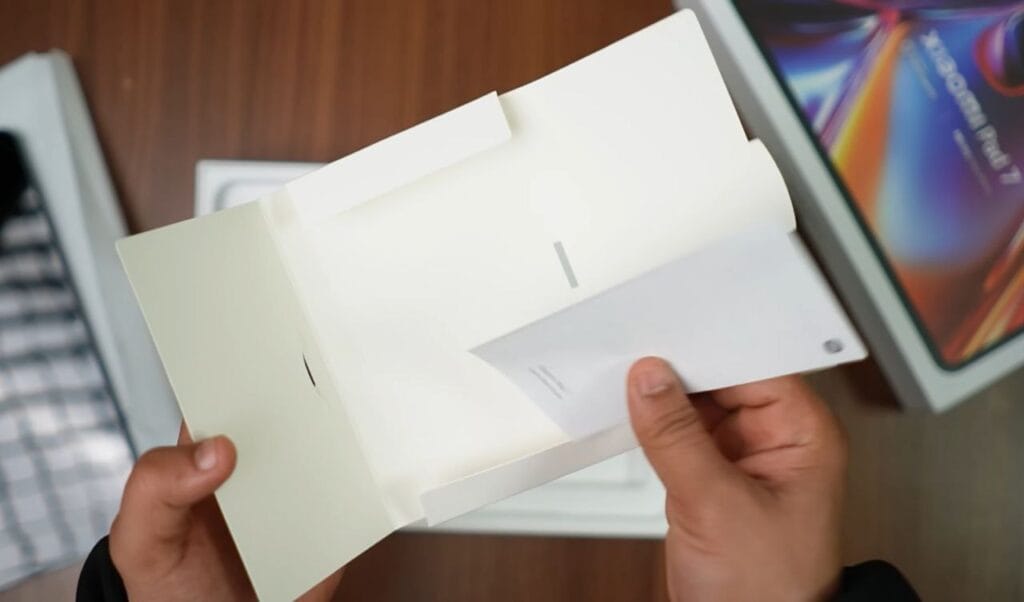
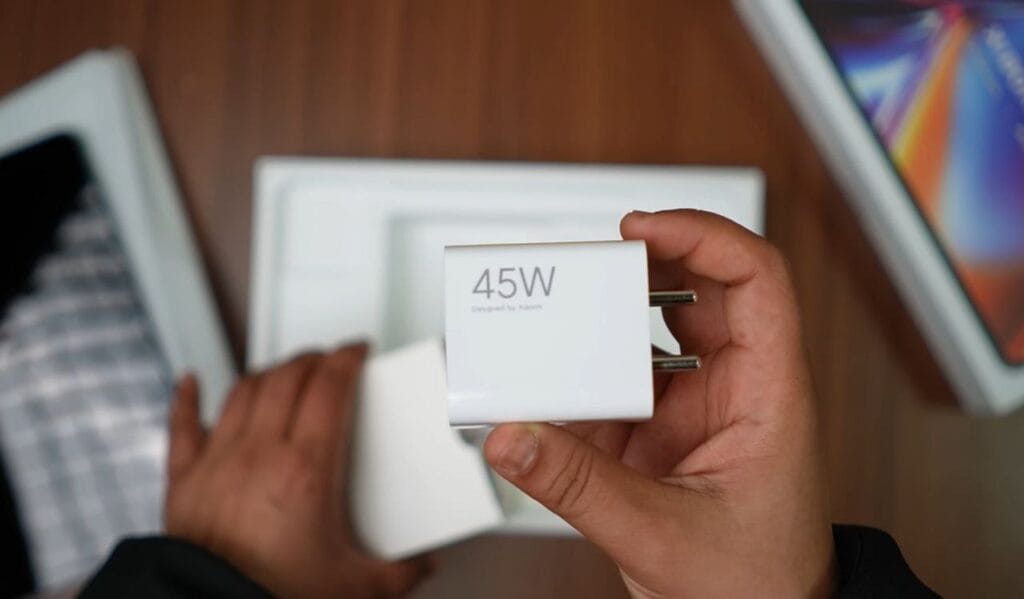
I also ordered the Xiaomi Focus Pen, which costs around $70. Keep in mind that the Pad 6 stylus isn’t compatible with the Pad 7, and vice versa. So, if you’re planning to use a stylus, you’ll need to buy a new one separately.
Personally, I feel Xiaomi should have switched to a Type-C to Type-C cable by now. It’s 2025, and most modern devices have already moved on from Type-A ports.
Build & Design
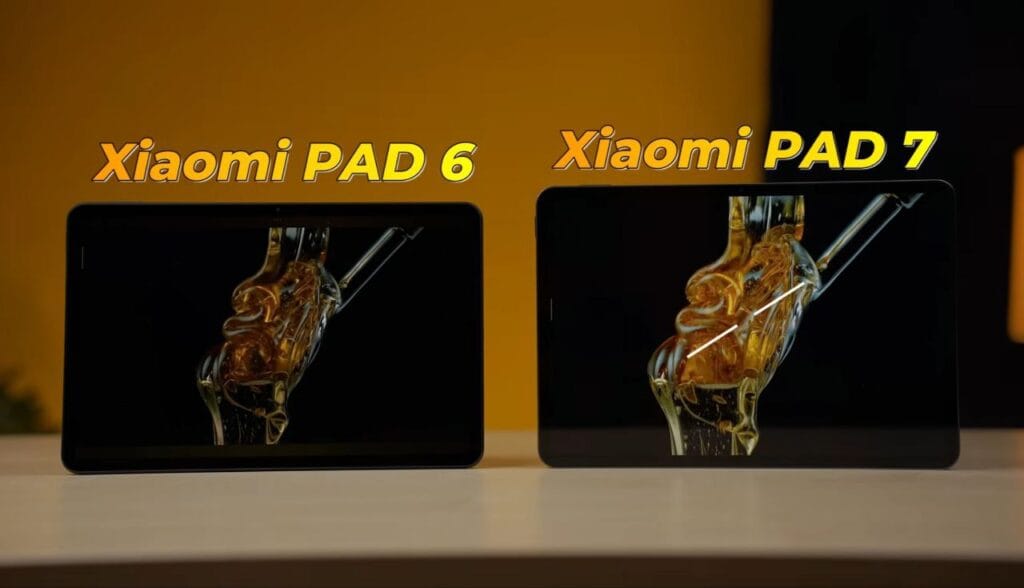
The Xiaomi Pad 7 is slightly larger than before, with the display increasing from 11 inches to 11.2 inches. The aspect ratio has also changed — it’s a bit wider and shorter compared to the Pad 6.
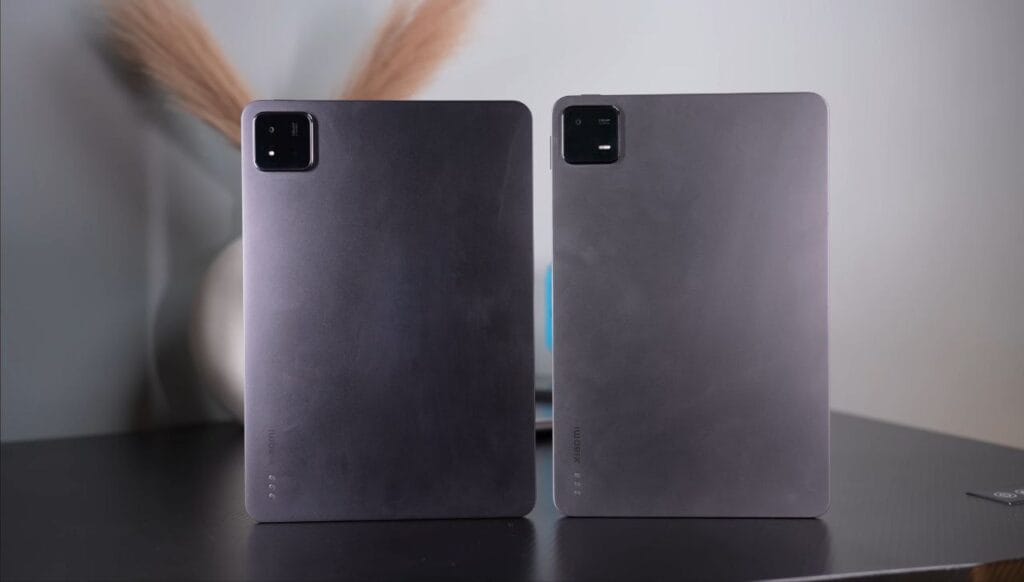
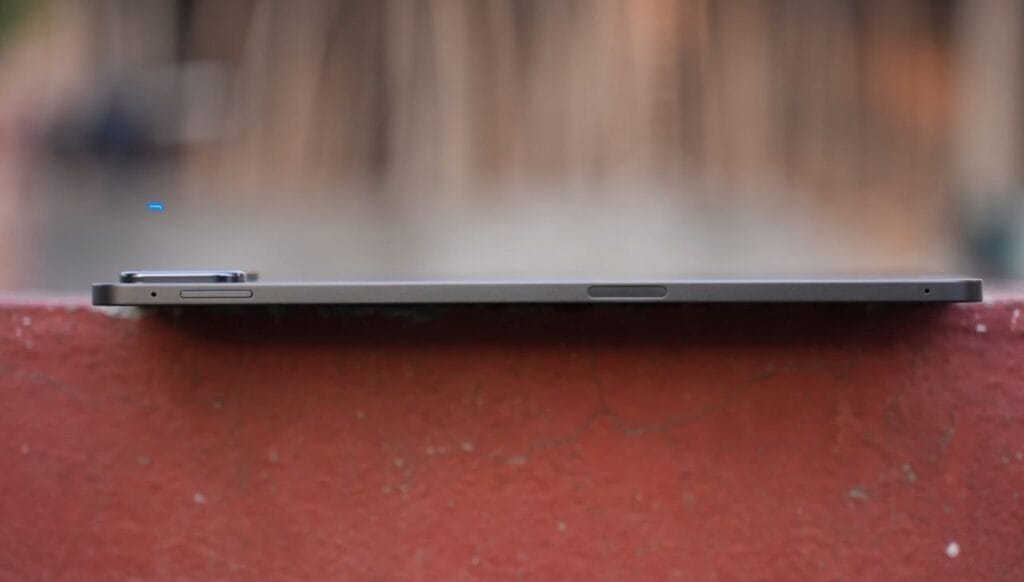
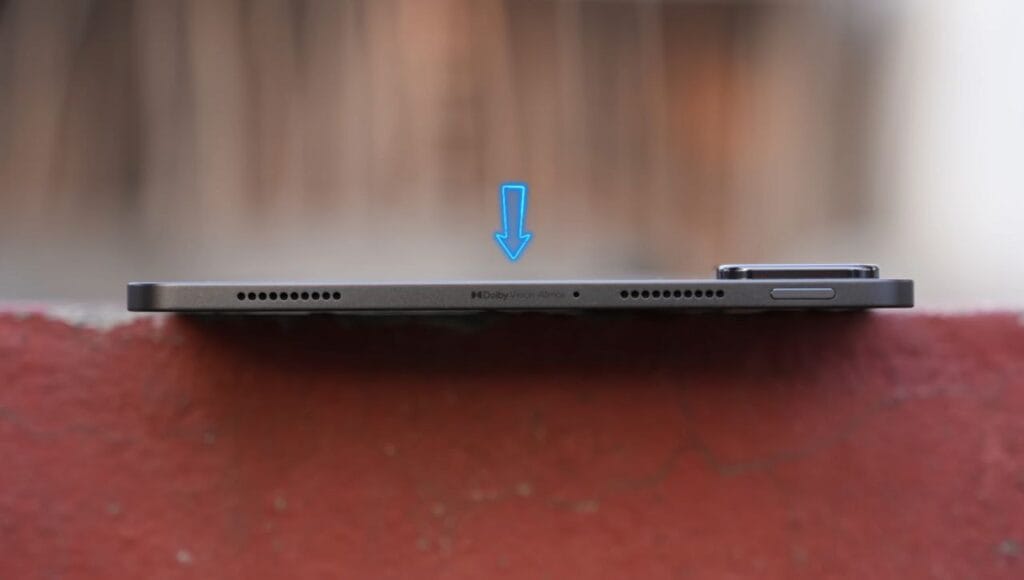
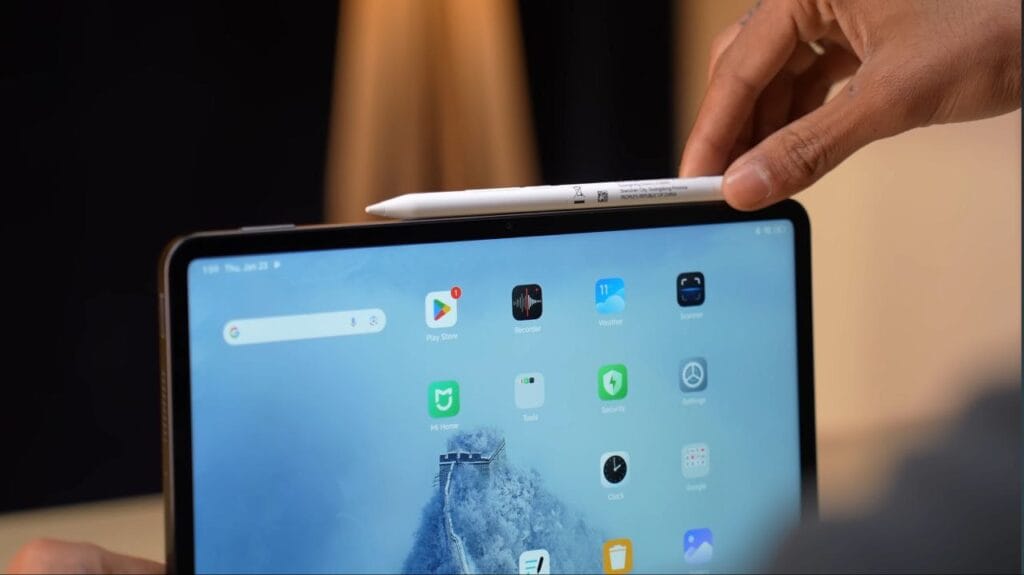
On top, you get a speaker grill, Dolby Vision Atmos branding, a mic, and the power and volume buttons. The stylus attaches magnetically on the side and charges wirelessly.
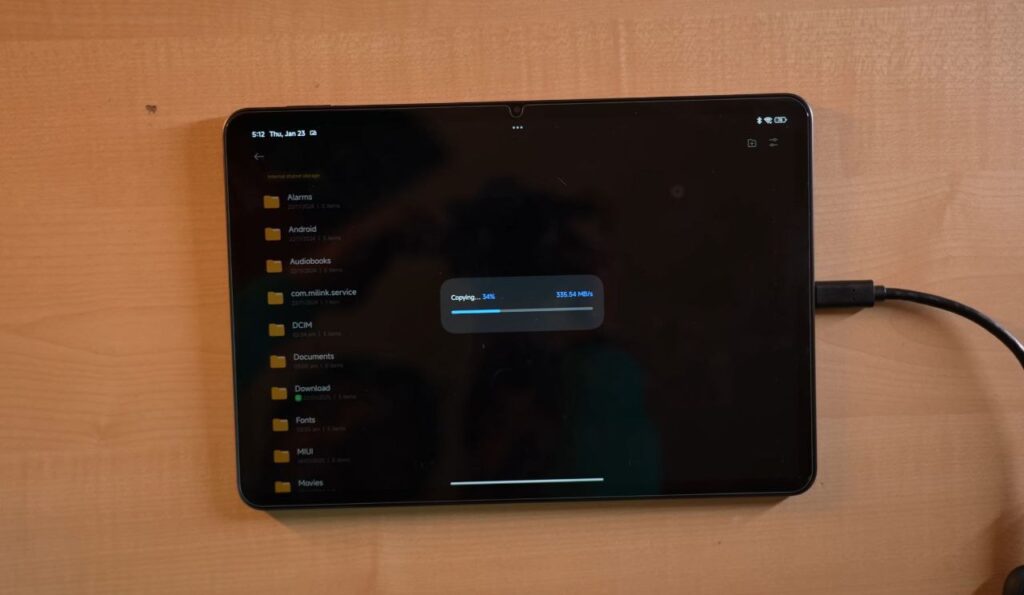
At the bottom, there’s another set of speakers and a USB Type-C port (USB 3.2 Gen 1) that supports 4K 60Hz display output and fast data transfer — handy for teachers, streamers, or creators. There’s still no fingerprint scanner, which feels like a missed opportunity.
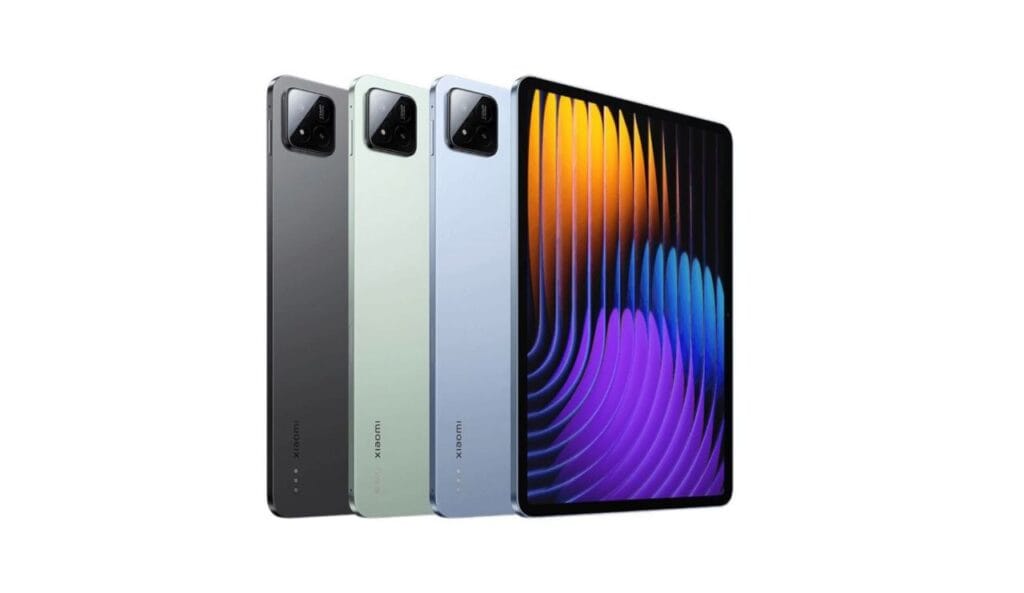
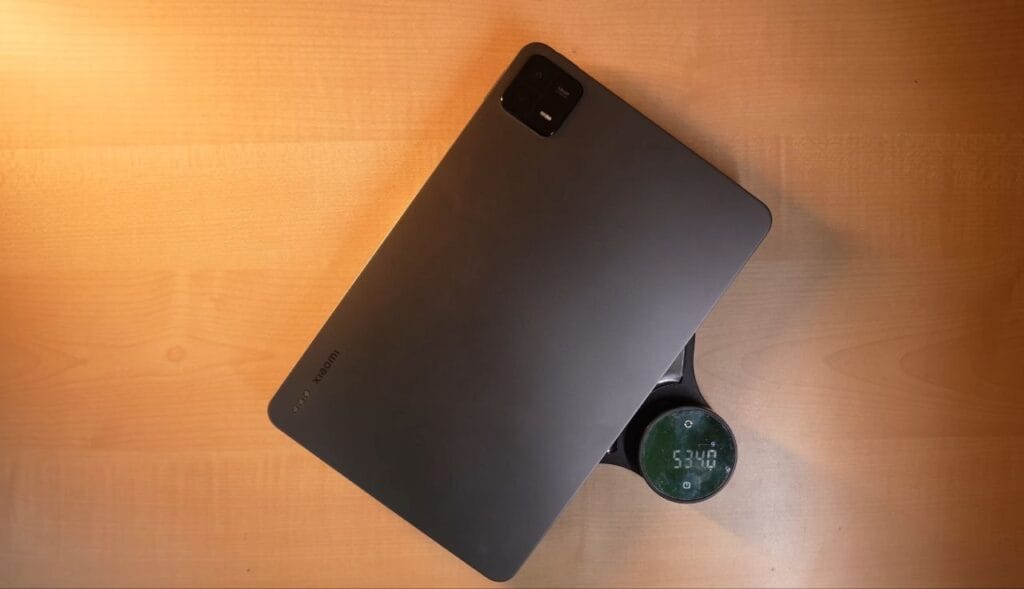
The tablet comes in Graphite Grey, Mirage Purple, and Sage Green. The Graphite Grey variant looks the most premium. With its metal frame, 13MP rear camera, and Pogo pin for the keyboard, the Pad 7 feels sleek and well-built. It weighs about 500 grams, just 10 grams more than the Pad 6 — a comfortable size for watching videos, reading, or taking notes.
Display
| Xiaomi Pad 7 — Display Specifications | |
|---|---|
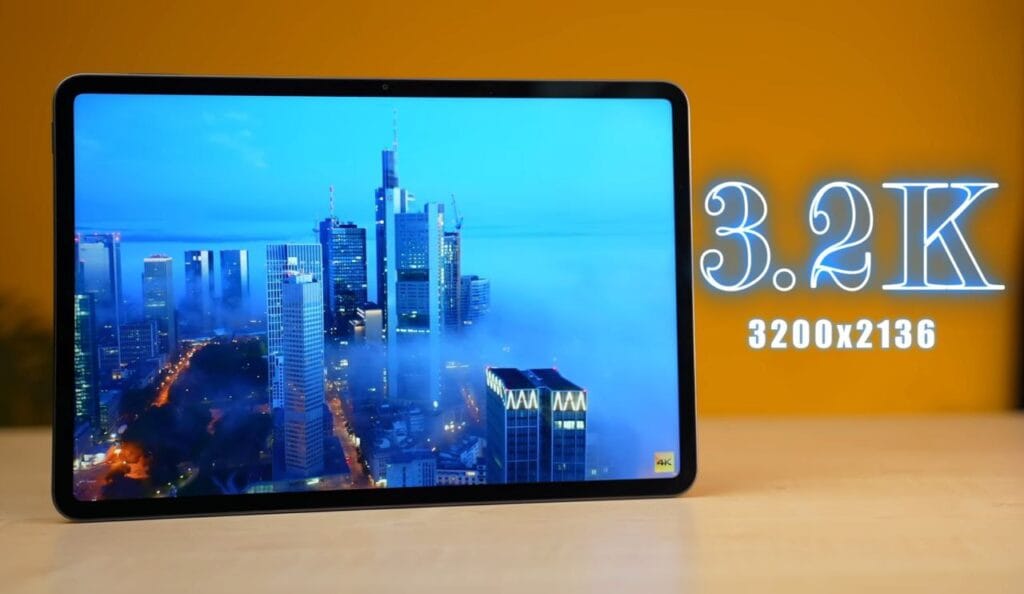
| Display size | 11.2 inches |
| Resolution | 3200 × 2136 (3K) |
| Aspect ratio | 3:2 — better for productivity / note-taking; larger black bars in video |
| Refresh rate | Supports 144Hz (most apps run at 120Hz) |
| Touch sampling | 360Hz touch sampling; 240Hz when using stylus |
| Brightness | ~600 nits (typical), up to 800 nits (peak/high-brightness mode) |
| Panel type | IPS LCD — wide viewing angles; wet-touch supported |
| Outdoor usability | Reflective outdoors; readable indoors — nano-texture variant expected to reduce glare |
| Protection | Corning Gorilla Glass 3 |
| HDR / OTT support | HDR10, Dolby Vision; Widevine L1 for 1080p OTT streaming |
| Color accuracy | 100% sRGB, ~98% DCI-P3, ~87% Adobe RGB — excellent for content work |
You also get HDR10, Dolby Vision, and Netflix HDR support — something not all tablets in this range offer. Protection comes from Corning Gorilla Glass 3, which should resist scratches, but given the large screen size, a case or screen protector is still recommended. Lastly, Xiaomi has included TÜV Rheinland certifications for Low Blue Light, Flicker-Free, and Circadian-Friendly viewing, making it safer for long hours of use.
Audio & Haptics
The speakers are one of the biggest highlights of the Xiaomi Pad 7. This tablet is built for multimedia — it gets loud, to the point where people around you might ask you to plug in your headphones. It features a quad-speaker setup with Dolby Atmos support, and the effect is clearly noticeable. The audio separation and depth are impressive, delivering a rich and detailed soundstage.
If you play Dolby Atmos content through compatible external speakers or headphones, the experience becomes even better. Just make sure your external device also supports Dolby Atmos to get the full effect. Compared to the Xiaomi Pad 6, the speakers here are slightly improved — not a massive jump, but definitely a step up in clarity and loudness.
One thing missing is haptic feedback. There’s no vibration motor for typing or notifications, which might not bother everyone, but it’s something Xiaomi could have included for a more complete experience.
Multimedia
The Xiaomi Pad 7 excels at multimedia. It supports Widevine L1, allowing 1080p streaming on OTT platforms, and 4K 60Hz HDR playback on YouTube. The 12-bit display ensures highly accurate colours, whether you’re gaming or watching movies.
The tablet also includes a video toolbox, letting you record, take screenshots, and cast content easily. You can apply different display styles like Nostalgic, Vibrant, HDR, or Black & White — though black & white is more of a novelty than a practical option.
For audio, there’s an immersive sound mode, enhancing the multimedia experience further. Overall, the Pad 7 delivers a strong multimedia performance that won’t disappoint.
Specifications
Xiaomi Pad 7: Key Specs
| Processor / Chipset | Snapdragon 7+ Gen 3 (4nm) |
|---|---|
| Display Size | 11.2″ IPS LCD |
| Resolution & Refresh Rate | 3.2K (3200×2136), 144 Hz Adaptive |
| Display Features | 800 nits, Dolby Vision, HDR10 |
| RAM | 8GB / 12GB LPDDR5X |
| Storage | 128GB (UFS 3.1) / 256GB (UFS 4.0) |
| Rear Camera | 13 MP (4K@30fps) |
| Front Camera | 8 MP (1080p@30fps) |
| Battery Capacity | 8850 mAh |
| Charging | 45W Turbo Charging |
| Operating System | Android 15 (HyperOS 2) |
| Connectivity | Wi-Fi 6E, BT 5.4, USB-C 3.2 Gen 1 |
| Colors |
|
| Dimensions | 6.2 mm thin, 500 g |
The Xiaomi Pad 7 delivers a noticeable jump in performance compared to its predecessor. Powered by the Snapdragon 7 Plus Gen 3, it outperforms the Pad 6’s Snapdragon 870 by a significant margin in benchmarks, scoring around 1.3 million on AnTuTu versus 800,000. Combined with 8GB LPDDR5X RAM and UFS 3.1 storage (UFS 4.0 on the 256GB variant), the tablet handles multitasking, gaming, and productivity tasks effortlessly. For most users, the 128GB variant is sufficient, as the storage speed difference between UFS 3.1 and 4.0 is not noticeable in daily use.
Benchmark and performance
The Xiaomi Pad 7 delivers impressive performance for daily use, multitasking, and gaming. Its Snapdragon 7 Plus Gen 3 handles apps smoothly, and the 8GB RAM ensures you can run multiple apps without lag.
Benchmark:
Wild Life Stress Test
Stress Test Results:
- CPU 15-minute test: 92% performance maintained
- CPU 30-minute test: 86% performance maintained
- Thermals: Well-managed due to the larger tablet form factor; no throttling
Real-World Performance:
- Smooth multitasking and quick app opening
- Handles multiple apps simultaneously without lag
- Excellent for productivity, gaming, and multimedia
Gaming Performance
The Xiaomi Pad 7 proves to be a capable gaming tablet, handling both casual and demanding games with stable performance. Here’s a professional, structured version of your Gaming Performance section, with subheadings, concise explanations, and bullet points for clarity. Here’s a detailed breakdown of our tests:
GRID LEGENDS
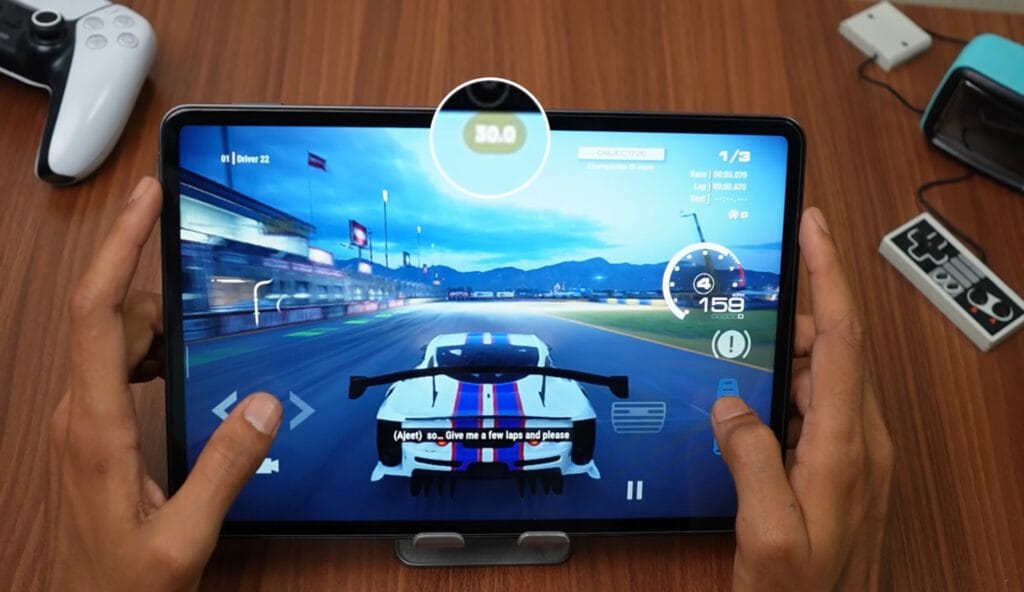
- Graphics Mode: Stable 30 FPS for 15–20 minutes of gameplay.
- Battery Saver Mode: Lower graphics quality; not recommended.
- Observation: Graphics looked slightly pixelated, possibly running at 720p. The game may improve with future updates.
- Thermals: Well-managed; no throttling observed.
Call of Duty Mobile
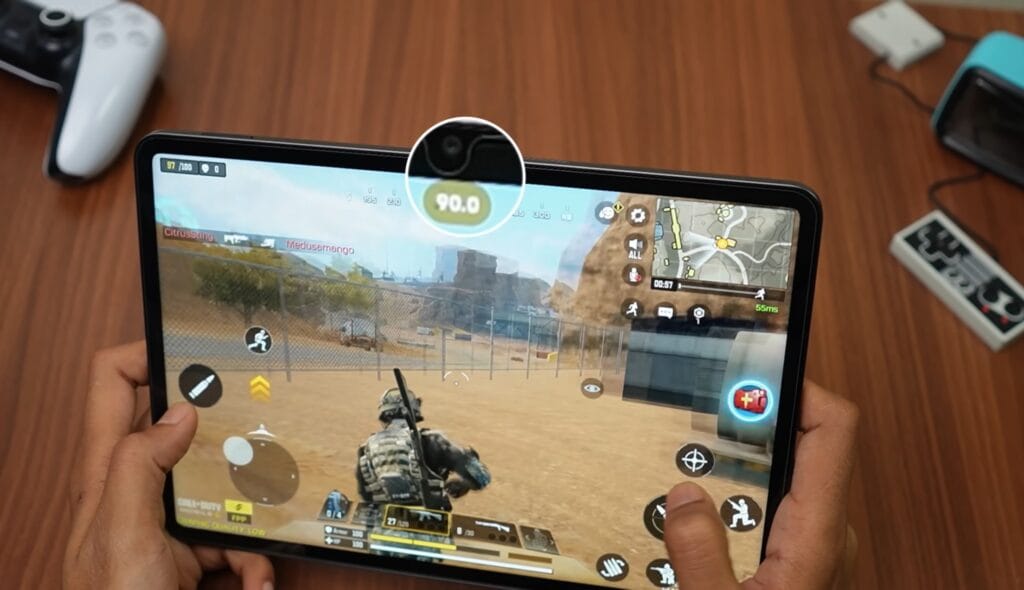
- Settings Tested: Low, Medium, High, Very High, Ultra at Low.
- FPS: Stable 90 FPS in Battle Royale mode.
- Gyro: Tablet gyro works smoothly for precise controls.
- Thermals: No significant FPS drops after extended gameplay (~30 minutes).
Call of Duty Warzone
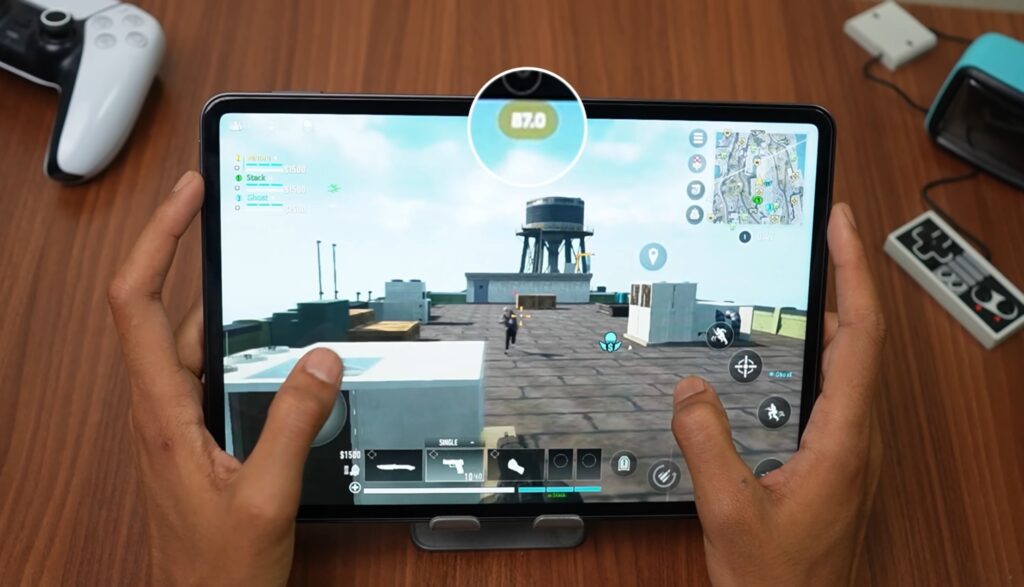
- Settings: Recommended low-resolution preset, uncapped FPS target.
- FPS: Mostly 85–90 FPS, occasionally dropping to 70–75 FPS.
- Visuals: Gameplay is playable, but the resolution is lower for stability.
Genshin Impact
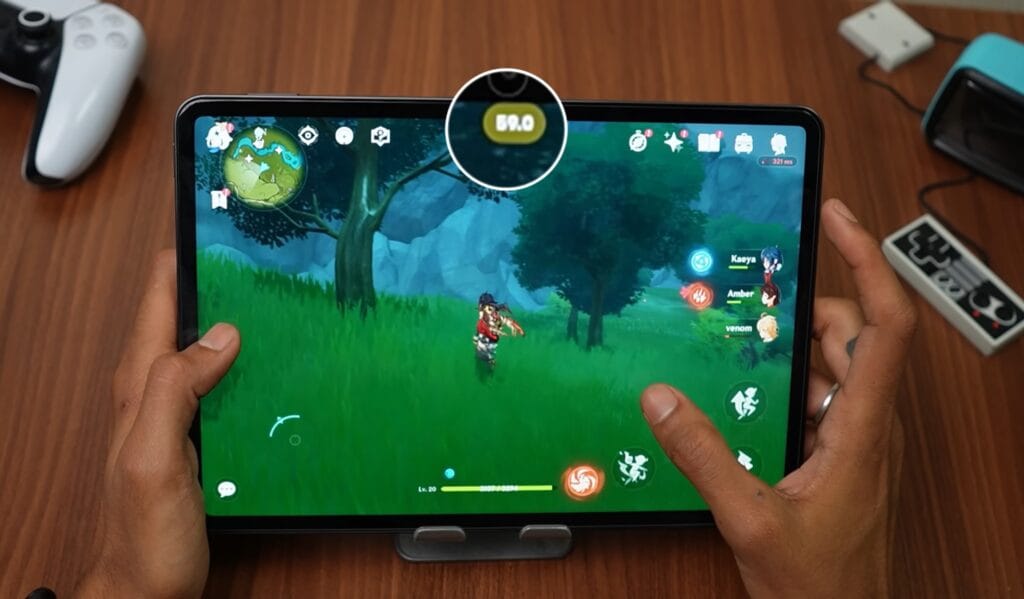
- Medium Settings (FPS 60): Stable 55–60 FPS.
- Highest Graphics Settings (FPS 60): Stable 60 FPS, occasional minor drops by 1–2 FPS.
- Observation: Long sessions (~1–1.5 hours) showed no major instability.
BGMI
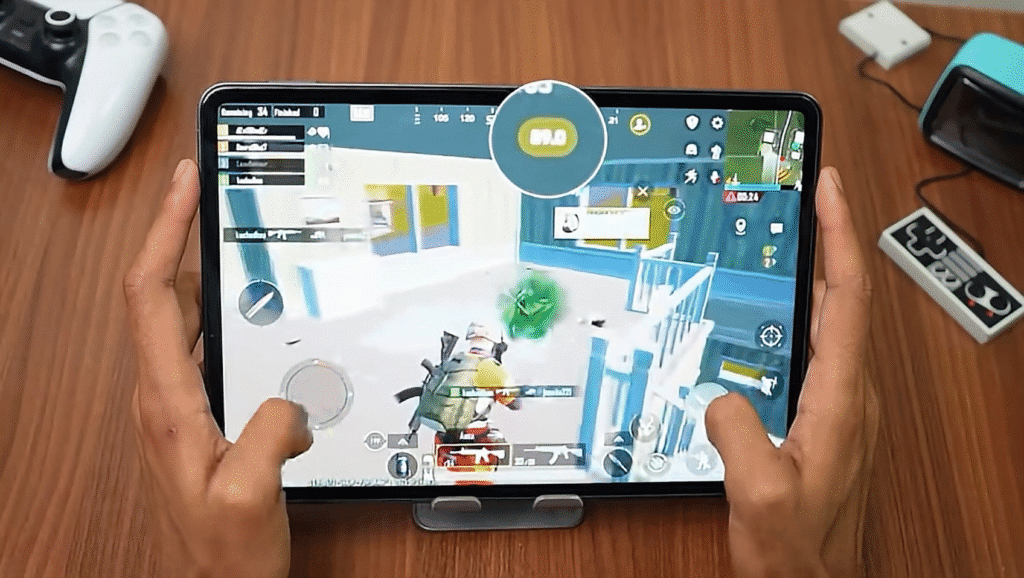
- Settings: Extreme Plus on Smooth (supports 90 FPS), Extreme on Balanced/HD/HDR, Ultra on Ultra HDR.
- FPS: Stable 89–90 FPS on most settings, suitable for esports.
- Observation: Long gaming sessions showed stable performance; device may vary after 4–5 hours of continuous play.
Xiaomi Pad 7: Gaming Summary 🎮
The Pad 7 delivers stable, high-FPS performance across demanding and popular mobile games, with thermals well-managed for extended sessions.
| Game Title | Stable FPS | Observation |
|---|---|---|
| Call of Duty Mobile | Stable 90 FPS | Battle Royale mode; smooth gyro; no FPS drops after ~30 min. |
| BGMI | Stable 89–90 FPS | Esports-level FPS on Smooth/Extreme Plus settings; stable for long sessions. |
| Genshin Impact | Stable 60 FPS | Maintained 60 FPS even on **Highest Graphics** across long sessions (~1.5 hours). |
| CoD Warzone | Mostly 85–90 FPS | Requires low-res preset for stability; occasional drops to 70–75 FPS. |
| Wuthering Waves | 45–55 FPS | Achieved on Performance Preset; playable but FPS varies by scenario. |
| GRID LEGENDS | Stable 30 FPS | Stable for 15–20 min; low visual resolution (720p). **No throttling.** |
The Xiaomi Pad 7 is a performance-focused tablet designed with gamers in mind. It handles both demanding console-level titles and popular mobile games smoothly, without noticeable FPS drops. Thanks to its tablet form factor, thermals are well-controlled, allowing for extended gaming sessions with minimal performance loss. As new updates and games roll out, its performance is expected to improve even further, making it a solid choice for gaming enthusiasts.
Connectivity & Sensors
The Xiaomi Pad 7 comes with WiFi 6E and Bluetooth 5.4, offering stable and fast wireless connectivity. During testing, WiFi performance was smooth with no issues.
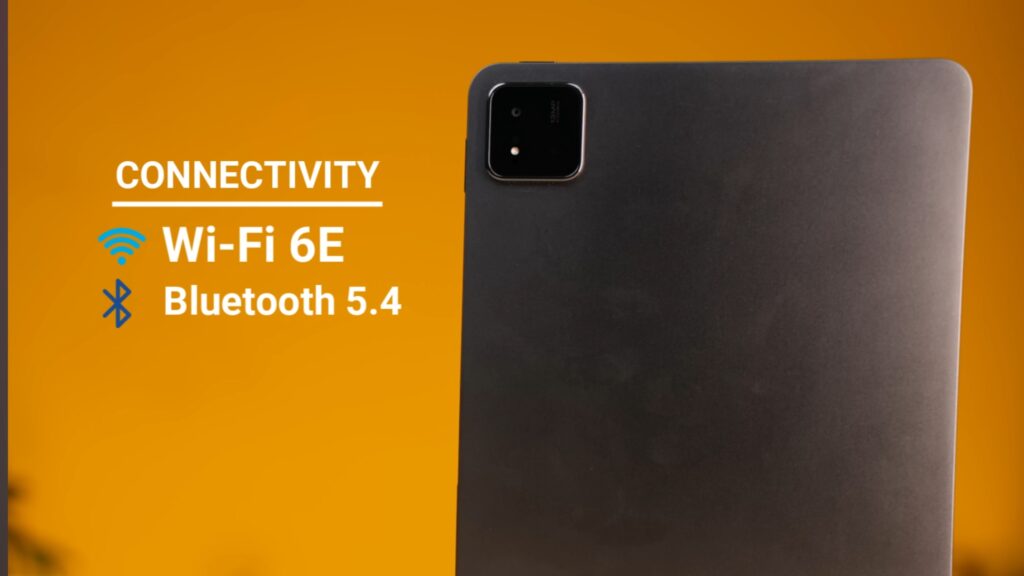
- No SIM Variant: A cellular version is not available. For students travellers without constant WiFi access, this can be limiting, as a hotspot is required to stay connected.
- Sensors: The tablet features a total of 35 sensors, including an IR sensor — a new addition over the Pad 6.
- IR Functionality: The IR sensor allows the tablet to control devices like TVs and ACs using the Mi Remote app, which works reliably.
Overall, connectivity is strong for home and office use, but a cellular variant would make the device more versatile for users on the go.
Operating System & User Interface
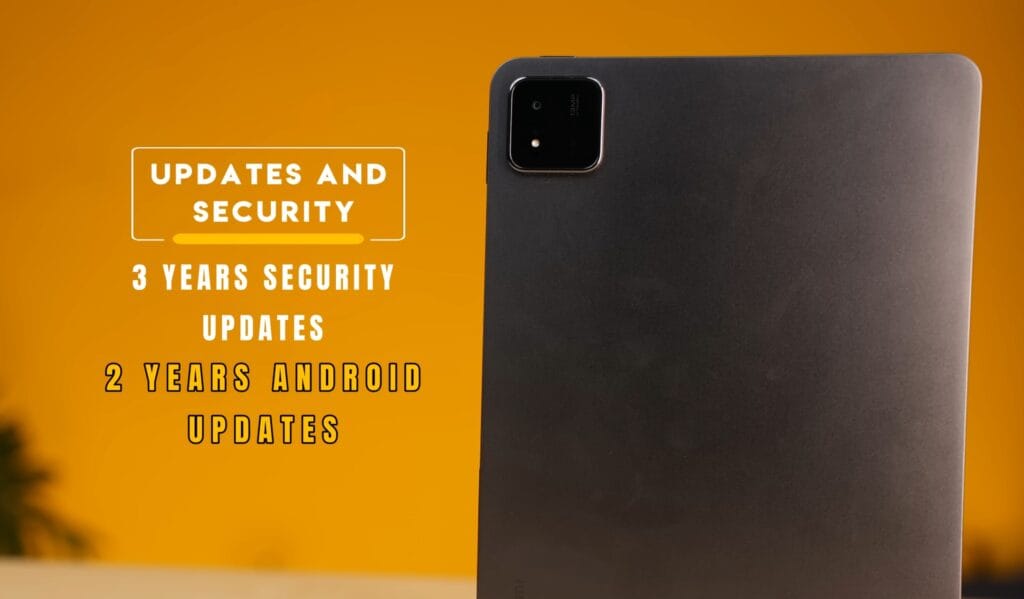
The Xiaomi Pad 7 comes with Android 15 out of the box and Hyper OS 2.0, offering a clean, bloatware-free UI. It supports 2 years of major updates and 3 years of security updates, though at this price point, longer update support would be ideal.
UI Features:
- PC Mode: Attach a keyboard and mouse, run multiple apps in split or floating windows. Provides a PC-like experience, not full PC performance.
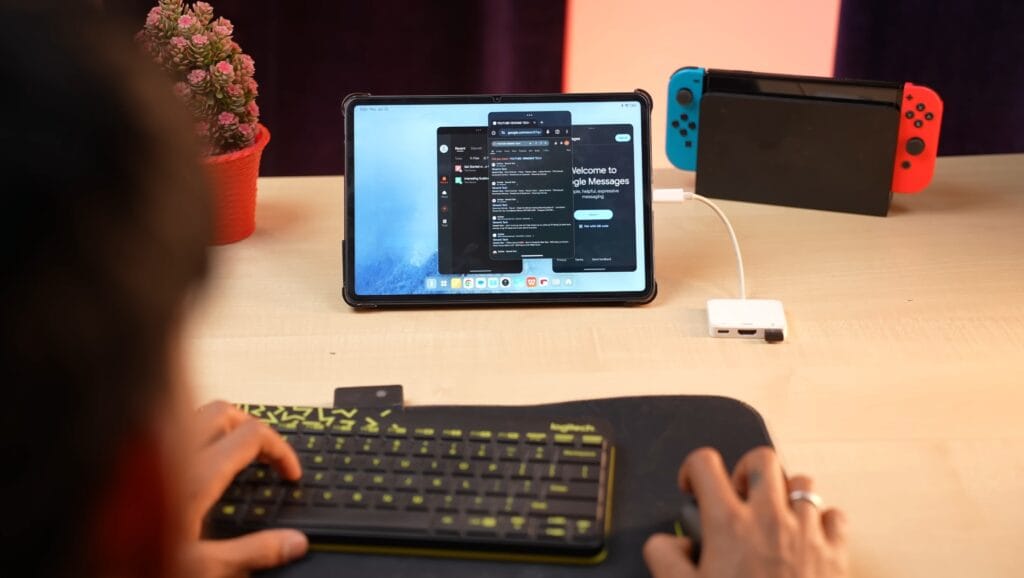
- Split Keyboard: Improves typing comfort with a thumb-friendly layout.
- Bottom Bar: Quick access to recent and favourite apps.
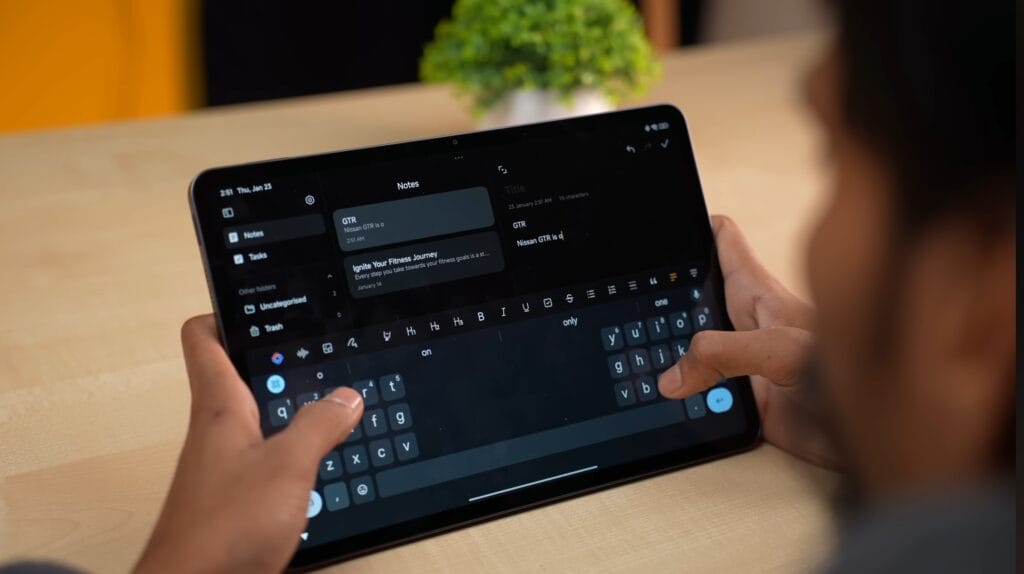
- AI Features in Notes: Writing assistance, summarising, proofreading, tonality adjustment (Professional, Friendly, Simple, General).
- Hyper OS Ecosystem: Sync clipboard, share files, instant hotspot, call notifications, phone mirroring (device-dependent).
Overall, the UI is smooth, functional, and versatile for productivity, multitasking, and creative work.
The Xiaomi Focus Pen is designed specifically for the Pad 7 and is ideal for artists, students, and professionals who want a precision stylus.
Stylus
Xiaomi Focus Pen: Key Features
| Approximate Price | $79 (Sold Separately) |
|---|---|
| Pressure Sensitivity | 8192 Levels (Accurate Strokes) |
| Touch Sampling Rate | 240 Hz (Minimal Latency) |
| Latency | Ultra-low (as low as 3ms on supported apps) |
| Programmable Buttons | 3 Buttons (Spotlight, Screenshot, Writing) |
| Special Functions |
|
| Palm Rejection | Yes (Prevents accidental touches) |
| Charging Method | Wireless Charging (Magnetic) |
| Weight | ~15 g (Lightweight) |
The Xiaomi Focus Pen, made for the Xiaomi Pad 7, is a lightweight (15g) stylus designed for artists and note-takers. You can use it as a remote spotlight or camera shutter, making it great for meetings and presentations.
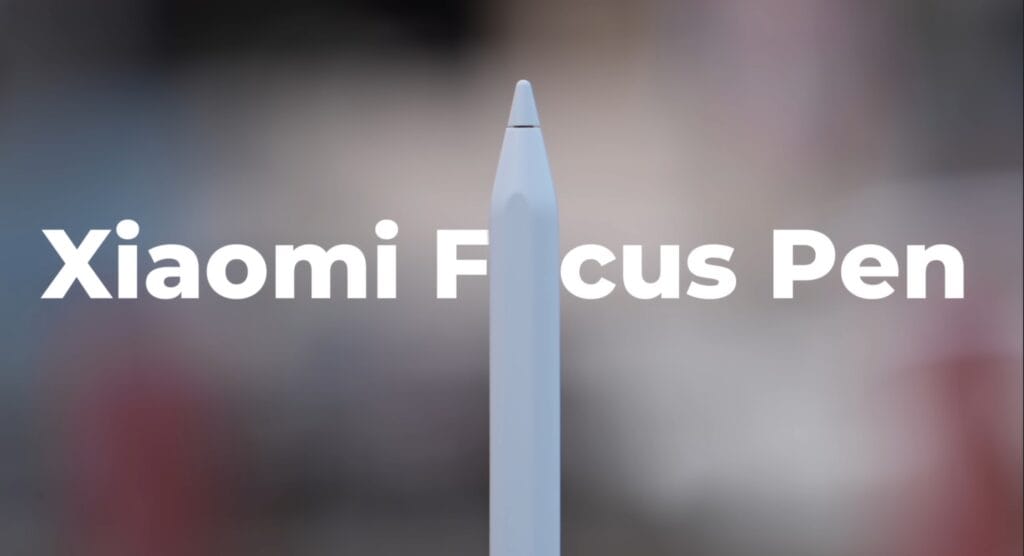
With the MI Canvas app, you can take instant notes from the lock screen or use AI Art to turn sketches into digital art. It supports palm rejection, has low latency, and adjusts line thickness based on pressure. Priced at $70, it also supports wireless charging by attaching magnetically to the tablet—practical, responsive, and perfect for creative users.
Battery
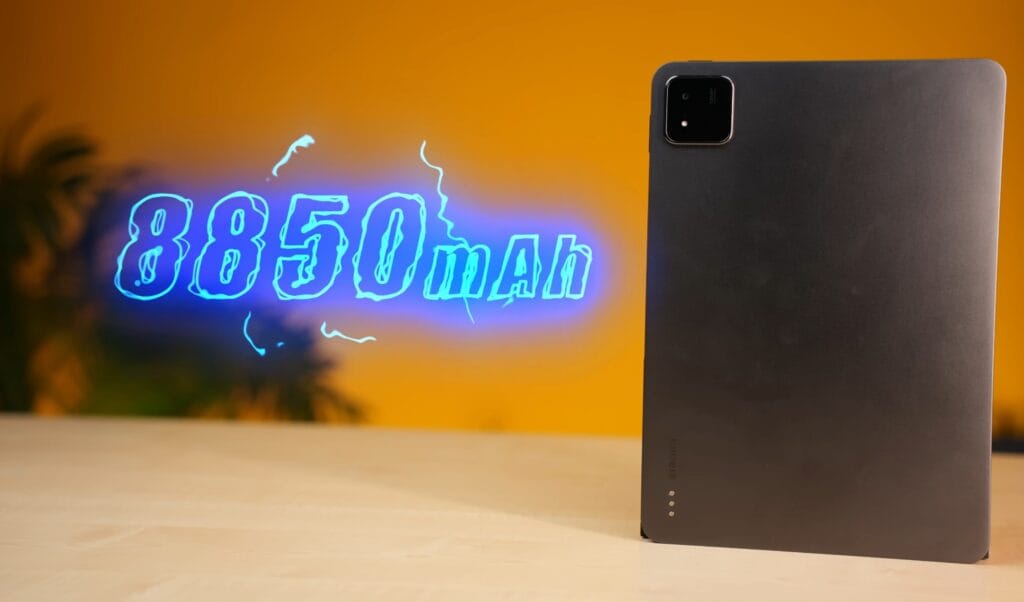
The Xiaomi Pad 7 packs an 8850mAh battery, slightly higher than the Pad 6’s 8840mAh. Despite the minor increase, it delivers solid battery life for a tablet of this size.
Battery Performance:
- Media Playback: ~4 hours of continuous Netflix at full brightness and volume.
- Normal Usage: 7–8 hours of screen-on time for multitasking, browsing, and productivity.
- Gaming: Heavier usage reduces battery life, as expected.
Charging:
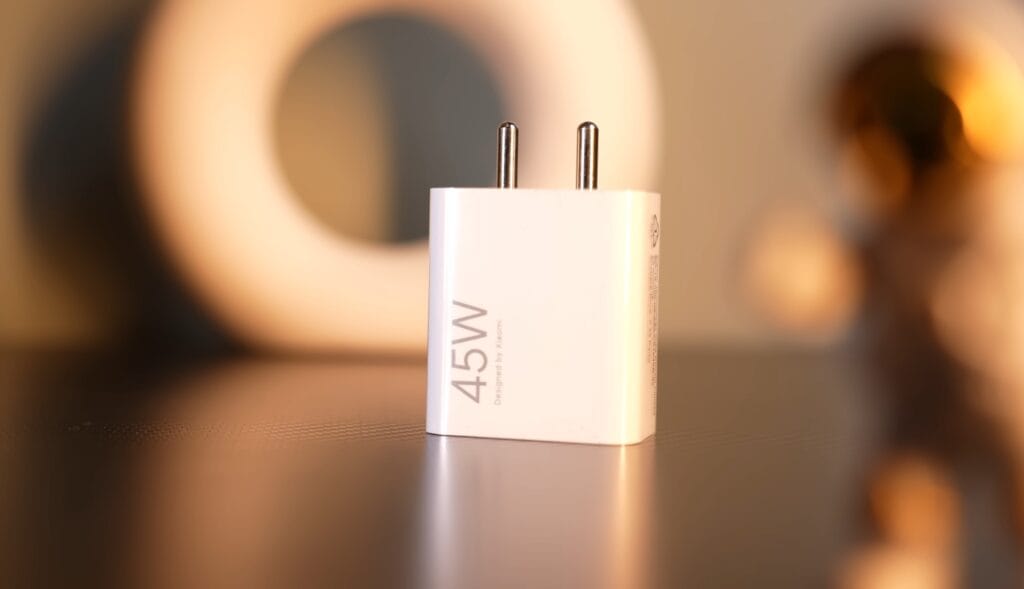
- Comes with a 45W charger.
- Full charge from 0–100% takes approximately 1 hour and 25 minutes.
- Charging status is displayed on-screen when the stylus or tablet is connected.
Overall, the battery life is reliable and sufficient for a full day of mixed use, and fast charging ensures minimal downtime.
Camera
While tablets are not designed for photography, the Xiaomi Pad 7 offers functional cameras suitable for video calls, document scanning, and casual photography.
Rear Camera:
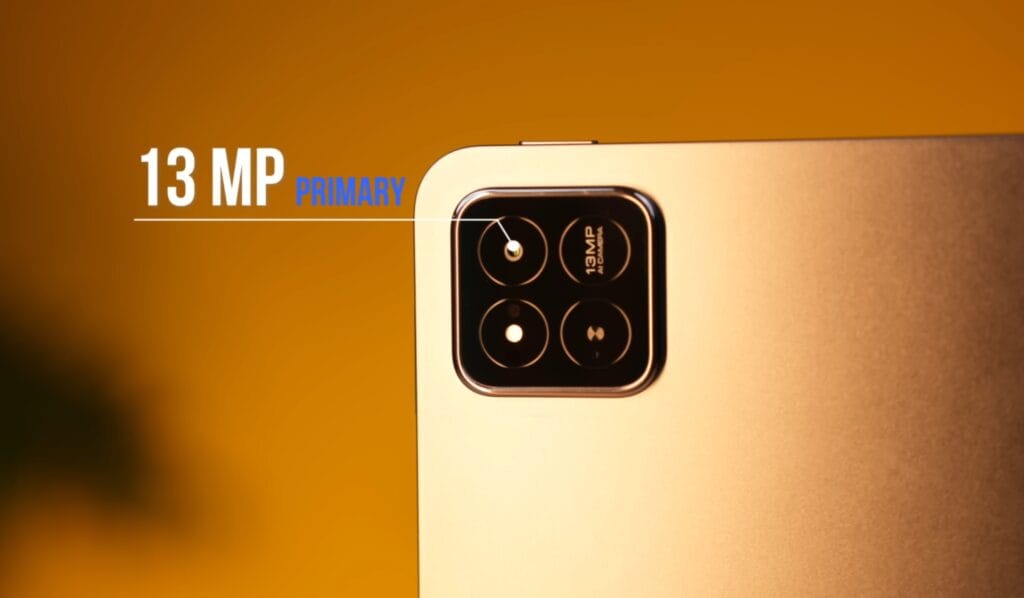
- 13MP primary sensor with flash.
- Video recording up to 4K at 30FPS (back) and 1080P at 60FPS for standard recording.
- The green indicator light shows when the camera is in use for privacy.
Front Camera:
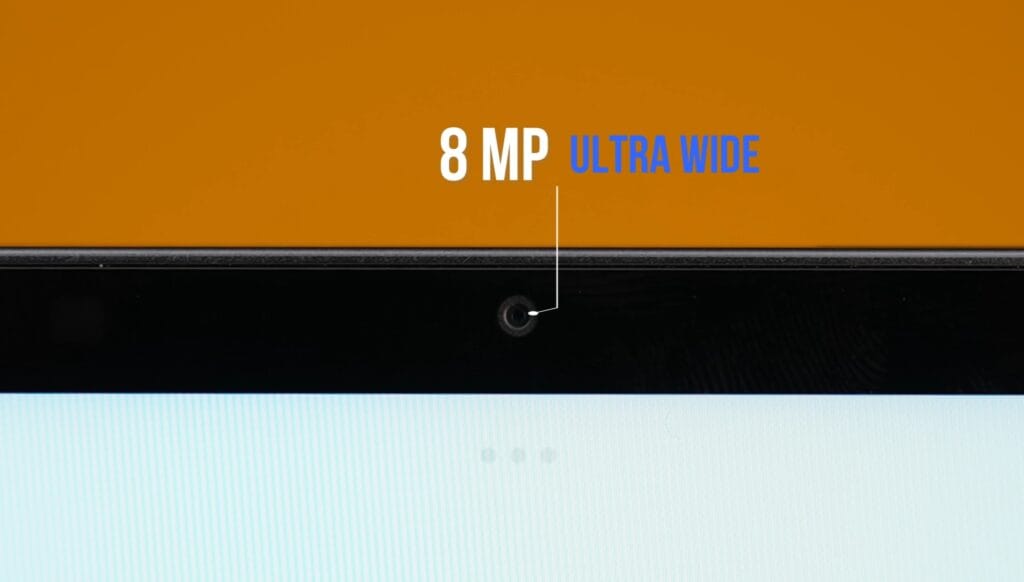
- 8MP ultra-wide sensor.
- Video recording up to 1080P at 30FPS.
- Good for video calls, online classes, and meetings.
Performance & Features:
- Not meant for high-quality photography; suitable for document capture and casual use.
- AI features in the Gallery include tools like object removal.
- Overall, the cameras are decent and functional, fitting the tablet’s productivity and communication needs rather than photography.
Pricing
Xiaomi Pad 7 & Focus Pen: Price Breakdown 🚀
*These prices are highly variable import estimates and do not represent official retail pricing.
| Product / Model | Storage/RAM | Estimated Price (USD) | Action |
|---|---|---|---|
| Xiaomi Pad 7 (Base) | 128GB / 8GB | $399 – $480 | View Deals |
| Xiaomi Pad 7 (Pro/Higher-End) | 256GB / 12GB | $480 – $560 | View Deals |
| Xiaomi Focus Pen (Stylus) | (Accessory) | $70 – $100 | Buy Pen |
| Estimated Combo Price (Pad + Focus Pen): $469 – $660 | |||
Final Verdict
The Xiaomi Pad 7 is a strong contender in the $362-$390 segment, offering a solid mix of performance, display quality, and features for its price.
Key Takeaways:
- Performance: The Pad 7’s Snapdragon 7 Plus Gen 3 offers a significant upgrade over the Pad 6, especially for gaming and performance-centric tasks like video editing.
- Display: Brighter 11.2-inch 3K display with a 3:2 aspect ratio; minor difference compared to Pad 6, but better overall.
- Software: Ships with Android 15 and Hyper OS 2.0, with 2 years of major updates. Pad 6 will get Android 15 later.
- Multimedia & Speakers: Quad speakers with Dolby Atmos support outperform Pad 6 and even the iPad 10th Gen in audio quality.
- Stylus Support: The Focus Pen adds precise note-taking and creative capabilities, ideal for students and professionals.
- Camera: Decent front and rear cameras for video calls, document scanning, and casual use.
Comparison to iPad 10th Gen:
- iPad 10th Gen costs ₹35,000 for 64GB; Xiaomi Pad 7 offers 256GB storage.
- Pad 7 has a higher-resolution display and quad speakers, while iPad has 60Hz refresh and fewer speakers.
- Apple’s ecosystem is stronger, but Xiaomi offers better value in performance and multimedia features.
Who Should Buy:
- Choose Xiaomi Pad 7 if performance, gaming, or creative work is a priority.
- Choose Xiaomi Pad 6 if you want a budget-friendly tablet for note-taking, casual gaming, and multimedia.
Overall, at its price point, the Xiaomi Pad 7 is a well-rounded tablet that delivers good performance, display, and features for students, professionals, and creative users alike.