Windows 11’s New Low Latency Profile Could Make PCs Feel Much Faster
Microsoft may finally be focusing on something Windows users genuinely care about: real-world performance. Instead of introducing another AI-focused feature, the company is now testing a new Windows 11 op called Low Latency Profile (LLP). Early reports suggest this feature could significantly improve how fast and responsive Windows feels during daily use.
The feature is currently rolling out to a limited group of testers, but the first impressions are already positive. Many users are noticing quicker UI interactions, faster app launches, and smoother overall system responsiveness. Unlike flashy AI additions, this is the kind of upgrade users can actually feel immediately while using their PCs.
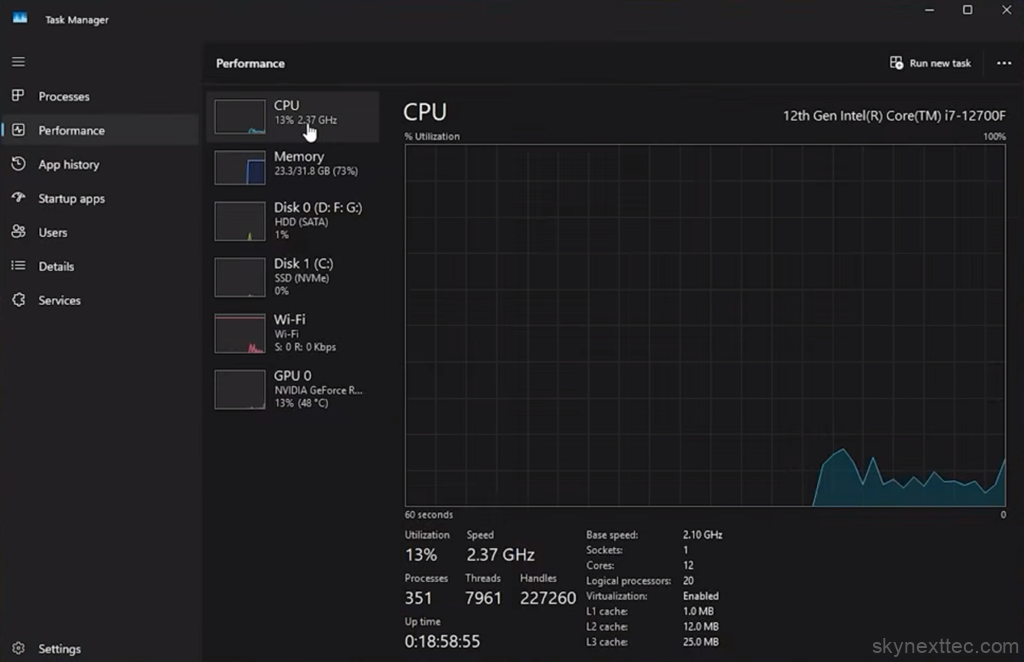
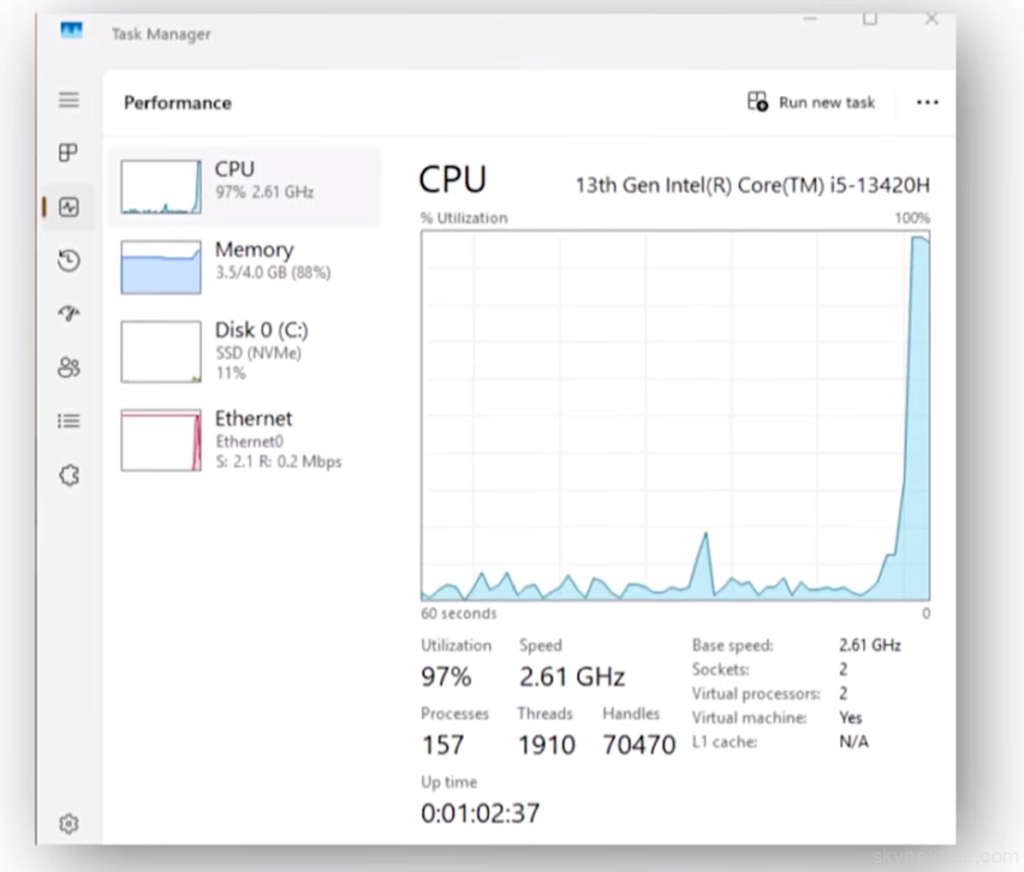
Low Latency Profile works by changing how Windows handles CPU performance. Normally, the operating system gradually increases processor speed depending on workload. This method helps reduce power consumption and heat, but it can also create small delays when opening apps or interacting with the Windows interface.
With LLP enabled, Windows reacts much more aggressively. As soon as a user opens File Explorer, launches the Start Menu, or clicks on an application, the operating system quickly pushes the CPU closer to its maximum clock speed. Instead of slowly ramping up performance, Windows immediately uses available processing power to reduce waiting time and improve responsiveness.
According to early testing reports, the feature can deliver major improvements in everyday tasks. Some reports suggest up to 70% faster responsiveness in UI-related actions, while lightweight apps and browser-based tasks may see performance improvements of around 40%. The biggest advantage is not necessarily higher benchmark numbers, but the fact that the entire operating system feels smoother and faster during regular use.
Modern processors are already capable of reaching very high clock speeds, often exceeding 5 GHz on premium CPUs. However, Windows traditionally prioritizes balanced power usage and gradually scales performance when workloads increase. LLP changes that behavior by allowing the CPU to jump to higher frequencies much faster whenever user interaction is detected.
This approach is similar to optimization techniques used in gaming devices and performance-focused systems where responsiveness is prioritized over conservative power management. The goal is simple: reduce latency and make Windows feel more immediate.
Some of the biggest expected improvements with LLP include:
- Faster Start Menu response times
- Quicker File Explorer launches
- Reduced lag while multitasking
- Better responsiveness in third-party applications
- Faster browser opening and tab switching
- Smoother Windows animations and transitions
- Improved utilization of modern high-frequency CPUs
For users running powerful processors from companies like Intel and AMD, this feature could help Windows take better advantage of available hardware performance.
There is, however, a small tradeoff. Because the processor boosts more aggressively, systems may temporarily consume more power and generate additional heat during short workloads. For gaming laptops and desktop PCs, this is unlikely to be a major issue. On thin ultrabooks or battery-focused devices, Microsoft may still need additional optimisation to balance performance and efficiency.
Even with that tradeoff, the feature represents a positive direction for Windows 11. Many users have criticised Microsoft in recent years for focusing heavily on AI integrations and visual redesigns while core performance improvements remained limited. Low Latency Profile feels different because it directly improves the everyday experience instead of adding unnecessary background features.
Faster Start Menu response, quicker File Explorer loading times, and smoother navigation are the types of improvements users notice instantly. Microsoft finally appears to be focusing on better hardware utilization and improving how Windows interacts with modern CPUs.
Although unofficial methods already exist online for enabling LLP manually, most users should probably wait for the official rollout. Since the feature is still in testing, experimental builds may introduce bugs, compatibility issues, or stability problems.
Users who may benefit the most from LLP include:
- Gamers using high-refresh-rate displays
- Content creators working with heavy applications
- Multitasking users running several apps at once
- Laptop users wanting faster UI responsiveness
- Power users with modern CPUs and SSD storage
If Microsoft continues improving Windows responsiveness and system optimization like this, future updates could make Windows 11 a much better experience overall. Low Latency Profile may not be the most flashy feature Microsoft has announced, but for many users, it could end up being one of the most important.