The Kensington SD5000T5 Thunderbolt 5 Docking Station is designed for professionals who need a high-performance desktop setup with powerful connectivity options. Whether you use a high-end MacBook Pro or a premium Windows workstation, this docking station delivers the ports, display support, and fast data transfer speeds required for serious productivity.
Premium Unboxing Experience
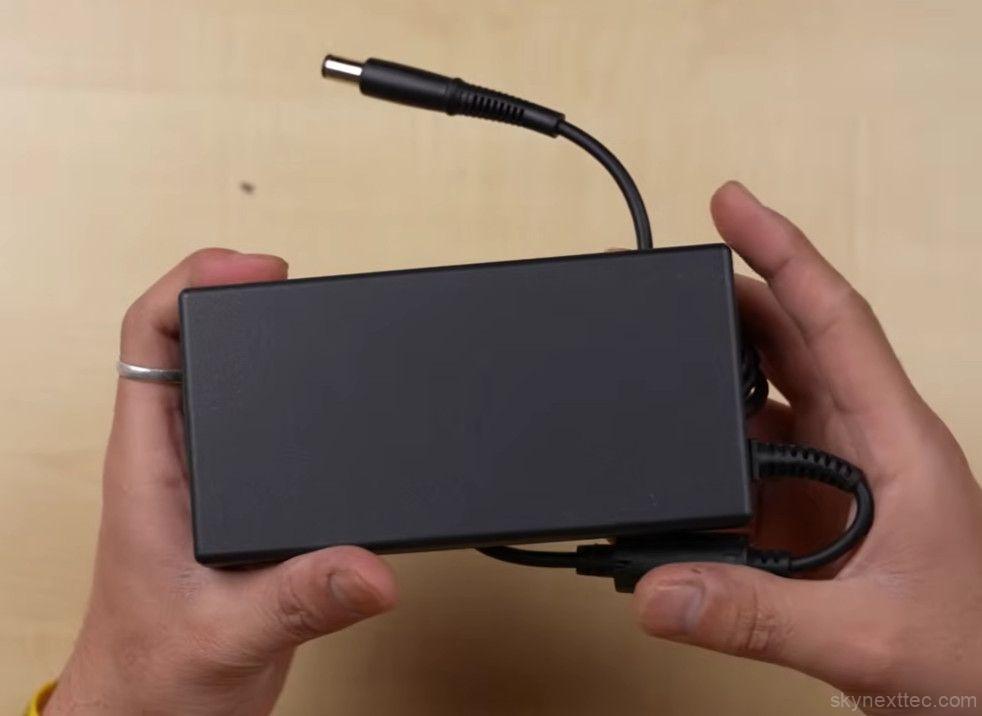


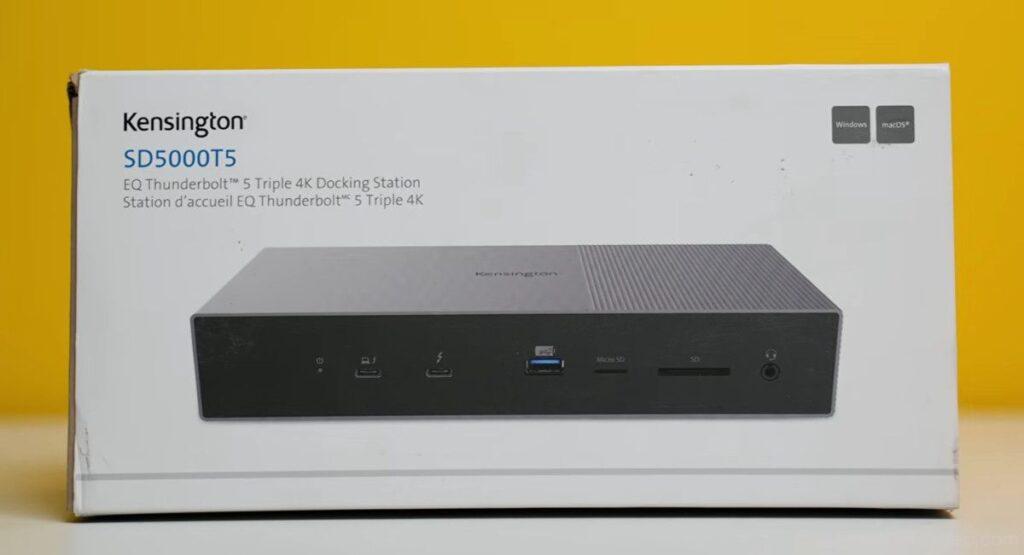
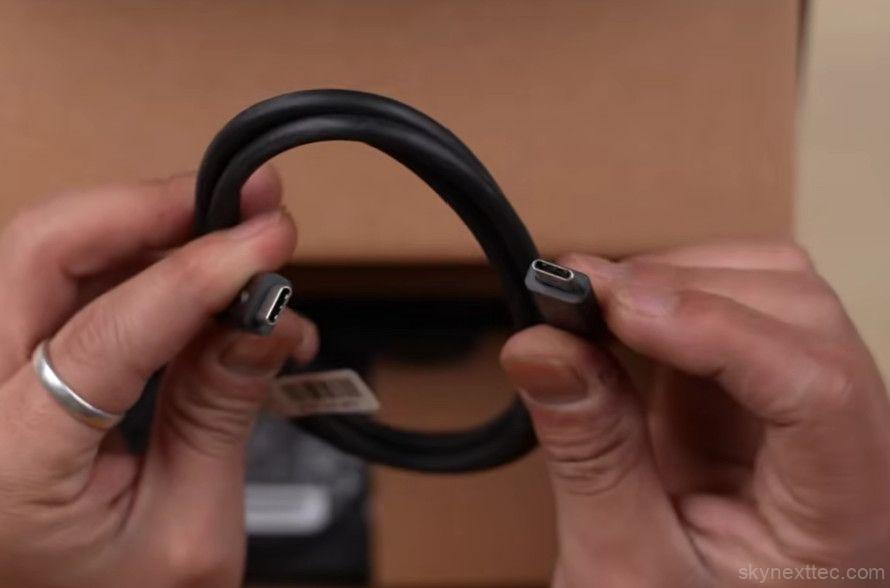
Inside the box, Kensington includes everything needed to get started:
- Thunderbolt 5 docking station
- Thunderbolt USB-C to USB-C cable
- Power adapter
- Power cord
- User manuals
The dock itself feels extremely premium with a solid metal chassis and anti-slip grips at the bottom. At nearly 950g, it has a sturdy desktop presence that matches its professional-grade positioning.
Built for High-End MacBook Pro Setups

This dock is clearly targeted at creators, developers, editors, and professionals using devices like the Apple MacBook Pro.
Modern MacBook Pro models are incredibly powerful, but port selection remains limited. A professional desk setup often requires:
- External monitors
- High-speed storage
- SD card readers
- Ethernet connectivity
- Cameras and accessories
- Fast charging support
The Kensington SD5000T5 solves all of those limitations with a single Thunderbolt connection.
Port Selection and Connectivity
The port selection is one of the biggest highlights of this dock.
Front Ports
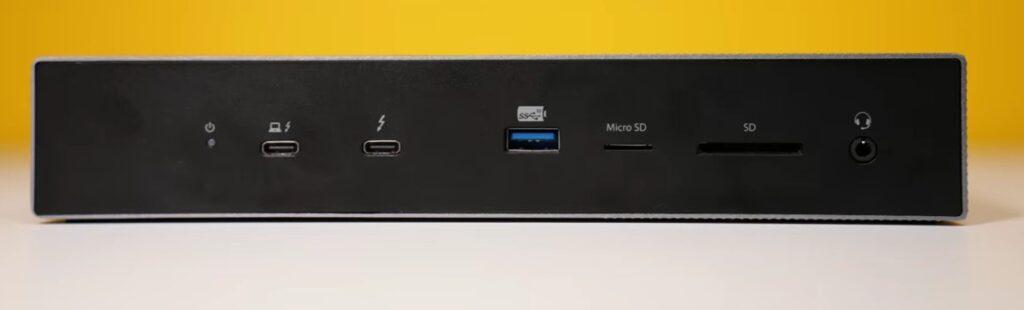
- 1x Thunderbolt 5 USB-C port with 140W Power Delivery
- 1x Thunderbolt 5 port with 60W charging and DisplayPort 2.1 support
- 1x USB-A 10Gbps port
- MicroSD card slot
- UHS-II SD 4.0 card slot
- 3.5mm headphone/mic combo jack
Rear Ports

- 2x Thunderbolt 5 USB-C ports
- 2x USB-A 10Gbps ports
- 2.5Gb Ethernet port
- Power input port
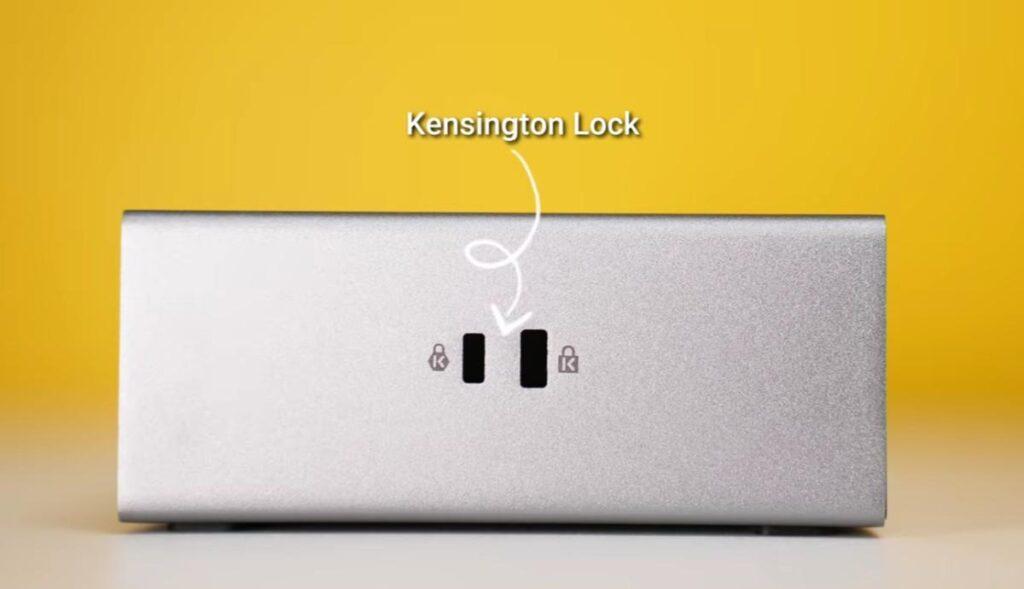
There is also a Kensington security lock slot on the side for additional physical security in office environments.
Multi-Display Support
One of the most impressive features of the Kensington SD5000T5 Thunderbolt 5 Docking Station is its advanced display support.
The dock supports:
- Up to 3 external 4K 144Hz displays
- Or dual 8K displays
For users with an M5 Pro or M5 Max MacBook Pro, this allows a true multi-monitor workstation experience for video editing, programming, design work, or trading setups.
Real-World Use Case
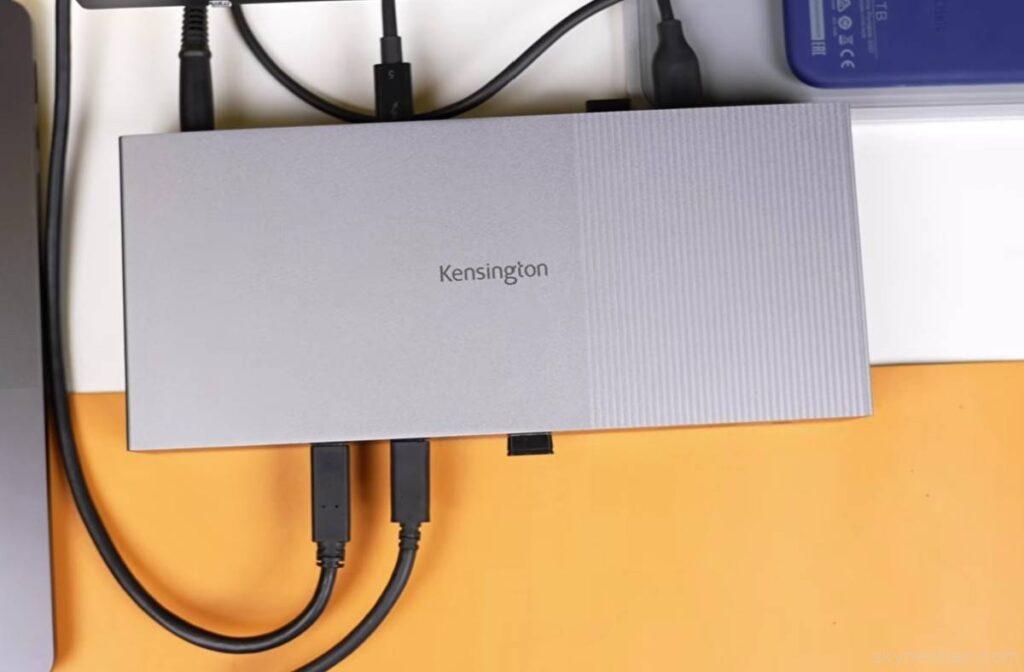
This dock is not aimed at casual users. It is designed for people building a serious workstation setup.
If you are investing thousands of dollars into a premium laptop setup, adding a professional-grade docking station makes practical sense. Instead of constantly plugging and unplugging accessories, everything stays connected through one central hub.
It is especially useful for:
- Video editors
- Photographers
- Software developers
- Streamers
- Content creators
- Office professionals with multi-monitor setups
Pricing and Value
The Kensington SD5000T5 Thunderbolt 5 Docking Station is priced at approximately $280 USD.
While expensive, it targets users already investing in premium hardware ecosystems. Compared to the overall cost of a high-end MacBook Pro workstation, the dock becomes a productivity-focused accessory rather than a luxury purchase.
Warranty
Kensington provides:
- 2-year warranty on the docking station
- Extended 5-year warranty on select office mouse products
Final Verdict
The Kensington SD5000T5 Thunderbolt 5 Docking Station is an excellent choice for professionals who need maximum connectivity, fast data transfer, and advanced multi-display support.
Its premium metal build, powerful Thunderbolt 5 connectivity, extensive port selection, and support for multiple high-resolution displays make it one of the most capable docking stations currently available for professional workflows.
If you are building a serious MacBook Pro or Windows workstation setup, this dock is designed exactly for that purpose.
Best Thunderbolt 5 Docking Stations Compared
Top premium Thunderbolt 5 docks for MacBook Pro, creators, and professional workstation setups.
| Dock | Features | Best For | Price | Buy |
|---|---|---|---|---|
| Kensington SD5000T5 | Triple 4K 144Hz, dual 8K, 140W charging, SD 4.0, 2.5Gb Ethernet | Professional MacBook Pro setups | $400–$700 | Buy Now |
| CalDigit TS5 | 15 ports, premium thermal design, dual 8K support | Creator & editing workstations | $500–$750 | Buy Now |
| Anker Prime TB5 Dock | Compact design, premium connectivity, strong value | Premium users on a lower budget | $450–$600 | Buy Now |
| UGREEN Revodok Max 2131 | 120Gbps bandwidth, 140W charging, SD 4.0 support | High-speed creator workflows | $500–$650 | Buy Now |
Which Thunderbolt 5 Dock Should You Choose?
The Kensington SD5000T5 Thunderbolt 5 Docking Station is ideal for professionals who need multiple high-refresh-rate displays, fast data transfer, and enterprise-grade build quality. If you primarily use a MacBook Pro workstation setup, it delivers one of the most complete desktop connectivity experiences available in 2026.