Xiaomi Pad 8
Wi-Fi Tablet · Released September 25, 2025 · Available
| Network | |
| Technology | No cellular connectivity (Wi-Fi only) |
| Body | |
| Dimensions | 251.2 × 173.4 × 5.8 mm (9.89 × 6.83 × 0.23 in) |
| Weight | 485 g or 494 g (1.07 lb) |
| Build | Glass front, aluminum frame, aluminum back |
| SIM | None |
| Stylus | Magnetic stylus support |
| Display | |
| Type | IPS LCD, 68B colors 144 Hz HDR10 Dolby Vision HDR Vivid |
| Size | 11.2 inches · 373.7 cm² · ~85.8% screen-to-body ratio |
| Resolution | 2136 × 3200 px · 3:2 ratio · ~344 ppi |
| Brightness | 800 nits (peak) |
| Platform | |
| OS | Android 16, HyperOS 3 |
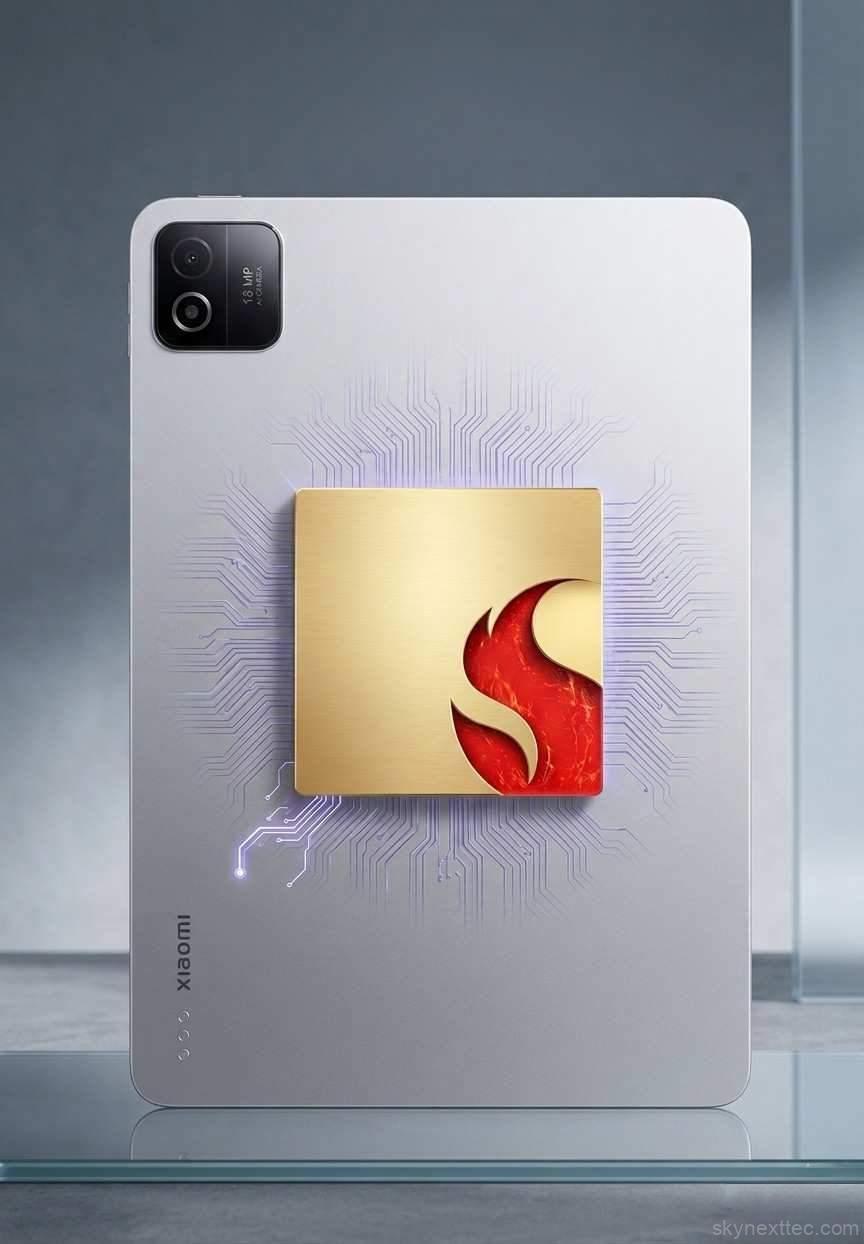
| Chipset | Qualcomm SM8735 Snapdragon 8s Gen 4 (4 nm) |
| CPU |
Octa-core 1 × 3.21 GHz Cortex-X4 3 × 3.0 GHz Cortex-A720 2 × 2.8 GHz Cortex-A720 2 × 2.0 GHz Cortex-A720 |
| GPU | Adreno 825 |
| Memory | |
| Card slot | None |
| Internal |
128 GB + 8 GB RAM (UFS 3.1) 256 GB + 8 GB RAM (UFS 4.1) 256 GB + 12 GB RAM (UFS 4.1) |
| Main Camera | |
| Sensor | 13 MP, f/2.2 wide, 1/3.06", 1.12 µm, PDAF |
| Features | LED flash, HDR |
| Video | 4K@30fps · 1080p@30/60fps |
| Selfie Camera | |
| Sensor | 8 MP, f/2.3 wide, 1/4.0", 1.12 µm |
| Features | HDR |
| Video | 1080p@30fps |
| Sound | |
| Loudspeaker | 4 stereo speakers Dolby Atmos |
| 3.5mm jack | No |
| Audio quality | 24-bit / 192kHz Hi-Res & Hi-Res Wireless |
| Connectivity | |
| WLAN | Wi-Fi 802.11 a/b/g/n/ac/6/7, dual-band, Wi-Fi Direct Wi-Fi 7 |
| Bluetooth | 5.4, LHDC 5 |
| USB | USB Type-C 3.2, accessory connector |
| Infrared port | Yes |
| NFC | No |
| GPS / Radio | No |
| Sensors | |
| Sensors | Accelerometer, gyroscope, proximity, compass |
| Battery | |
| Capacity | 9200 mAh |
| Wired charging | 45W (PD3.0, QC3+) |
| Wireless | 22.5W reverse wireless charging |
| Misc | |
| Colors |
Black
Blue
Green
|
| Model | 25091RP04G |
| SAR (EU) | 0.99 W/kg (body) |
| Price | ~467 USD |
The Xiaomi Pad 8 marks a clear turning point for Xiaomi’s tablet strategy. What was once a budget-friendly lineup has now moved into the premium category, with the base model starting at around $410 and higher variants going close to $500. At this price, it’s no longer just a value option. It’s competing directly with devices like the Apple iPad (11th generation).
The key highlight here is simple: Xiaomi is no longer trying to be the cheapest option. Instead, it’s focusing on delivering a more powerful, feature-rich tablet with better performance, premium accessories, and a refined overall experience.
But that shift brings up important questions. Does the Xiaomi Pad 8 actually justify its higher price? Is it a meaningful upgrade over the previous generation, or can you still save money by choosing the older model? And most importantly, how well does it compete with other tablets in this segment?
Let’s break it down.
Unboxing and First Impressions
What’s Inside the Box
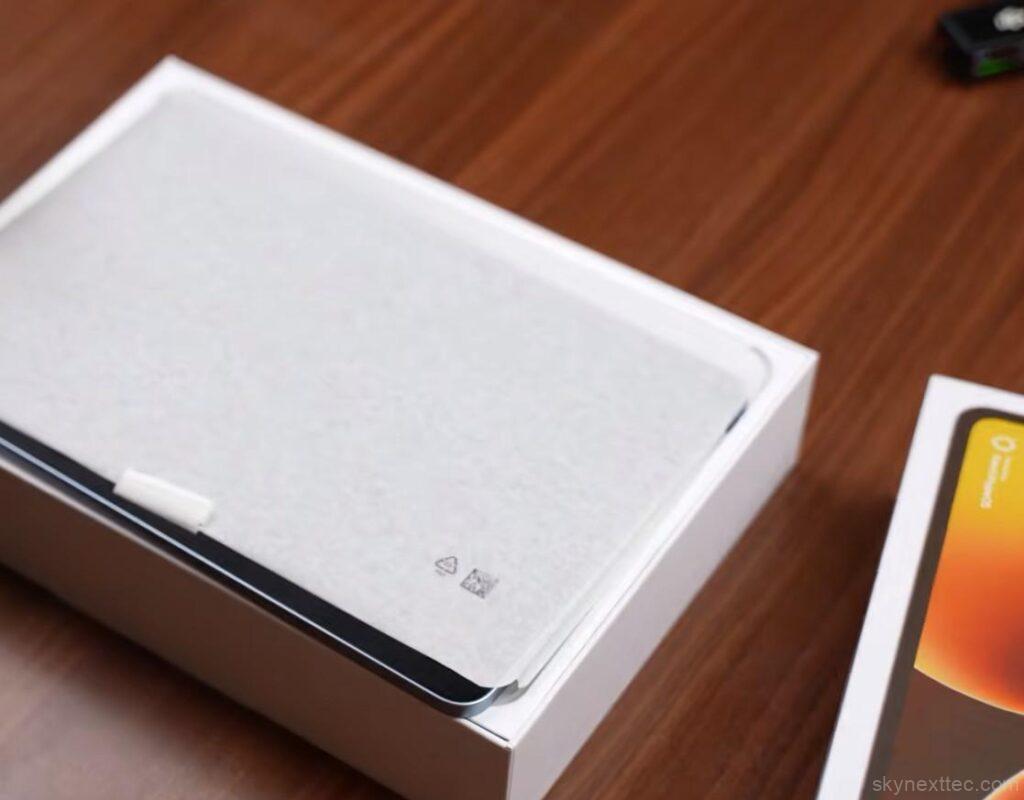
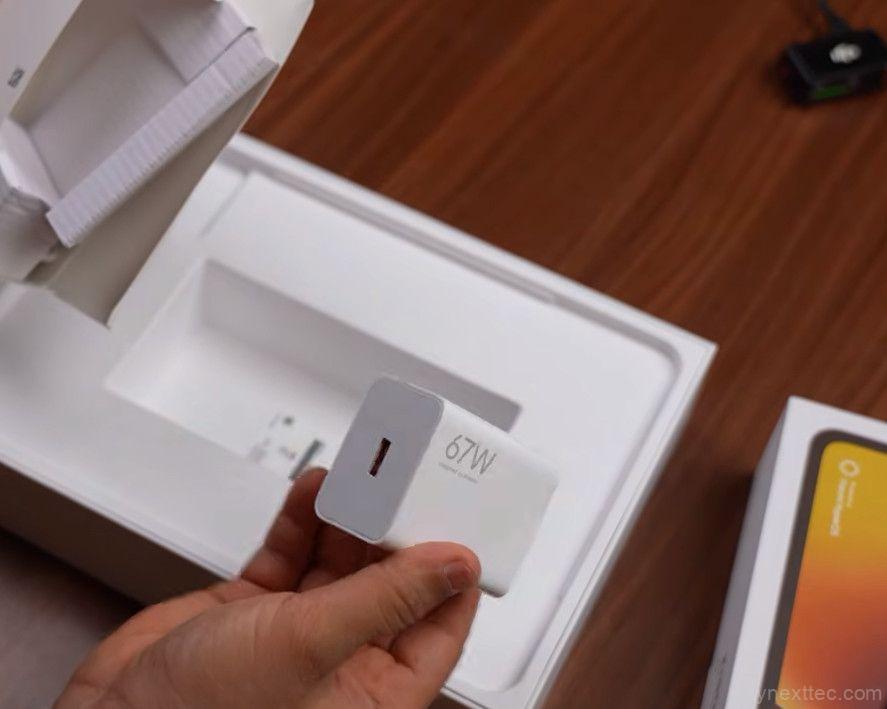
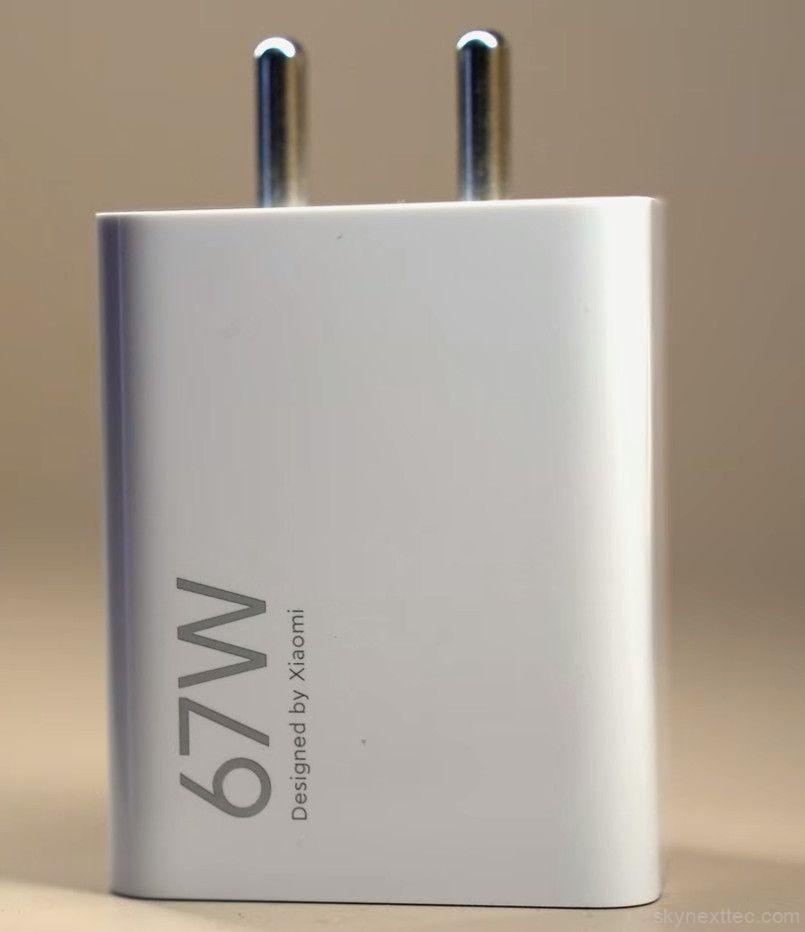
Unboxing the Xiaomi Pad 8 feels noticeably more premium than previous generations, with packaging that clearly takes inspiration from devices like the Apple iPad (11th generation). As soon as you open the box, the tablet sits on top, followed by a smaller compartment that includes a 67W fast charger and a USB Type-A to Type-C cable. While the fast charger is a welcome addition, the cable choice feels slightly outdated compared to the industry shift toward USB-C to USB-C.
Nano-Texture Variant First Look
The unit here is the nano-texture variant, and the difference is visible immediately. The matte finish helps reduce reflections and gives the display a more paper-like feel, making it ideal for users who plan to use a stylus for writing or drawing.
Focus Keyboard: Laptop-Like Experience
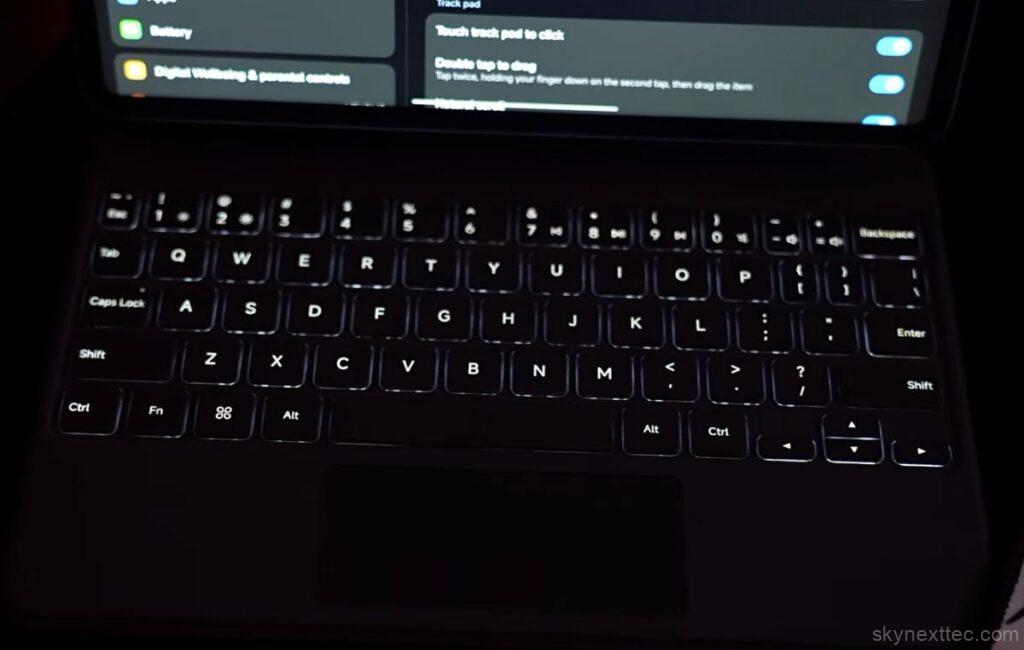
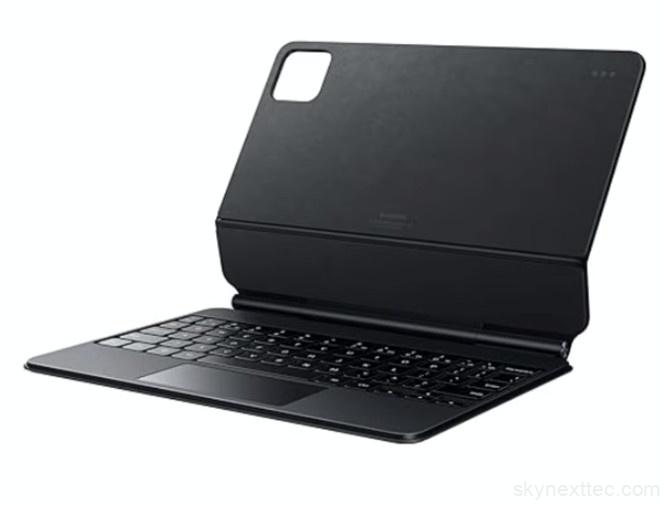
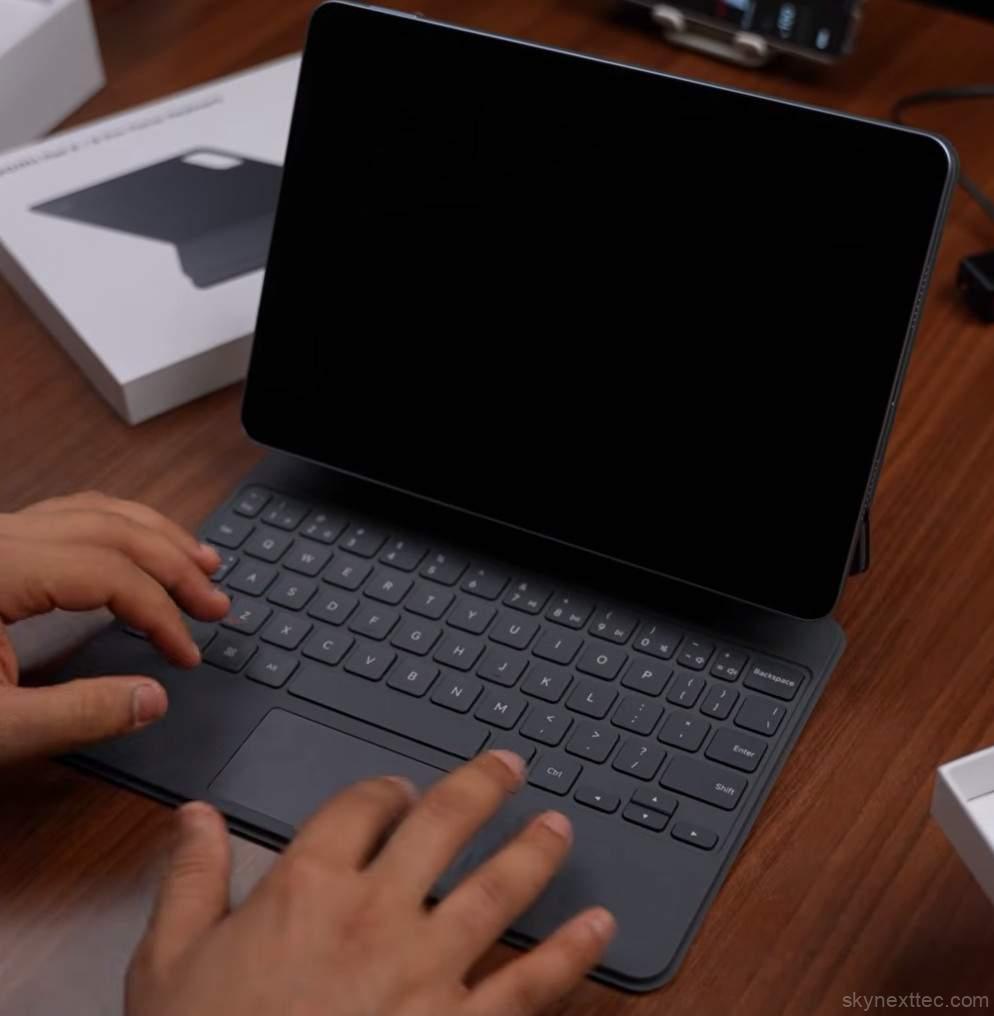
The optional Focus Keyboard is designed to deliver a laptop-like experience. It attaches magnetically using pogo pins and includes a proper hinge, which makes it feel more like a real laptop rather than just a case. You get a 64-key layout, backlit keys, and a trackpad with gesture support. While the trackpad is slightly small, it still performs well in daily use. The hinge allows adjustable viewing angles, although a wider range would have improved comfort further.
Focus Pen Pro: Built for Creativity
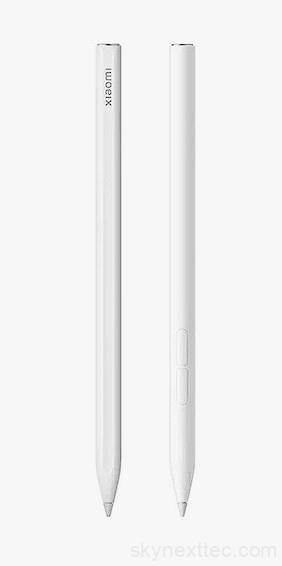
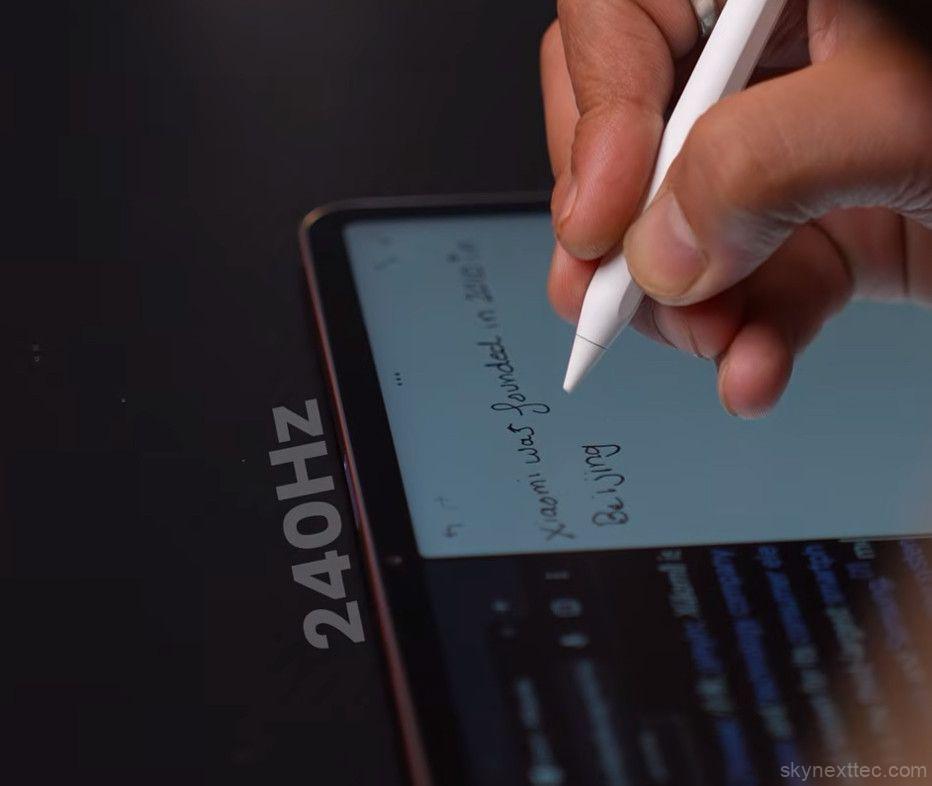
The Focus Pen Pro is aimed at creative and productivity users. It attaches magnetically and supports wireless charging, so there’s no need for cables. Xiaomi has replaced physical buttons with a touch-sensitive design, and the stylus supports over 16,000 pressure levels. You also get low latency input, hover preview, palm rejection, and customizable gestures. The addition of haptic feedback enhances the overall experience, making interactions feel more responsive and natural.
The accessories are sold separately, which can increase the overall cost. However, bundle options make them more affordable if you plan to use both the keyboard and stylus. If productivity is your priority, buying the combo offers better value than purchasing them individually.
Build and Design
Familiar Design with Minor Changes
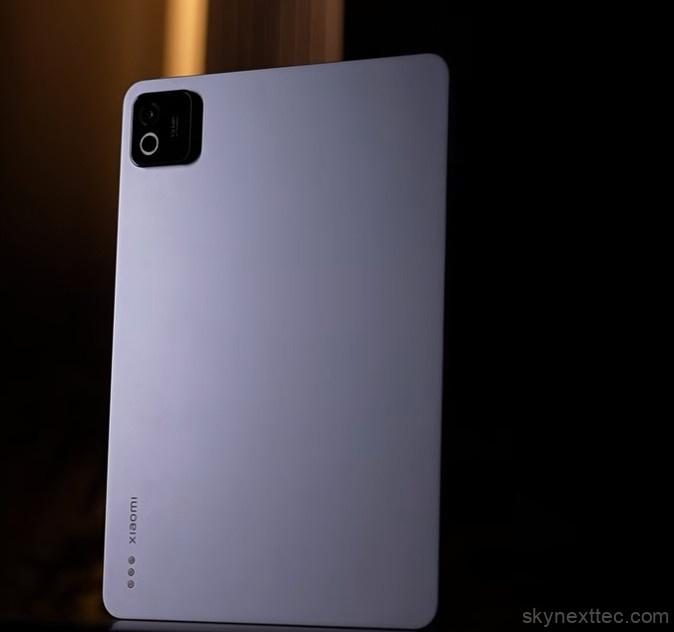
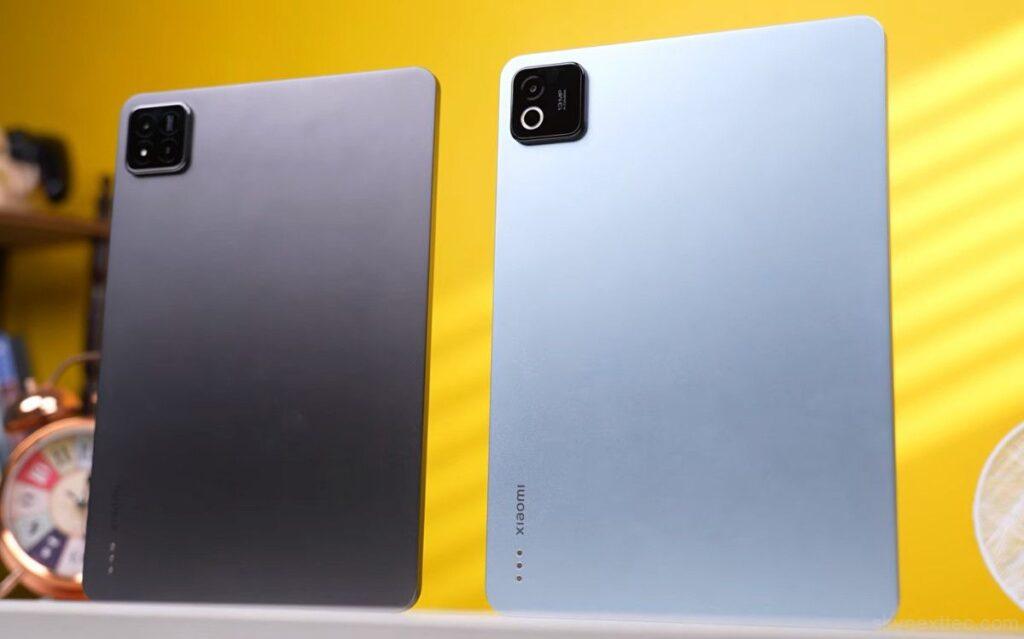
The Xiaomi Pad 8 follows a very similar design language to the Xiaomi Pad 7, with only subtle visual changes. The camera module now features a dual-ring design instead of the earlier triple-ring look, although it still includes a single rear camera. The back panel retains the pogo pins for accessories and minimal Xiaomi branding, keeping the overall look clean and modern.
Xiaomi continues to use a full metal body and frame, which gives the tablet a solid, premium feel. The build quality is sturdy, and the edges are well-finished, making it comfortable to hold even during long usage sessions.
- Full metal body and frame
- Premium in-hand feel
- Clean and minimal design
Ports and Button Placement



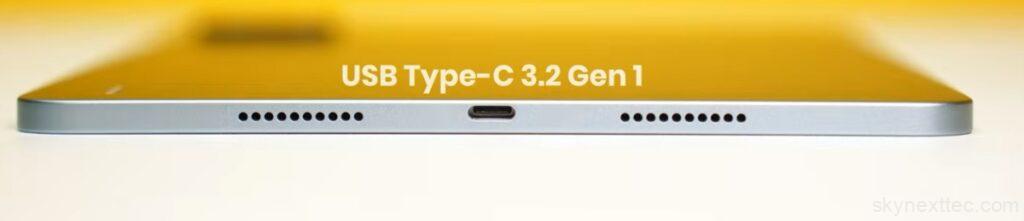
\The tablet offers a practical layout with all essential ports and controls placed conveniently.
- Top side: Volume rocker, microphone, stylus charging area
- Bottom side: Dual speakers + USB Type-C 3.2 Gen 1 port
- Side frame: Power button, additional speakers, microphone
The USB-C port supports 4K 60Hz display output, allowing you to connect the tablet to an external display for presentations or content viewing.
Size, Weight, and Comfort
Despite being a large tablet, the Xiaomi Pad 8 remains easy to handle thanks to its slim profile and balanced weight.
- Weight: ~480g (standard), ~490g (nano-texture variant)
- Thickness: ~5.7mm
- Display size: 11.2 inches
The size hits a sweet spot, offering more usability than smaller tablets while remaining more comfortable than larger 12–13-inch devices.
Missing IP Rating: A Drawback
One noticeable downside is the absence of an IP rating. While this is common in tablets, it becomes more relevant at this price point.
Things to consider:
- No official water or dust resistance
- Less durability assurance for outdoor or travel use
Speakers and Audio Quality
The Xiaomi Pad 8 features a quad-speaker setup with Dolby Atmos support, delivering clear and well-balanced sound. You get good left-right separation, and the loudness is similar to the Xiaomi Pad 7. However, the main downside is the lack of deep bass, which makes the audio feel slightly less immersive compared to the previous model.
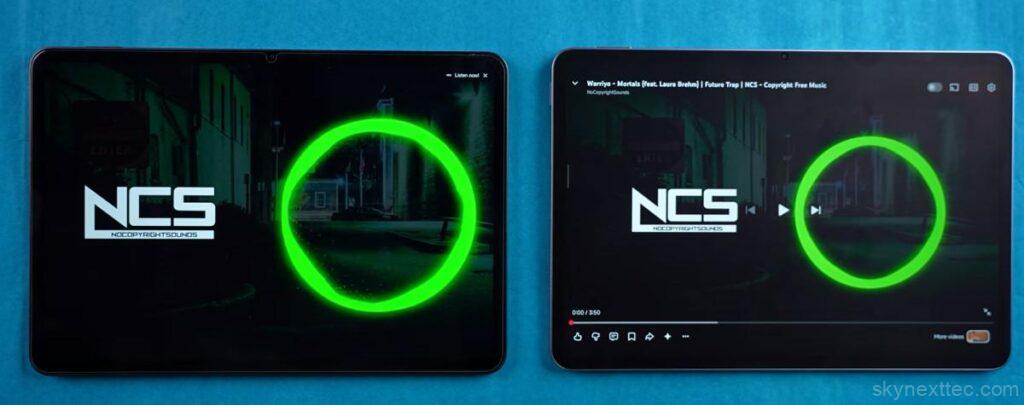
- Quad speakers with clear output
- Good stereo separation
- Supports Dolby Atmos, LDAC, LHDC 5.0
- Bass is weaker than Pad 7
- No haptic feedback
Overall, the audio is good for everyday use, but not the best if you’re looking for strong bass.
Display
The Xiaomi Pad 8 features the same 11.2-inch display as the Xiaomi Pad 7, with no major changes in resolution, refresh rate (144Hz), or 3:2 aspect ratio. The panel still delivers sharp visuals, smooth scrolling, and a great viewing experience for both work and entertainment.
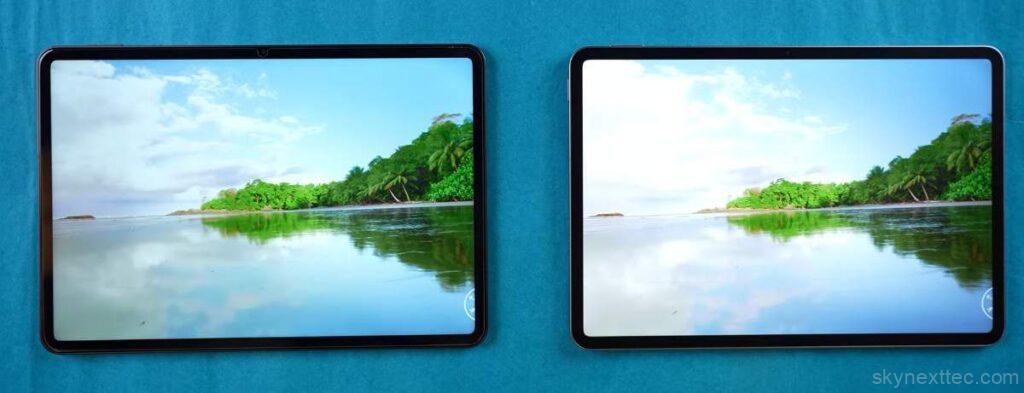
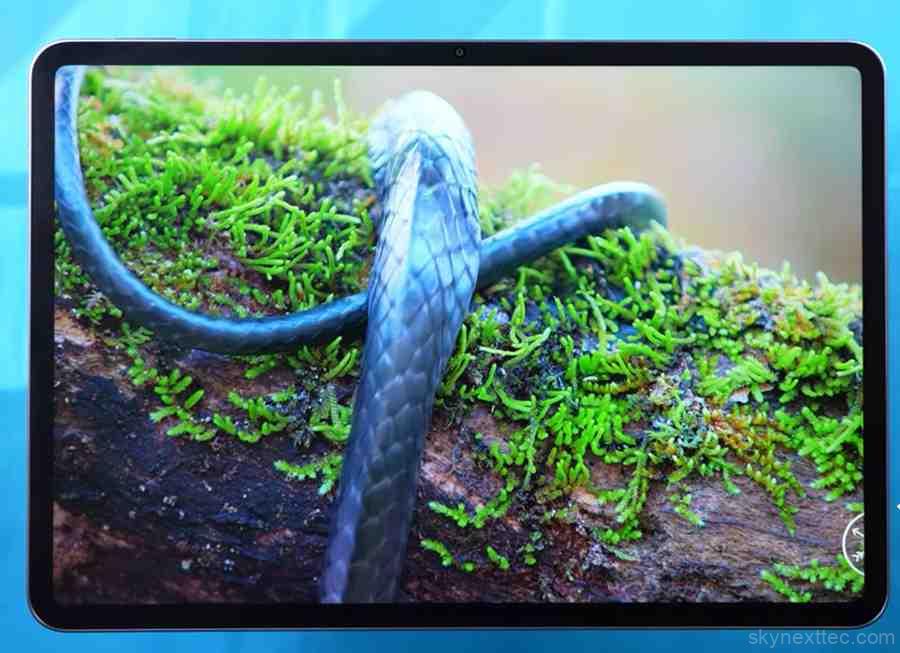
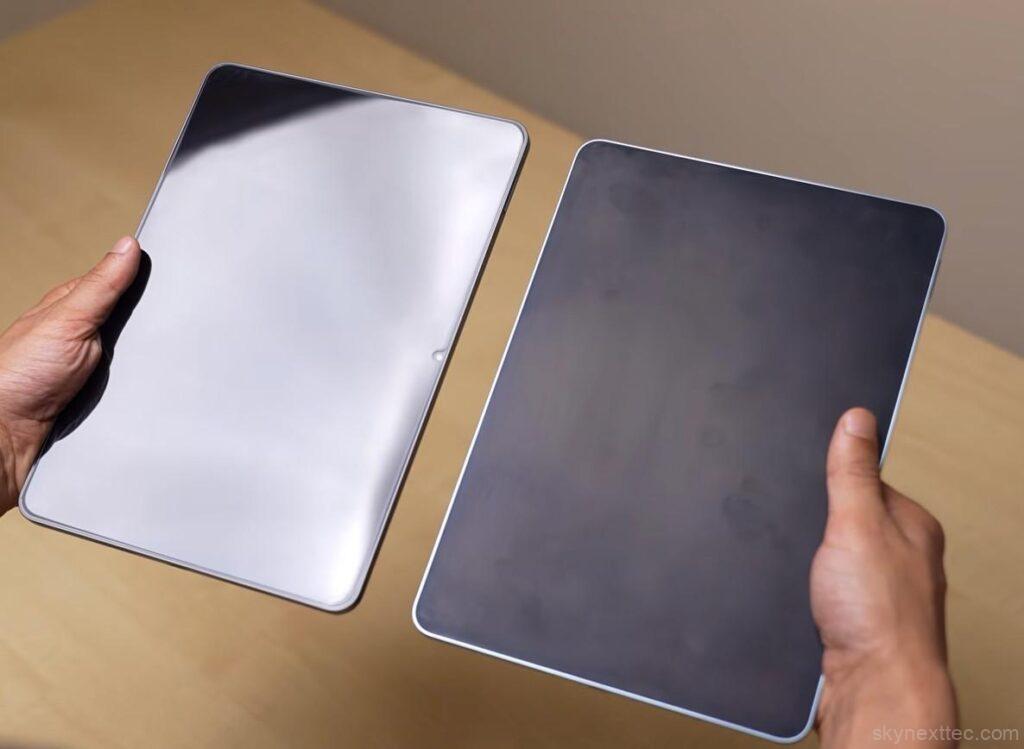
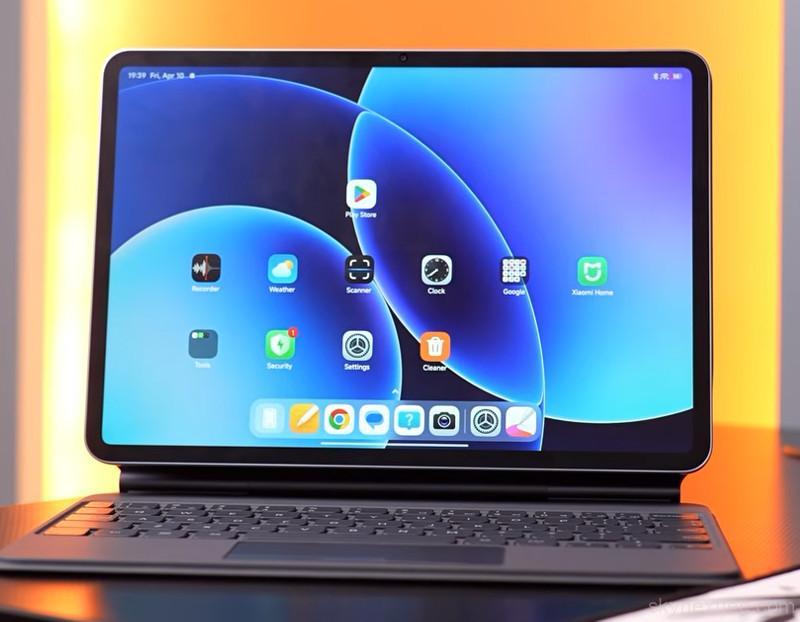
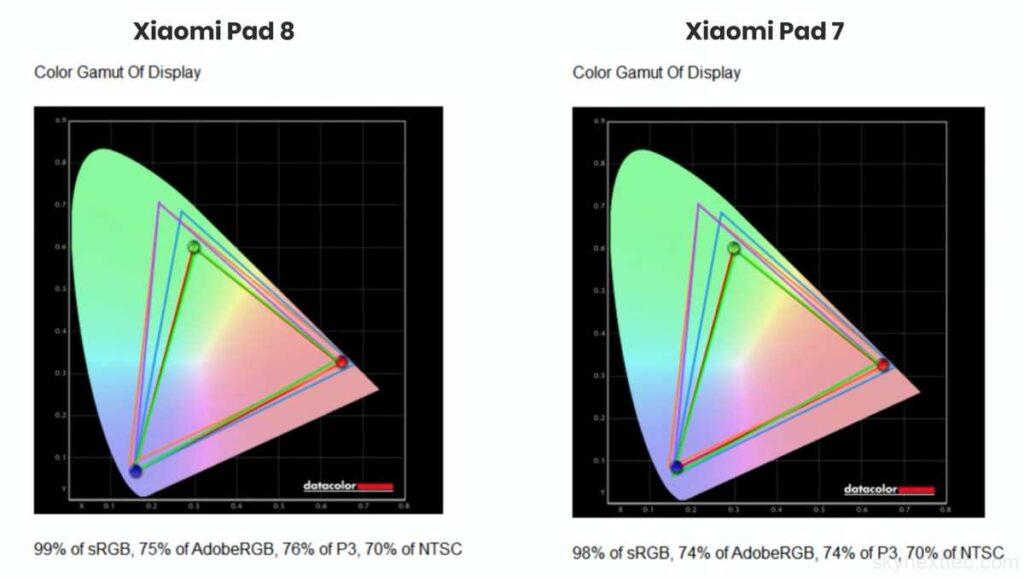
The only major upgrade is the optional nano-texture display. It significantly reduces reflections and provides a paper-like feel, which is especially useful for writing and drawing with a stylus. However, it comes with trade-offs like being more expensive, attracting fingerprints, and being harder to clean. For most users focused on media consumption, the standard glossy display is the better choice.
| Setting | Brightness | Black | Contrast | White Point |
|---|---|---|---|---|
| 0% | 609.2 | 0.59 | 1030:1 | 7500 (0.300, 0.314) |
| 25% | 610.4 | 0.59 | 1040:1 | 7500 (0.300, 0.314) |
| 50% | 610.4 | 0.59 | 1040:1 | 7500 (0.300, 0.314) |
| 75% | 610.6 | 0.59 | 1040:1 | 7500 (0.300, 0.314) |
| 100% | 611.0 | 0.59 | 1040:1 | 7500 (0.300, 0.314) |
Overall, the display remains high-quality and reliable, with the nano-texture option mainly benefiting creators and note-takers rather than everyday users.
Specifications and Hardware
The biggest upgrade in the Xiaomi Pad 8 is its performance. It is powered by the newer Snapdragon 8s Gen 4 chipset, replacing the older chip used in the Xiaomi Pad 7. While the difference in clock speeds may not feel huge in daily use, the overall performance boost is clearly noticeable, especially in gaming and multitasking.
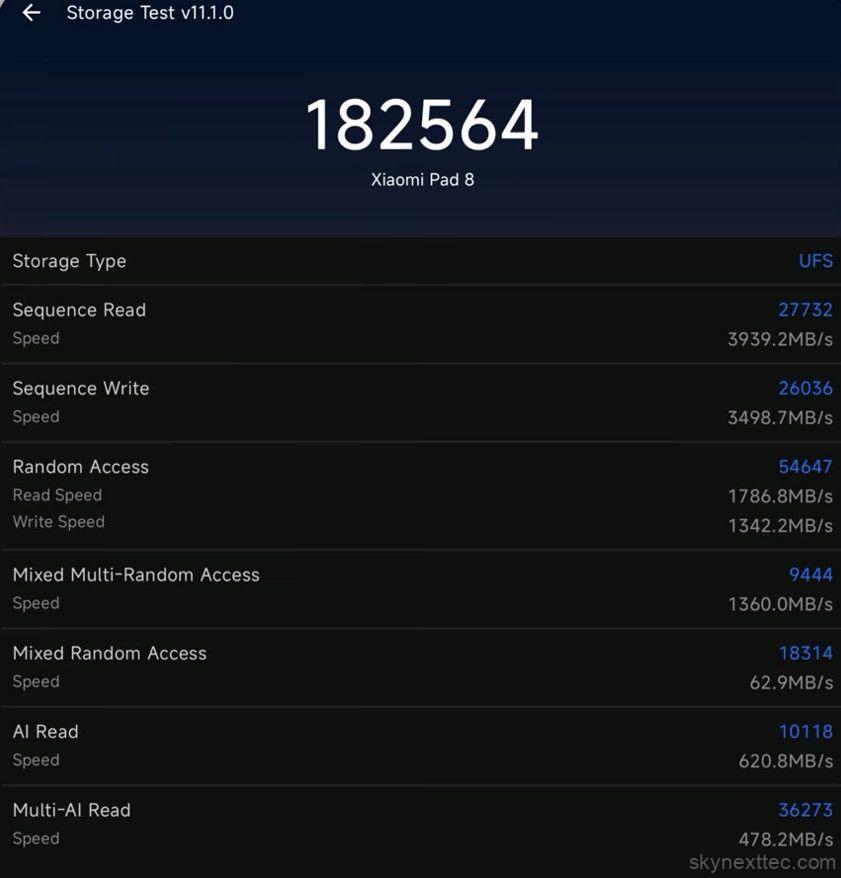
The tablet comes with LPDDR5X RAM, and the higher 12GB variant features even faster LPDDR5T RAM, which improves speed and responsiveness. Storage also varies by model. The 128GB version uses UFS 3.1 storage, while the 256GB variant gets faster UFS 4.1 storage, resulting in quicker app loading and file transfers.
In terms of connectivity, Xiaomi has slightly downgraded to Wi-Fi 6 from Wi-Fi 6E, but there is an upgrade in Bluetooth 6, which is a positive change. You also get an IR blaster, allowing you to control devices like TVs and ACs, along with a gyroscope, which enhances the gaming experience.
Overall, the Xiaomi Pad 8 is clearly focused on delivering strong performance, making it a great option for users who need a fast and capable Android tablet.
Benchmark and Performance
Even during CPU throttling tests (15 and 30 minutes), the performance remains stable, with minimal dips, indicating that the tablet can sustain performance without overheating.
Wild Life Stress Test
Overall, the Xiaomi Pad 8 delivers powerful, stable, and reliable performance, making it a strong choice for demanding users.
Gaming Performance
The Xiaomi Pad 8 delivers a powerful and stable gaming experience, handling both casual and heavy titles with ease. Thanks to its strong chipset and efficient thermal management, games run smoothly without major heating issues.
BGMI
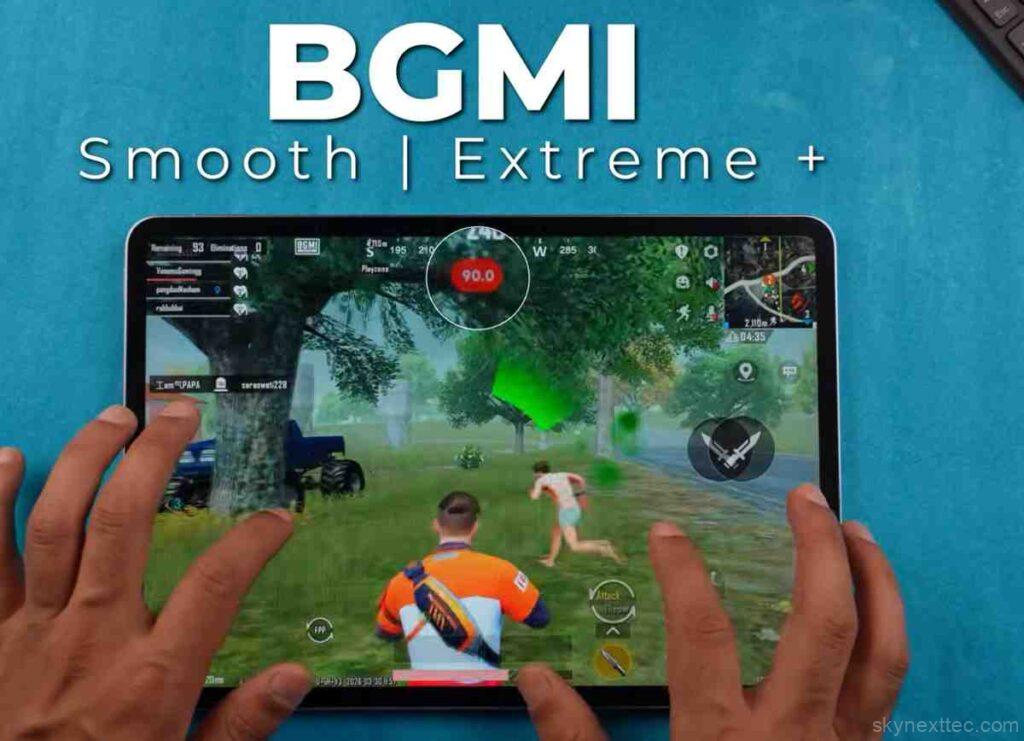
In BGMI, the tablet supports 90 FPS on smooth + extreme+ settings, offering a very fluid experience. A 120 FPS mode is currently missing, but considering the hardware, it could be added in future updates.
Call of Duty Mobile
Call of Duty Mobile runs on ultra settings with up to 90 FPS, delivering smooth gameplay with consistent frame rates and responsive controls.
Genshin Impact
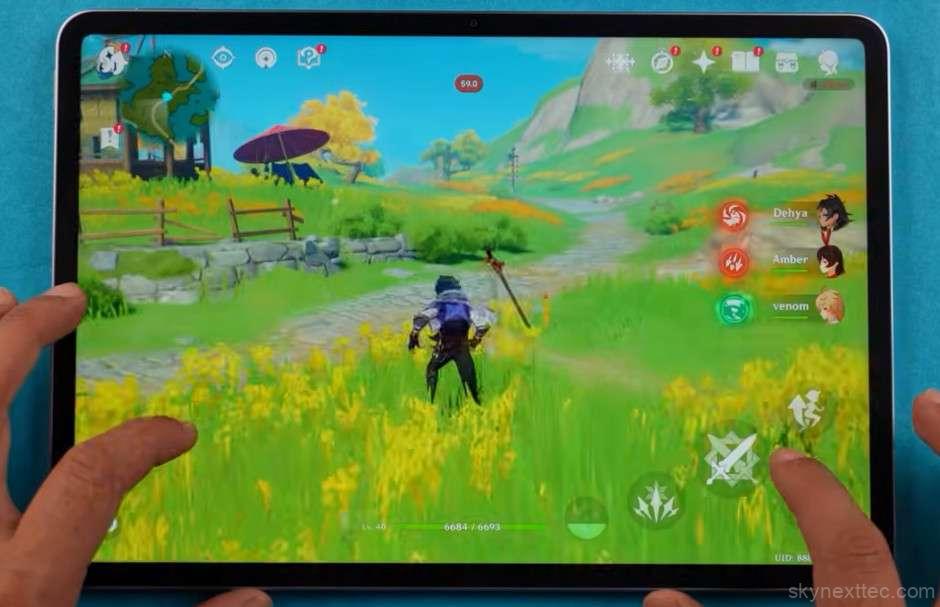
For heavier games like Genshin Impact, the tablet performs impressively, maintaining a stable 60 FPS on highest settings, which is excellent for a device in this category.
Wuthering Waves
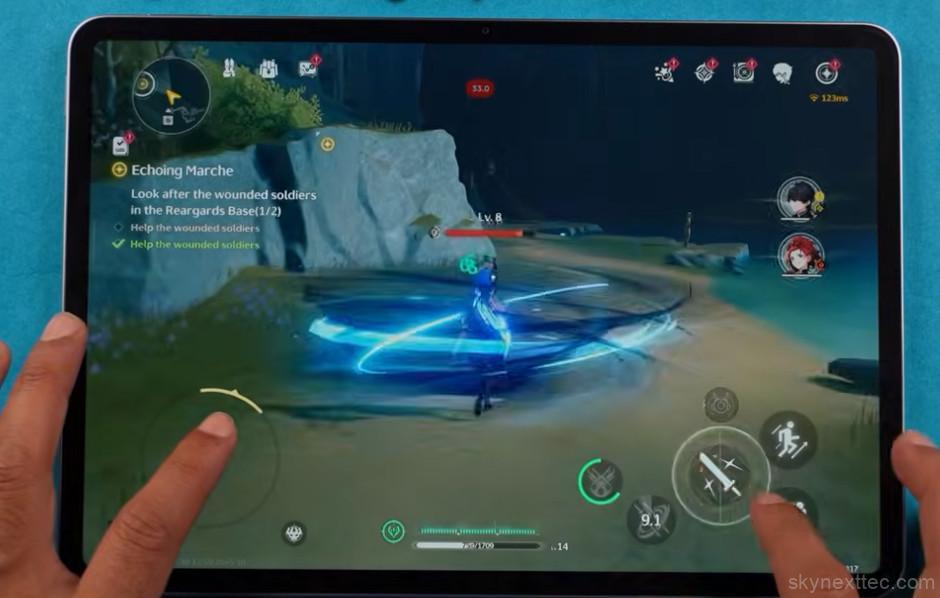
In Wuthering Waves, which is a more demanding title, the tablet averages around 39 FPS on high settings. While not perfect, the performance is still playable considering the game’s intensity.
Tomb Raider
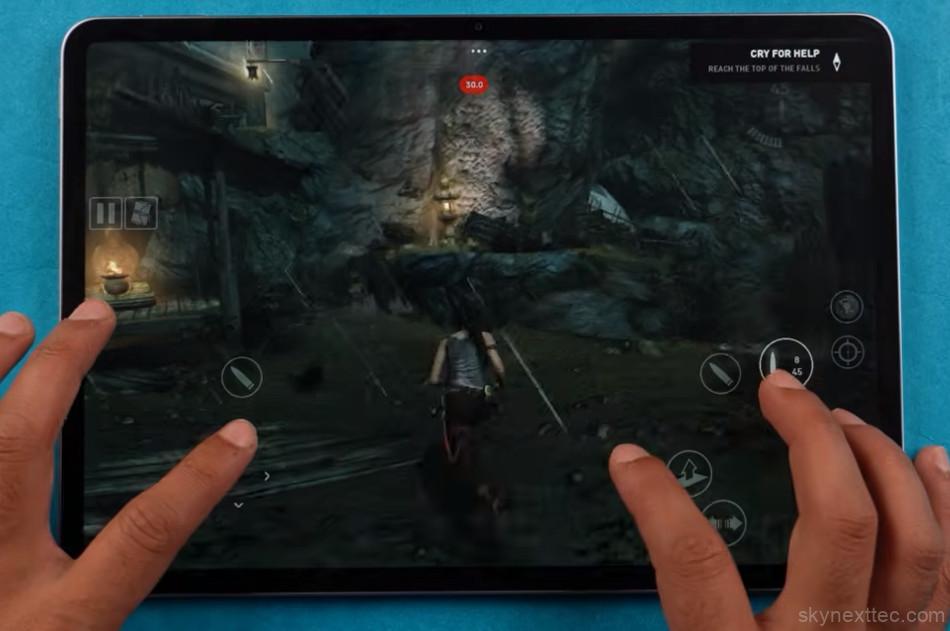
In Tomb Raider, performance varies based on settings. On graphics mode, the game runs at around 30 FPS, while switching to performance mode improves it to around 40 FPS.
CarX Street
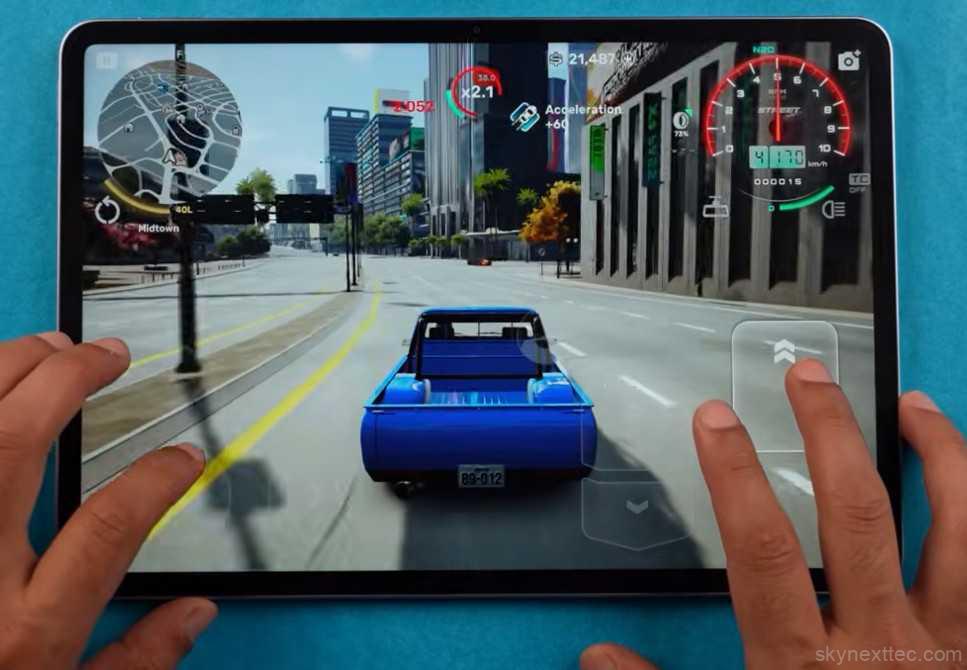
In CarX Street, the tablet delivers an average of 37–38 FPS, offering a decent experience for a graphically intensive racing game.
Thermal and Gaming Features
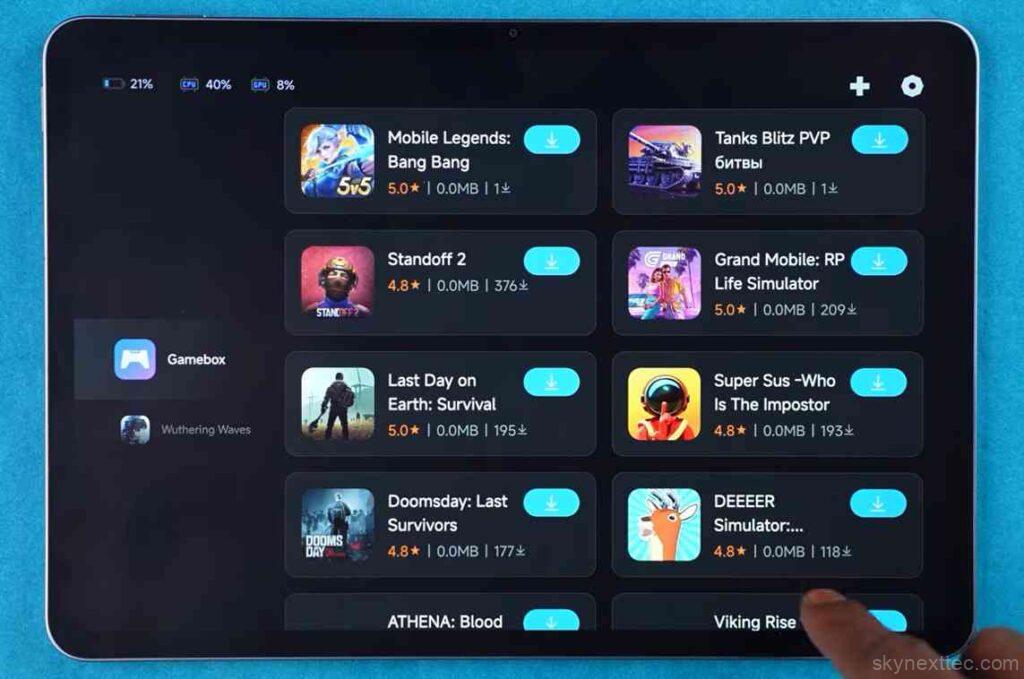
Thermal performance is well managed, with temperatures staying around 34°C during gaming, so the tablet doesn’t heat up excessively. Xiaomi also includes a Game Booster with features like enhanced visuals, touch control customisation, network boost, and DND mode. However, the absence of bypass charging is noticeable, as it could have helped reduce heat during long gaming sessions while plugged in.
Overall, the Xiaomi Pad 8 offers a smooth and reliable gaming experience, making it a strong choice for gamers who want consistent performance across a wide range of titles.
OS and UI
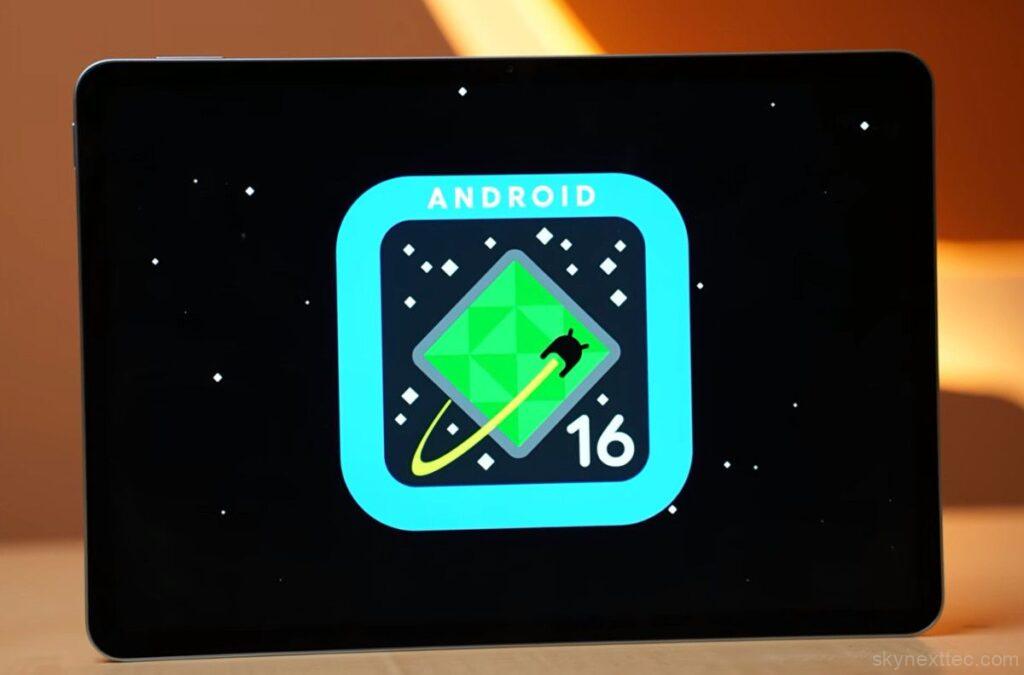
The Xiaomi Pad 8 runs on Android 16 with HyperOS 3.0 out of the box, offering a smooth and responsive experience. Xiaomi promises 3 years of Android updates and 4 years of security updates, which is decent for this segment. In terms of apps, you mostly get Google’s pre-installed apps, and the rest are useful system tools. The good part is that bloatware is minimal, and anything unnecessary can be easily uninstalled. There are also no annoying notifications, which improves the overall user experience.
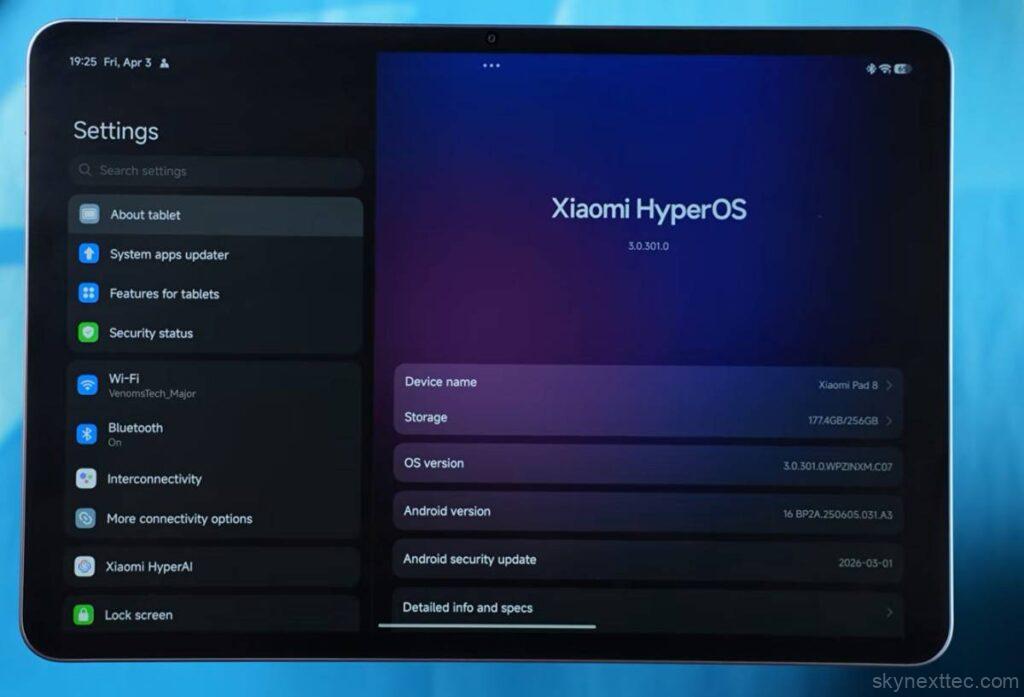
The UI feels fluid and fast, especially with the 120Hz refresh rate. App opening, closing animations, and navigation are all smooth, and thanks to the powerful hardware, everything feels quick in daily use. Even during extended usage or gaming, the tablet manages heat well, so there are no major heating issues.
Multitasking and Productivity Features
Xiaomi has added several features to improve productivity. The PC mode transforms the interface into a more desktop-like layout, making multitasking easier with windows and a taskbar-style experience. You also get split-screen support, along with floating windows, allowing you to run multiple apps at once. In workstation mode, you can open even more floating windows, which is useful for advanced multitasking.
Ecosystem and Connectivity
If you use a Xiaomi smartphone, the ecosystem features add extra convenience. You can mirror your phone screen, transfer files using drag-and-drop, and even handle calls directly from the tablet. This level of interconnectivity makes the experience more seamless if you’re already in the Xiaomi ecosystem.
AI Features
The Xiaomi Pad 8 brings several AI-powered features that improve productivity and creativity. The AI Art tool allows you to generate sketches and drawings, which can be useful for quick creative work. There’s also AI Translate and Conversion, which works like a real-time translator, although accuracy can vary depending on the language.
For media editing, Xiaomi includes AI tools inside the Gallery, such as object erase, image expansion, sky replacement, bokeh effects, and cutout, making basic photo editing much easier without third-party apps. On the productivity side, AI Writing tools are quite useful, offering features like summarisation, proofreading, text expansion, and different writing styles such as professional, simple, or friendly tones.
Overall, these AI features add practical value to everyday usage, especially for users who create content, edit images, or work with text frequently.
Battery and Charging
The Xiaomi Pad 8 brings an upgrade in charging on paper, moving from 45W to 67W compared to the Xiaomi Pad 7. However, in real-world testing, the tablet still charges at around 45W speeds, so the improvement isn’t fully noticeable yet. It’s possible that Xiaomi may unlock higher speeds with a future update.
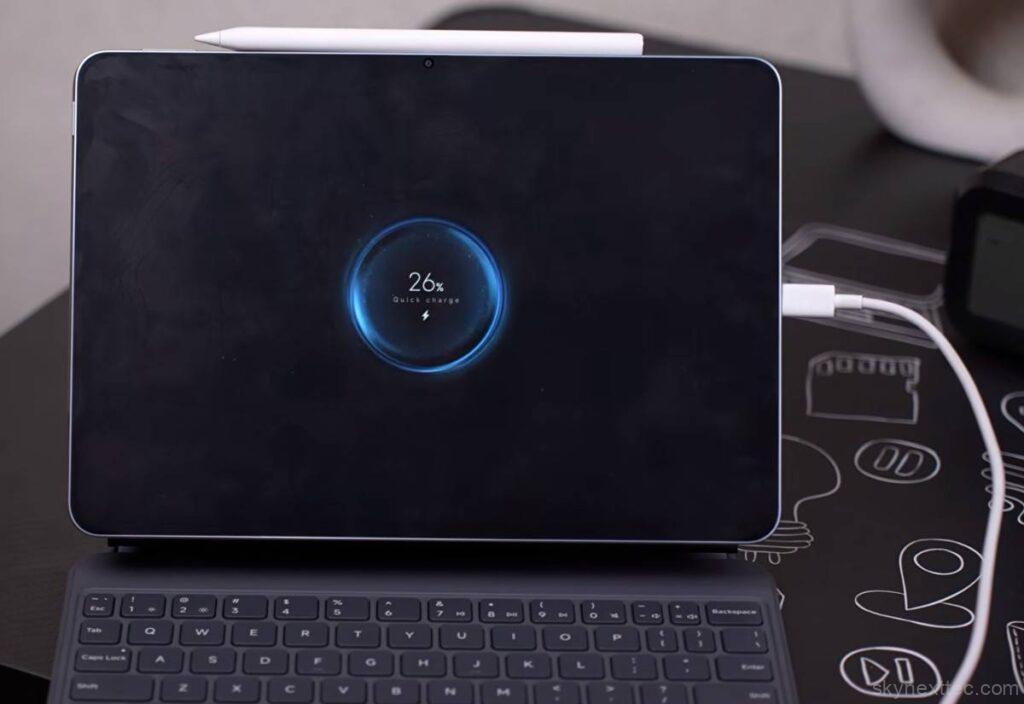
One useful addition is reverse wired charging, which is rated at up to 22.5W. In practice, though, the output is much lower. Devices like smartphones and other tablets charge at around 6–7W, which suggests the full potential isn’t being utilized yet.
In terms of charging time, the tablet takes about 1 hour 40 minutes to go from 0 to 100%, which is still reasonable for a device with a large battery. Overall, while the charging upgrade looks good on paper, the real-world performance currently feels similar to the previous generation.
Camera
The Xiaomi Pad 8 uses the same camera setup as the Xiaomi Pad 7, featuring a 13MP rear camera and an 8MP front camera. There are no hardware changes here, which is expected since tablets are not primarily designed for photography.
In real-world use, the rear camera is mainly useful for document scanning, casual shots, or basic photography at home. It delivers decent quality for these tasks, but nothing beyond that. The front camera is more important in a tablet, especially for video calls, online meetings, and remote work, where it performs adequately with clear facial output.
Video recording supports up to 4K at 30FPS from the rear camera, while the front camera is limited to 1080p at 30FPS. The quality is acceptable for meetings, but a higher-resolution front camera would have been a better upgrade for a productivity-focused device.
Overall, the camera system is functional but basic, which is typical for tablets. It gets the job done for calls and scanning, but it’s not a highlight of the device.
Competition in This Price Range
Final Verdict
If your focus is performance-heavy usage, the Xiaomi Pad 8 is a solid choice. But if you already own the previous model or only need a tablet for media, browsing, and light multitasking, the Pad 7 is still more than enough.
Overall, the Xiaomi Pad 8 is a performance-focused upgrade rather than a must-upgrade device, and your decision should depend entirely on how heavy your usage is.
Conclusion
The Xiaomi Pad 8 is not a massive upgrade over the Xiaomi Pad 7. The biggest improvement is clearly the new chipset, which brings better raw performance, especially for gaming, heavy multitasking, and emulation use cases. For everyday tasks like browsing, media consumption, and basic productivity, the difference between the two tablets is not very noticeable.
If you already own the Pad 7, you won’t feel a major need to upgrade. It still handles apps, UI, and games quite well in daily use. The Pad 8 only becomes meaningful if you specifically want extra performance headroom or plan to use it for demanding workloads like editing or emulation gaming.
Is Xiaomi Pad 8 good for gaming?
Yes, the Snapdragon 8s Gen 4 makes a noticeable difference. Games run smoother, and you get better stability during long sessions compared to the previous model.
Which storage variant should I choose?
The 256GB version is a better pick because it uses faster UFS 4.1 storage. Apps open quicker, and file transfers are noticeably faster.
Is Bluetooth 6 actually useful?
It’s a small upgrade, but it improves connection stability and efficiency, especially with wireless earbuds and accessories.